VICIdial script variables explained: how --A--field--B-- fills in lead data
VICIdial's --A--field--B-- syntax auto-populates lead and call data directly into a script's text when an agent opens a call. This post explains how the syntax works, which field names are available, and common mistakes to avoid.
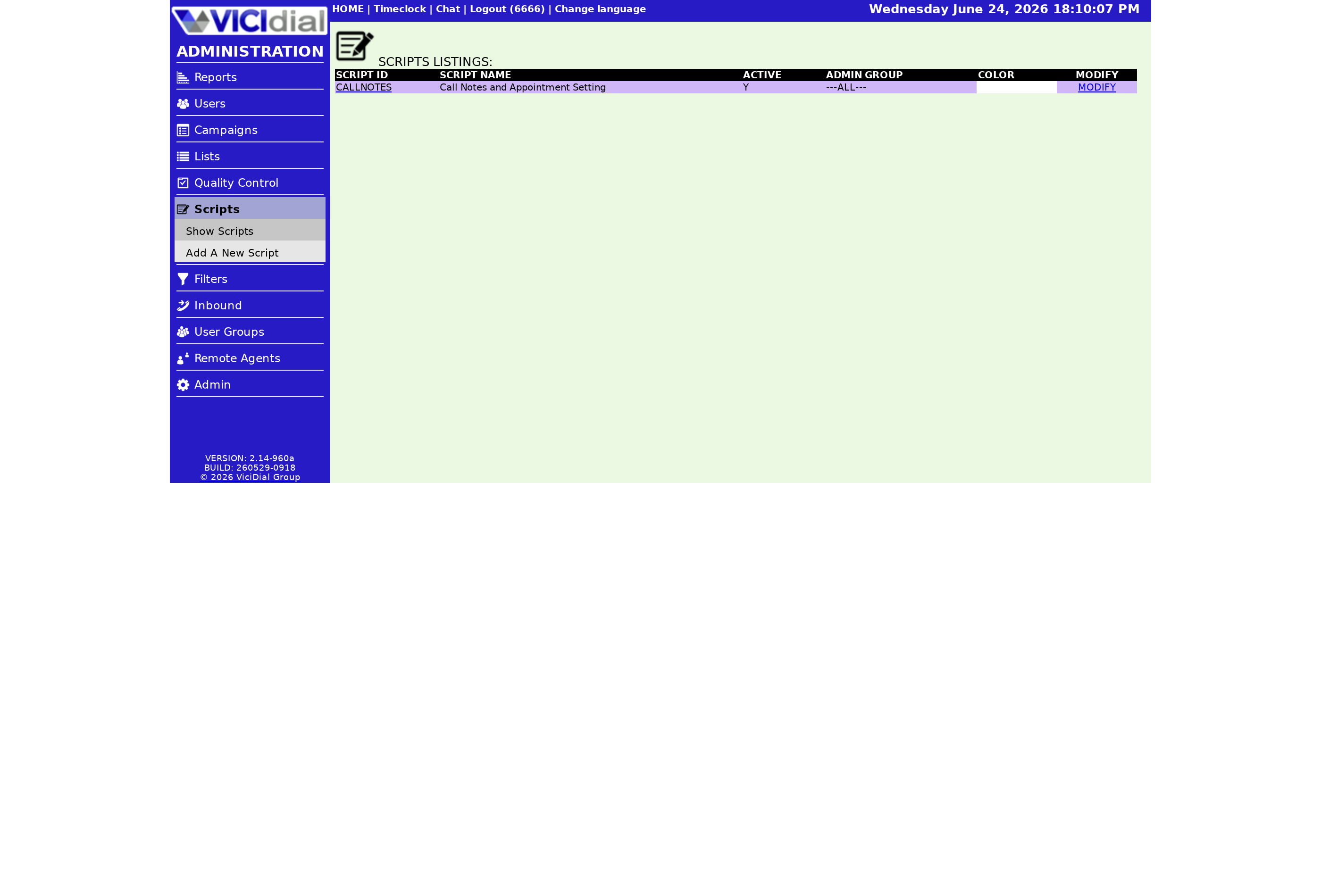
How the variable syntax works
VICIdial scripts support dynamic field substitution using a simple pattern: --A--fieldname--B--. When an Agent opens a call and the script tab loads, VICIdial reads the Lead record attached to that call and replaces every --A--fieldname--B-- token with the actual value from that record. The result is a script that reads naturally with the contact's real name, address, account number, or any other stored field.
The token structure is fixed: double-dash, the letter A, double-dash, the field name exactly as listed in the system, double-dash, the letter B, double-dash. Spacing inside the token is not allowed. The field name must match one of the predefined names the system recognizes - custom names that are not in the list will not be replaced.
How substitution flows at call time
sequenceDiagram
  participant Dialer
  participant Agent Screen
  participant Lead Record
  Dialer->>Agent Screen: Call connects, load script tab
  Agent Screen->>Lead Record: Fetch lead fields for this call
  Lead Record-->>Agent Screen: first_name=John last_name=Doe title=Mr
  Agent Screen->>Agent Screen: Replace all --A--field--B-- tokens
  Agent Screen-->>Agent: Displays rendered script text
Available field names
The following field names can be used inside --A--fieldname--B-- tokens in the script body:
Lead identity fields: vendor_lead_code, source_id, list_id, title, first_name, middle_initial, last_name, gender, date_of_birth, email, security_phrase, comments, lead_id, called_count.
Address fields: address1, address2, address3, city, state, province, postal_code, country_code.
Phone and contact fields: phone_code, phone_number, alt_phone.
Call and session context fields: gmt_offset_now, called_since_last_reset, campaign, phone_login, group, channel_group, SQLdate, epoch, Asterisk uniqueid, customer_zap_channel, server_ip, SIPexten, Session ID, dialed_number, dialed_label, rank, owner, camp_script, in_script, script_width, script_height, recording_filename, recording_id.
User custom fields: user_custom_one through user_custom_five.
Preset and DTMF fields: preset_number_a through preset_number_f, preset_dtmf_a, preset_dtmf_b.
DID and transfer fields: did_id, did_extension, did_pattern, did_description, closecallid, xfercallid, agent_log_id, entry_list_id, call_id, user_group.
Special block variables: TABLEper_call_notes (inserts a per-call notes table), MANUALDIALLINK (inserts a manual dial link), EMAILinbound_message (inserts the inbound email message body).
A working example
This script snippet:
Hello, can I speak with --A--first_name--B-- --A--last_name--B-- please? Well hello --A--title--B-- --A--last_name--B-- how are you today?
...renders for the agent as:
Hello, can I speak with John Doe please? Well hello Mr. Doe how are you today?
The Lead record supplies first_name = John, last_name = Doe, and title = Mr. automatically. The agent does not type or look up any of this - it is already in the script when the call arrives.
Common mistakes
- Misspelled field names: --A--firstname--B-- will not resolve because the correct name is first_name. Copy field names exactly from the list.
- Spaces inside the token: --A-- first_name --B-- breaks the parser. There must be no spaces between the dashes and the field name.
- Empty lead fields: if the lead record has no value for a field, the token is replaced with a blank string. Build your script so it still reads naturally when optional fields are empty.
For a focused guide on dropping the contact's name into a greeting line, see How to drop a lead's name into your VICIdial script. For the full context of how scripts work on the agent screen, see the VICIdial agent screen configuration guide.
Ready to build smarter scripts with live lead data? See pricing for VICIfast plans that include full scripting support.
Related from VICIfast
- A white-label webphone on your own domainYour logo, your colours, your subdomain - served to your agents.
- Every VICIdial setting on one screenCampaigns, users, dispositions, and schedules on a single modern screen.
- Bring your own server - $29/moYour VPS or on-prem hardware; we install and manage VICIdial over SSH.
About VICIfast
We run VICIdial servers for call centres, so you don’t have to. You get the dialer set up, secured and kept running — we handle the server, the updates and the backups. Bring your own phone carrier; we never resell minutes. From $49 a month per server.
Questions? Call +1 636 556 0022 and talk to someone who runs dialers.
Citing this article
VICIfast Engineering. “VICIdial script variables explained: how --A--field--B-- fills in lead data”. VICIfast LLC, June 24, 2026. Retrieved from https://vicifast.com/blog/vicidial-script-variables-explained
Have questions?
Related posts
You might be interested in




VICIfast newsletter
Liked this? Get the next one in your inbox.
We ship the kind of stuff you just read - concrete, numbers-first, no drip. One email when a new post goes live. Unsubscribe in one click.
Comments
No comments yet - be the first.