How to switch a VICIdial campaign to predictive dialing
Moving a campaign from click-to-dial to predictive is a handful of fields on the Campaign Detail screen. Here is the exact order and what each setting does.
Switching a Campaign from click-to-dial over to Predictive dialing is not a big project - it is a handful of fields on one screen. The trick is setting them in the right order and knowing what each one does so you do not point a hot dialer at a list it cannot handle. Here is the walk-through.
Open the Campaign Detail screen
flowchart TD
    A[Open Campaign Detail screen] --> B["Set dial method to ADAPT"]
    B --> C[Set Auto Dial Level to AUTO]
    C --> D[Set adaptive drop-rate target under 3%]
    D --> E[Set adaptive maximum level]
    E --> F[Confirm hopper level is sufficient]
    F --> G[Save campaign]
    G --> H[Dialer paces calls automatically]
    H --> I{Drop rate within target?}
    I -->|Yes| J[Predictive running]
    I -->|No| K[Dialer self-throttles pacing]
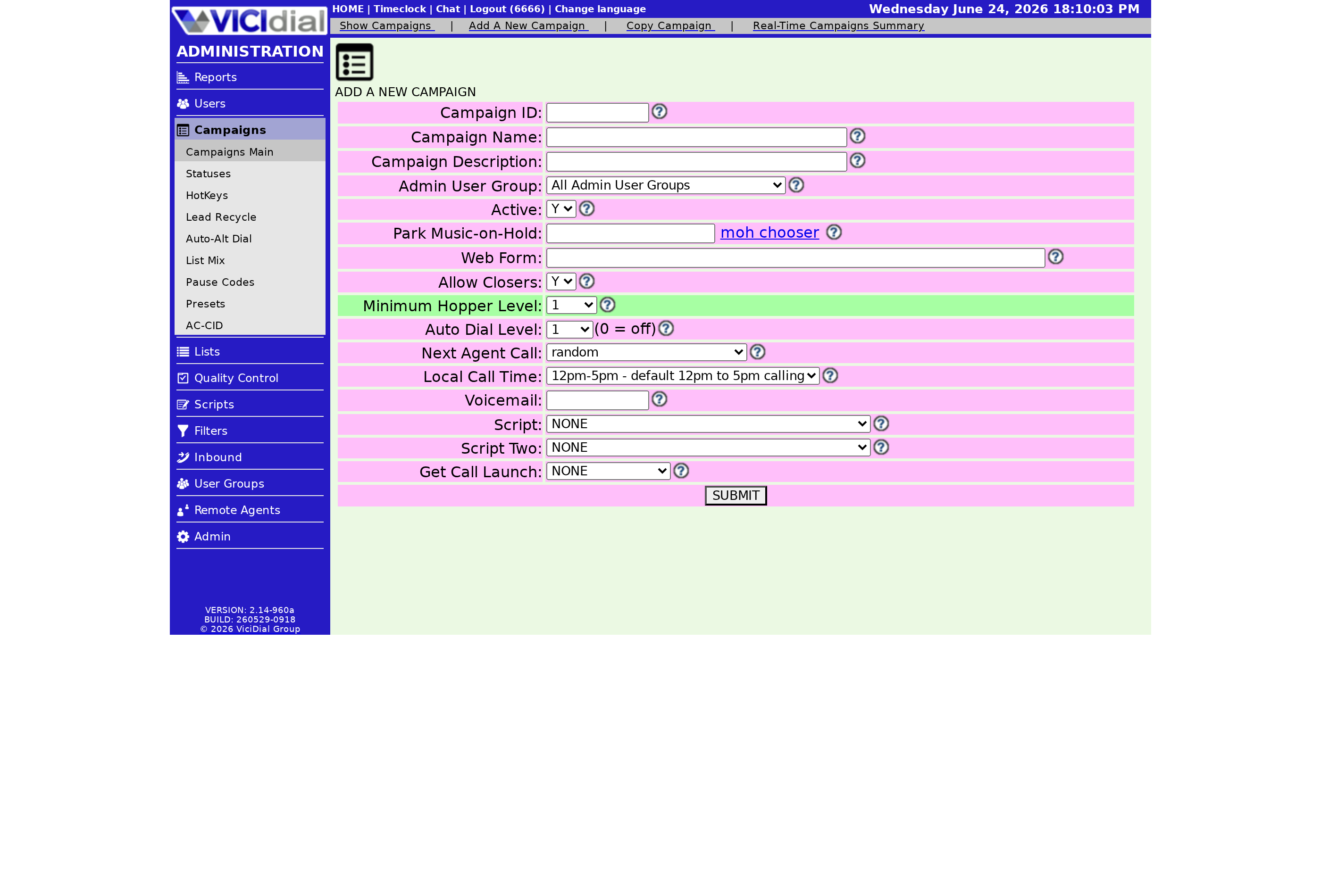
Go to the campaign you want to convert and open its Detail view. The Basic view hides most of the predictive fields, so you have to be in Detail to do this at all. If you only see Basic, you need the Campaign Detail permission flipped on for your own user account first - that is a common stumbling point, and it is set on your user record, not the campaign. Before you flip the method, jot down the campaign's current settings so you have a clean fallback if the new pacing does not suit your list.
Set the dial method
Change the dial method to ADAPT_TAPERED. That sets your dial level to 1.0 automatically and will not let it drop below 1.0 while this method is active. From now on the dialer owns the dial level - you cannot type a value by hand unless you tick the ADAPT OVERRIDE box.
Set the safety and pacing fields
Work down these in order:
- Available Only Tally - leave it on N for normal predictive work. Set Y only for very long pitches or when you want extra protection against dropping calls, since it dials only for agents who are truly free.
- Drop Percentage Limit - set 3% to match the US TCPA compliance ceiling, or lower if you want more cushion. A dropped call is one the carrier shows as answered that never reached an agent.
- Maximum Adapt Dial Level - a starting 3.0 is fine; raise it only if your channels and agent count support it. Roughly four lines per agent is efficient if your carrier can carry the volume.
- Latest Server Time - enter your stop hour, like 2100 for 9PM. ADAPT_TAPERED uses this to decide how strict to be as the shift winds down.
Leave Adapt Intensity Modifier at 0 to start; a positive number dials more aggressively, a negative one more gently. If you keep brushing your drop limit, set the Dial Level Difference Target to -1, which targets one free agent and tends to pull drops down. More on that lever in how to lower your VICIdial drop rate.
Start it and watch the real-time screen
Log an agent in, let the phone ring, and click RESUME to start the dialer. Then open the VICIdial Real-time screen to watch the live dial level, dialable leads, calls placed, and dropped calls. Predictive pacing averages recent performance, so do not panic if it takes 15 to 30 seconds to settle after a sharp swing. It also needs more than one or two agents to behave - the wider context is in our dialing strategies guide. When you are ready to size a server for this kind of volume, check the pricing page.
Frequently asked
- Predictive pacing averages recent call performance, so it needs more than one or two agents to behave. Small teams get jumpy pacing; use ratio or manual dialing until you have enough agents to average over.
- It does not react instantly. Predictive pacing estimates from recent performance, so it can take roughly 15 to 30 seconds to move the dial level up or down after a sharp change in answer rates.
› How many agents do I need for predictive dialing to work?
› How fast does the dial level react to a change?
Related from VICIfast
About VICIfast
We run VICIdial servers for call centres, so you don’t have to. You get the dialer set up, secured and kept running — we handle the server, the updates and the backups. Bring your own phone carrier; we never resell minutes. From $49 a month per server.
Questions? Call +1 636 556 0022 and talk to someone who runs dialers.
Citing this article
VICIfast Engineering. “How to switch a VICIdial campaign to predictive dialing”. VICIfast LLC, June 17, 2026. Retrieved from https://vicifast.com/blog/switch-vicidial-campaign-to-predictive
Have questions?
Related posts
You might be interested in
VICIfast newsletter
Liked this? Get the next one in your inbox.
We ship the kind of stuff you just read - concrete, numbers-first, no drip. One email when a new post goes live. Unsubscribe in one click.
Comments
No comments yet - be the first.