Limiting script access with the Admin User Group setting
The Admin User Group field on a VICIdial script restricts which admin users can view and modify it. The default --ALL-- grants access to every admin, but setting a specific group locks the script to that group only.
What the Admin User Group field controls
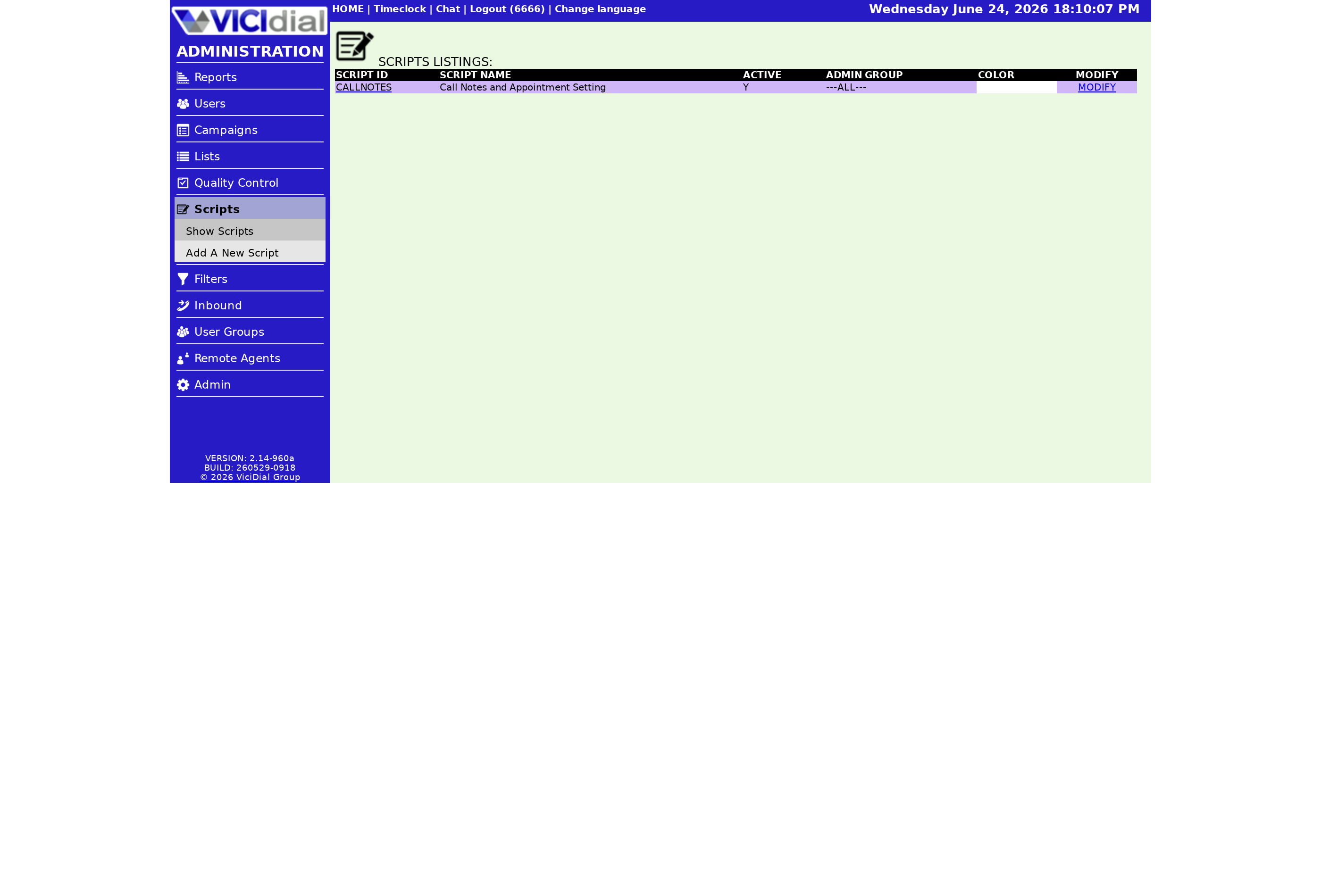
Every VICIdial script has an Admin User Group setting. This field restricts admin viewing of the script to the indicated User group. The default value is --ALL--, which means any admin user in the system can view and modify the script. When you change it to a specific group, only members of that group can see the script in the admin interface.
This is an administrative control - it governs who can manage the script, not which agents or Campaign configurations can use it. The Active flag and campaign assignment determine runtime availability; the Admin User Group setting determines who in the back end can edit or review it.
How access restriction flows
flowchart TD
  A[Script created] --> B{Admin User Group value}
  B -->|--ALL--| C[Any admin can view and edit script]
  B -->|Specific group e.g. SALES_ADMIN| D[Only SALES_ADMIN group members see script]
  D --> E[Other admin groups see no record in Scripts List]
  C --> F[All groups can assign script to campaigns]
  D --> G[Agents still run script if campaign assigned it]
When to restrict a script to a user group
Most small VICIdial deployments run with everything set to --ALL-- and that is fine. The Admin User Group setting becomes valuable as the operation grows:
- Multi-client environments: a BPO running scripts for several clients can lock each client's scripts to that client's admin group. Client A admins never see Client B's script content.
- Compliance scripts: scripts that contain regulatory language, consent wording, or legal disclosures can be locked to the compliance team so only approved editors can change them.
- Product-specific teams: a company with separate sales and support teams can restrict each team's scripts to its own admin group, reducing clutter in the scripts list for everyone.
What restricted admins cannot do
An admin who is not in the script's assigned User group cannot view the script's modification page, cannot read or edit the script body or any of its fields, and will not see it in the scripts list. They cannot assign it to a campaign because the dropdown only shows scripts their group is allowed to view. The restriction is consistent throughout the admin interface.
Agent visibility is unaffected
The Admin User Group setting does not affect what Agent users see on their screen. If a script is assigned to a Campaign and that campaign is active, agents in that campaign see the script body as normal. The restriction only applies to admin-level access - who can manage the script, not who can be presented it during a call.
Setting up user groups first
The Admin User Group dropdown on the script page is populated by the user groups configured in your VICIdial system. If you want to use this feature, create the appropriate admin User group entries first, then assign them when creating or modifying scripts.
For a full overview of the script configuration screen and all its fields, see the VICIdial agent screen configuration guide.
To understand how scripts are made available to campaigns after access is set, see What the Active flag on a VICIdial script controls.
Need multi-tenant or compliance-grade script management? See pricing for VICIfast hosted plans with admin group support.
Related from VICIfast
- The branded agent webphoneYour logo, your colours, your subdomain - served to your agents.
- Sub-users, roles, and SSH key syncOperator, viewer, and billing roles with every action audit-logged.
- You keep root on the boxYour crontab, your recordings, every file on the machine.
- For floors above 400 agentsCustom regions, procurement paperwork, and volume terms.
About VICIfast
We run VICIdial servers for call centres, so you don’t have to. You get the dialer set up, secured and kept running — we handle the server, the updates and the backups. Bring your own phone carrier; we never resell minutes. From $49 a month per server.
Questions? Call +1 636 556 0022 and talk to someone who runs dialers.
Citing this article
VICIfast Engineering. “Limiting script access with the Admin User Group setting”. VICIfast LLC, June 24, 2026. Retrieved from https://vicifast.com/blog/vicidial-script-admin-user-group
Have questions?
Related posts


You might be interested in
VICIfast newsletter
Liked this? Get the next one in your inbox.
We ship the kind of stuff you just read - concrete, numbers-first, no drip. One email when a new post goes live. Unsubscribe in one click.
Comments
No comments yet - be the first.