Download the VICIdial app for your agents’ phones.
Version 1.0.11 · 78.0 MB · Android 8.0 or newer · Free on every VICIfast server
Devices
The VICIdial phone app, on every device your agents use.
Android
Available now
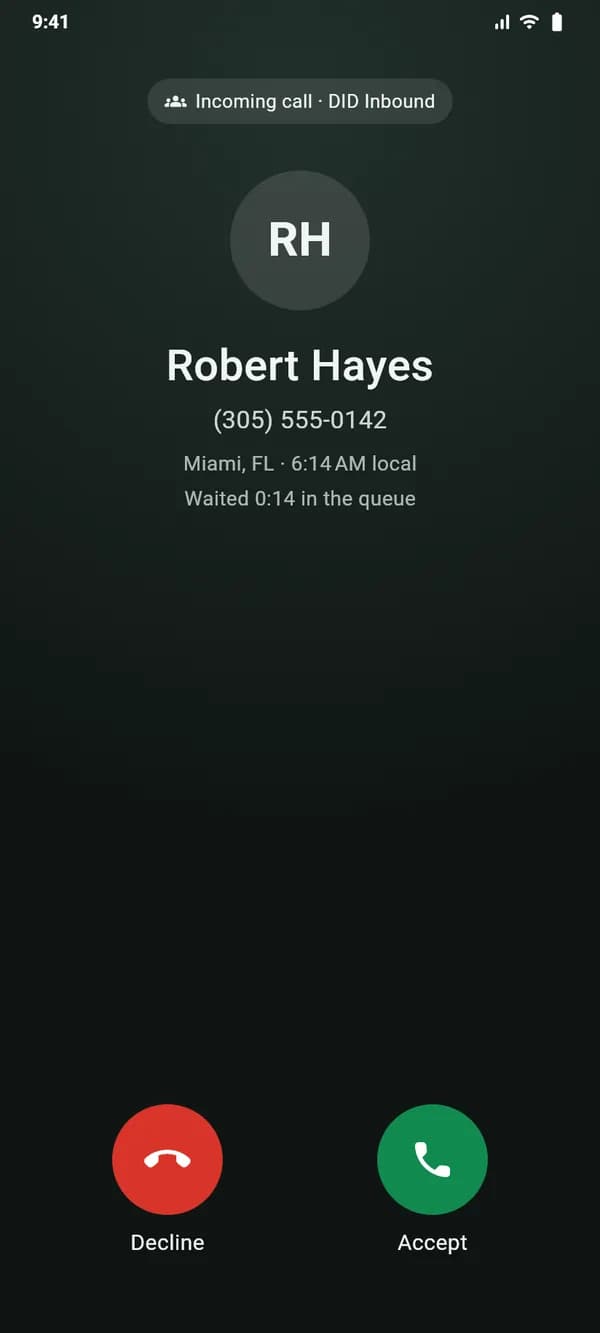
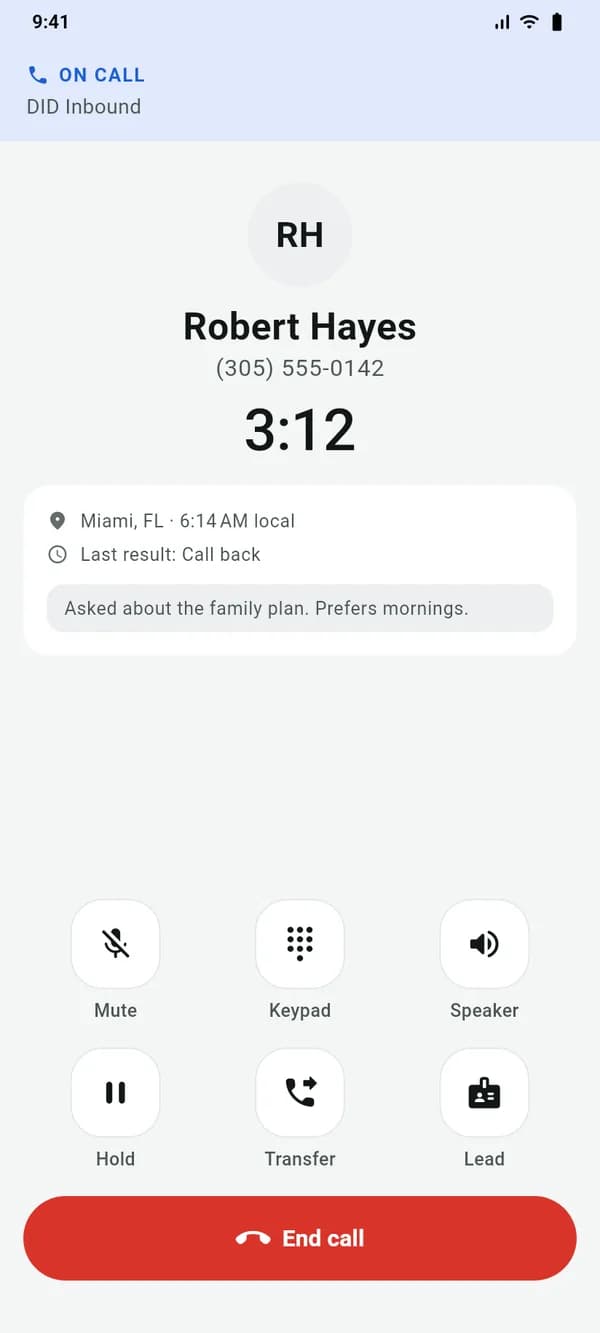
The VICIdial agent app for Android phones. Open this page on the phone, download the APK and allow the install when Android asks.
Download APK- Version
- 1.0.11
- Size
- 78.0 MB
- Updated
- Oct 21, 2026
- Requires
- Android 8.0 or newer
iPhone
Coming soon
The iPhone app is in development, with the same calls, results and transfers as on Android. Leave your email and we’ll tell you when it’s in the App Store.
Tell me when it’s out- Status
- In development
- Will come from
- The App Store
Computer
Nothing to download
On a computer, agents sign in to the VICIdial agent screen in their browser, on Windows, Mac or Linux. There is no app to install.
See the agent screen- Download
- None
- Requires
- A web browser
Install
VICIdial on a mobile phone in two minutes.
Your agents install it themselves. You only send them the company code.
- 01
Open this page on the phone
On the agent’s Android phone, go to vicifast.com/downloads and tap Download APK. The file comes straight from vicifast.com.
- 02
Allow the install
Android asks once whether your browser may install apps. Allow it, open the file and tap Install.
- 03
Sign in
Enter the company code from your server’s Mobile app tab, then the agent’s usual VICIdial username and password.
- 04
Go ready
Allow the microphone, calls and notifications, pick a campaign and queues, and tap Ready. Calls ring the phone.
FAQ
VICIdial app questions
Your VICIdial queue, on your agents’ phones.
Free on every VICIfast server. Start a trial, add an agent, and take a test call on your own phone.