How to add a new Call Time definition in VICIdial
This post walks through every field on the Add New Call Time screen in VICIdial, with practical guidance on naming, time-window values, and the permanent ID constraint you must plan for before saving.
Where to find the Add New Call Time screen
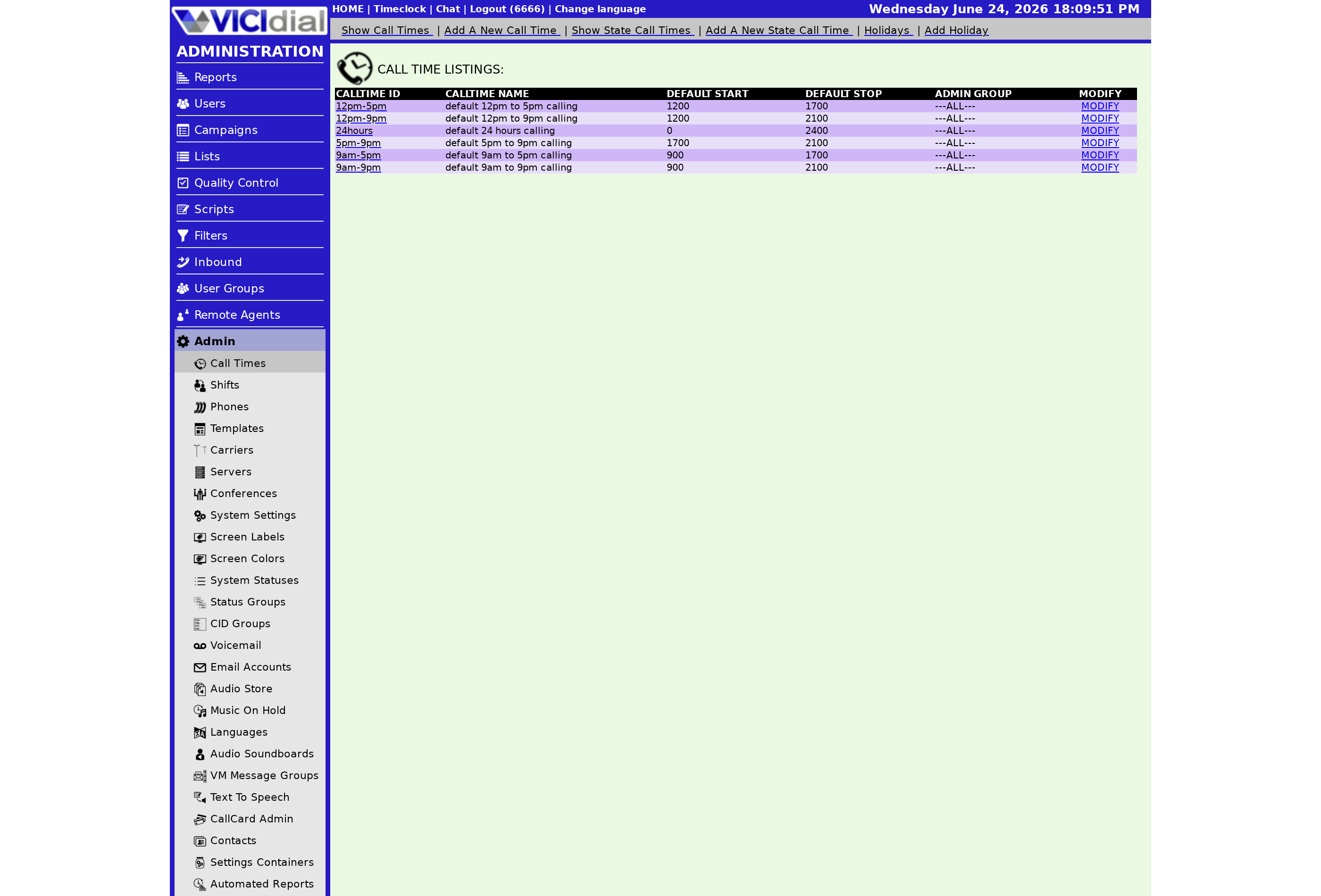
Log in to VICIdial as an admin, go to the Admin section, and click the CALL TIMES link. At the top of the list page you will see an ADD NEW CALL TIME link. Click it to open the creation form.
Step-by-step field guide
flowchart TD
  A[Open ADD NEW CALL TIME form] --> B[Enter Call Time ID - 2 to 10 chars, no spaces]
  B --> C[Enter Call Time Name - max 30 chars]
  C --> D[Add optional Comments - max 255 chars]
  D --> E[Set Default Start and Stop Times]
  E --> F[Set per-weekday overrides if needed]
  F --> G[Assign Admin User Group]
  G --> H[Submit - ID is now permanent]
Call Time ID
Pick a short, descriptive identifier between 2 and 10 characters. Use only letters, numbers, and dashes - no spaces, no underscores, no other punctuation. Examples: EAST, WEST8PM, FED-STD. This ID cannot be edited after you save the record. If you need to change it later, you must delete the definition and rebuild it from scratch, which also means re-assigning it to any Campaign that referenced the old ID.
Call Time Name
A human-readable label up to 30 characters. This is what agents and managers see in drop-downs, so make it self-explanatory - something like "Eastern 8am-9pm" is more useful than "CT1".
Comments
An optional free-text field up to 255 characters. Use this to record the compliance intent - for example, which regulation the window satisfies or which states have overrides attached.
Default Start and Stop Times
These times use a 4-digit military-style format where 0 means midnight and 2400 means the end of the calendar day. Common patterns:
- 0800 to 2100 - allow calling from 8 a.m. to 9 p.m.
- 0 to 2400 - allow calling 24 hours a day.
- 2400 to 2400 - block all calling on days where no per-weekday override exists.
- 0600 to 2600 (inbound only) - run an inbound In-Group from 6 a.m. to 2 a.m. the next calendar day. Stop values above 2400 are valid only for inbound Ingroup Call times.
Weekday Start and Stop Times
Each day of the week can have its own start and stop time. If you leave a day's field blank or set it to the default value, the system falls back to the Default Start and Stop times. Use per-day settings when your calling window genuinely varies - for example, shorter hours on Saturdays or no calling on Sundays.
Admin User Group
Controls which admin User group can see and edit this Call Time record. The default of --ALL-- is fine for most setups; restrict it if your environment separates admin duties by team.
After you save
Once the record is saved, open the Call Time modification page and assign State Call Time Definitions or Holiday definitions as needed. The modification page also shows every campaign currently using this definition, which is useful when you need to audit coverage across your operation.
For the full compliance context behind these settings, read the VICIdial compliance overview. For an explanation of what Call Time definitions actually are before you start building, see what a Call Time definition is.
One more thing worth planning before you start: decide how this Call Time will interact with Lead recycling. If your Campaign recycles unanswered leads, the recycled lead will be re-evaluated against the Call Time window each time it is dialed. That is correct behavior, but it means a narrow window can cause leads to sit in the Hopper for extended periods during off-hours. Account for this in your daily dial capacity estimates.
Want a managed VICIdial environment where compliance settings are pre-configured? See pricing for hosting plans that include initial setup.
Related from VICIfast
About VICIfast
We run VICIdial servers for call centres, so you don’t have to. You get the dialer set up, secured and kept running — we handle the server, the updates and the backups. Bring your own phone carrier; we never resell minutes. From $49 a month per server.
Questions? Call +1 636 556 0022 and talk to someone who runs dialers.
Citing this article
VICIfast Engineering. “How to add a new Call Time definition in VICIdial”. VICIfast LLC, June 24, 2026. Retrieved from https://vicifast.com/blog/how-to-add-a-call-time-definition
Have questions?
Related posts
You might be interested in
VICIfast newsletter
Liked this? Get the next one in your inbox.
We ship the kind of stuff you just read - concrete, numbers-first, no drip. One email when a new post goes live. Unsubscribe in one click.
Comments
No comments yet - be the first.