How to preview a VICIdial script before agents see it
VICIdial's Preview Script link lets you see exactly how a script looks in the agent screen, with all --A--field--B-- tokens replaced by sample data. Here is how to use it.
Why previewing matters
A script that looks fine in the editor can break in unexpected ways once Lead variables are substituted. A field name typo renders as a raw --A--typo--B-- string on every call. A missing HTML closing tag can collapse the entire script panel. Previewing catches these problems before any agent is affected.
Where to find the Preview Script link
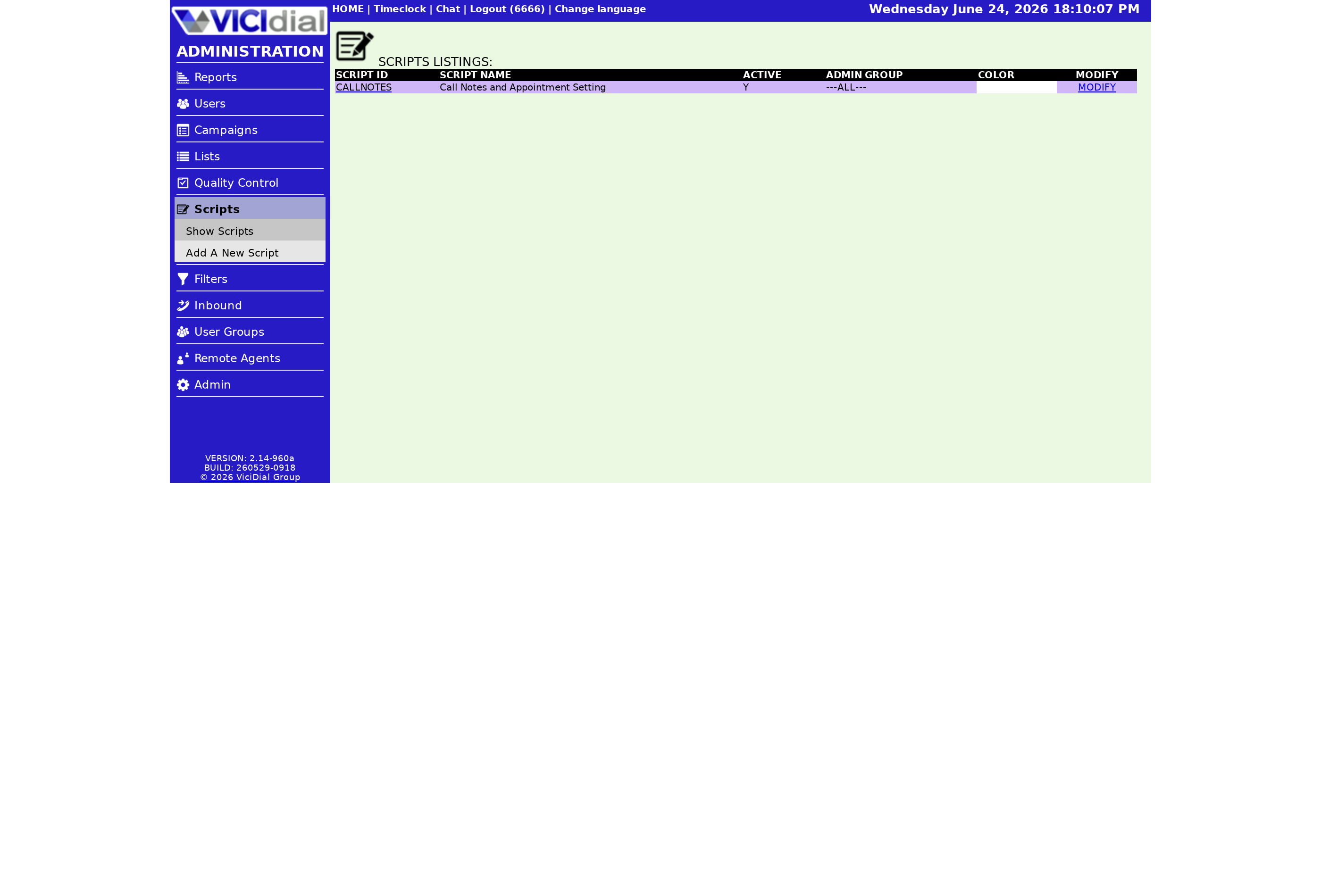
Go to the admin screen, click SCRIPTS in the left menu, then click the name of the script you want to inspect. This opens the script modification page. Near the top of that page you will see a Preview Script link. Click it.
What the preview shows
The preview renders the script the same way the Agent script tab does during a live call, but with sample data in place of real lead values. You can verify:
- Every --A--field--B-- token has resolved into a readable placeholder value, confirming the field name is valid.
- HTML formatting - bold, italics, tables, lists - displays as intended.
- Any iframe embedded in the script loads with sample variable values in its query string.
- The background color set in Script Color is visible exactly as agents will see it.
Preview workflow
sequenceDiagram
  participant Admin
  participant ScriptModPage as Script Mod Page
  participant Preview as Preview Renderer
  Admin->>ScriptModPage: Open script modification page
  Admin->>ScriptModPage: Click Preview Script link
  ScriptModPage->>Preview: Pass script text with sample data
  Preview-->>Admin: Rendered script with substituted fields
  Admin->>ScriptModPage: Edit and save if issues found
  Admin->>ScriptModPage: Preview again to confirm
Common issues to look for
Raw token strings like --A--frist_name--B-- appearing in the preview mean a typo in the field name. Cross-check against the full field list in which lead fields you can pull into a VICIdial script.
If your script uses HTML and the preview looks scrambled, open your browser's developer tools to check for unclosed tags. The Web form preview panel does not sanitize broken HTML, so what you see is what agents get.
If you are using an iframe and the external page does not load in the preview, verify the URL is accessible from your server and that the variable tokens in the query string are correctly formatted. More details in the guide on embedding an iframe inside a VICIdial script.
After the preview looks right
Once the preview confirms the script renders correctly, assign it to a Campaign or inbound group. The VICIdial agent screen configuration guide covers how to attach a script to a campaign.
Want a managed VICIdial setup where your scripts are deployed and tested on a fully supported instance? See pricing to learn more.
Related from VICIfast
About VICIfast
We run VICIdial servers for call centres, so you don’t have to. You get the dialer set up, secured and kept running — we handle the server, the updates and the backups. Bring your own phone carrier; we never resell minutes. From $49 a month per server.
Questions? Call +1 636 556 0022 and talk to someone who runs dialers.
Citing this article
VICIfast Engineering. “How to preview a VICIdial script before agents see it”. VICIfast LLC, June 24, 2026. Retrieved from https://vicifast.com/blog/how-to-preview-a-vicidial-script
Have questions?
Related posts
You might be interested in
VICIfast newsletter
Liked this? Get the next one in your inbox.
We ship the kind of stuff you just read - concrete, numbers-first, no drip. One email when a new post goes live. Unsubscribe in one click.
Comments
No comments yet - be the first.