Using the Script Comments field to track script changes
The Script Comments field gives you up to 255 characters to document what changed in a VICIdial script and why. Used consistently, it acts as a lightweight changelog visible to every admin.
What the Script Comments field is for
VICIdial scripts can be modified at any time, but the system keeps no automatic revision history. The Script Comments field fills that gap: it is a free-text area where you record notes about the script, such as what was changed, when, and why. The classic example is "changed to free upgrade on Sept 23" - a note that tells the next admin exactly what happened without them having to compare script bodies line by line.
Field limits and requirements
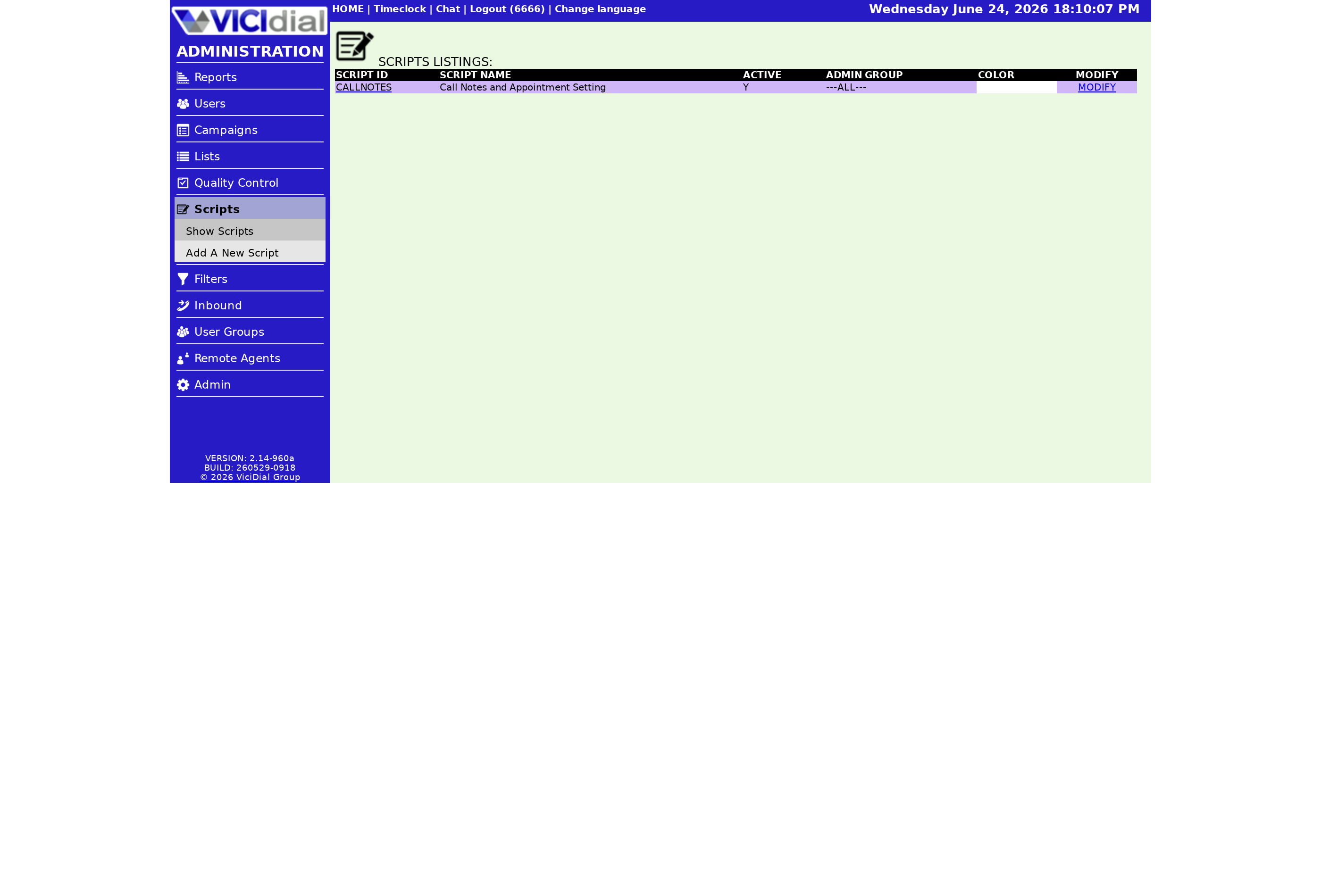
Script Comments accepts a minimum of 2 characters and a maximum of 255 characters. The field accepts plain text including spaces and punctuation, so it is much less restrictive than the Script Name field. You can write a full sentence or a short dated log entry.
The 255-character cap is tight if you try to pack multiple change notes into one entry. The practical answer is to replace the previous comment with a new one each time you edit the script - keeping only the most recent note. For teams that need a full audit trail, the comment works best as a "last changed" stamp rather than an append-only log.
How the comment flows through the admin interface
flowchart LR
  A[Admin edits Script Text] --> B[Updates Script Comments with change note]
  B --> C[Saves script modification page]
  C --> D[Comment visible in Scripts List]
  D --> E[Next admin reads comment before editing]
  E --> F[Writes new comment on next save]
Practical comment formats
Short dated entries work best. Some formats that fit cleanly inside 255 characters:
- Date-first: 2025-09-23 switched offer to free upgrade, removed upsell block
- Initials-first: KL 2025-10-01 added TCPA consent language before close
- Ticket-linked: JIRA-447 updated pricing section for Q4 promo
Pick one format and stick to it across your team. When every script follows the same pattern, a quick scan down the scripts list tells you which scripts are stale and which were touched recently.
Combining comments with the Active flag
When you deactivate a script - setting it to inactive so Campaign dropdowns no longer show it - the comment field is the ideal place to explain why. A note like "deactivated 2025-11-15, replaced by SalesV2" saves the next admin from wondering whether the script should be deleted or revived. This pairs naturally with the Active flag post - see What the Active flag on a VICIdial script controls.
Script Comments and access control
Comments are visible to any admin who can view the script. If you use the User group setting on the Admin User Group field to restrict script visibility, only admins in that group will see the comment. That means you can safely record internal notes - offer pricing, compliance reasoning, manager sign-off - without exposing them to all Agent users or admins outside the group.
Where Script Comments fits in the bigger picture
Script Comments is one of several script metadata fields covered in the VICIdial agent screen configuration guide. The others - Script Name, Script ID, Active flag, and Admin User Group - each control a different aspect of how the script behaves and who can manage it. Using all of them consistently keeps your script library maintainable even as it grows.
Want cleaner script management across all your campaigns? See pricing for VICIfast plans with dedicated configuration support.
Related from VICIfast
About VICIfast
We run VICIdial servers for call centres, so you don’t have to. You get the dialer set up, secured and kept running — we handle the server, the updates and the backups. Bring your own phone carrier; we never resell minutes. From $49 a month per server.
Questions? Call +1 636 556 0022 and talk to someone who runs dialers.
Citing this article
VICIfast Engineering. “Using the Script Comments field to track script changes”. VICIfast LLC, June 24, 2026. Retrieved from https://vicifast.com/blog/vicidial-script-comments-field
Have questions?
Related posts
You might be interested in




VICIfast newsletter
Liked this? Get the next one in your inbox.
We ship the kind of stuff you just read - concrete, numbers-first, no drip. One email when a new post goes live. Unsubscribe in one click.
Comments
No comments yet - be the first.