Smart Carrier: how the pieces fit
Smart Carrier connects your own Telnyx account to VICIfast: numbers, Telnyx agents, texting, 10DLC and follow-up journeys. Here is what each part does and what it costs.
AI & automation · 3 min read
Smart Carrier connects your own Telnyx account to VICIfast. Once it is connected you can see what each of your numbers rings, buy numbers, point them at a queue on your dialer or at an AI agent, text from your numbers, and follow up automatically after a call. This page is the map: what each part does and the order to set it up in.
What you need
- You must be the account owner. Team members do not see Smart Carrier.
- A Telnyx account. Twilio shows as "coming soon".
It is your Telnyx account
Smart Carrier does not resell minutes. The Telnyx account, its numbers and its bill stay yours:
- Telnyx bills you directly for calls, texts, number rental, AI agent use and 10DLC registration fees.
- Numbers you buy through VICIfast are bought on your Telnyx account at the Telnyx price, with no mark-up.
- If your Telnyx balance runs out, calls and texts stop at Telnyx. Only you can top it up, in your Telnyx portal.
- If you disconnect, VICIfast deletes the API key and stops reading the account. Your numbers, routing and balance at Telnyx are not touched.
What Smart Carrier costs
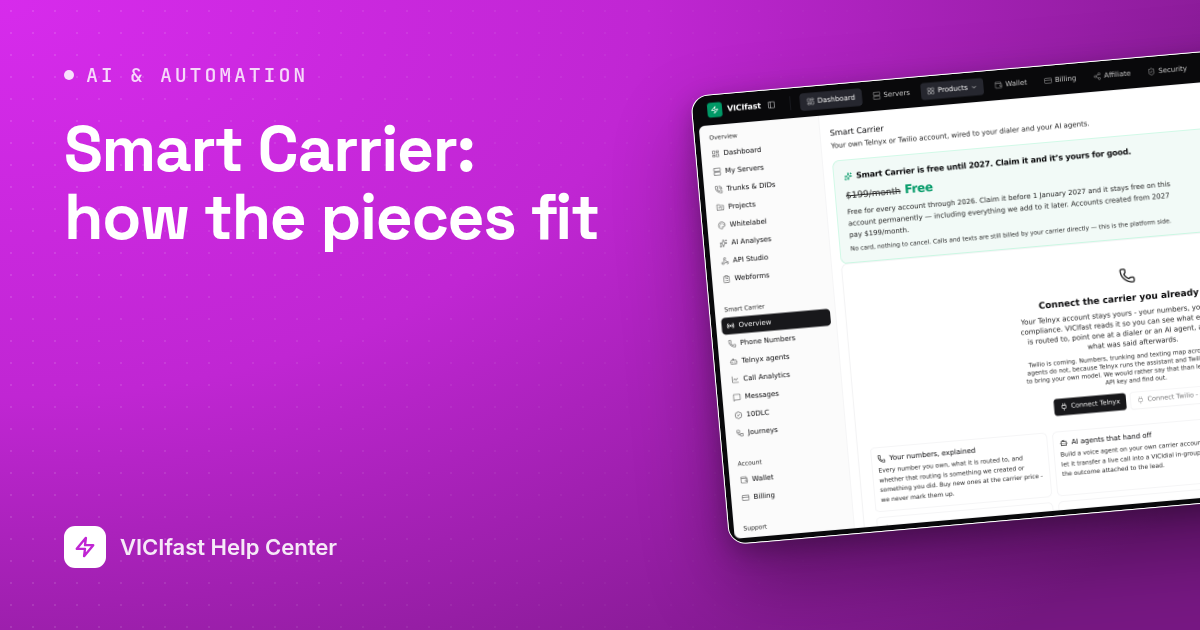
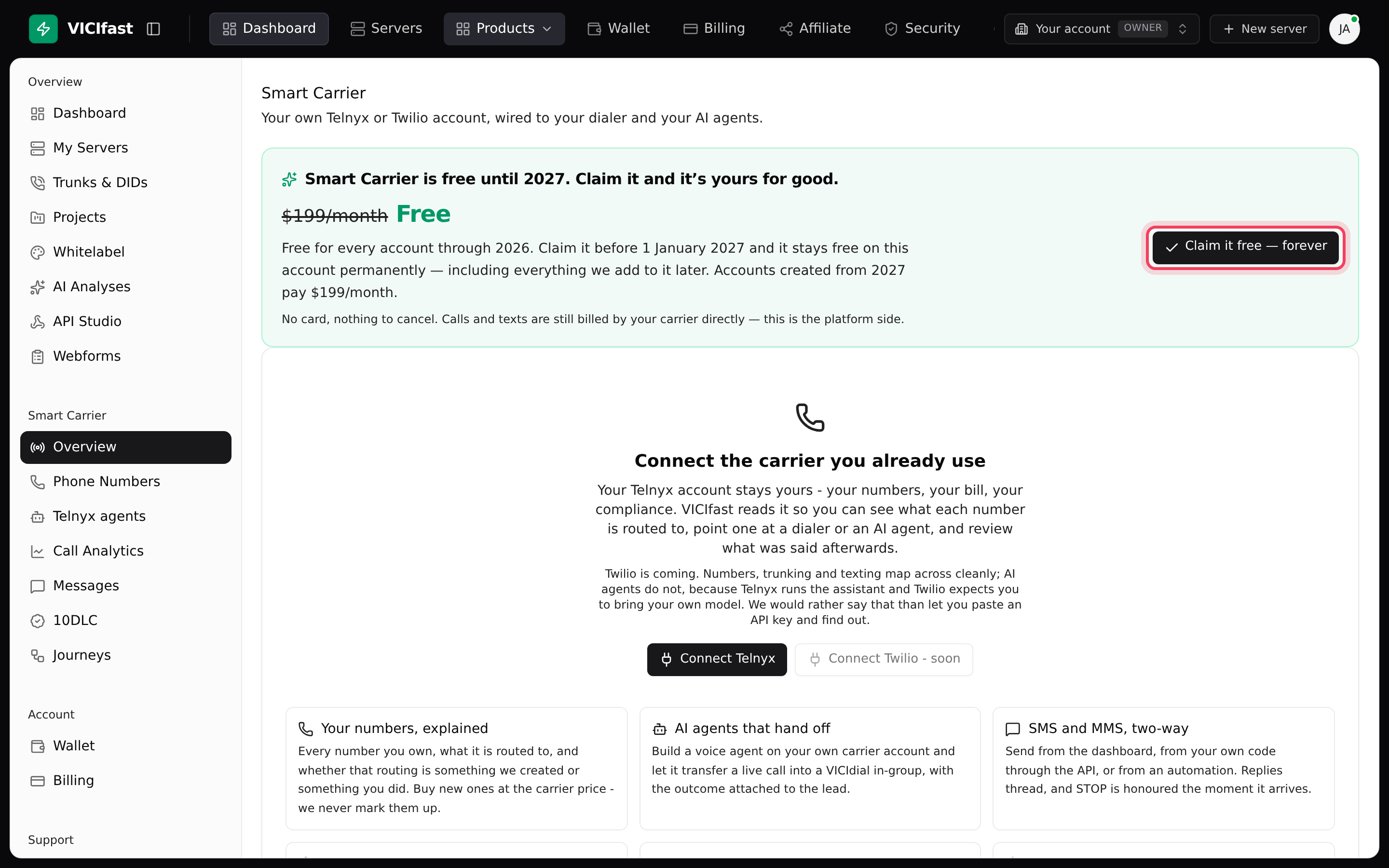
Smart Carrier is free for every account through 2026. On the Overview page, click Claim it free — forever before 1 January 2027 and it stays free on your account permanently, including anything added to it later. From 2027, accounts that have not claimed it pay $199 a month. There is no card to add and nothing to cancel.
The parts, in the order you set them up
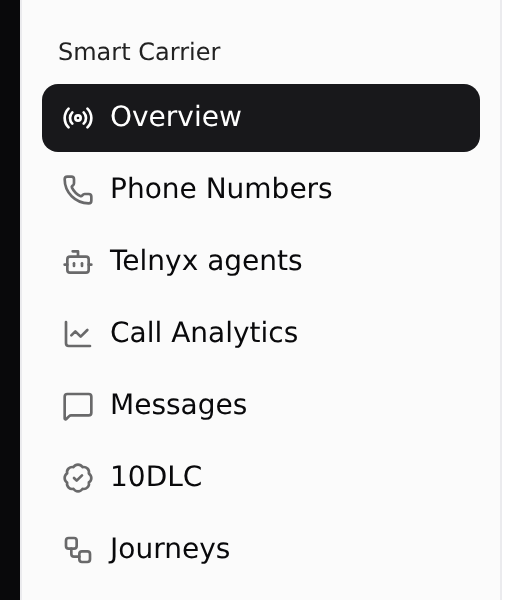
Everything lives under Smart Carrier in the sidebar.
- Overview: connect your Telnyx account, check its balance, and turn on write access when you want VICIfast to set things up. See Connect your Telnyx account.
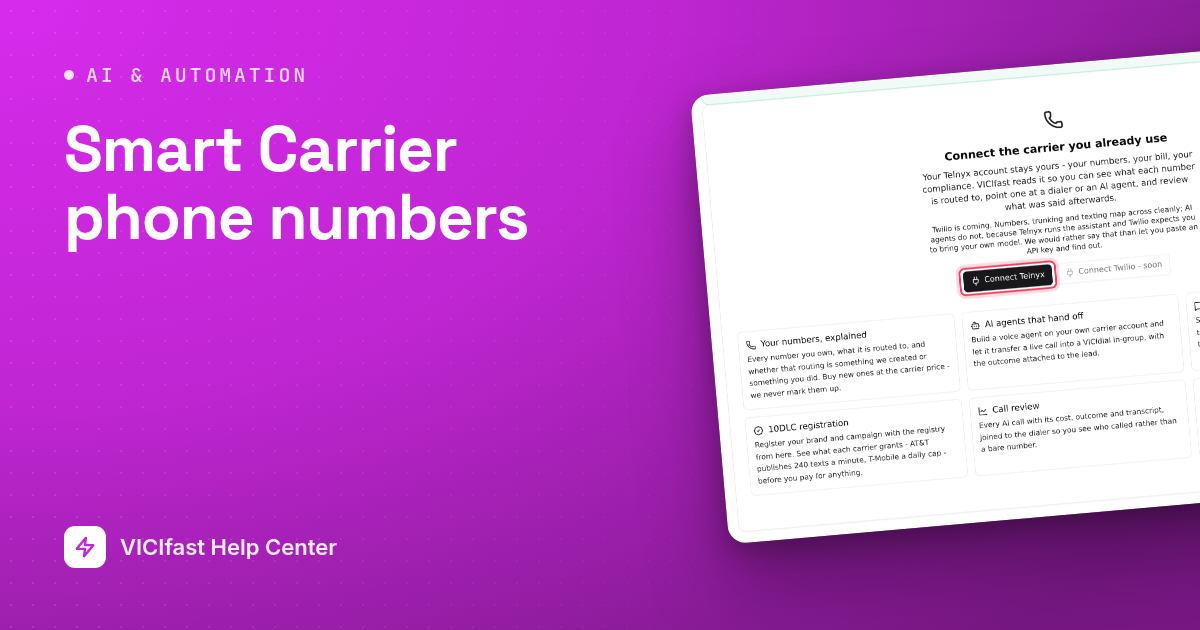
- Phone Numbers: every number on the account and what a caller reaches. Buy numbers and point them at a queue (in-group) or an agent. See Smart Carrier phone numbers.
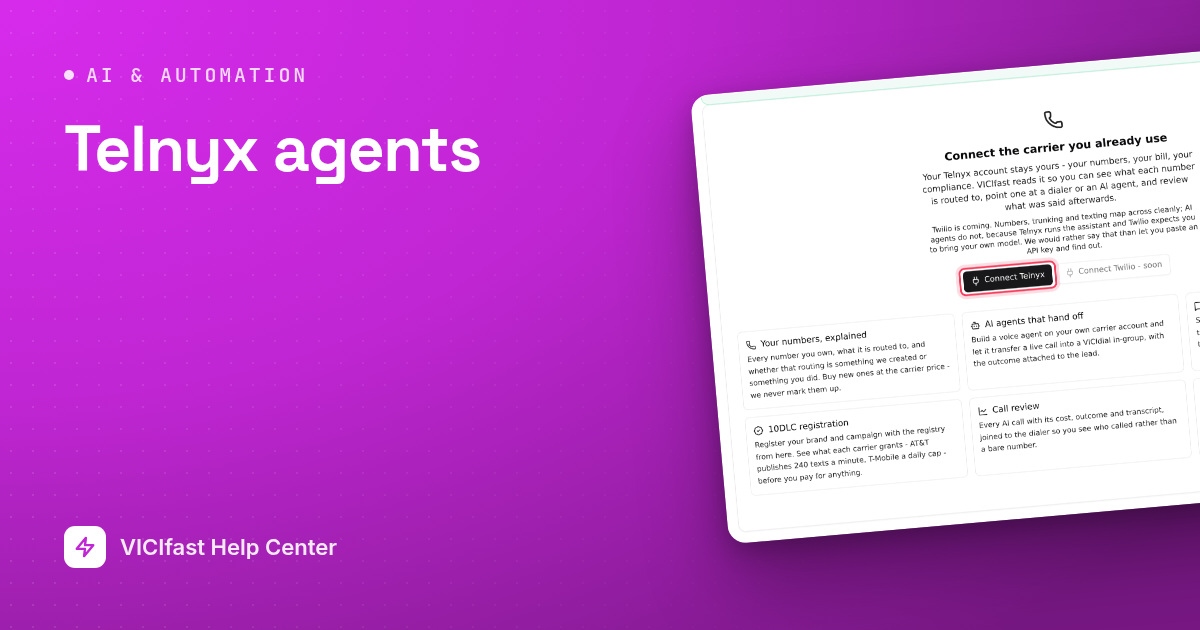
- Telnyx agents: AI voice agents that answer your numbers and hand callers to your team. See Telnyx agents.
- Call Analytics: how those agent calls went and what they cost. See Smart Carrier call analytics.
- 10DLC: register your business before you text US numbers, or carriers filter your texts. See 10DLC: register before you text.
- Messages: the text inbox for your numbers. See Messages: the SMS inbox.
- Journeys: what happens after a call ends, such as a text an hour later or a callback in VICIdial. See Journeys: what happens after a call.
Read-only first, then write access
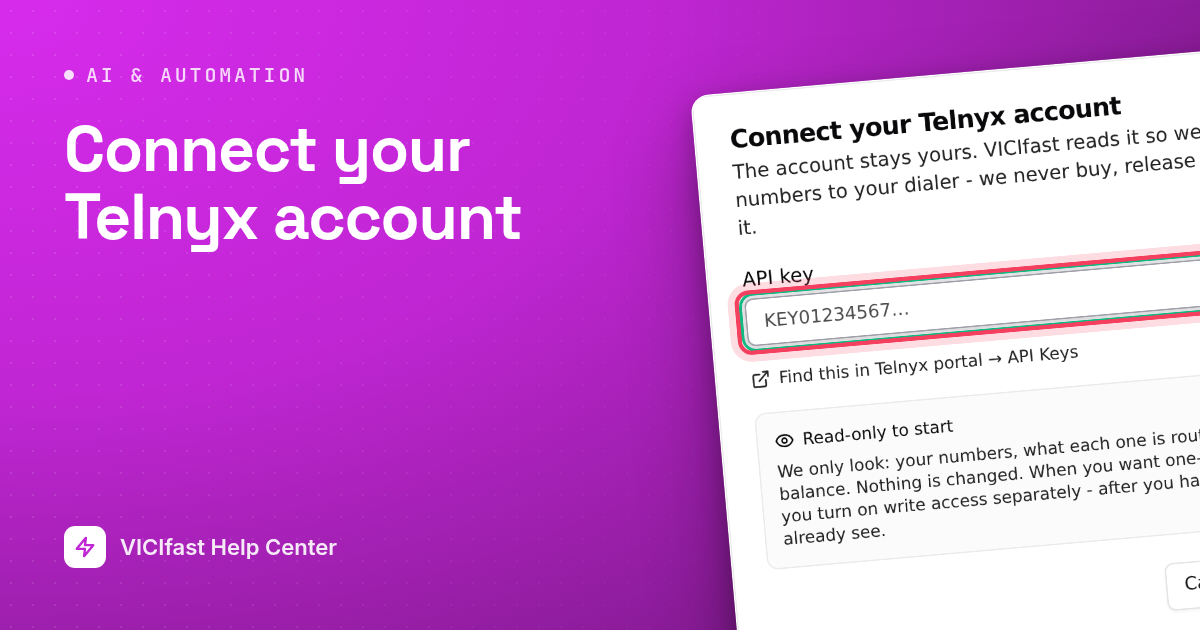
A newly connected account is read-only: VICIfast can see your numbers, where each one goes, and your balance, and changes nothing. When you turn on write access, VICIfast sets up what it needs in your Telnyx account, all named starting with "VICIfast", and adds a Telnyx phone line (trunk) to each of your servers so your agents can dial through Telnyx. Phone lines you already have on your servers stay as they are.
Not the same as VICIfast Voice
VICIfast Voice is our own phone line, paid from your VICIfast wallet. Smart Carrier uses your Telnyx account instead. The same goes for AI: AI Agents under Trunks & DIDs run on VICIfast Voice, while Telnyx agents run in your Telnyx account. See Which AI agents do I need?
If something goes wrong
Frequently asked
- No. It connects read-only. Nothing is created or changed on your Telnyx account until you turn on write access.
- Check your Telnyx balance first: calls stop when it runs out, and that looks just like a broken route. On Overview, click Diagnose. It flags "Carrier balance is empty" or "Carrier balance is low", and checks every number against your dialer.
- Yes. Each server gets its own connection in Telnyx, named "VICIfast" plus the server name, and its own phone line, so you can tell them apart and turn one off without touching the others.
- They stay on your Telnyx account with the routing they had. Numbers already set up on your servers keep working.
- Smart Carrier is for the account owner only. Members are sent back to the dashboard.