Journeys: what happens after a call
Set up automatic follow-up after a call result: texts, AI calls, voicemail drops, list moves and VICIdial callbacks, in the lead's own time zone.
AI & automation · 4 min read
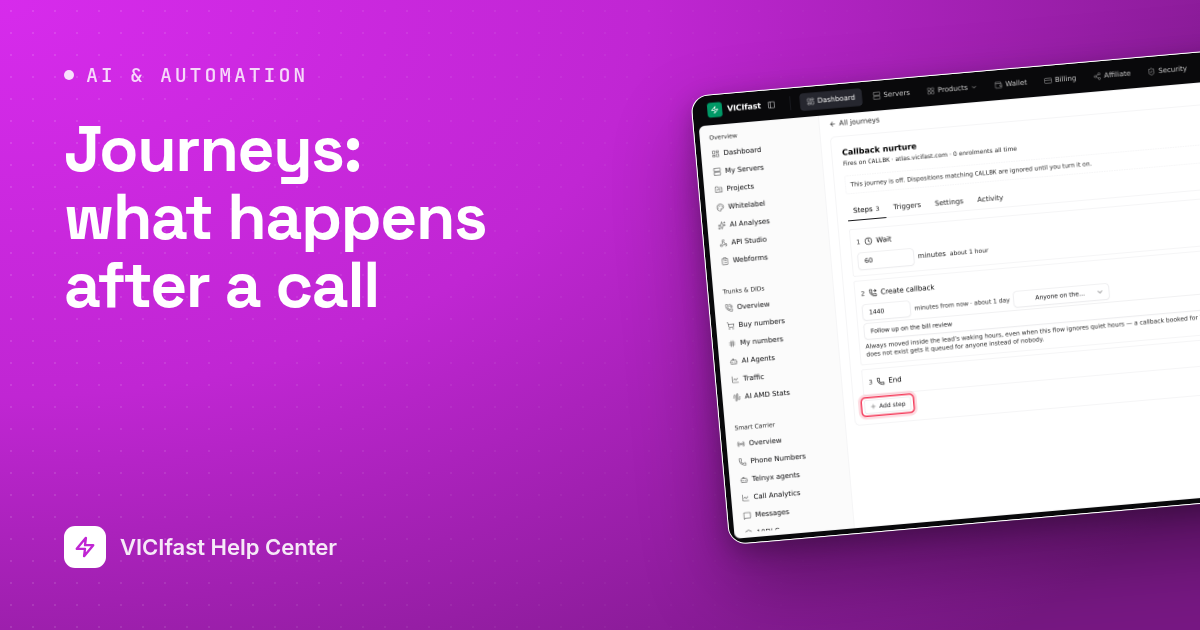
A journey is what happens to a lead automatically after a call ends. An agent saves a call result, and the steps you designed follow: a text an hour later, a voicemail the next morning, a move to another list, a callback in VICIdial. Timed steps run in the lead's own time zone, and anyone who texts STOP is dropped from every journey.
What you need
- You must be the account owner, with a running server.
- For texts, AI calls and voicemail drops: a Telnyx account connected on Smart Carrier with write access and numbers. Texts need a number set up for replies on Messages.
- For an AI call step: a Telnyx agent. See Telnyx agents.
Step 1: Create the journey and choose what starts it
- In the sidebar, under Smart Carrier, click Journeys, then New journey.
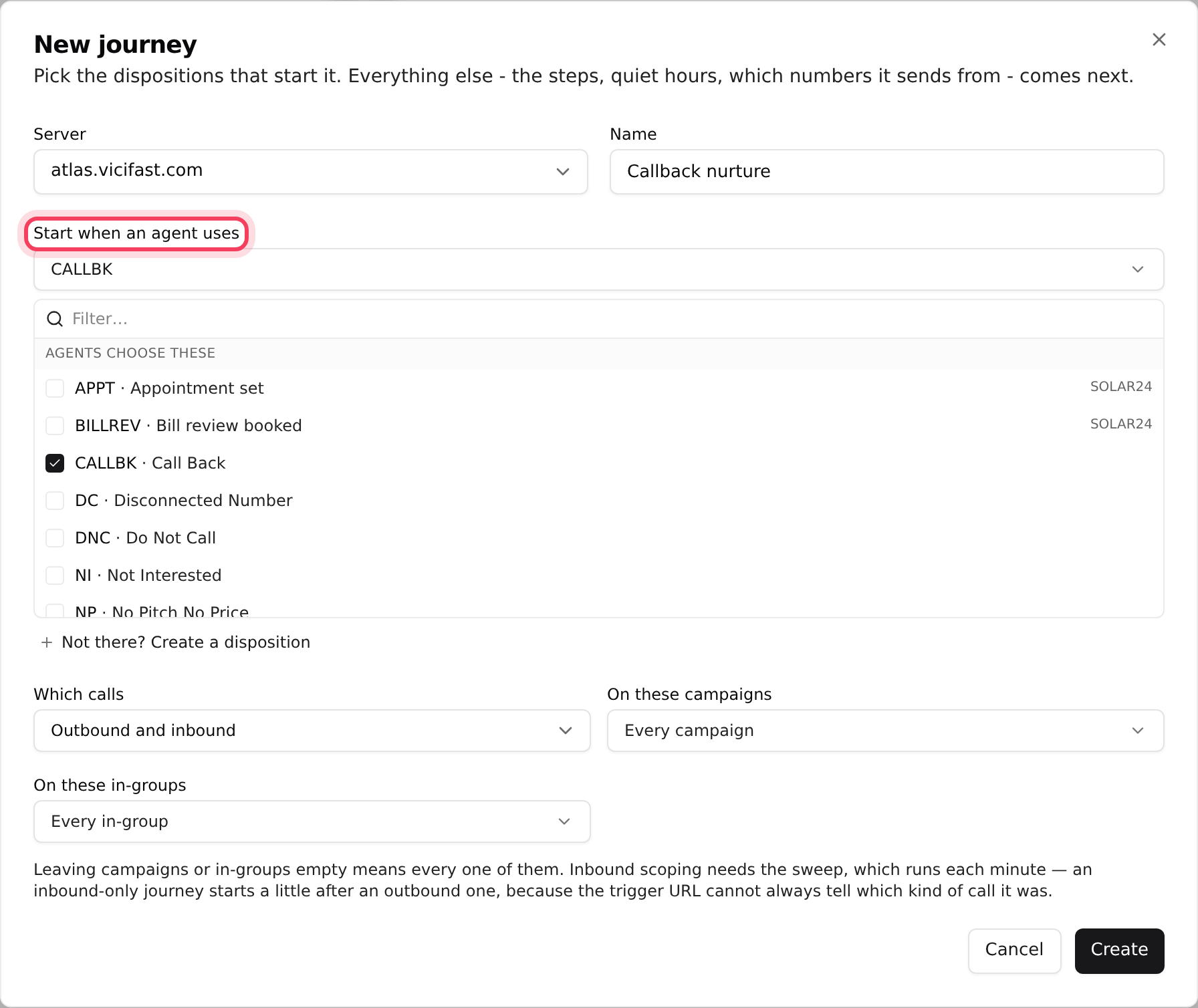
- Pick the Server and type a Name, for example "Callback nurture".
- Under Start when an agent uses, pick one or more call results, such as CALLBK. Need a new one? Click Not there? Create a disposition (codes are 6 characters at most).
- Under Which calls, choose Outbound and inbound, Outbound only or Inbound only. Narrow it with On these campaigns or On these in-groups; leave them empty for all.
- Click Create. The journey opens, and it starts Off.
Step 2: Add the steps
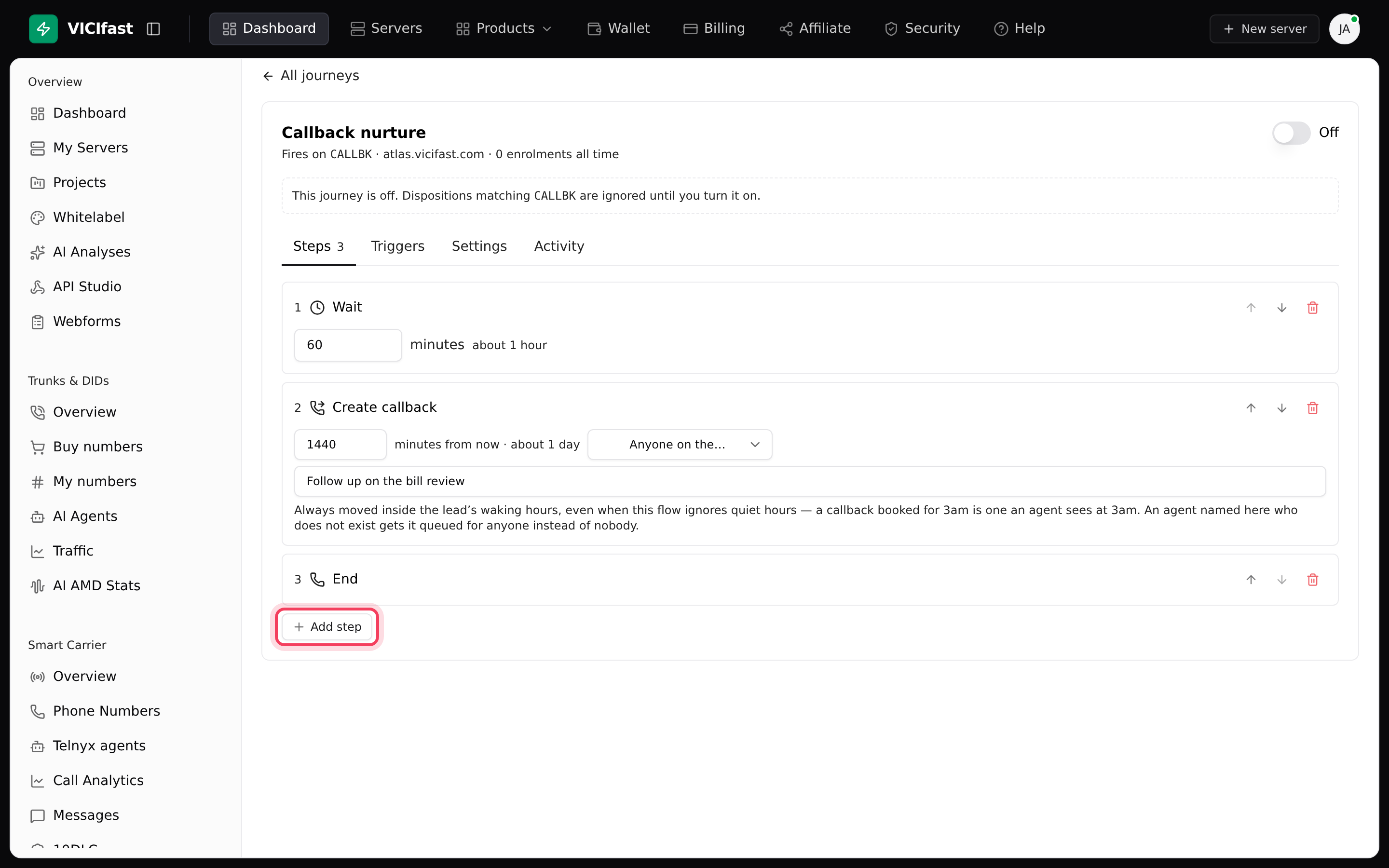
- On the Steps tab, click Add step and pick one: Wait, Send SMS, AI call, Move to list, Add to DNC, Create callback, Voicemail drop or End.
- Fill it in. Wait is in minutes. Send SMS takes your message, with lead fields from Insert a lead field; empty fields are left out. AI call needs an agent and an Opening line. Create callback books it a number of minutes ahead, for Anyone on the campaign or Only one agent.
- For a Voicemail drop, choose Read a message out or Play a recording, and what to do If a person answers instead. Recordings can be uploaded (MP3 or WAV, under 5 MB), made with Generate from text, or picked From my dialer.
- Use the arrows to change the order.
Step 3: Choose the numbers it texts and calls from
- On a Send SMS, AI call or Voicemail drop step, tick the numbers under Text from or Call from.
- With more than one number ticked, choose Each in turn, At random or Always the first.
Step 4: React to replies (optional)
- On a Send SMS step, click Set up reply rules, then Add rule.
- Choose If the reply contains the word, is exactly, starts with, is the keyword (START or HELP) or means (judged by AI), then end the journey or go to step another step.
- Rules are checked in order and the first match wins, so put a catch-all last. A reply that matches nothing stops the journey so a person can take over. STOP always ends it.
A Move to list step can also carry rules: click Add a rule (for example Only if calls today is under 3). If a rule is not met, the step is skipped and the journey carries on.
Step 5: Check the settings and turn it on
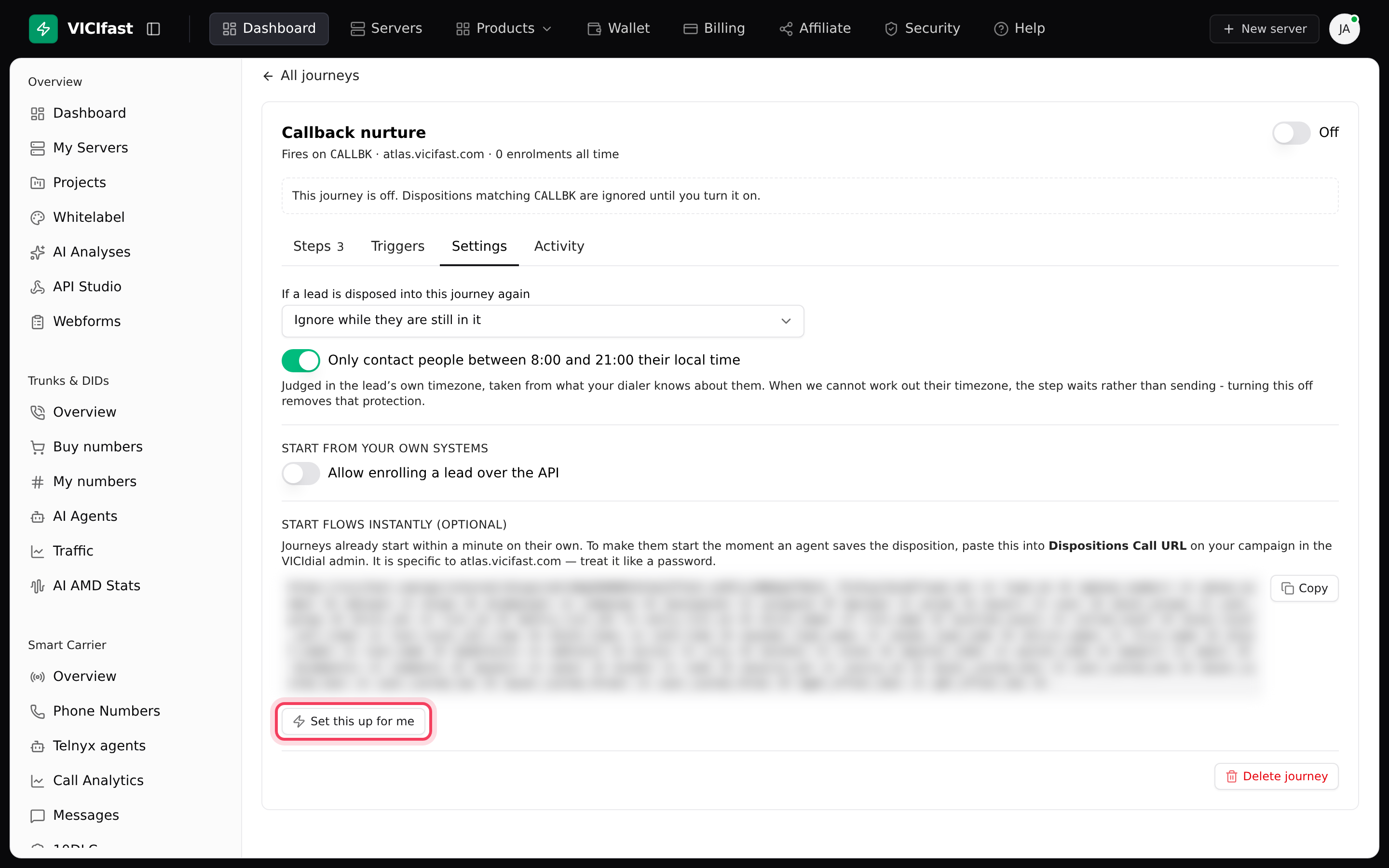
- Open the Settings tab. Under If a lead is disposed into this journey again, choose Ignore while they are still in it, Only ever once per lead or Cancel and start again.
- Leave Only contact people between 8:00 and 21:00 their local time on unless you have a reason. When a lead's time zone is unknown, the step waits rather than sending.
- Journeys start within a minute of the call result on their own. To start them the moment the agent saves it, click Set this up for me under Start flows instantly (optional), tick the campaigns and in-groups, and click Apply to 2 places (the number matches what you ticked). Any that already call another address are left alone unless you tick to replace them.
- Turn the switch at the top to On.
Step 6: See how it is doing
The Activity tab lists recent people in the journey with their status (In progress, Waiting for a reply, Finished, Stopped, Failed), time zone and next step. Click Full analytics - funnel, per-step performance, cost and the lead log for totals (Entered, Still going, Finished, Replied, Spent) and the Funnel, Steps, Cost and Leads tabs.
If something goes wrong
Frequently asked
- A journey is started by a call result on one of your dialers, so you need a running server first.
- Add a step on the Steps tab, then turn the journey on.
- Check it is On and that agents use the call result you picked. Check Which calls and the campaign and in-group filters match. The journeys list shows a Health note such as "On, but nobody has entered it".
- If the step says "No numbers are on a VICIfast messaging profile yet", set up replies on the Messages page first. Also check the number is registered for 10DLC.
- Its rules were not met, or quiet hours held it. Full analytics, Steps tab, shows each skipped step with the reason.
- On the Settings tab, click Delete journey, type the journey's name, then click Delete for good. Everyone in the middle of it is stopped.