Smart Carrier call analytics
See how your Telnyx agents' calls went: how many reached your team, how long they ran, what they cost, and the transcript of each call.
AI & automation · 3 min read
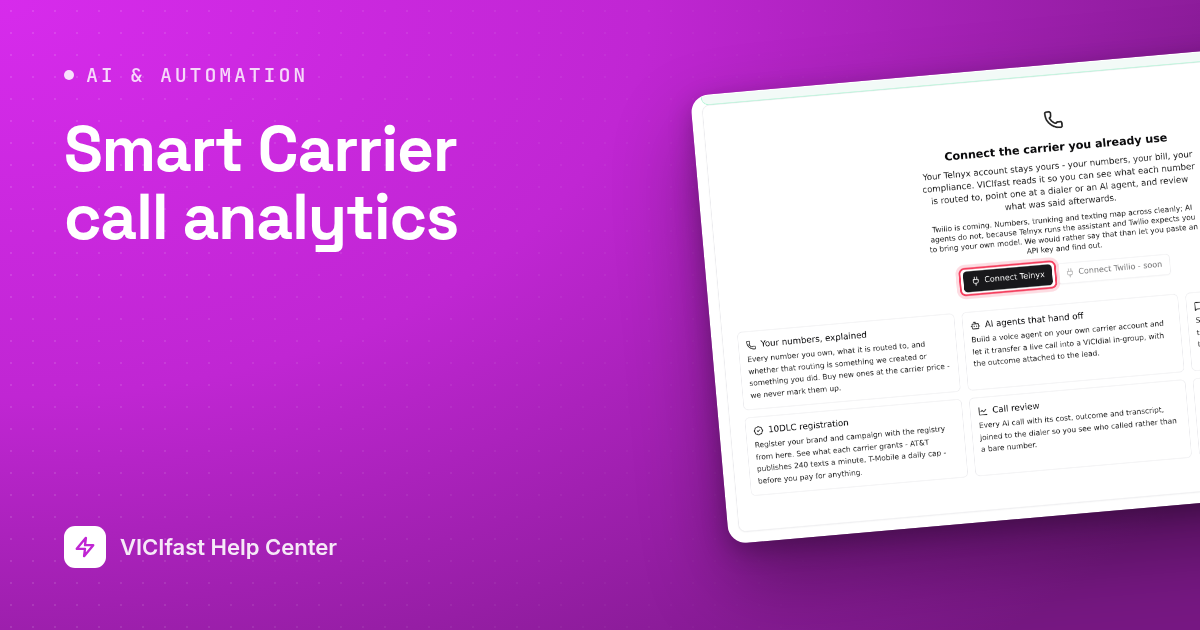
Call Analytics shows how your Telnyx agents' calls went: how many there were, how many reached your team, how long they lasted and what they cost. The costs come from Telnyx's own billing records, so they match what Telnyx charges you.
What you need
- A Telnyx account connected on Smart Carrier.
- At least one Telnyx agent with a number pointed at it. See Telnyx agents.
- Keep transcripts left on in the agent's Capabilities tab, or there is nothing to show.
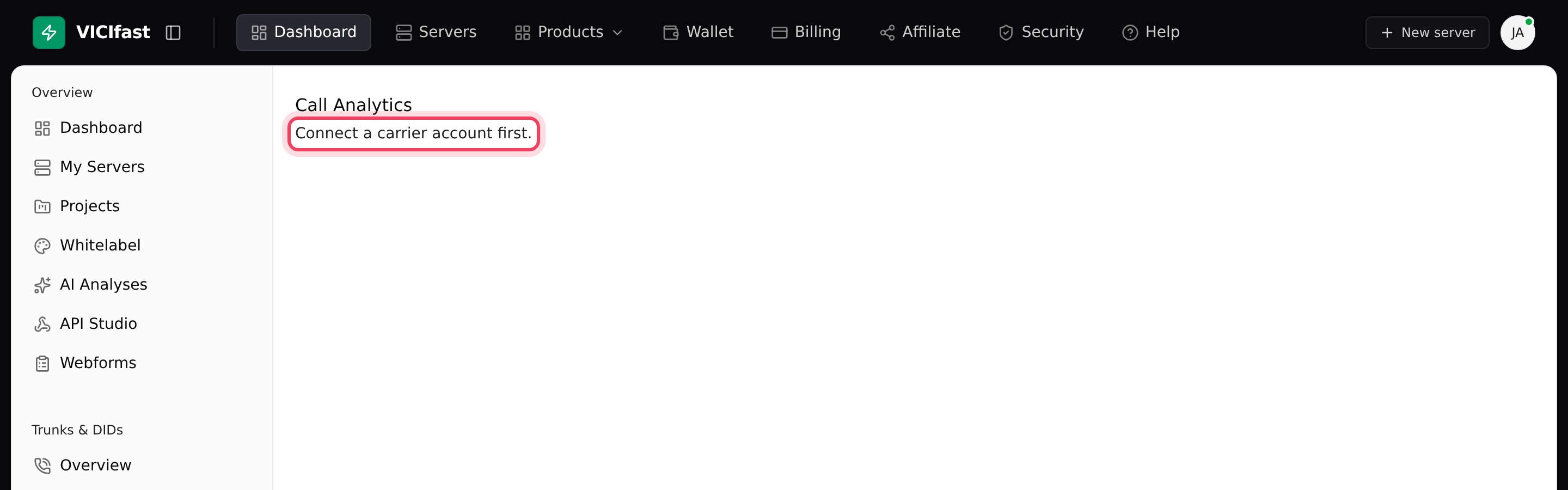
Until a Telnyx account is connected, the Call Analytics page only says Connect a carrier account first. Connect it on Overview first.
This page covers Telnyx agents only. For AI Agents on VICIfast Voice, use the Calls button on the AI Agents page. See AI agents: voice agents for your calls.
Step 1: Open Call Analytics and pick a period
- In the sidebar, under Smart Carrier, click Call Analytics.
- Click Today, 7 days or 30 days. If you have more than one Telnyx account, pick the account at the top right.
Step 2: Read the top of the page
- Four numbers sum up the period: AI calls, Handed to an agent (as a share of calls), Spend (with the cost per call) and Average call.
- The coloured bar splits every call into four outcomes: Handed to an agent (reached a queue on your dialer), Handled by AI (answered without needing a person), Never connected (the call did not get going) and Errored (Telnyx reported a problem).
- When calls arrive · ET shows calls by hour of day, in US Eastern time. If calls bunch up at certain hours, that is when people need to be on the queue the agent hands off to.
A high Handed to an agent share is good news for a lead qualification agent and may not be for a support agent. Read it against the agent's job.
Step 3: Compare agents and models
- With more than one agent, Agents compared lists each with Calls, Handed off, Avg call, Spend and Per call. Use it to compare an agent before and after you change its instructions.
- Spend per day shows the trend once you have two or more days of calls.
- By model shows calls and cost per AI model, which helps you decide whether a cheaper model is worth trying.
Step 4: Read individual calls
- Scroll to Calls. Each row shows When (Eastern time), the Caller (with their lead name from your dialer when VICIdial knows them), the Outcome, the Queue it went to, how long they Waited, the call Length and its Cost.
- Click an outcome badge above the list (for example Handed to an agent) to show only those calls. Click it again to clear.
- Click a row to read the transcript. If the agent tried to transfer and could not, a red box says The handoff did not happen and gives the reason.
If something goes wrong
Frequently asked
- No agent has taken a call in that period. Point a number at an agent on Phone Numbers, or pick a longer period.
- Connect your Telnyx account on Smart Carrier Overview first.
- Check Keep transcripts on the agent's Capabilities tab. When it is off, Telnyx keeps no conversations for this page to show.
- It only appears when more than one agent has taken calls in the period.
- That is expected. These costs are Telnyx's charges, billed by Telnyx to your Telnyx account.
- Read the reason in the red box, then check the agent's Handoff tab: a server, an in-group and a caller ID for the transfer.