Smart Carrier phone numbers
See what every number on your Telnyx account reaches, buy new numbers at the Telnyx price, and point them at a queue on your dialer or a Telnyx agent.
AI & automation · 3 min read
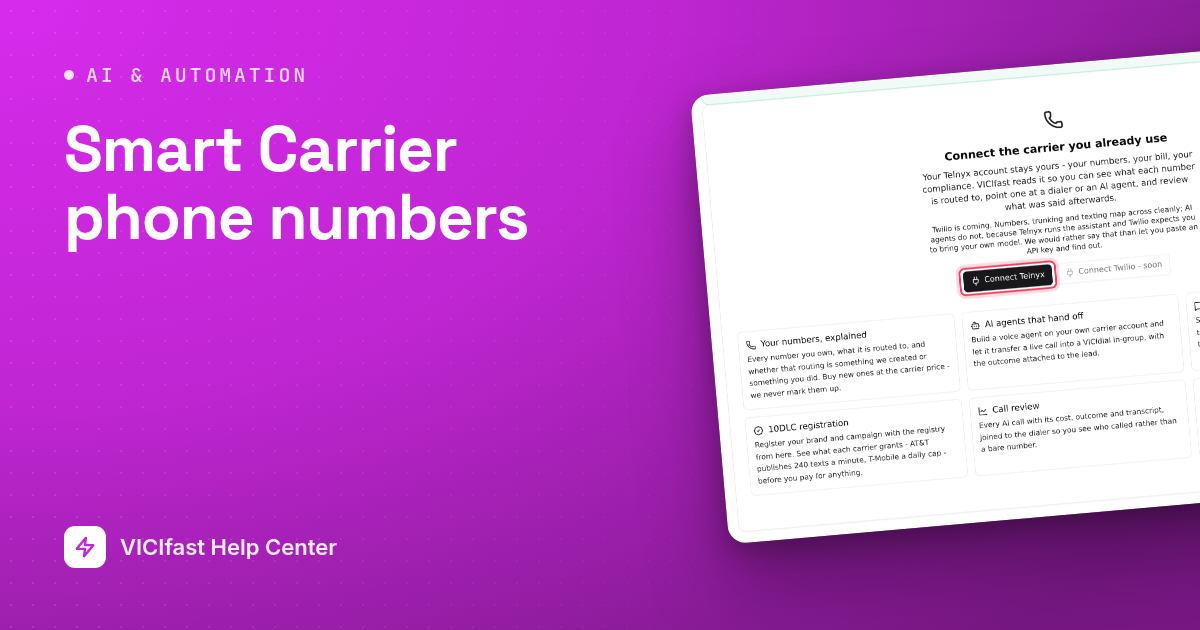
The Phone Numbers page lists every number on your connected Telnyx account and, for each one, what a caller actually reaches: a queue on your dialer, a Telnyx agent, routing you set up yourself, or nothing. You can also buy a number here and point it at your dialer in one step.
What you need
- A Telnyx account connected on Smart Carrier Overview. See Connect your Telnyx account.
- Write access turned on, to buy, rename or point numbers.
- A running server with at least one queue (in-group), for numbers that should ring your agents.
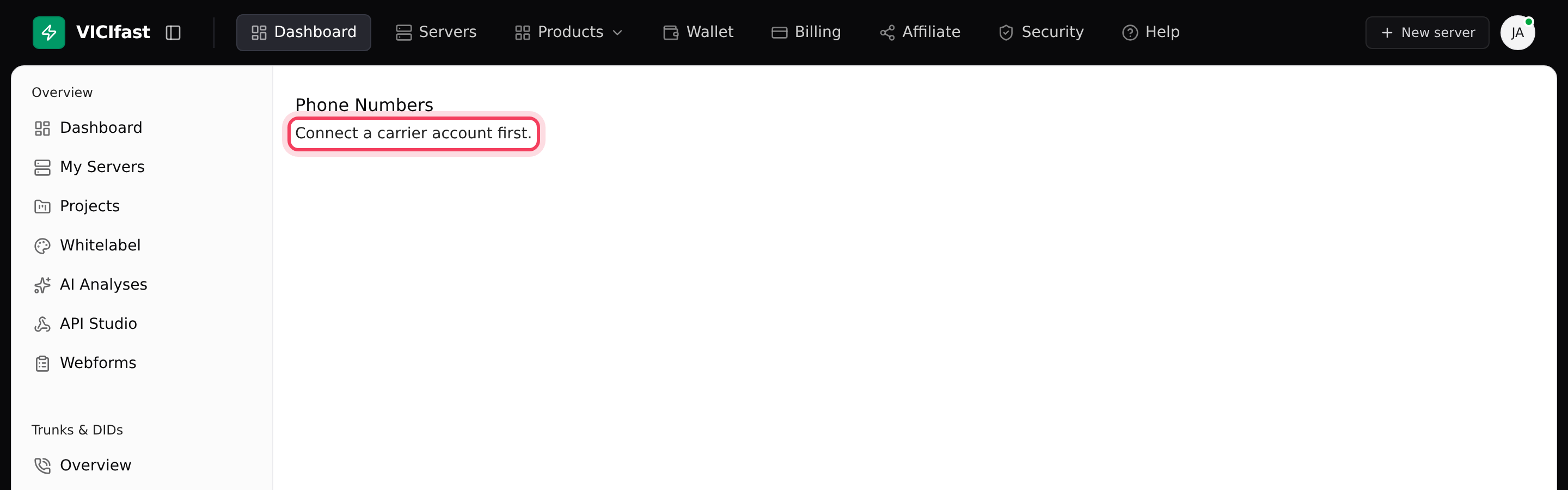
Until a Telnyx account is connected, the Phone Numbers page only says Connect a carrier account first. Connect it on Overview first.
Step 1: Read the list
- In the sidebar, under Smart Carrier, click Phone Numbers. If you have more than one Telnyx account, pick the account at the top right.
- Look at Answers with. It shows your server and the in-group a number rings, or an agent's name with an AI agent badge, or grey text ending in "your own setup" (left exactly as it is), or a red nothing.
- The other columns show the Type, what it Can do (voice, SMS), E911, Calls today, the monthly Cost and when it was Bought.
- Click a number's Name (it says Name it… when empty) to label it, for example "Sales line". The name is saved on the number in Telnyx too.
Step 2: Buy a number
- Click Buy a number.
- Pick the Kind (Local, Toll-free or National), type an Area code (for example 212), and click Search. You can also narrow by City, State, Contains (optional) or tick Must do SMS.
- Each result shows its monthly price, any one-off fee, and badges such as SMS, MMS and E911. Click Buy on the one you want.
- Check the confirmation: the Number, Where, Up front and Every month. Click Buy it.
- Wait for Number is yours. If it says The order failed, Telnyx could not complete it and you have not been charged.
Step 3: Point a number at your dialer
- Click the three-dot button at the end of the number's row. Under Send calls to…, choose A dialer in-group.
- Pick the Server and the in-group under Rings which in-group (for example SALESLINE).
- If the number currently goes somewhere you set up yourself, a yellow note says attaching it here replaces that.
- Click Attach. VICIfast points the number at your server in Telnyx and adds the inbound route in VICIdial: both halves in one step.
Step 4: Or let a Telnyx agent answer it
- Open the same three-dot menu. Under Send calls to…, click the agent's name.
- Answers with now shows the agent with an AI agent badge. Calls go to the agent, and reach your dialer only if the agent hands them off.
Detach a number
Choose Detach in the row menu to take the number off your dialer. Detaching does not change Telnyx: the message reads "Your carrier still points this number here - change that in your carrier console if you want it to stop." Detaching is also not the same as releasing. The number stays on your Telnyx account and keeps its monthly cost until you release it in your Telnyx portal. VICIfast never releases numbers for you.
If something goes wrong
Frequently asked
- The account is read-only. The page says "This account is connected read-only. Turn on write access on the Overview to change where a number goes."
- Go to Overview and click Refresh on the account card. Numbers already in your Telnyx account show up after a refresh.
- The number needs a queue to ring. Create an in-group on your server's Inbounds tab first, then attach again.
- Wait until the server has finished building. If the second message stays, contact support from the chat bubble.
- Check Answers with: red "nothing" means it goes nowhere, so attach it. Then click Diagnose on Overview, which flags problems such as "Assigned to a server, but your carrier sends it nowhere".
- It was released in Telnyx. The row shows "released at your carrier" and can no longer be pointed anywhere.