Telnyx agents
Build an AI voice agent in your own Telnyx account from a template, tell it where to hand callers off on your dialer, and point a number at it.
AI & automation · 4 min read
Telnyx agents are AI voice agents that live in your own Telnyx account. One answers a number, talks to the caller, and hands them to a queue on your dialer when they are ready. Telnyx runs the conversation and bills it to your Telnyx account; VICIfast gives you the place to build the agent and joins it to your dialer.
What you need
- A Telnyx account connected on Smart Carrier, with write access on. See Connect your Telnyx account.
- A number on that Telnyx account for the agent to answer.
- A running server with a queue (in-group) for the agent to hand callers to.
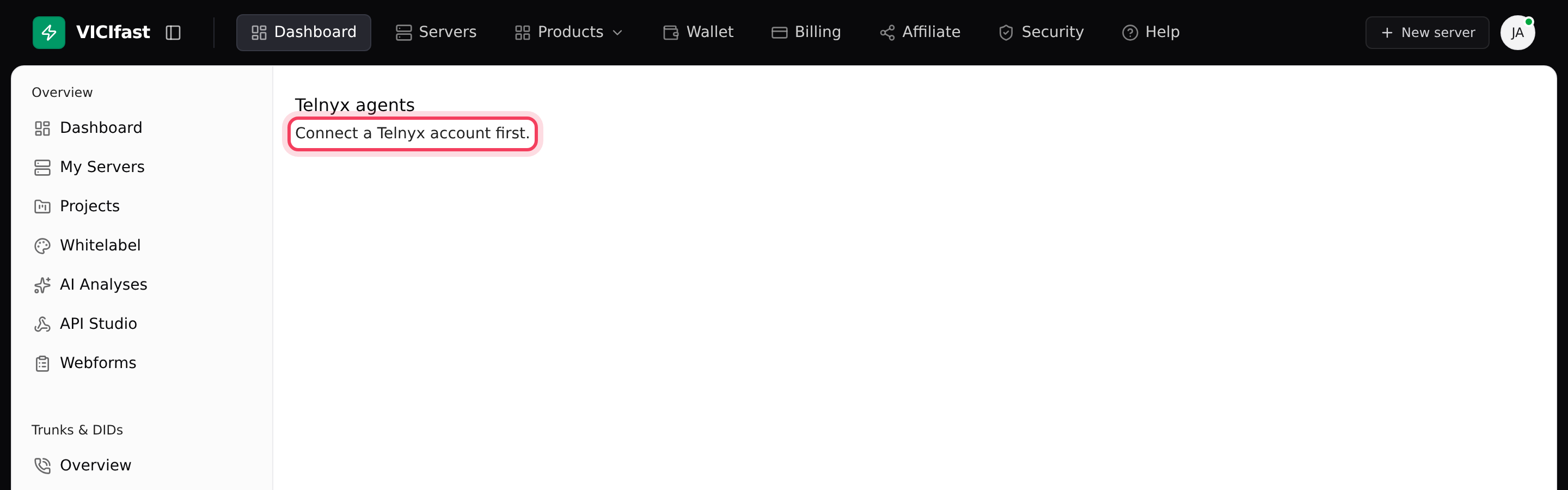
Until a Telnyx account is connected, the Telnyx agents page only says Connect a Telnyx account first. Connect it on Overview first.
Step 1: Create an agent from a template
- In the sidebar, under Smart Carrier, click Telnyx agents.
- Click New agent. Under Start from a template, pick one: Front desk, Lead qualification, Support triage or After hours. Each comes with instructions written for that job. Pick Blank agent only if none is close.
- The agent's editor opens on the Identity tab.
Step 2: Set its identity and instructions
- On Identity, check the Name, choose a Model (each shows its Telnyx price), and write the Greeting: the first thing callers hear.
- Under Voice, pick a voice and click Hear it to hear it say your greeting.
- Edit the Instructions. Write them like a briefing for a new hire: what the agent is for, what to ask, what never to say. Rewrite with AI tidies them up for you; read the result before saving. It runs on a model Telnyx hosts and is billed to your Telnyx account.
- Click Save.
Step 3: Set where it hands off
- Click the Handoff tab. Under Hand off to a live agent, pick your server under Dialer.
- Pick the in-group and say when to use it, for example "the caller wants to buy or asks about pricing". Click Another situation to add more.
- Under Caller ID for the transfer, choose The caller's own number so VICIdial can match the lead, or My first number.
- Click Save.
Step 4: Give it something to know (optional)
- Click the Knowledge tab. Under What it knows, pick a knowledge base, or click New and name one (for example "Pricing").
- Paste a web page address and click Add page, or click Or type something in to add a note. Indexing takes about a minute.
- Type a question a caller would ask and click Try it to check the answer. Then click Save.
Knowledge bases are shared: you can attach the same one to many agents, and manage them all from the Knowledge tab on the agents list.
Step 5: Point a number at it
- Go to Phone Numbers, click the three-dot button on the number's row, and under Send calls to… click the agent's name.
- Back on Telnyx agents, the card shows the number. Until it takes its first call, the card lists what is still missing: Give it instructions, Point a number at it, Set where it hands off, and Add what it should know (optional).
Fine-tune, undo and delete
- The Capabilities tab has the finer settings: Look the caller up in VICIdial (it finds their lead and can use their name), Background noise, Interruptions, Call limits, and Keep transcripts. Turning transcripts off also leaves Call Analytics with nothing to show.
- Versions keeps every save. Click Show version history, then Restore next to an earlier version if a change made calls worse.
- The red bin icon next to Save deletes the agent at Telnyx straight away. There is no confirmation step.
If something goes wrong
Frequently asked
- The Telnyx account is read-only. Turn on write access on Smart Carrier Overview ("Turn on write access for this account first").
- Telnyx agents need a connected Telnyx account. Twilio accounts cannot use them ("AI agents are a Telnyx feature").
- This appears when you point a number at a brand-new agent. Wait a moment and try again from Phone Numbers.
- Open Call Analytics and click the call. A red box "The handoff did not happen" gives the reason. Check the Handoff tab has a server, an in-group and a caller ID.
- Check Keep transcripts on the Capabilities tab. When it is off, Telnyx keeps no conversations to show.