Connect your Telnyx account
Connect your Telnyx account to Smart Carrier with an API key, turn on write access when you are ready, and send a campaign's calls through Telnyx.
AI & automation · 3 min read
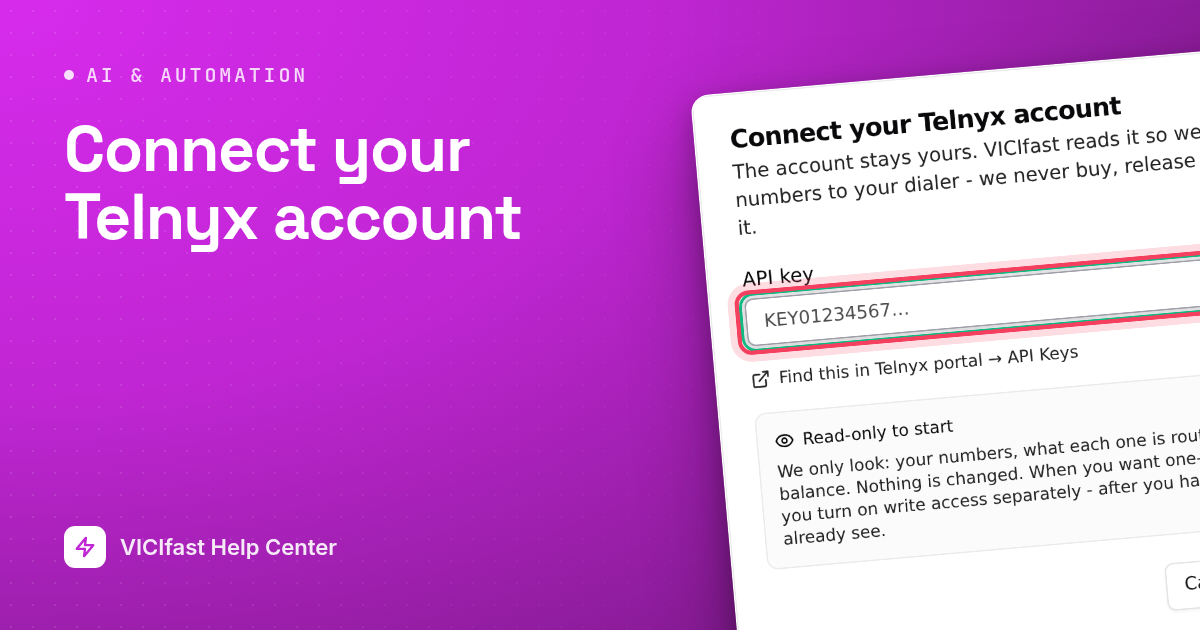
To use Smart Carrier, you connect your Telnyx account with an API key. It connects read-only first, so you can check it is the right account before anything changes. When you want VICIfast to set things up for you, you turn on write access as a separate step.
What you need
- You must be the account owner.
- A Telnyx account with money on it, and access to its API keys in the Telnyx portal.
- For calling out through Telnyx: a running server.
Step 1: Create an API key in Telnyx
- Sign in to your Telnyx portal and open API Keys.
- Create a key and copy it. Keep it somewhere safe; treat it like a password.
The connect window has a link, Find this in Telnyx portal → API Keys, that opens the right page.
Step 2: Connect it to VICIfast
- In the sidebar, under Smart Carrier, click Overview.
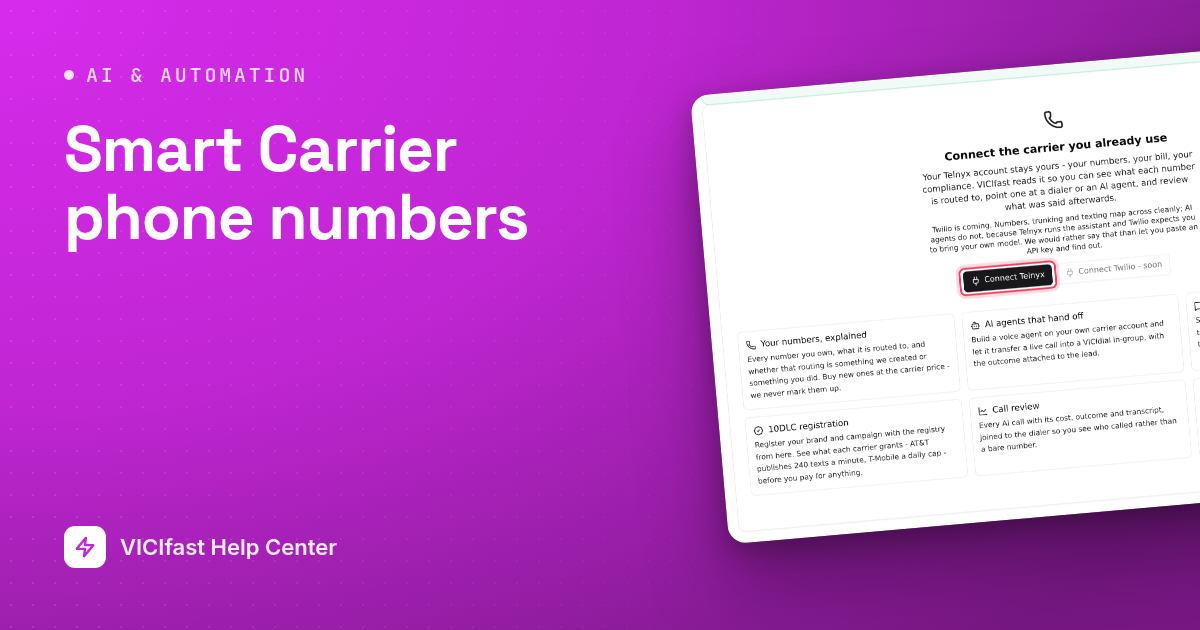
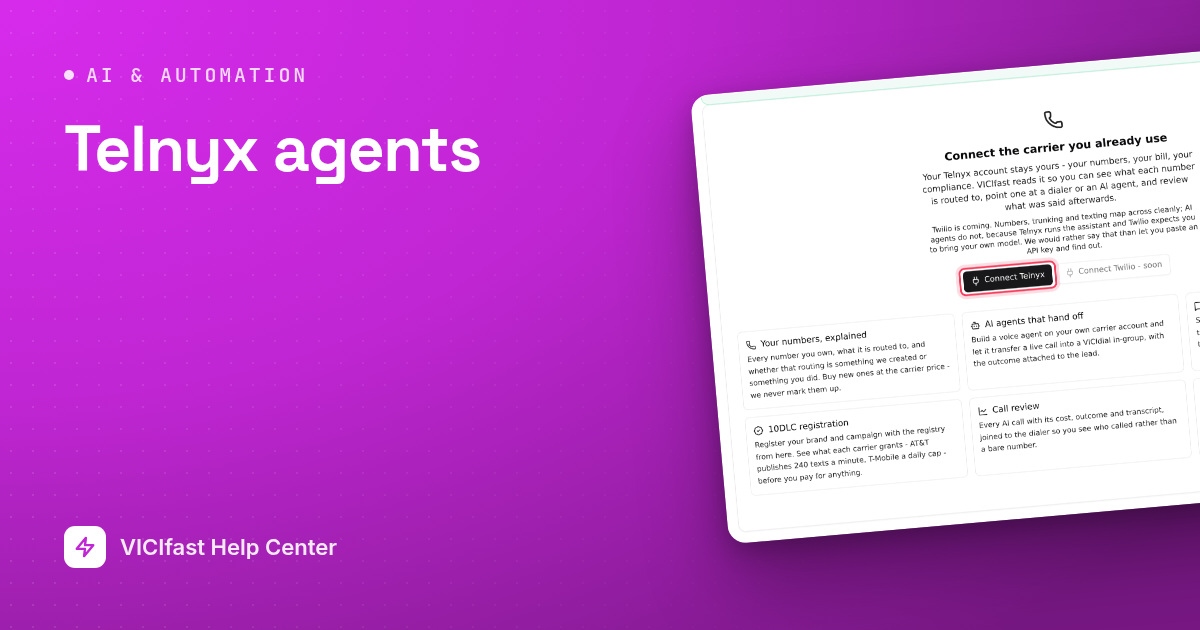
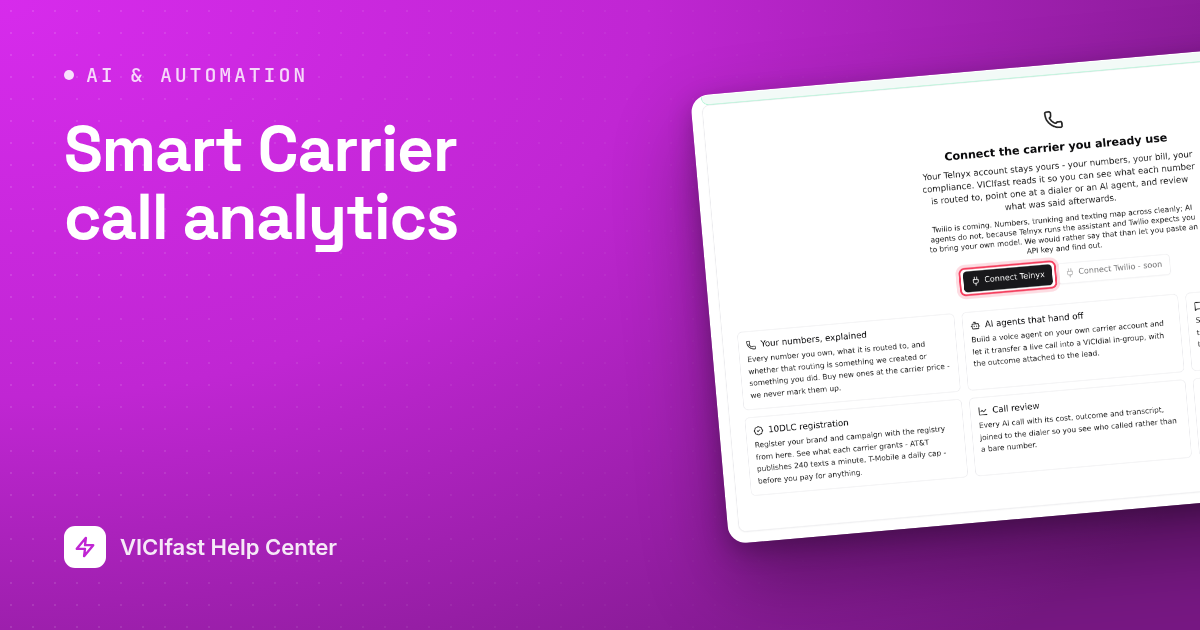
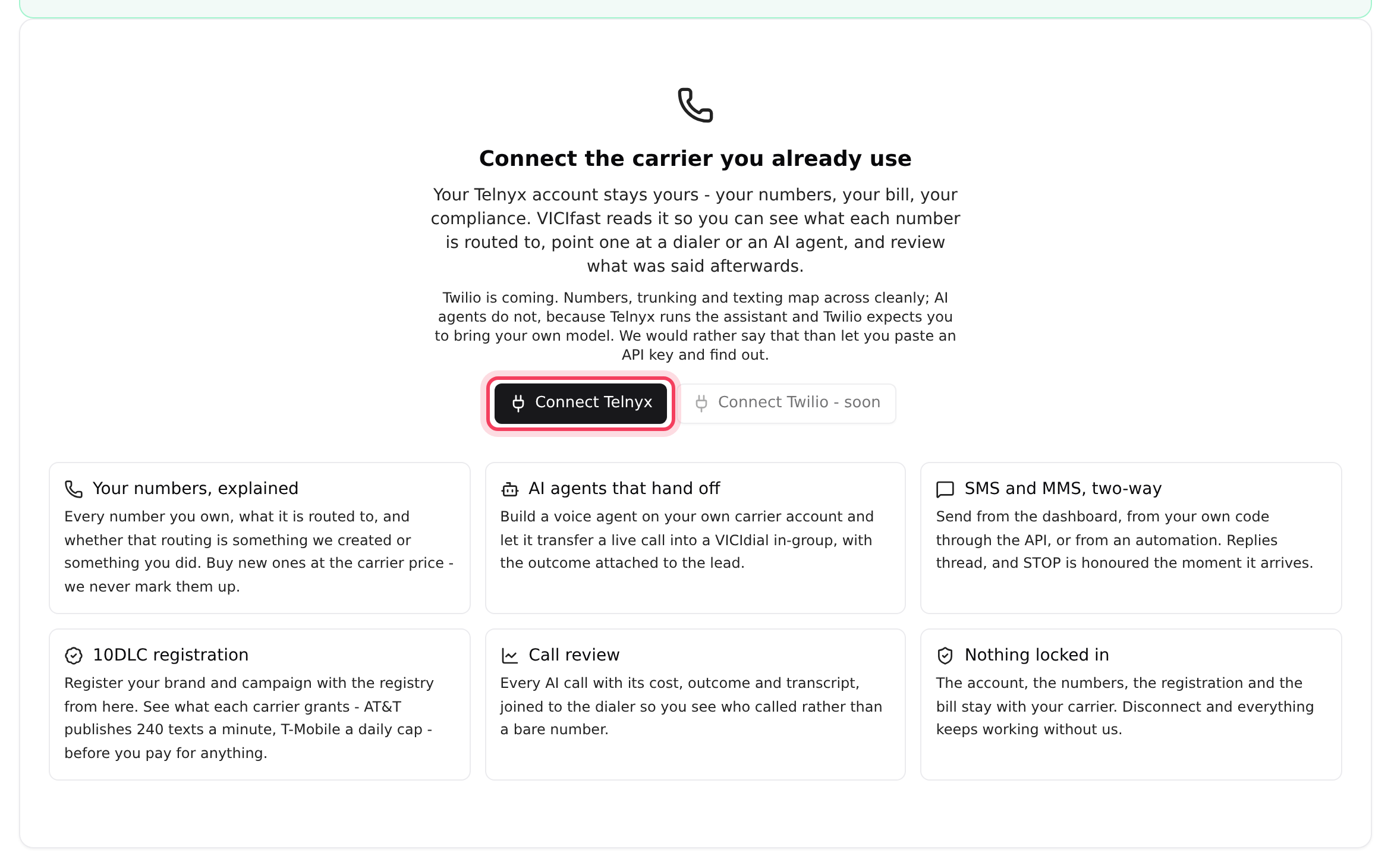
- Click Connect Telnyx. If you already have an account connected, click Add Telnyx account at the top right instead.
- Paste the key into API key and click Connect.
- A message names the account, for example "Connected Demo Dialing". Check it is the account you meant. There is no name to type: the card uses the name Telnyx has for the account.
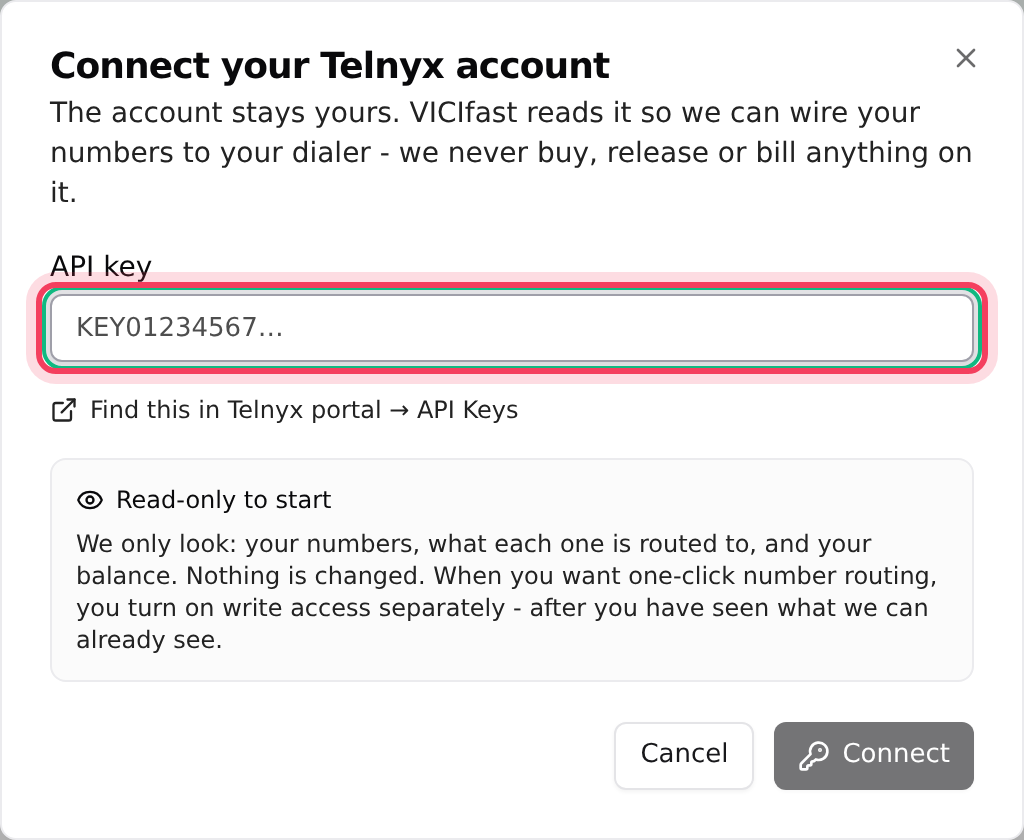
It starts Read-only. VICIfast only looks at your numbers, where each one goes, and your balance. Nothing is changed.
Step 3: Check the account card
- The account now has a card on Overview with its Balance, how many Numbers it has, and when it was Last checked.
- Click Refresh to read your numbers and balance again at any time.
- Click Diagnose to check your Telnyx account and your dialer together. It says "Nothing wrong that we can see" or lists what needs fixing, such as a low balance or a number that goes nowhere.
Step 4: Turn on write access
- On the account card, click the switch next to Read-only. It changes to Write access on.
- VICIfast sets up your Telnyx account in one go and tells you what it made. Everything it creates starts with "VICIfast", so you can tell it apart from your own setup in the Telnyx portal: VICIfast Outbound, VICIfast Calls, VICIfast Messaging, and one VICIfast connection per server, named after the server.
- Each running server gets a new phone line (trunk) called Telnyx (outbound) on its Trunks tab. A server you order later gets one when it is ready.
With write access on, VICIfast can buy numbers (only when you confirm a purchase), change where numbers go, send texts and place calls on your Telnyx account. Telnyx bills all of it to you.
Step 5: Send a campaign's calls through Telnyx
This step is yours: VICIfast never moves a campaign onto a new line by itself.
- Go to My Servers, open your server and click the Trunks tab.
- Click the Telnyx (outbound) line, then Routing & campaigns.
- Tick the campaigns that should dial through Telnyx and click Apply routing. A campaign that was on another line moves to this one.
That campaign now dials through your Telnyx account. Your other phone lines are unchanged.
Disconnect an account
Click the unlink icon on the account card, then Disconnect. VICIfast deletes the API key and stops reading the account. Your numbers, routing and balance at Telnyx are not touched, and numbers already set up on your servers keep working.
If something goes wrong
Frequently asked
- The key is wrong, deleted or switched off in Telnyx. Create a new key in the Telnyx portal and connect again.
- Telnyx stopped accepting the saved key, and the access switch is locked until you fix it. Click Add Telnyx account and paste a new key for the same account. It reconnects the existing card as read-only, so turn write access back on afterwards.
- Disconnect it with the unlink icon on its card, then connect the right one with its own key.
- Check write access is on. The server must be running. If Telnyx refused something, the message after you turned on write access names the server and the reason; turn the switch off and on again to retry.
- Turn on write access on the account card (Step 4), then try again.
- Click Diagnose. "Carrier balance is empty" means you need to top up in your Telnyx portal; VICIfast never touches your balance.