Messages: the SMS inbox
Reply to texts on your Telnyx numbers, see whether each text was delivered, and handle people who text STOP.
AI & automation · 3 min read
Messages is the text inbox for the numbers on your Telnyx account. Each conversation is between one person and one of your numbers, with the whole exchange in order. Replies land here, and anyone who texts STOP is blocked from further texts automatically.
What you need
- A Telnyx account connected on Smart Carrier, with write access on.
- A number with SMS turned on in your Telnyx account.
- For texting US numbers: a 10DLC registration, or carriers may filter your texts. See 10DLC: register before you text.
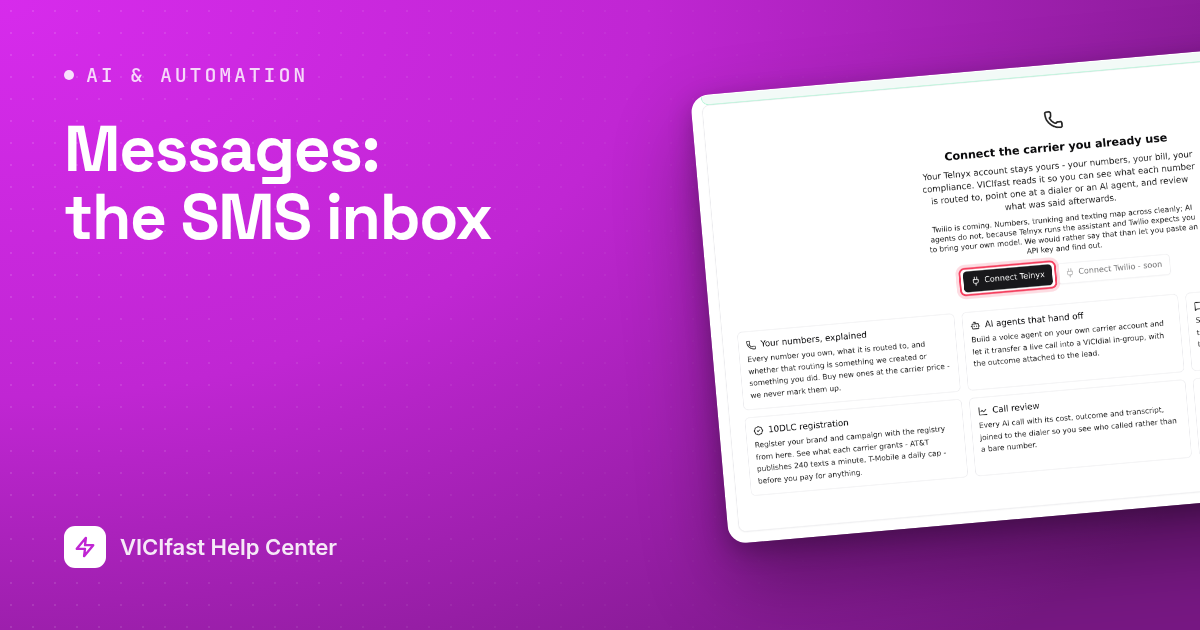
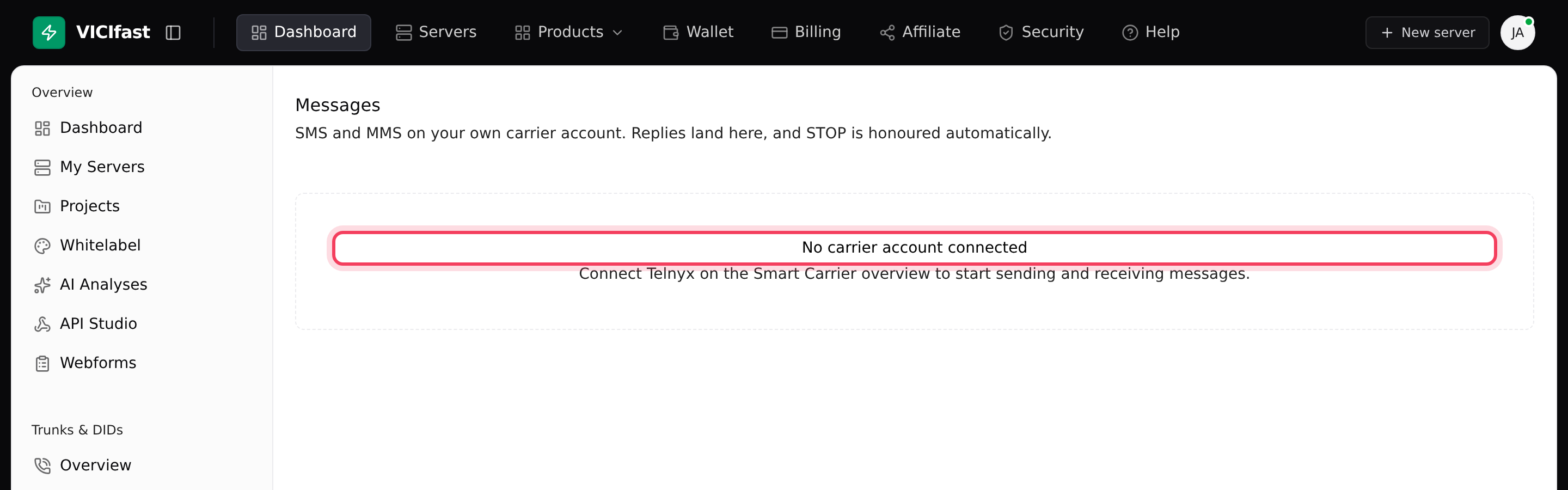
Until a Telnyx account is connected, the Messages page says No carrier account connected. Connect it on the Smart Carrier Overview first.
Step 1: Make sure replies reach the inbox
- In the sidebar, under Smart Carrier, click Messages.
- If a yellow box says Replies are not reaching this inbox yet, click Set up replies. This attaches your SMS numbers to a VICIfast messaging profile so replies arrive here and STOP is honoured. Any profile you already have is left alone.
- A message confirms it, for example "Inbound is set up. 2 numbers attached."
Step 2: Find a conversation
- The Threads list shows each person by name when your dialer knows them, the number, which of your numbers they texted, and an unread count.
- Use All, Unread, Failed or Opted out to filter, or search with Search numbers and message text….
- Click a conversation to open it. Click Details to see how many texts were sent and received, the Carrier cost, and the Sending number, including whether it is registered for 10DLC.
Step 3: Reply and check delivery
- Type in the box at the bottom and click Send (or press Ctrl+Enter, ⌘+Enter on a Mac).
- Watch the status under each text you send. Sent to carrier only means Telnyx accepted it. Delivered means it reached the phone. Not delivered or Failed means it did not.
- Each text also shows where it came from: Dashboard (typed here), API, an agent, or Automation for texts sent by a Journey.
Step 4: Handle opt-outs
- When someone replies STOP, UNSUBSCRIBE, CANCEL, END or QUIT, they move to the Opted out tab. Their conversation shows Opted out and the reply box is replaced by a note.
- They can opt back in by texting START.
- Lift removes someone from your opt-out list, but only use it with proof they agreed to texts. It is recorded. Telnyx keeps its own opt-out until the person texts START, so your texts may still be rejected.
People who opt out are also dropped from every Journey, so no later step texts or calls them.
Get emails about your texts
Under the conversation list, Email me has two boxes: A daily summary (yesterday's sends, replies, failures and opt-outs, only on days you texted) and When something breaks (texts failing in bulk and 10DLC changes, at most one alert a day).
If something goes wrong
Frequently asked
- Nothing has been texted to or from your numbers yet. Start a conversation with a Journey, through the API, or by texting one of your numbers from your phone.
- None of your Telnyx numbers can text. Turn on messaging for a number in your Telnyx portal, then click Refresh on Smart Carrier Overview.
- Turn on write access on the account card on Smart Carrier Overview.
- Click Set up replies in the yellow box at the top of Messages. Until then, replies go wherever your Telnyx account sent them before.
- That person texted STOP. Texts to them are blocked until they text START, or until you lift the opt-out with proof of consent.