Your server & troubleshooting
Access, backups and the firewall, and what to check when something breaks.
11 articles
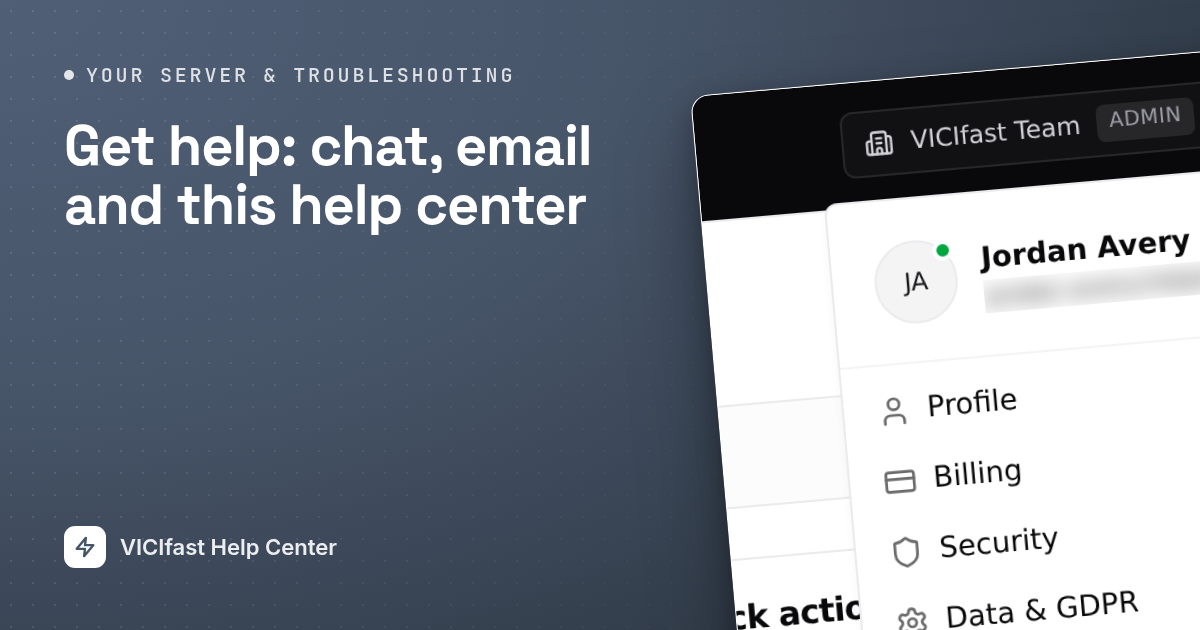
Get help: chat, email and this help center
Search the help center, chat with our team from your dashboard, or email us. Plus what to put in your first message so we can fix it fast.
3 min read
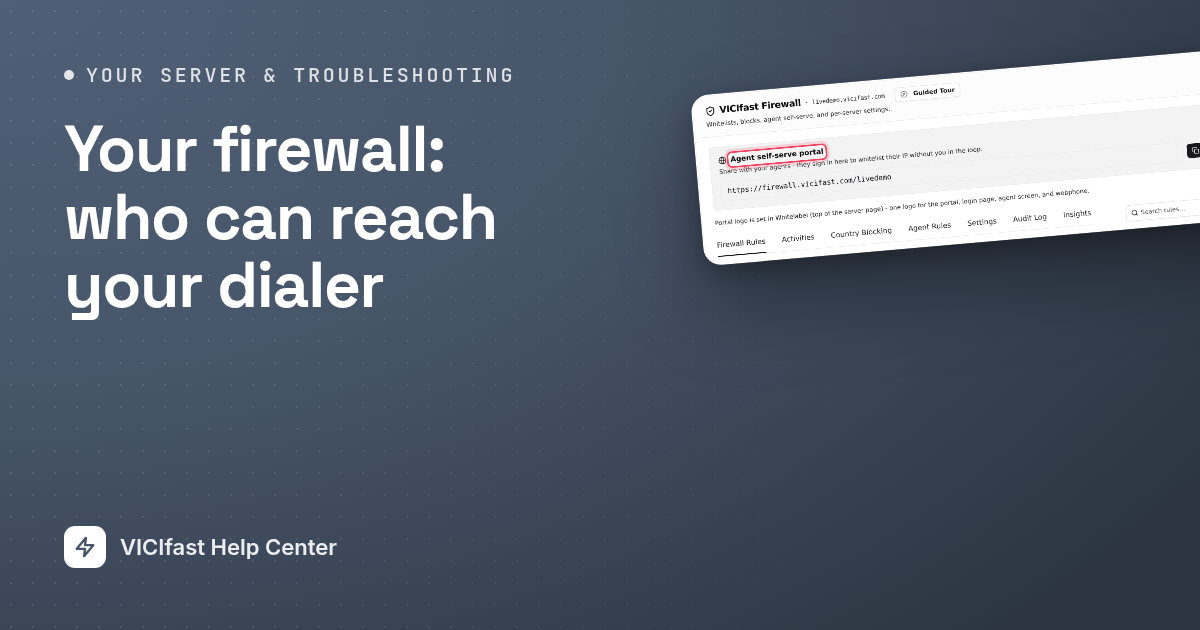
Your firewall: who can reach your dialer
Only addresses you allow can reach your dialer. How agents let themselves in, how to allow an office by hand, and how to block countries.
5 min read
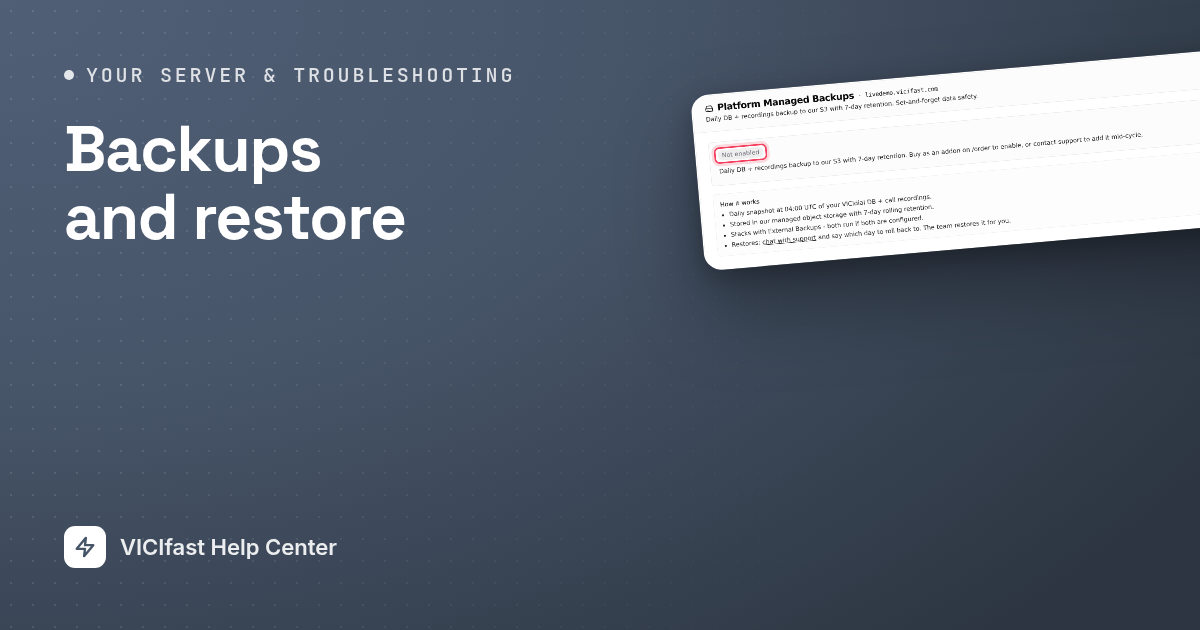
Backups and restore
Turn on daily backups of your leads, settings and recordings, download a backup any time, copy backups to your own storage, and get data back.
4 min read
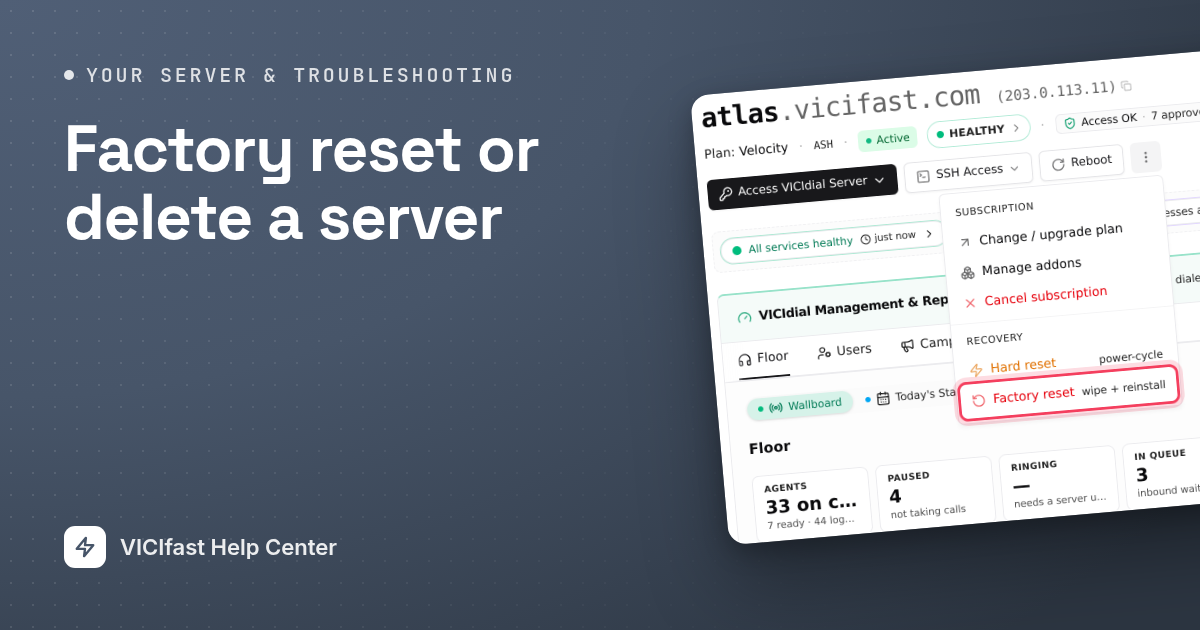
Factory reset or delete a server
Factory reset wipes the dialer and reinstalls it on the same server. Cancelling deletes the server and stops billing. How each one works, step by step.
4 min read
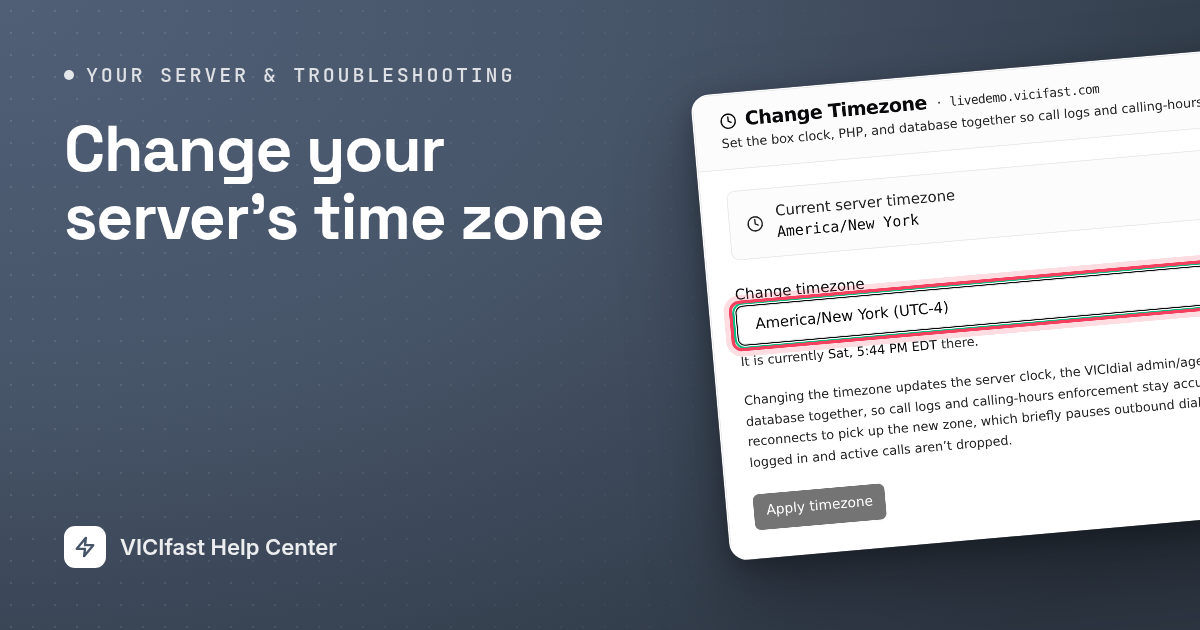
Change your server's time zone
Set your dialer's clock to the time zone your call center works in, so call times, reports and calling hours line up with your day.
2 min read
Nightly maintenance
A small clean-up runs on your server once a night while it is idle. What it removes, what it never touches, and how to read its last report.
2 min read
Your server's security certificate
Every server gets a free security certificate so browsers show a padlock. We renew it for you. What to do if a warning ever appears.
2 min read
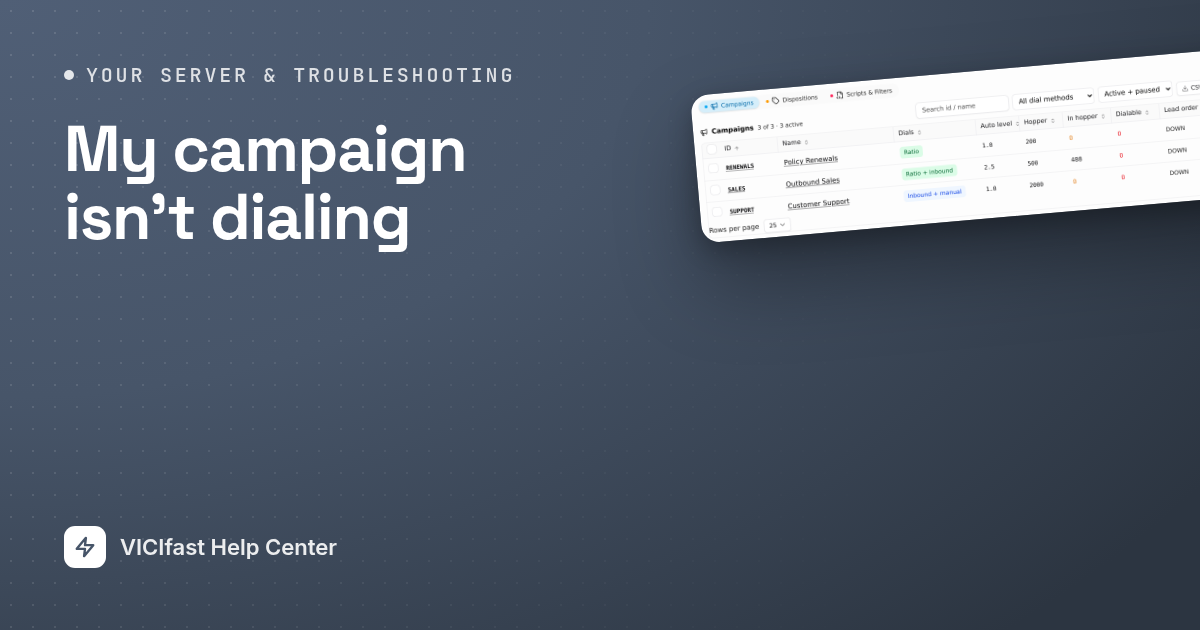
My campaign isn't dialing
Agents waiting but no calls? Work through six checks in order: agents ready, campaign on with a phone line, leads left, calling hours, the phone line, and the server.
5 min read
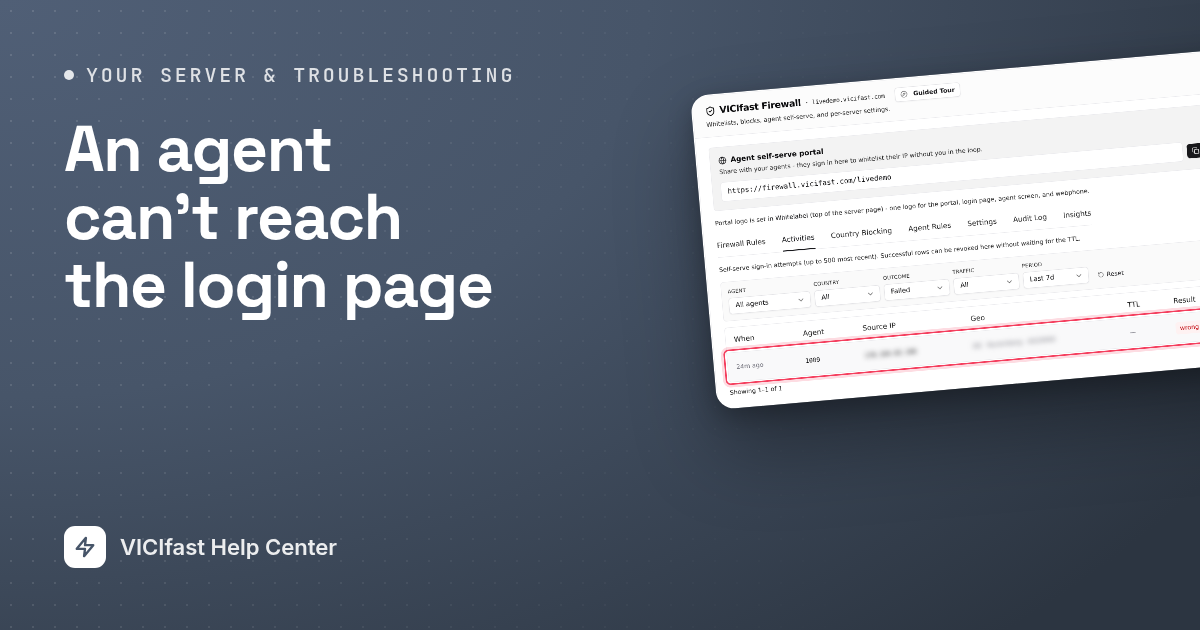
An agent can't reach the login page
The agent screen just spins for one agent? Their internet address is almost always not approved. Six checks, from the agent link to passwords and authenticator codes.
5 min read
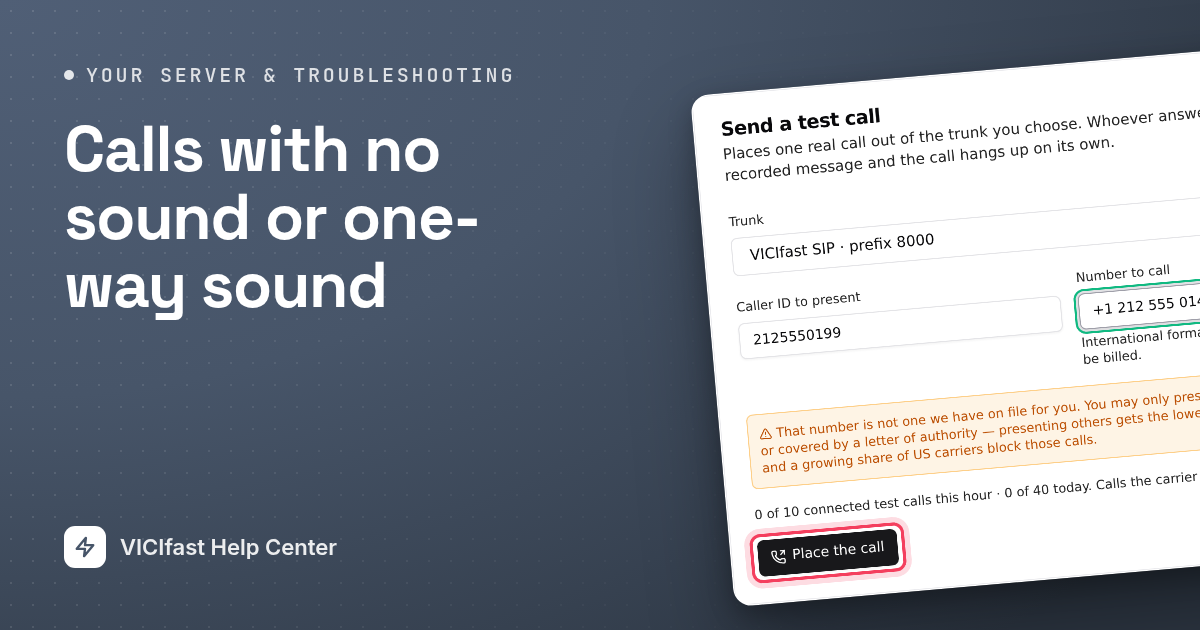
Calls with no sound or one-way sound
A call connects but the agent, the customer or both hear nothing. Find out where the sound stops and fix it, starting with the most common causes.
5 min read
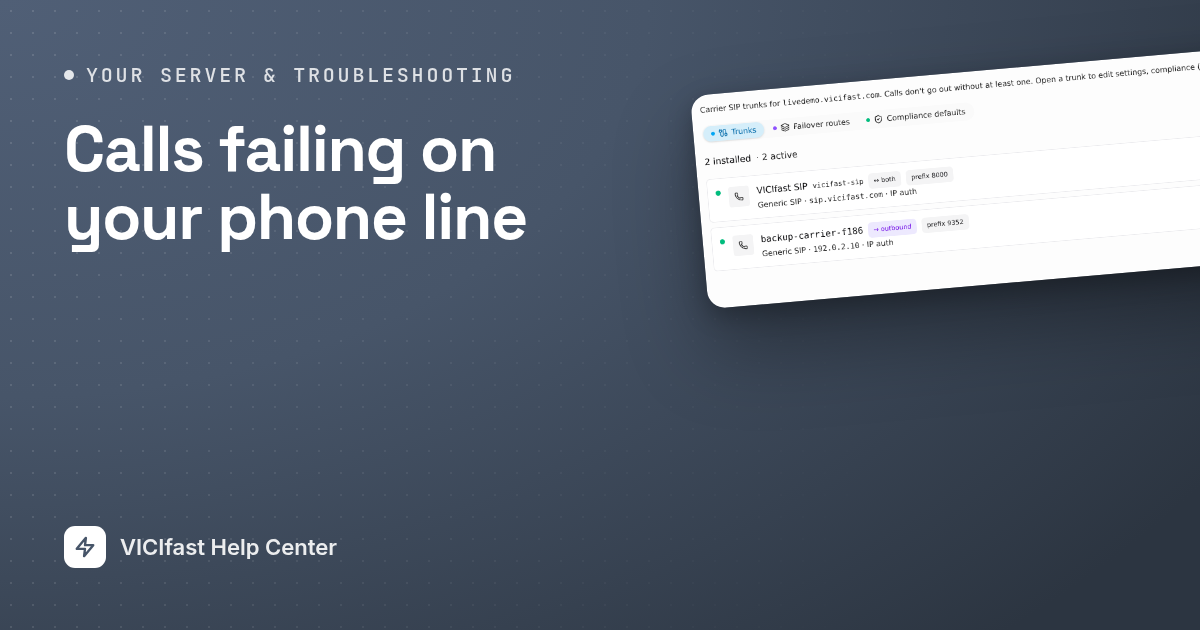
Calls failing on your phone line
Your dialer places calls but they don't connect. Check the campaign's line, the line's status, a test call, diagnostics, your VICIfast Voice account and the server's services.
5 min read