Your server's security certificate
Every server gets a free security certificate so browsers show a padlock. We renew it for you. What to do if a warning ever appears.
Your server & troubleshooting · 2 min read
Every server gets a free security (SSL) certificate for its address, for example livedemo.vicifast.com. It is what makes browsers show a padlock instead of a warning when you open VICIdial admin or your agents open the agent screen. You do not need to do anything: we issue it and renew it for you.
What it covers
- Your server's address, used by VICIdial admin and the agent screen.
- The certificate comes from Let's Encrypt, or from a backup certificate authority if Let's Encrypt is unavailable. Every modern browser trusts both.
- Your dashboard and the agent link your agents use to let themselves in are on our own website, with their own certificate.
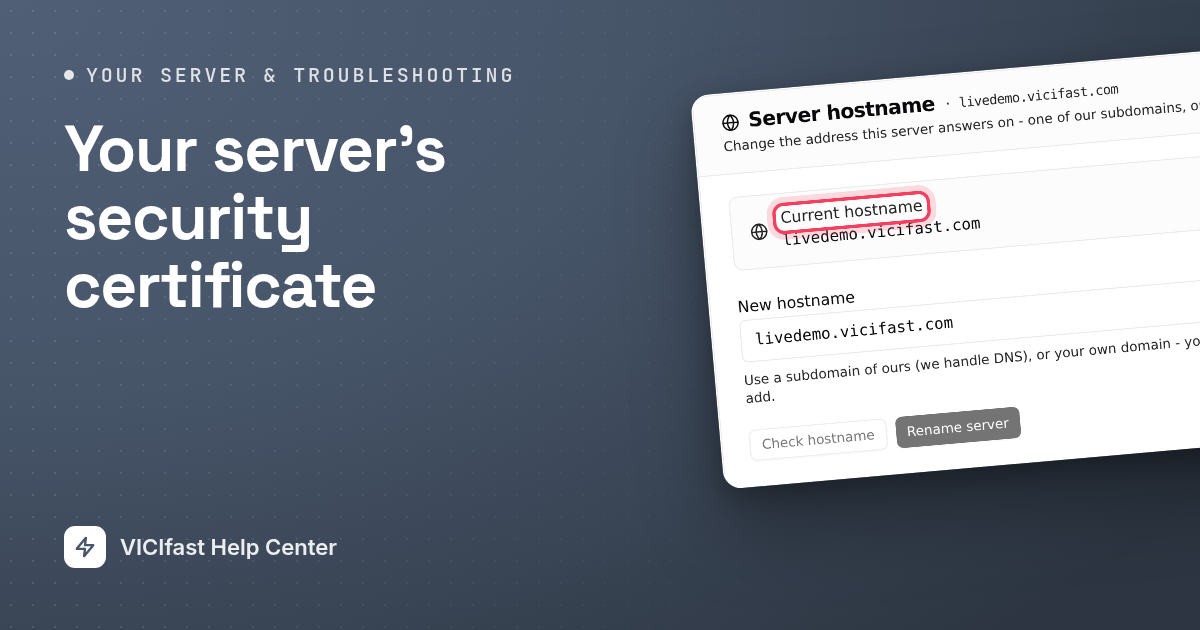
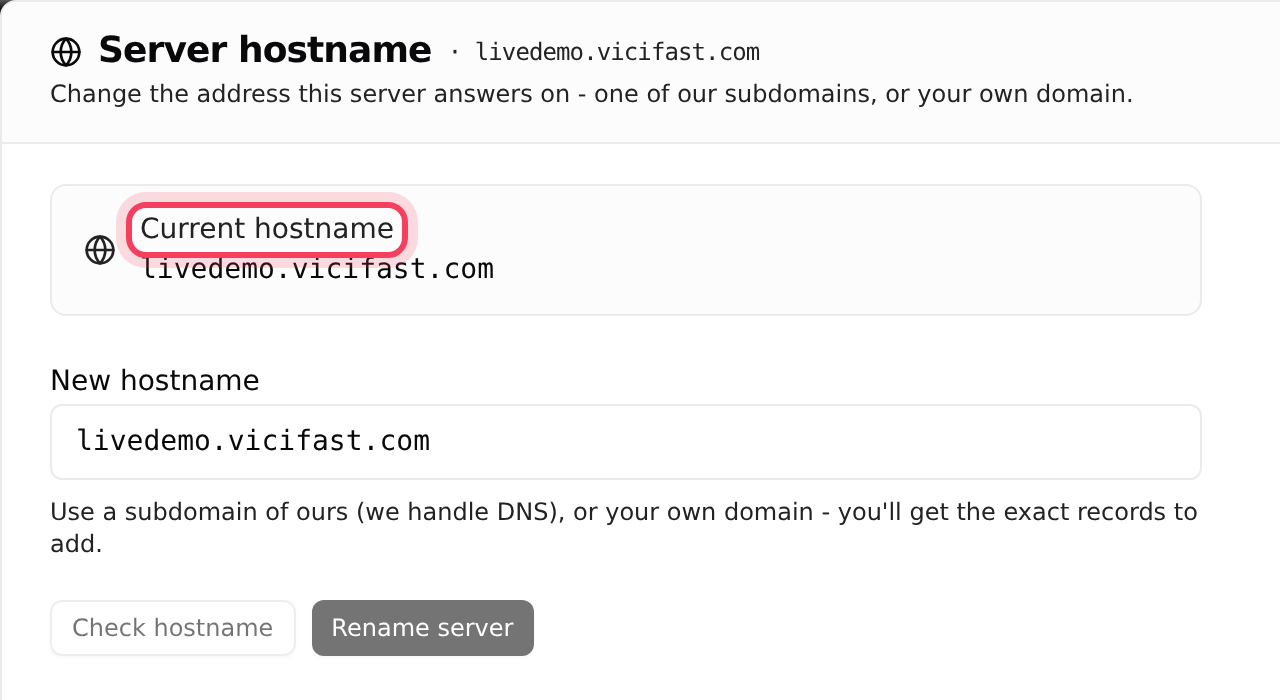
You can see your server's address in Configurations, under Hostname.
Renewals
Certificates expire after a few months. We renew yours automatically about 30 days before it expires. There is nothing to set up and no downtime.
- A factory reset issues a fresh certificate for the same address. There is nothing for you to do.
- If you rename your server in Hostname, we issue a new certificate for the new name before switching over. Calls in progress are not interrupted.
If something is wrong
If renewal ever falls behind, your server page tells you. Click the health chip (for example HEALTHY) to open Server Health. It shows:
- SSL certificate expires in a number of days, when there are fewer than 21 days left.
- The same alert in red when there are fewer than 7 days left.
- SSL certificate expired, if it has run out. Browsers then show a warning on your admin and agent pages.
If you see any of these, chat with support. We can reissue the certificate.

If you use your own domain
If your server runs on your own address, for example dialer.yourcompany.com, you added two records at your DNS provider when you set it up: one that points the address at your server, and a second one that lets us issue the certificate without access to your DNS. Keep both. If the second one is deleted, we cannot renew the certificate. If the first one is wrong, your server page shows Point your DNS at this server with the record to add. See Use your own domain.
Your own certificate
There is no place to upload a certificate of your own. If you need one from a specific certificate authority, chat with support.
If something goes wrong
Frequently asked
- Open Server Health from the health chip. If it lists an SSL certificate alert, chat with support. If it does not, check you are using the exact address shown under Configurations, Hostname.
- Renewal should already have happened. If it is still there the next day, chat with support so we can reissue it.
- Both DNS records need to be copied to the new provider. Add them again, then chat with support so we can renew.
- Yes, a fresh one for the same address, issued automatically. Your IP and address stay the same.
› My browser shows a security warning on my server.
› Server Health says the certificate expires in a few days.
› I moved my own domain to a new DNS provider and now there is a warning.
› Will a factory reset give me a new certificate?
Related articles
Tags: security, ssl, tls, cert, https