How to set the background color of a VICIdial script
The Script Color field controls the background color of the script panel in the VICIdial agent screen. You can use HTML-safe color names or pick one from the built-in color chooser.
What Script Color does
Script Color sets the background color of the script panel that appears in the Agent script tab of the VICIdial agent screen. The default is white. Changing it is a fast way to give agents a visual cue - for example, a light-blue background for sales scripts and a light-yellow one for support scripts.
Where to set it
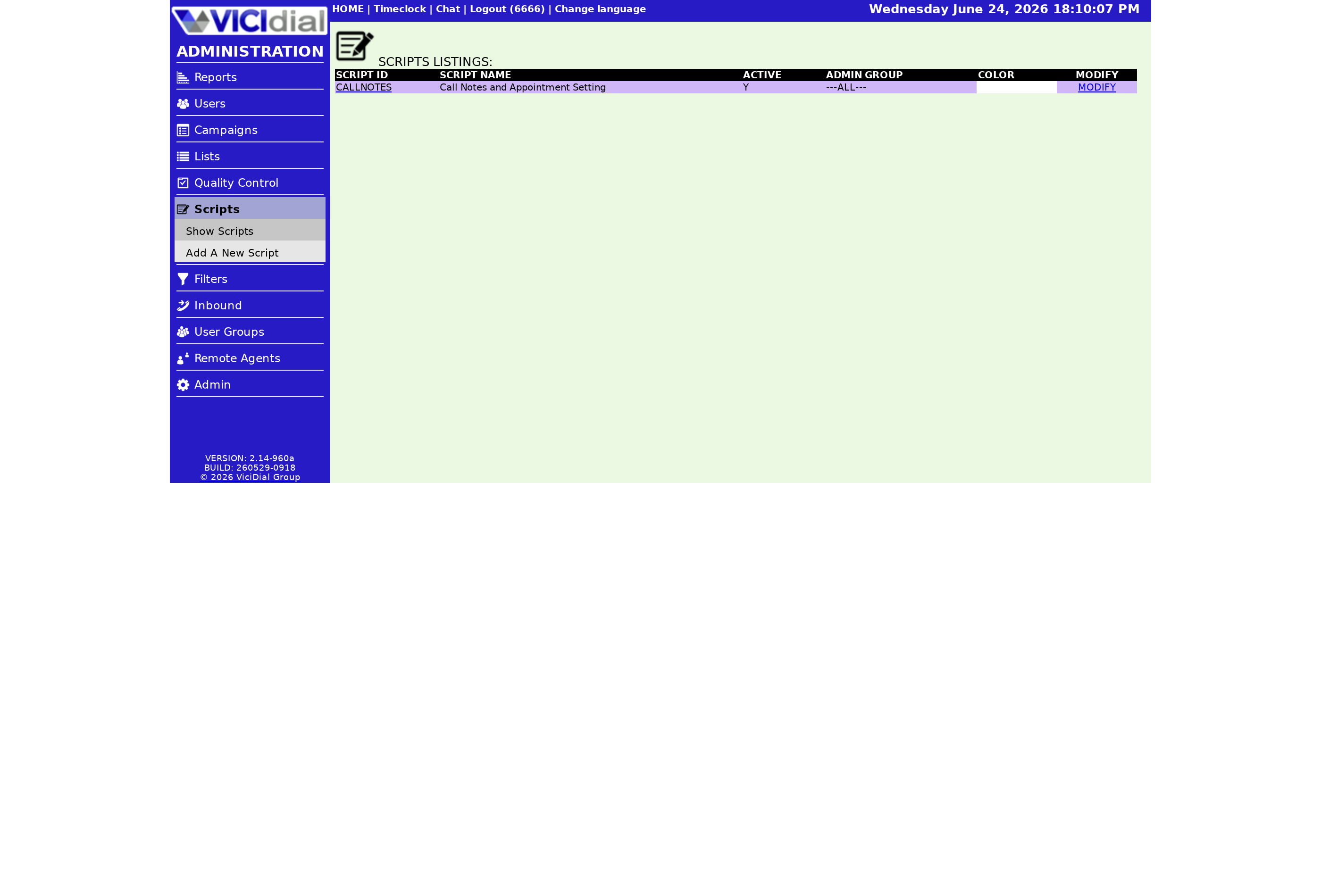
In the admin screen, go to SCRIPTS and open the script you want to modify. The Script Color field is on the script modification page. You have two options for entering a value:
- Type an HTML-safe color name directly into the field (e.g., lightblue, lightyellow, lavender). Spelling must be exact - a misspelled color name will fall back to the browser's default and may look wrong.
- Click the -color chooser- link next to the field. A color picker opens and writes the chosen hex value into the Script Color field for you.
HTML-safe color names vs hex values
Any valid CSS color value works in Script Color: named colors like coral or mintcream, hex values like #e8f4fd, or rgb() values all work the same way. The color chooser is the easiest path when you want a specific shade that doesn't have a named equivalent.
How Script Color interacts with HTML scripts
If your Script Text contains HTML, the Script Color value is applied to the outer container. HTML elements inside the script can override that color with their own inline styles or CSS classes. If you are using an iframe, the iframe background is controlled by the page it loads, not by Script Color - though you can use transparent as the iframe's background-color in CSS to let the Script Color show through.
flowchart TD
  A[Script Color field set] --> B{Value type}
  B -->|Named color| C[Browser resolves color name]
  B -->|Hex or rgb| D[Browser applies value directly]
  C --> E[Color applied to script panel background]
  D --> E
  E --> F{Script has HTML?}
  F -->|Yes| G[Inline styles may override background]
  F -->|No| H[Script Color shows as-is]
  G --> I[Agent sees final rendered script]
Practical color choices
- White (default) - neutral, works for any script type
- Lightblue - useful for inbound customer service scripts
- Lightyellow - good for outbound Predictive dialing sales scripts
- Lightcoral or mistyrose - draws attention for escalation or compliance scripts
Avoid dark backgrounds unless your script text color is explicitly set to a contrasting light color via HTML - the default text color is dark, and a dark background makes the script unreadable. Color is especially useful when one Campaign uses multiple scripts and agents need to distinguish them at a glance.
Script Color is just one piece of the script configuration picture. The VICIdial agent screen configuration guide walks through all the settings that shape what agents see.
If you are building a richer script with HTML elements, see how to build an HTML VICIdial script for the full approach.
Looking for a managed VICIdial platform? See pricing for plan details.
Related from VICIfast
About VICIfast
We run VICIdial servers for call centres, so you don’t have to. You get the dialer set up, secured and kept running — we handle the server, the updates and the backups. Bring your own phone carrier; we never resell minutes. From $49 a month per server.
Questions? Call +1 636 556 0022 and talk to someone who runs dialers.
Citing this article
VICIfast Engineering. “How to set the background color of a VICIdial script”. VICIfast LLC, June 24, 2026. Retrieved from https://vicifast.com/blog/how-to-set-vicidial-script-color
Have questions?
Related posts
You might be interested in
VICIfast newsletter
Liked this? Get the next one in your inbox.
We ship the kind of stuff you just read - concrete, numbers-first, no drip. One email when a new post goes live. Unsubscribe in one click.
Comments
No comments yet - be the first.