What list custom fields are
List custom fields let you add your own data points to leads and show them to agents on the Web Form tab.

VICIdial ships with a fixed set of standard fields on every record: name, phone, address, and the rest. But your business probably tracks things those columns never imagined, like a policy number, an appointment slot, or an account balance. A custom field is how you bolt your own data point onto a list so it travels with each Lead. Think of it as a Custom field that you define once and reuse on every record in that list. For the big picture, read the lists and leads guide.
Where agents see them
Every custom field you create shows up on the Web Form tab of the agent screen. That is the place to collect information during a call too, since agents can type into the field and it saves right back onto the record. So a custom field is not only for showing data you already have. It is also a clean way to gather new answers without bolting on a separate CRM. Because the data attaches to the record, the answer is still there the next time anyone opens that lead.
flowchart TD
  A[Create custom field on list] --> B[Field shows on loader page]
  A --> C[Field shows on Web Form tab]
  C --> D[Agent reads or fills value]
  D --> E[Value saved on lead]
  B --> F[Loaded data lands in field]
They live with the list, and they travel
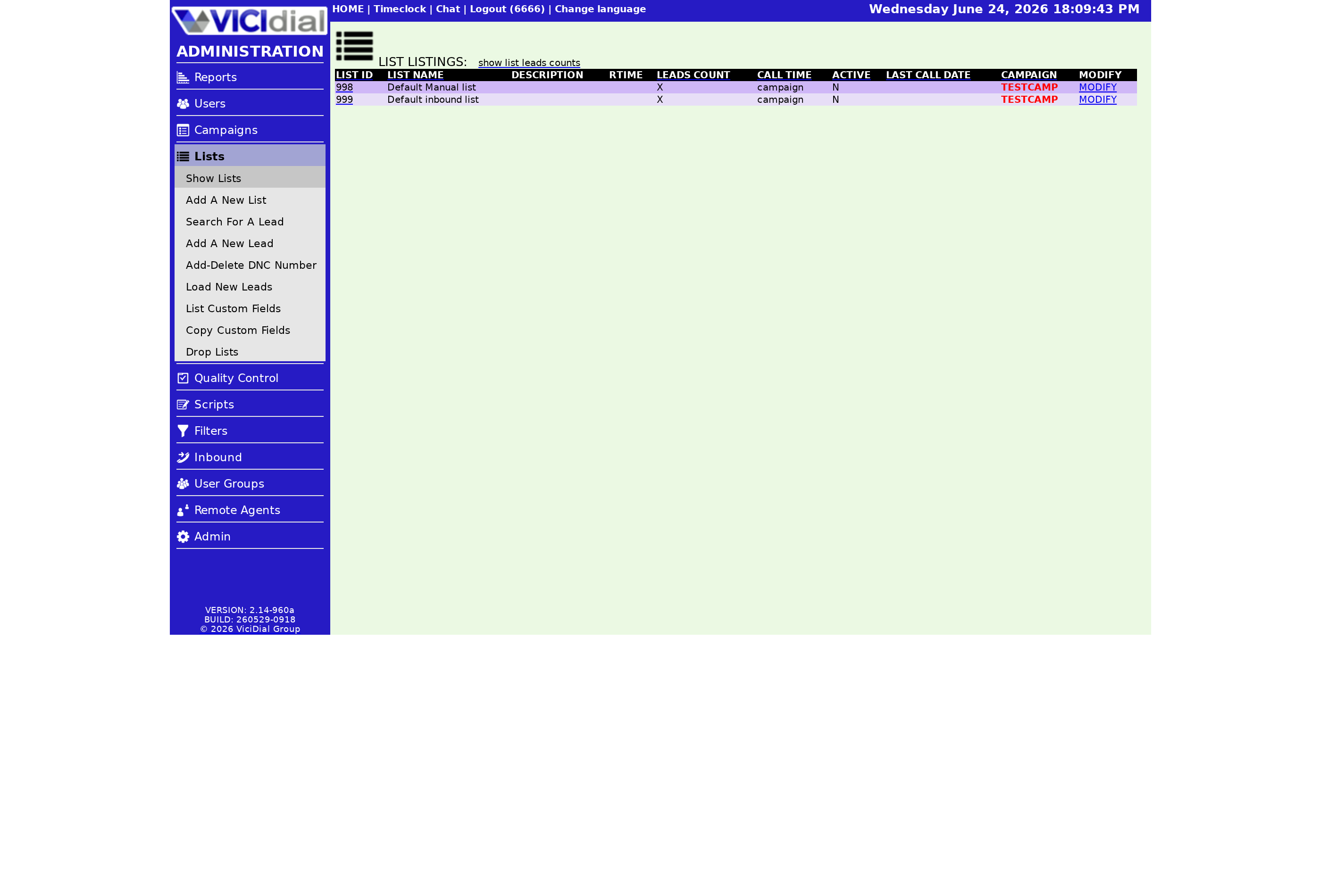
Custom fields belong to a list, not to the whole system. Once a field exists on a list, it also appears on that list's loading page, so you can import values straight into it when you upload a file. If you want the same set on a new list, the Copy Custom Fields tool clones them across in one move instead of rebuilding each one by hand, which is a real time saver when you run many lists with the same shape of data. This list-scoped design keeps things tidy: a list of mortgage records can carry rate and balance fields while a separate list of service appointments carries slot and technician fields, and the two never collide.
There is one nice behavior worth knowing. If a lead later moves to a different list, perhaps pushed there by a dispo script or some other routing step, it keeps the custom fields from the list it was first viewed in. If nobody ever opened that lead before it moved, it carries the fields of the first list it is viewed from instead. So the data a lead picked up does not vanish just because the record changed lists, which is reassuring when your workflow shuffles records between buckets as they progress. The information an agent gathered stays glued to the person, not to the list it happened to sit in at the time.
Custom fields are also reachable from the various API script functions, so an integration can read and write them like any other column. They are flexible everywhere except inside a Filter, which is the one limit to keep in mind.
Custom fields are one of the quiet wins of running your own dialer. A VICIfast box is live in under 40 seconds, so you can shape your lists to your business from the first call. See the pricing page to get started, and brush up on what a VICIdial list is first if you are new.
Frequently asked
- On the Web Form tab of the agent interface. Agents can read the value there and, for most field types, type a new answer that saves back to the lead.
- No. Custom fields cannot be used in a filter. To narrow dialing you have to rely on standard fields.
- Use the Copy Custom Fields tool to clone a list's fields onto a new list in one step instead of recreating each field.
› Where do custom fields appear for agents?
› Can I use a custom field in a lead filter?
› Do custom fields copy to other lists?
Related from VICIfast
About VICIfast
We run VICIdial servers for call centres, so you don’t have to. You get the dialer set up, secured and kept running — we handle the server, the updates and the backups. Bring your own phone carrier at no markup, or use VICIfast Voice, our own US calling and numbers, from $0.0085 a minute. From $49 a month per server.
Questions? Call +1 636 556 0022 and talk to someone who runs dialers.
Citing this article
VICIfast Engineering. “What list custom fields are”. VICIfast LLC, June 23, 2026. Retrieved from https://vicifast.com/blog/what-are-vicidial-list-custom-fields
Have questions?
Related posts



You might be interested in


VICIfast newsletter
Liked this? Get the next one in your inbox.
We ship the kind of stuff you just read - concrete, numbers-first, no drip. One email when a new post goes live. Unsubscribe in one click.
Comments
No comments yet - be the first.