Assigning a VICIdial list to a campaign
How to attach a list to a campaign in VICIdial, what changes when you move it, and why a list can only run on one campaign.

A list of records on its own does nothing. It only starts dialing once you attach it to a Campaign - the configuration that holds your dial method, statuses, caller ID, and pacing. The campaign is the engine; the list is the fuel. Connecting the two is one of the most common things you'll do in VICIdial.
Making the assignment
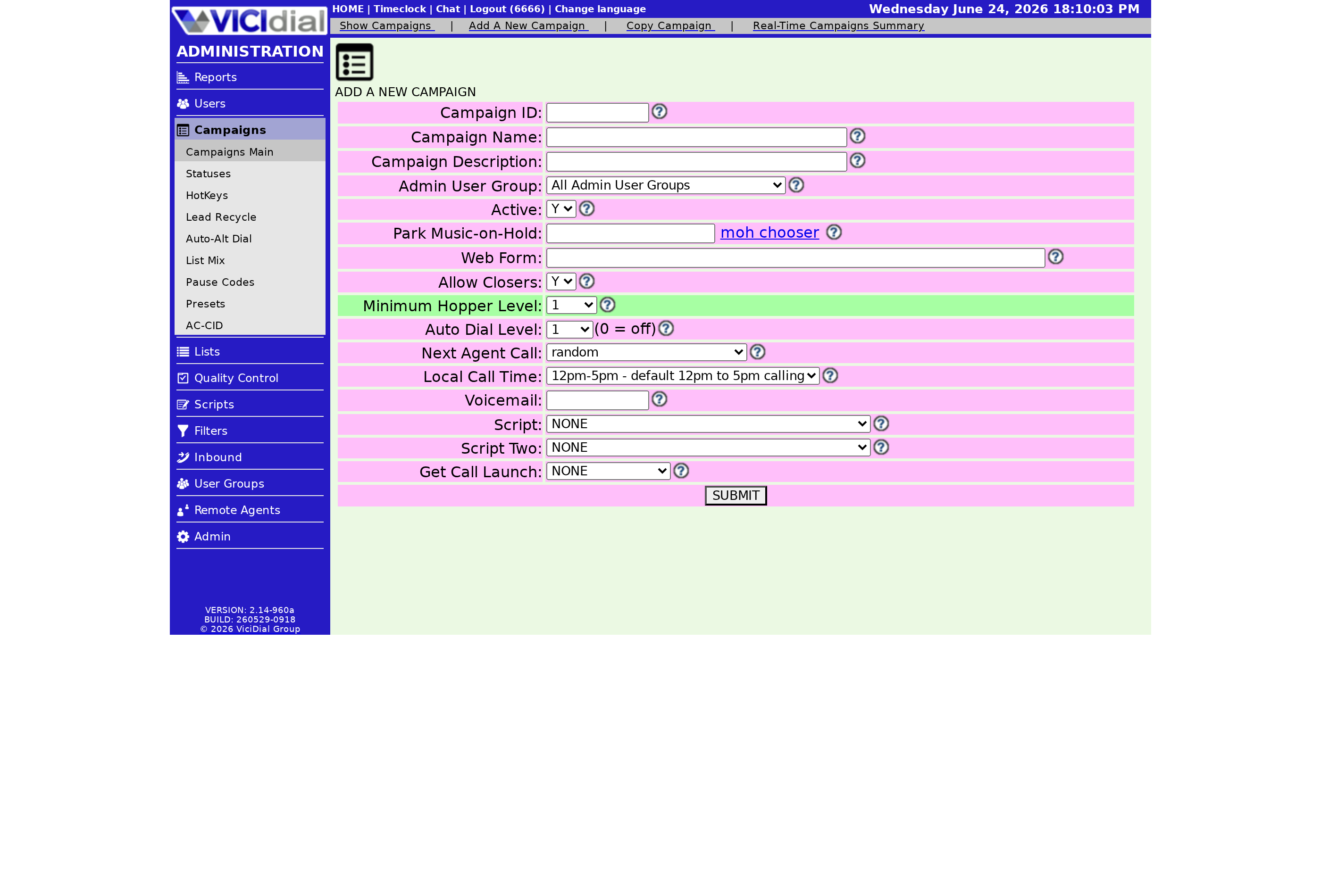
Open the Modify List screen for the list you want, find the Campaign field, and pick the campaign from the dropdown. Save the form. That's it - the list is now attached. From this point the campaign's rules govern how those records are dialed, and eligible records begin flowing into the Hopper, the short queue that feeds the dialer.
The one-campaign rule
A list can only be dialed on a single campaign at any one time. There's no splitting one list across two campaigns. If you need the same records dialed under two different sets of rules, you'd duplicate or reload them into separate lists. This rule exists to keep a record from being called twice at once, which would annoy customers and risk compliance trouble.
flowchart LR
  A[List of leads] --> B[Campaign field set]
  B --> C[Campaign rules apply]
  C --> D[Eligible leads enter hopper]
  D --> E[Dialer places calls]
  B --> F{Switch campaign?}
  F -->|Yes| G[Old hopper entries flushed]
  G --> C
A useful side effect of this rule is that it keeps your reporting clean. Since every record in a list reports against exactly one campaign, your stats never get muddied by the same data showing up under two banners. It also makes pacing predictable - the campaign sees one consistent pool of records to work from, so its dial pacing and drop calculations stay accurate instead of fighting over shared data.
Make sure the list is active too
Assigning a list to a campaign is only half the job. The list also has to be Active, and it must not have passed its expiration date. If you assign a list and nothing dials, check the Active flag first - a deleted campaign even shows in red in the list table, which is a quick way to spot a broken link. Each Lead still has to match a dialable status defined by the campaign before it goes out, so a list full of completed or do-not-call records can be perfectly assigned and still produce no calls.
Switching a list between campaigns is also a normal part of running a busy operation, not something to fear. Maybe a list started life on a daytime campaign and you want to move it to an evening one, or you're reorganizing which agents work which data. The move is a single dropdown change and a save. Just remember the trade-off: the brief hopper flush means the very first calls after the switch take a moment to start, since the queue has to rebuild from scratch under the new campaign's settings before anything goes out.
If campaigns are new to you, the lists and leads guide maps out how everything connects, and what a VICIdial list is covers the container you're attaching.
Attach the list, confirm it's active, and you're calling. If you'd rather not stand up the campaign infrastructure yourself, our managed VICIdial gets you a working dialer in under a minute - see pricing.
Frequently asked
- No. A list dials on exactly one campaign at a time. To dial the same records under different rules, load them into separate lists.
- All of that list's records in the hopper are flushed to prevent duplicate dialing, then the hopper refills under the new campaign's settings.
- Confirm the list is Active and hasn't expired, and check that the campaign isn't shown in red, which means it was deleted.
› Can one list run on two campaigns at once?
› What happens to my hopper when I change campaigns?
› I assigned a list but nothing dials. What now?
Related from VICIfast
About VICIfast
We run VICIdial servers for call centres, so you don’t have to. You get the dialer set up, secured and kept running — we handle the server, the updates and the backups. Bring your own phone carrier at no markup, or use VICIfast Voice, our own US calling and numbers, from $0.0085 a minute. From $49 a month per server.
Questions? Call +1 636 556 0022 and talk to someone who runs dialers.
Citing this article
VICIfast Engineering. “Assigning a VICIdial list to a campaign”. VICIfast LLC, June 22, 2026. Retrieved from https://vicifast.com/blog/assign-vicidial-list-to-campaign
Have questions?
Related posts



You might be interested in



VICIfast newsletter
Liked this? Get the next one in your inbox.
We ship the kind of stuff you just read - concrete, numbers-first, no drip. One email when a new post goes live. Unsubscribe in one click.
Comments
No comments yet - be the first.