List Expiration Date: auto-retiring a VICIdial list
The Expiration Date setting quietly stops a VICIdial list from dialing after a chosen day. Here's how it works and how to read the EXP flag.

The Expiration Date is a quiet little setting that does one useful thing: it stops a list from dialing after a date you choose. Set it to the last day a list should be worked, and once that day passes, VICIdial simply won't call those records anymore - not automatically, and not when an agent tries to dial them by hand. No babysitting, no remembering to turn it off - the list retires itself.
Where it lives and what it does
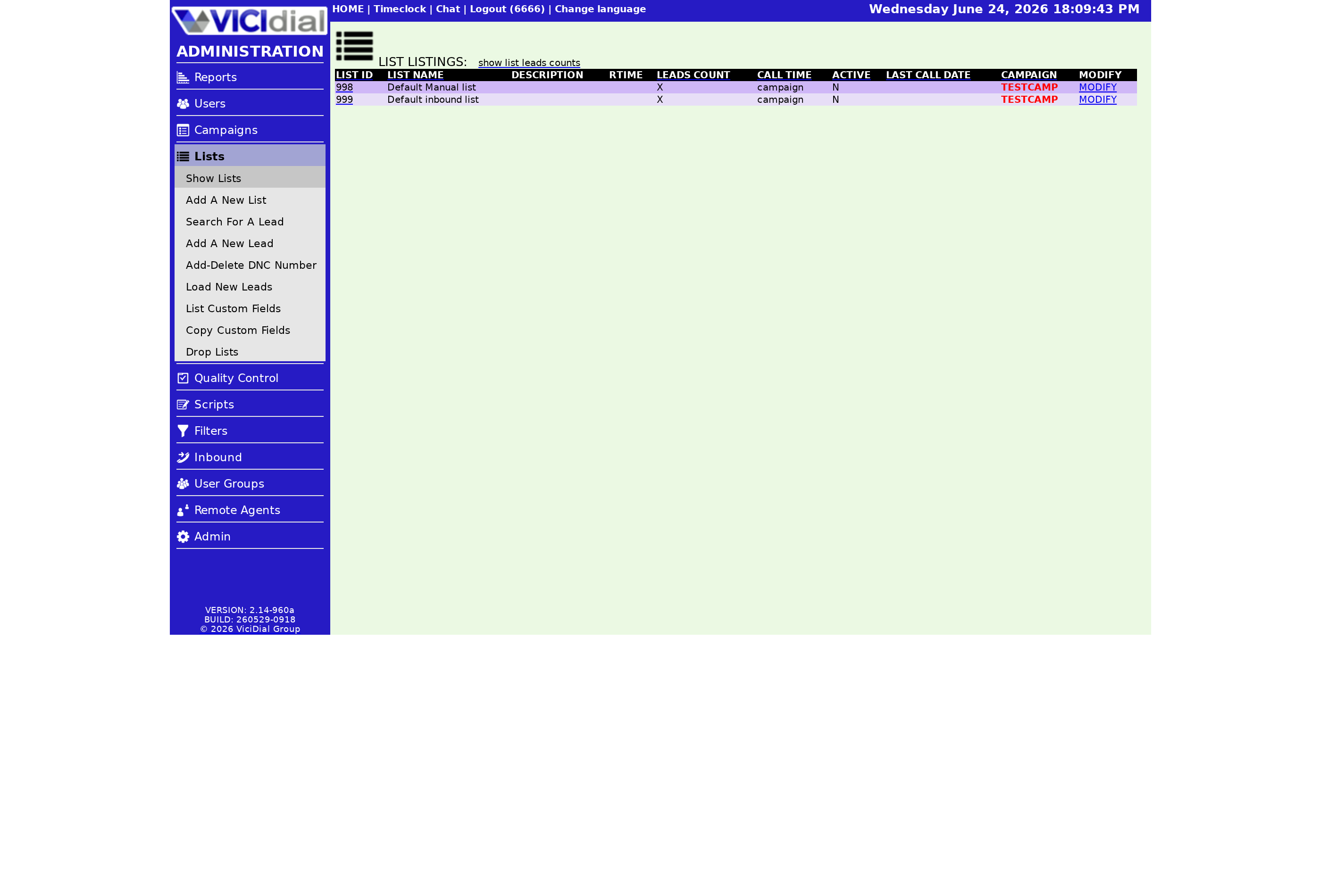
You'll find Expiration Date on the Modify List screen. By default it's set far into the future - December 31st, 2099 - which effectively means "never expire." Change it to a real date and the list keeps dialing right up to that day, then stops cold. The records aren't deleted; each Lead is still there, just no longer eligible to be called.
Why you'd use it
- Time-limited offers - stop calling the day a promotion ends.
- Rented or licensed data with a hard end date you must honor.
- Seasonal lists you want to shut off automatically when the season closes.
stateDiagram-v2
  [*] --> Dialable
  Dialable --> Dialable: before expiration date
  Dialable --> Expired: date passes
  Expired --> Expired: EXP flag shown, no dialing
  Expired --> Dialable: push date forward
How it interacts with Active and the campaign
Expiration is a separate gate from the Active toggle. A list has to clear both to dial: Active set to Y and an expiration date still in the future. That's why an Active list can stubbornly refuse to call - the EXP flag is overruling it. If you want to bring an expired list back, just push the Expiration Date forward to a new day and the records become dialable again on its Campaign. The Hopper will start refilling from that list on the next cycle.
A small but important detail: the date applies whether the system places the call automatically or an agent dials a record by hand from the list. Agents can't sidestep an expired list - once the date passes, the records are off the table across the board. That consistency is what makes expiration trustworthy for compliance. If your contract with a data provider says "stop calling after the 30th," setting the Expiration Date to the 30th means the system enforces it for you, not your team's memory.
When you do extend a list, the change isn't always instant in every part of the system, so give it a cycle before you expect to see calls again. The records were never removed, so there's nothing to reload - they simply rejoin the dialable pool once the date is back in the future.
For how expiration fits alongside resets and the other list controls, the lists and leads guide has the full map, and what a VICIdial list is covers the container itself.
Set it once and forget it - that's the whole appeal of the Expiration Date. If you want a dialer that's just as low-maintenance everywhere else, our managed VICIdial is live in under 40 seconds; see pricing.
Frequently asked
- December 31st, 2099, which effectively means the list never expires until you set a real date.
- No. Expiration only stops the records from being dialed. They remain in the list and become dialable again if you extend the date.
- Expiration overrides Active. An expired list won't dial even when Active is Y. Push the Expiration Date forward to resume calling.
› What is the default expiration date?
› Does expiring a list delete its records?
› My list is Active but shows EXP - why won't it dial?
Related from VICIfast
About VICIfast
We run VICIdial servers for call centres, so you don’t have to. You get the dialer set up, secured and kept running — we handle the server, the updates and the backups. Bring your own phone carrier at no markup, or use VICIfast Voice, our own US calling and numbers, from $0.0085 a minute. From $49 a month per server.
Questions? Call +1 636 556 0022 and talk to someone who runs dialers.
Citing this article
VICIfast Engineering. “List Expiration Date: auto-retiring a VICIdial list”. VICIfast LLC, June 22, 2026. Retrieved from https://vicifast.com/blog/vicidial-list-expiration-date
Have questions?
Related posts




You might be interested in


VICIfast newsletter
Liked this? Get the next one in your inbox.
We ship the kind of stuff you just read - concrete, numbers-first, no drip. One email when a new post goes live. Unsubscribe in one click.
Comments
No comments yet - be the first.