Getting started
Order a server, log in, and place your first call.
8 articles
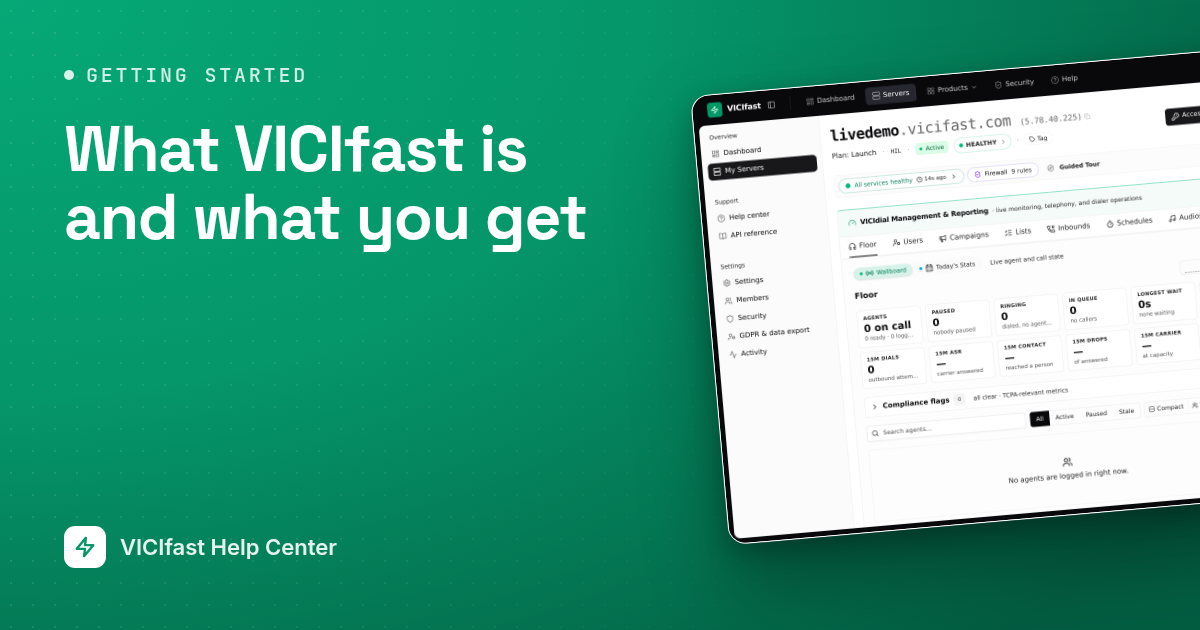
What VICIfast is and what you get
VICIfast runs VICIdial, the open-source call-center dialer, on a server of your own, with a dashboard to manage it. Here is what you get and what stays with you.
3 min read
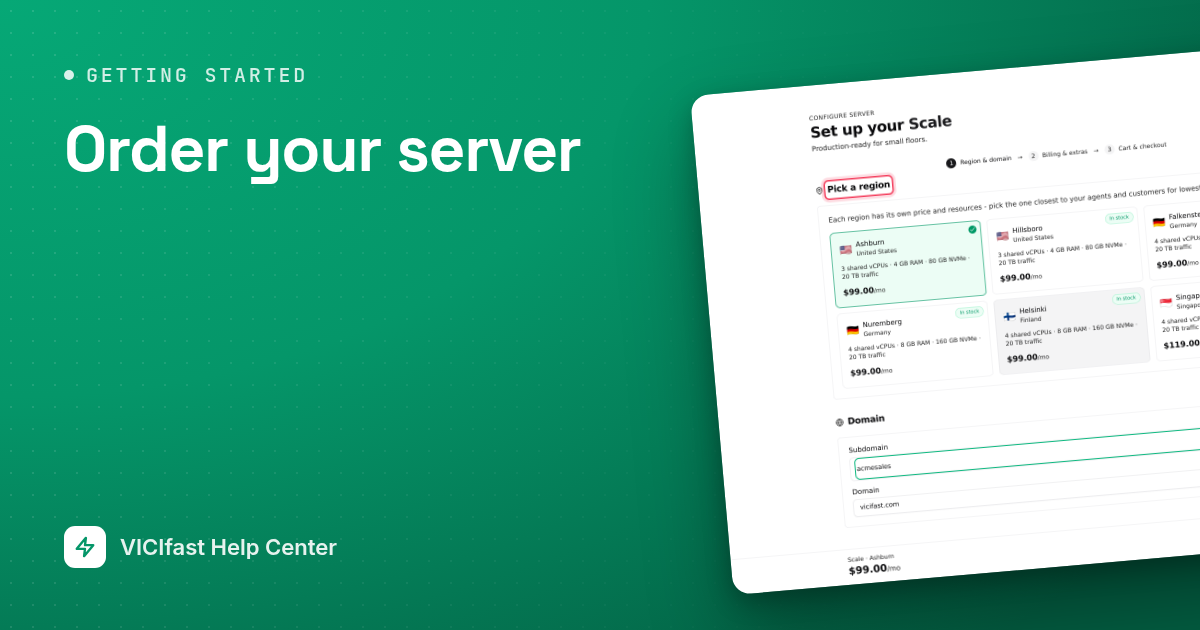
Order your server
Pick a plan, a region and an address, pay, and watch your VICIdial server build. Covers trials, Managed Floor, add-ons and every payment method.
5 min read
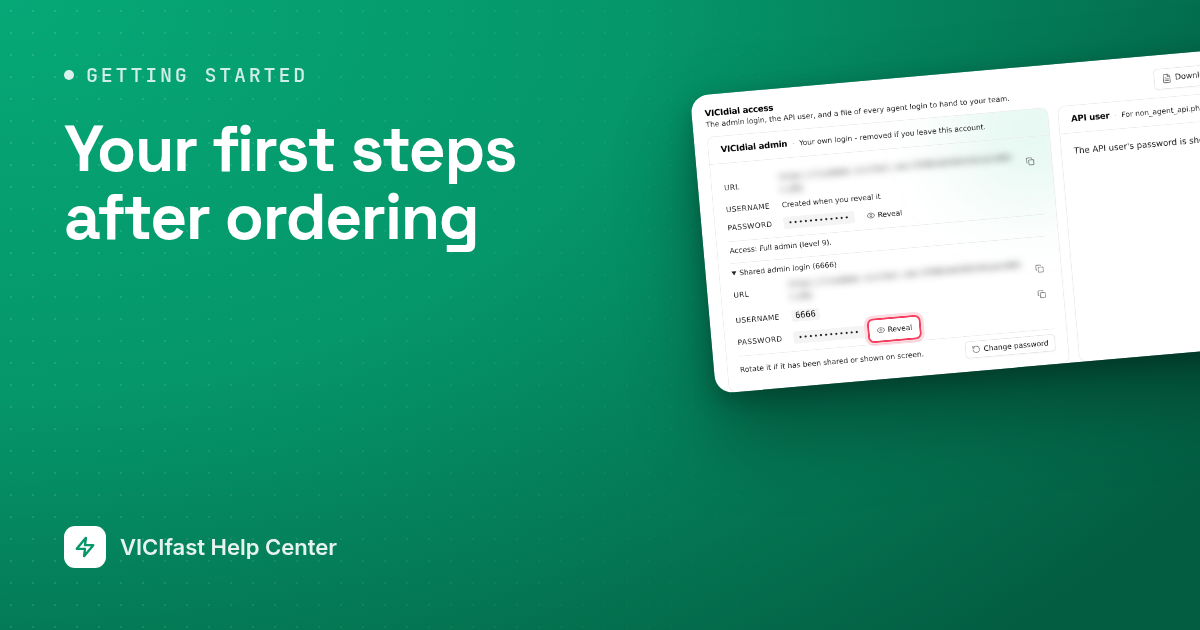
Your first steps after ordering
What happens after you pay: the emails you get, opening your server, getting through its firewall, signing in to VICIdial and setting up your team.
4 min read
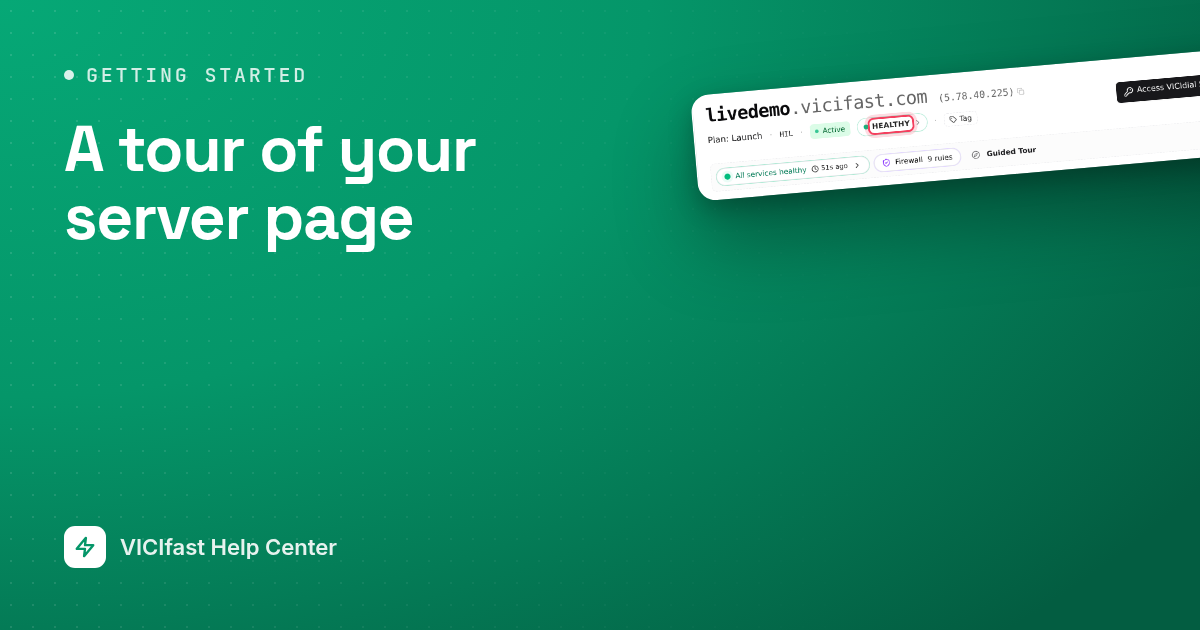
A tour of your server page
Your server page from top to bottom: the header, the tools strip, Server Health, the VICIdial logins and the tabs where daily work happens.
5 min read
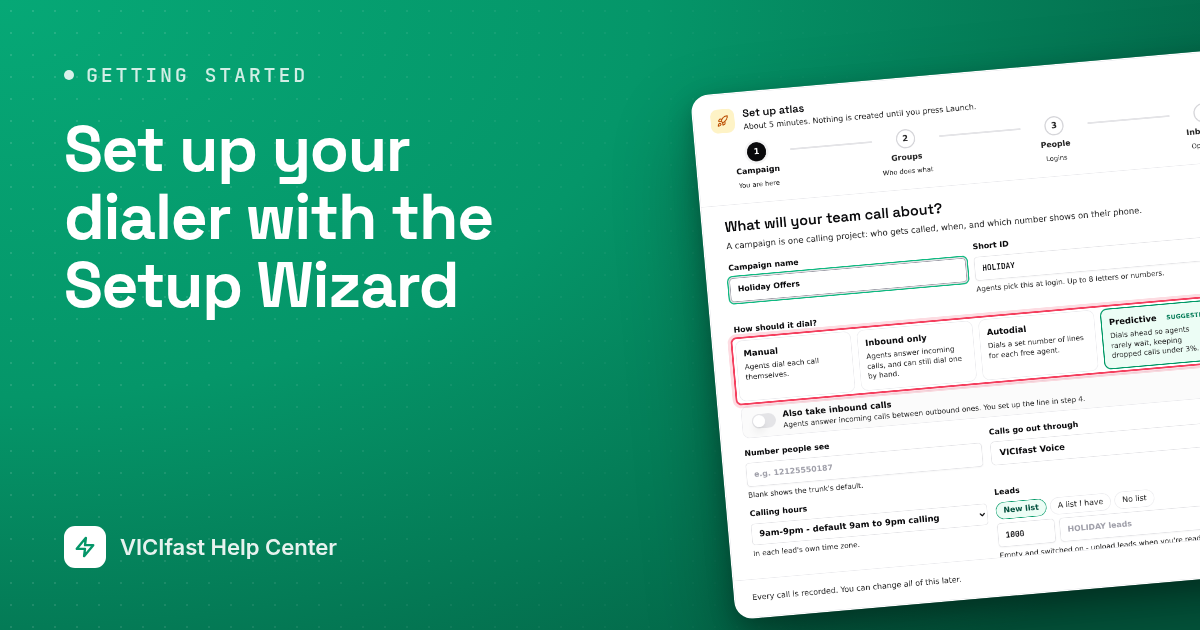
Set up your dialer with the Setup Wizard
The Setup Wizard builds a campaign, user groups, a login and browser phone for each person, and an optional inbound line, all in one go.
5 min read
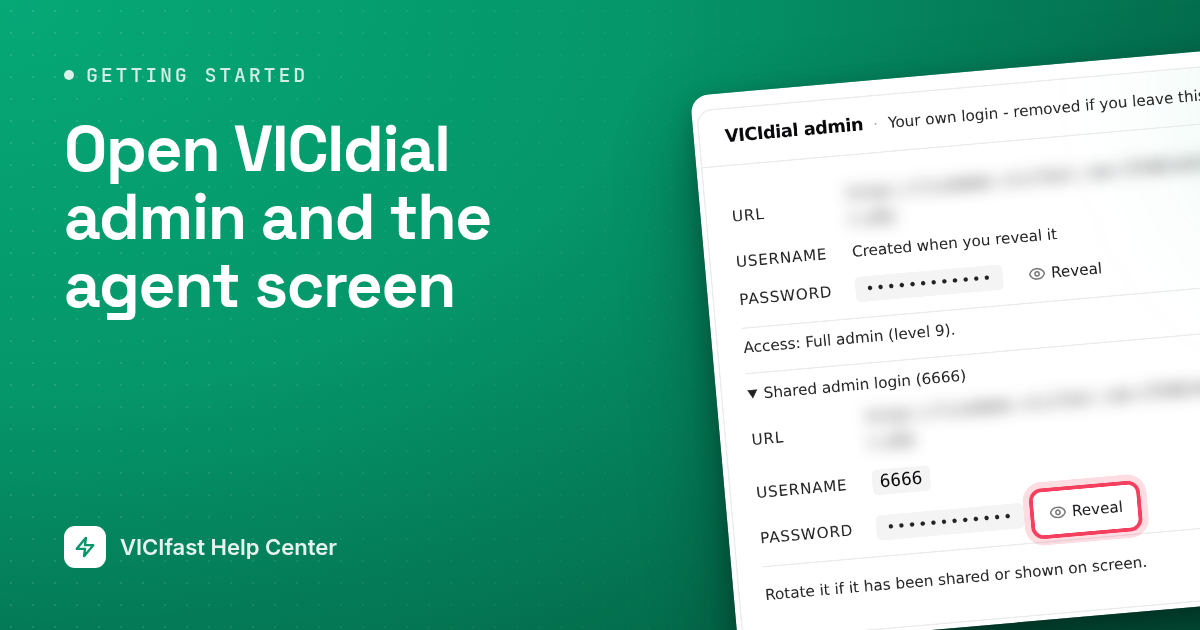
Open VICIdial admin and the agent screen
Where your VICIdial admin login lives, how to sign in to VICIdial admin, and how your agents get to the agent screen.
4 min read
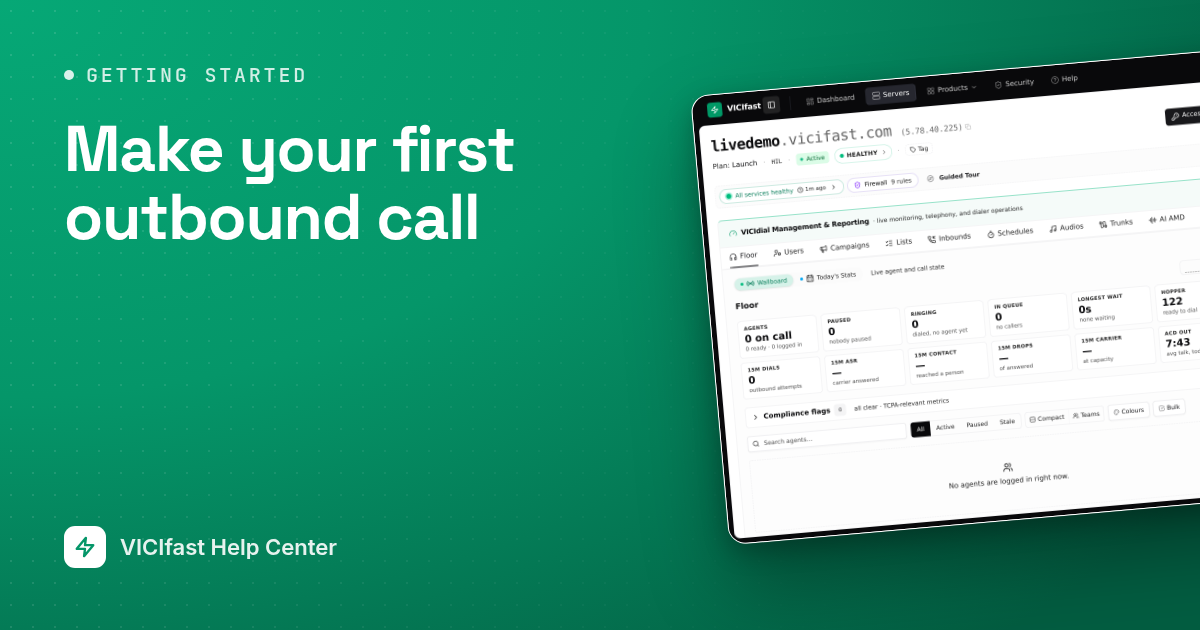
Make your first outbound call
From a new server to your first real outbound call: a working phone line, a campaign with leads, an agent signed in, and the call result saved.
4 min read
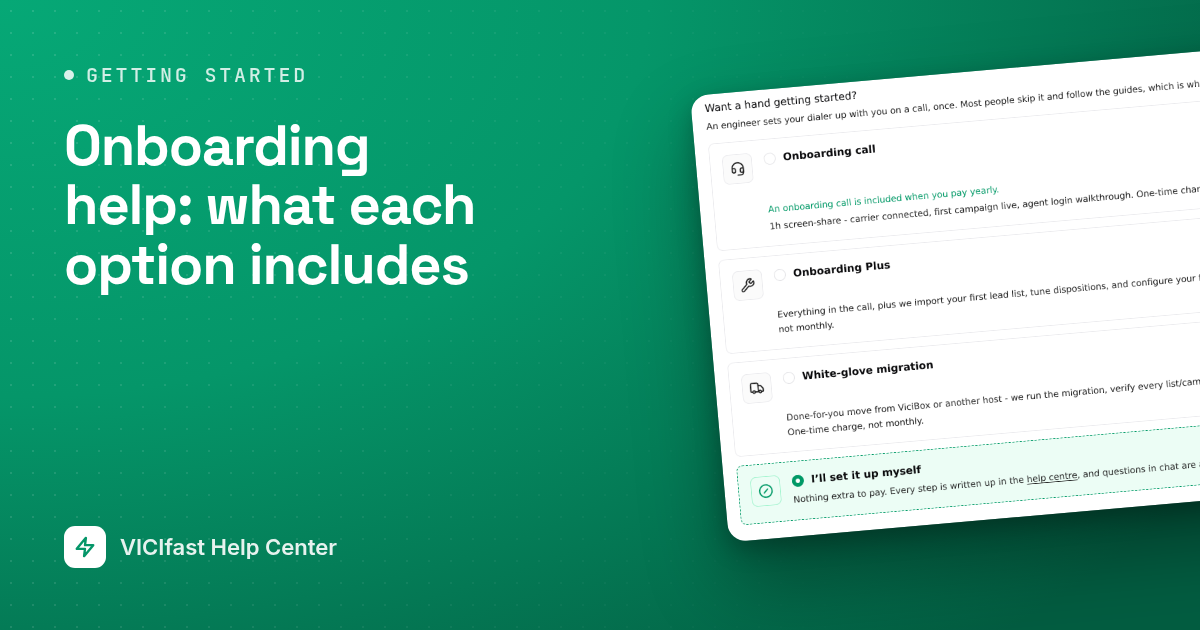
Onboarding help: what each option includes
Onboarding is a one-time session where one of our engineers sets up your dialer with you. What each option includes, when it is included free, and how to book it.
3 min read