Managed Floor: what it includes
With Managed Floor, a named VICIdial engineer runs the dialing side of your server. What the two tiers include, what they unlock, and how to add, change or stop it.
Billing & account · 5 min read
Managed Floor puts a named VICIdial engineer on your server. You keep running your call center; they keep your numbers connecting, your phone line (trunk) healthy and your dialer tuned. It is added per server, in one of two tiers.
What you need
- You are the account owner.
- A VICIfast hosting plan built for 25 agents or more. The price is set by the size of that plan.
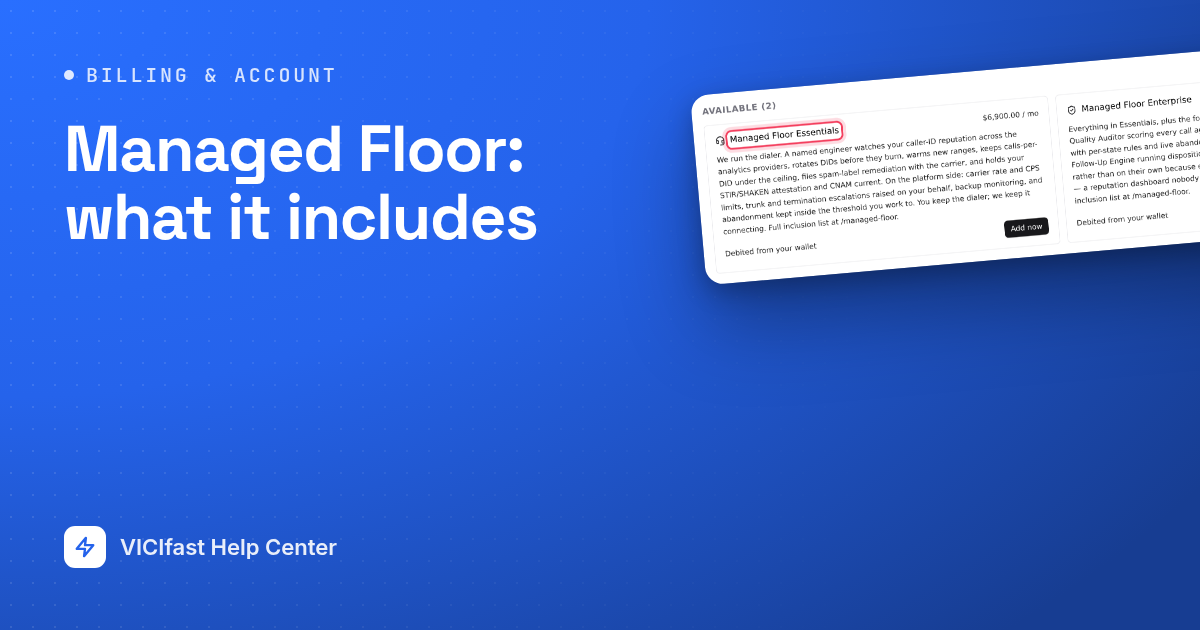
Managed Floor Essentials
We keep the calls connecting and the platform healthy. Your engineer:
- Watches your caller ID reputation, rotates and warms your numbers before they burn, keeps calls per number under safe limits, checks STIR/SHAKEN, handles spam labels with the carrier and keeps your caller name (CNAM) registered.
- Deals with your carrier for you: rate limits, a tested backup route, and the troubleshooting when calls fail or have no sound.
- Tunes answering-machine detection on your real recordings, manages dial level and dropped calls, keeps lists recycling and calls inside time-zone windows.
- Watches backups (and test-restores them), disk and server health, applies VICIdial updates, and looks after your firewall, logins and security certificate.
- Switches on TCPA Command Center and DID Reputation Center for you.
- Works with you in a shared Slack channel, sends a weekly written report, and makes campaign, list and call result changes on request.
Managed Floor Enterprise
Everything in Essentials, plus the work that needs someone inside your business:
- Buys numbers on your supplier account for you, reviews your carrier rates, sets up least-cost routing across carriers, and benchmarks you against other VICIfast floors (anonymised).
- Compliance work: do-not-call lists and scrubbing, litigator scrubbing, calling windows per state, dropped calls held to your threshold, and recording retention to your policy.
- AI Quality Auditor: calls are sampled and scored against your scorecards, with coaching sessions for your supervisors and new-agent onboarding.
- Follow Up Engine: email and SMS nurture over weeks and months for the leads you could not close today.
- A monthly review call, a quarterly business review, campaign launch support, a written runbook of your setup, and a yearly backup-route test.
What is not included
- Carrier minutes and number costs. Your carrier bills you at your own rate; on VICIfast Voice, its published rates apply.
- Lead data, agent labour or supervision.
- Legal advice, or a promise that you are compliant. We set and hold the limits you agree.
- The server itself: that is your hosting plan.
- A guarantee on number quality from other suppliers.
The full list, with prices for each plan size, is on the Managed Floor page.
Step 1: Add Managed Floor to a server
- On your server page, click the ⋮ button (More server actions) at the top right, then Manage addons.
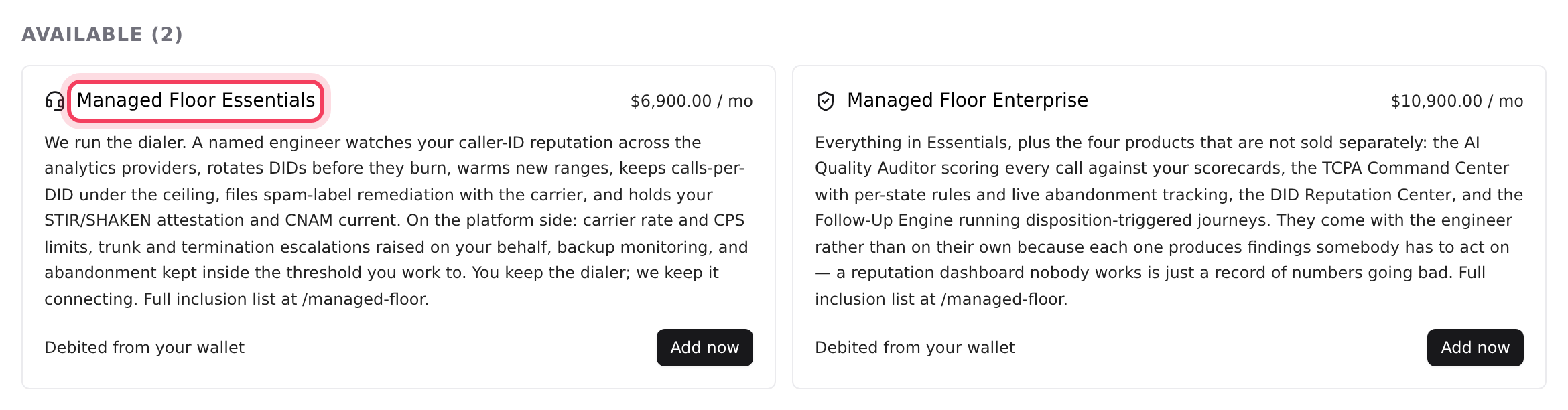
- Under Available, find Managed Floor Essentials or Managed Floor Enterprise. The price for your plan is on the card.
- Click Add now. The card shows what you pay today (the rest of this billing period) and on every renewal after that.
- Click Pay … or Pay … from wallet to confirm.
You can also pick a tier when you order a new server. See Order your server. With Managed Floor, setup is included, so you don't need an onboarding option.
Step 2: Meet your engineer
- Right after you buy, we email you a link to book your kickoff call.
- On the call you meet your engineer, we go through your numbers, carriers and campaigns, and agree the limits we will hold (calls per number, dropped calls, dial speed). On Enterprise we also build your first QA scorecard and switch on the four tools.
- Your server page now shows a panel that reads Active on this server, with your tier and your engineer's name and email. Reach your engineer opens the chat, and Everything included opens the full list.
If the panel says your engineer is being assigned and nobody has introduced themselves within a working day, tell us in chat.
Step 3: Find the tools it unlocks
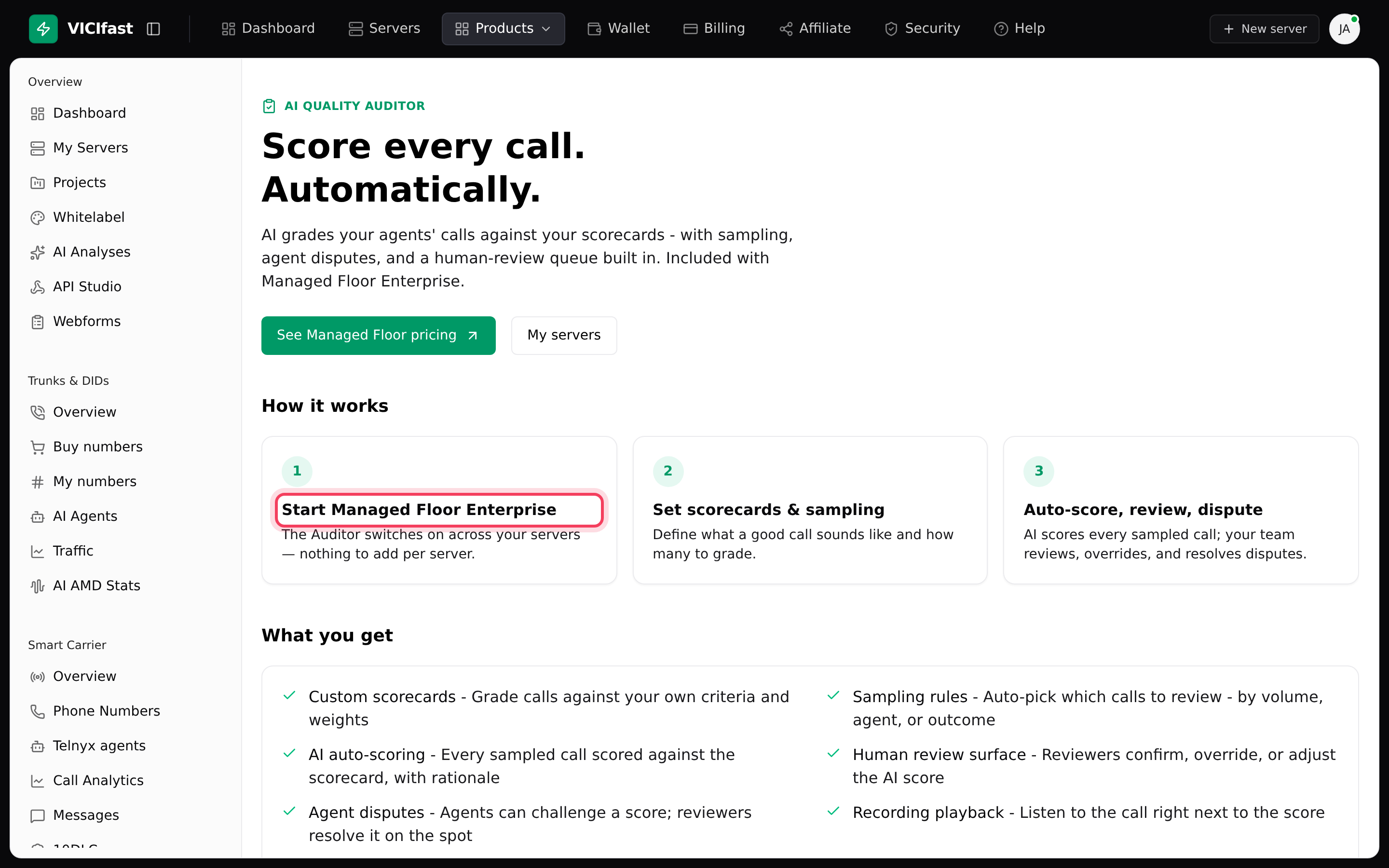
- Click Products at the top of the dashboard. It lists AI Quality Auditor, TCPA Command Center, DID Reputation Center and Follow Up Engine.
- TCPA Command Center and DID Reputation Center come with both tiers. AI Quality Auditor and Follow Up Engine come with Enterprise only. Your engineer switches them on for you.
- Without the right tier, each page explains what the tool does and that it comes with Managed Floor. With Enterprise, AI Quality Auditor takes you straight to the QA tab of your server.
More on the auditor in AI Quality Auditor.
Step 4: Change tier or stop
- Essentials to Enterprise: on the Addons page, the Enterprise card reads Replaces Essentials · difference prorated. Click Upgrade to Enterprise. You see what you pay today, with the Essentials time you have not used taken off, and your new monthly price. Click Pay … or Pay … from wallet to confirm.
- Enterprise to Essentials: ask us in chat. It is not self-serve.
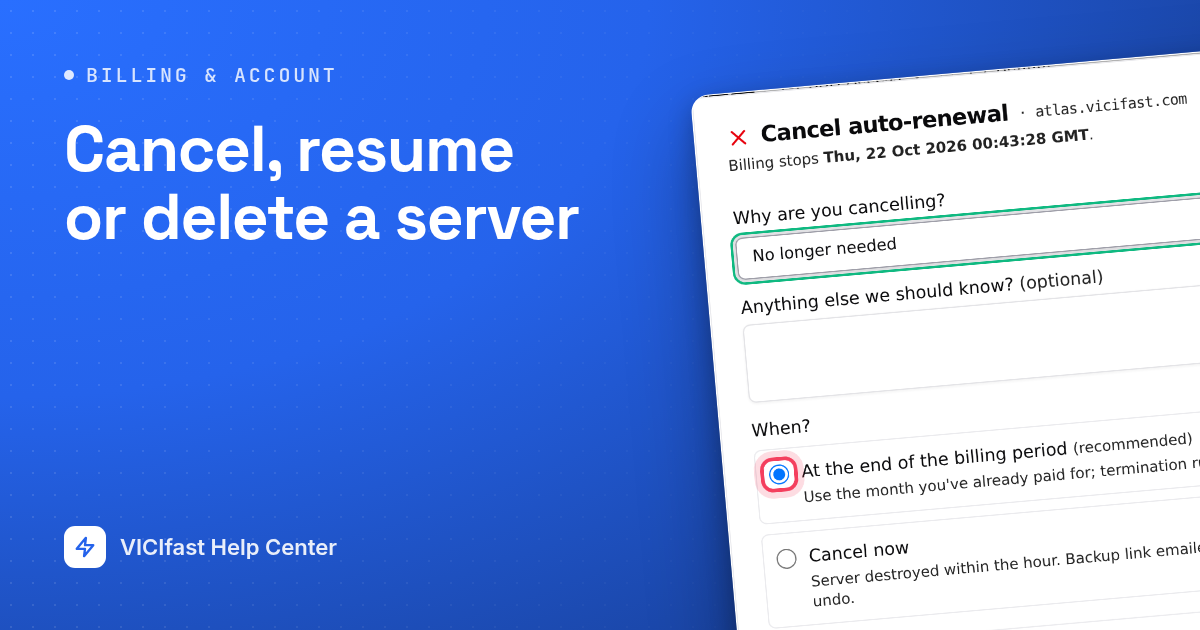
- Stop Managed Floor: under Active on this server, click Cancel at period end on its card. It runs until your renewal date, with no refund, and you can click Keep it until then.
If something goes wrong
Frequently asked
- Only the account owner can open the Addons page. If you are the owner and the cards are missing, ask us in chat.
- The two tiers replace each other, so you can't add both. Use Upgrade to Enterprise on the Enterprise card.
- Managed Floor starts at the 25-agent plans. Move to a bigger plan first, or talk to us in chat.
- Managed Floor is sold on VICIfast hosting plans. Talk to us and we will quote against your real agent count.
- Book the kickoff call from the email we sent, or use Reach your engineer on the server page.