AI Quality Auditor
Grade your agents' recorded calls against your own scorecards, with sampling rules, a review queue and agent disputes. Included with Managed Floor Enterprise.
Floor, recordings & reports · 2 min read
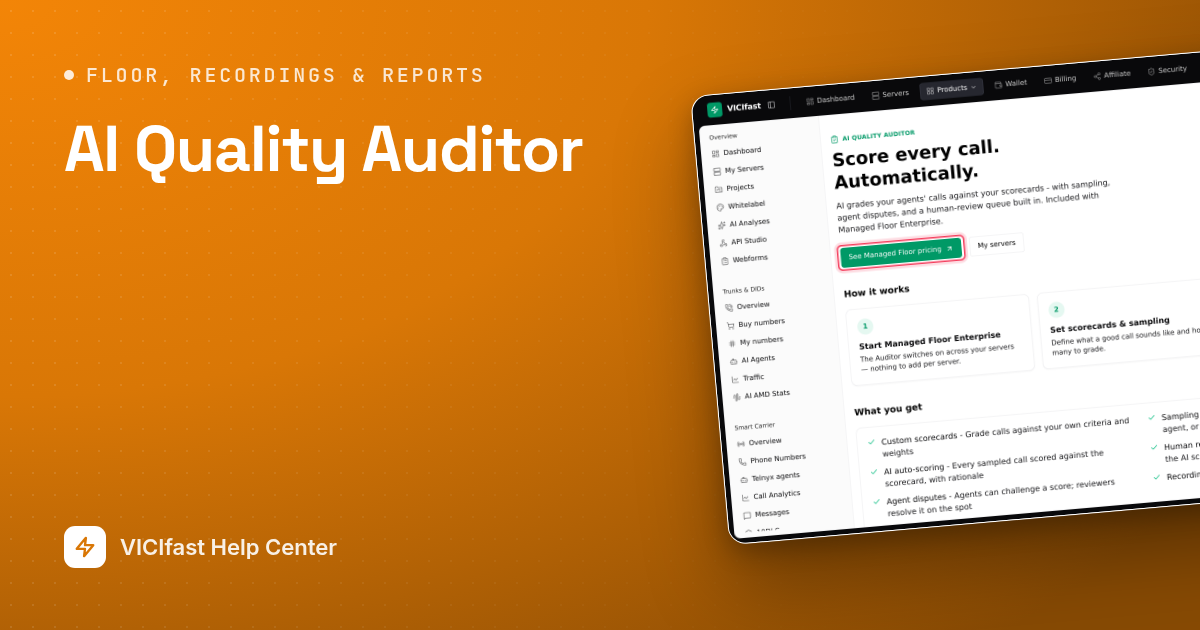
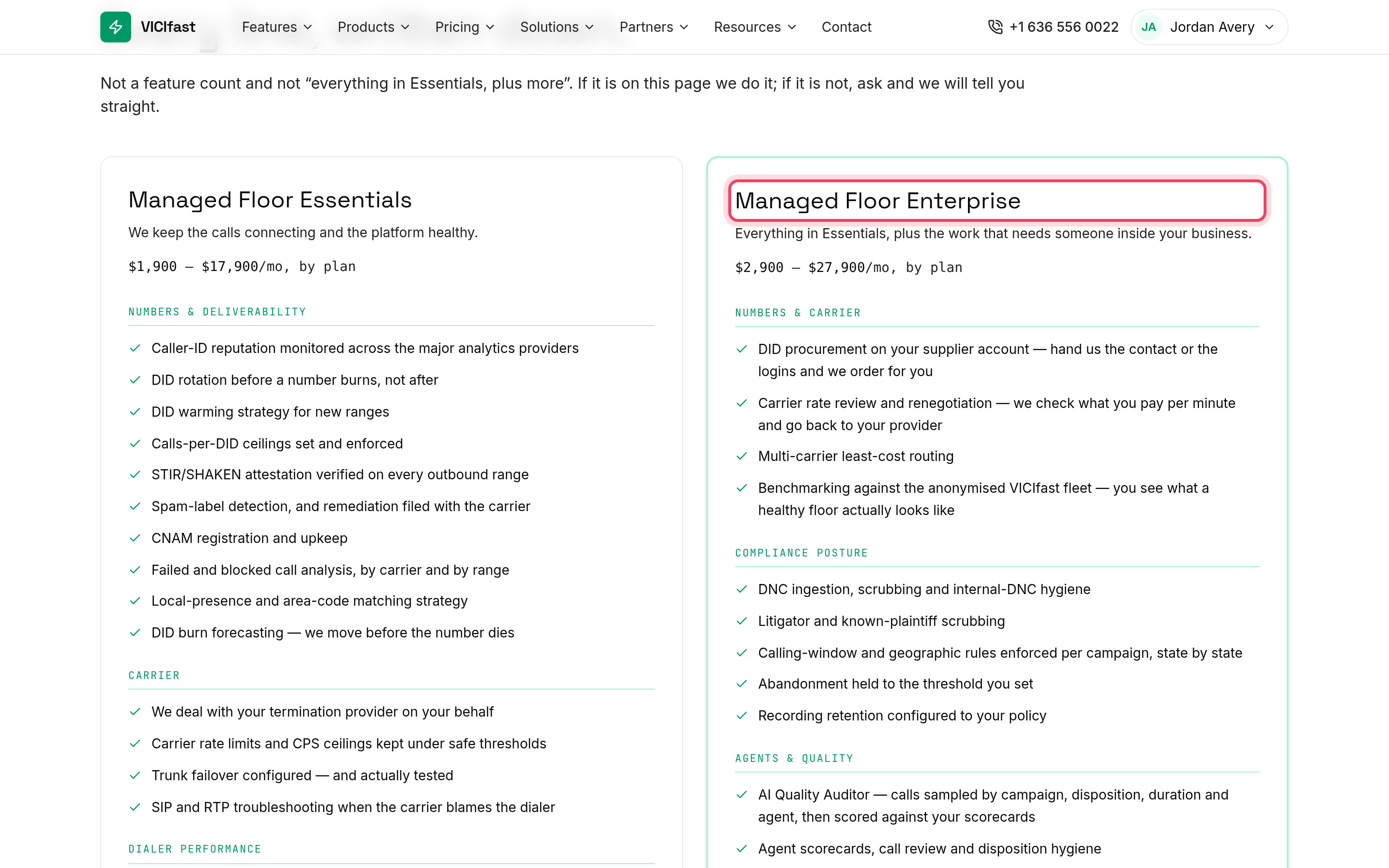
The AI Quality Auditor grades your agents' recorded calls against your own scorecards. Sampling rules decide which calls get graded, and your reviewers confirm or override each score and settle agent disputes. It is included with Managed Floor Enterprise and is not sold on its own.
Where to find it
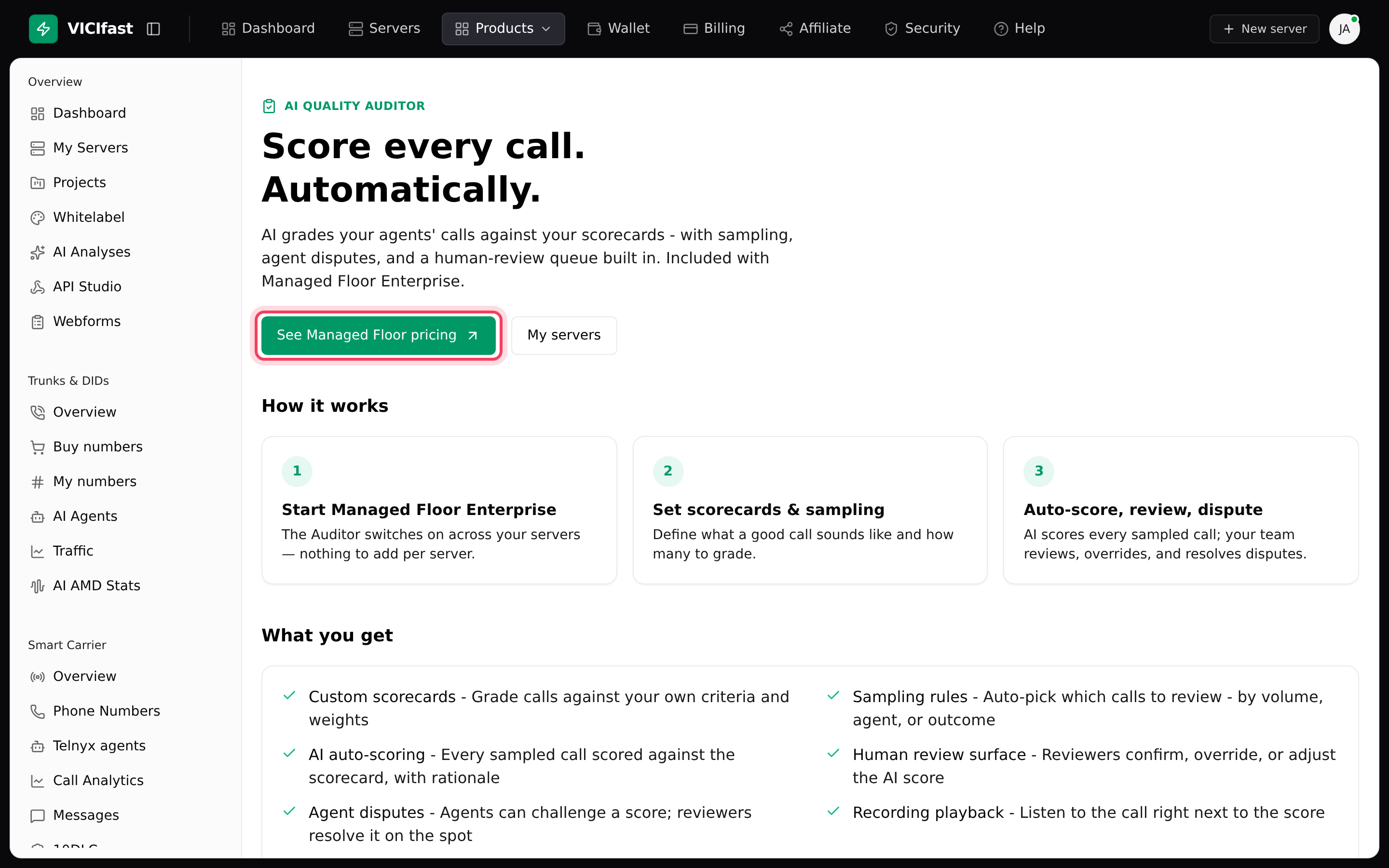
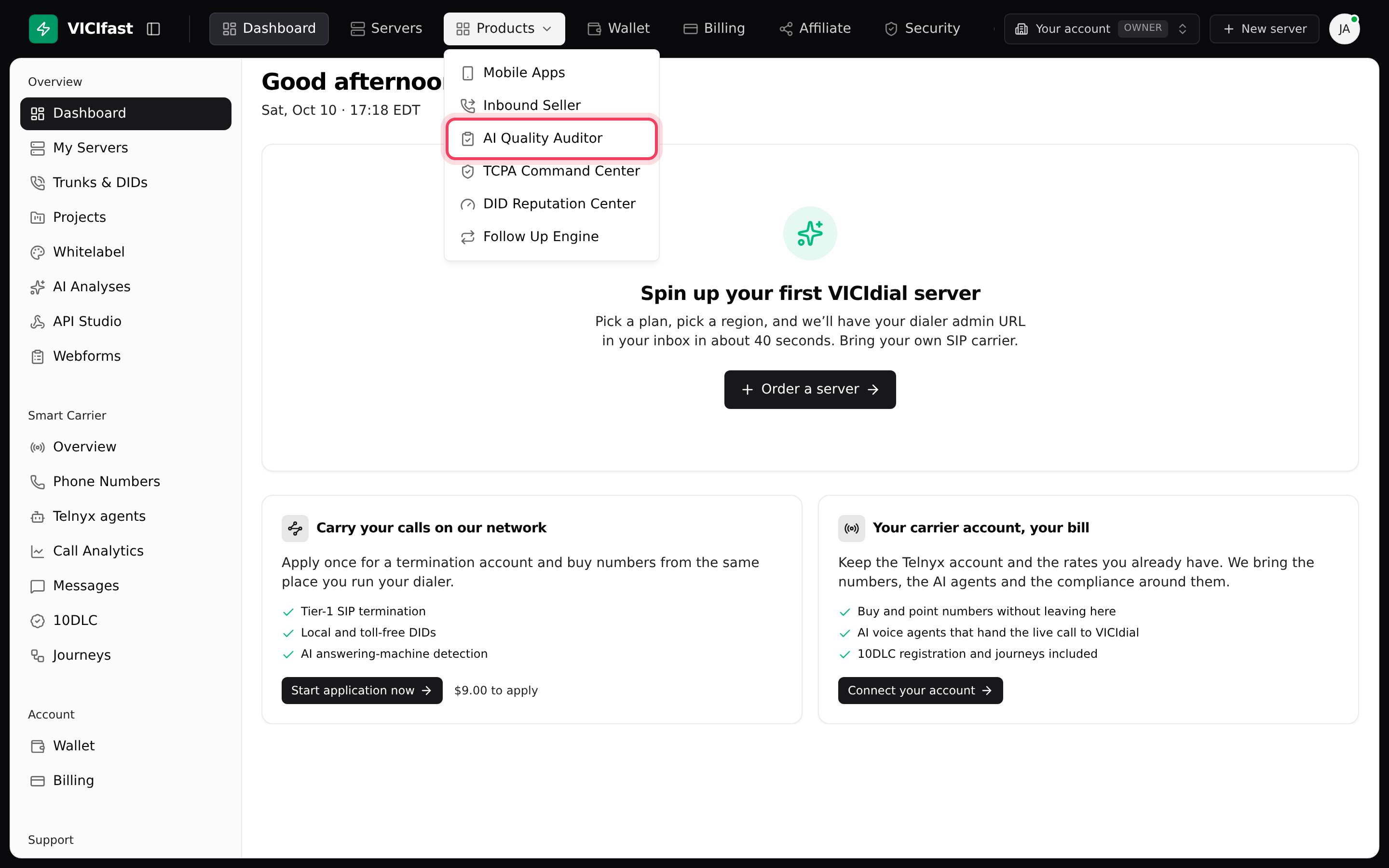
In the top bar, click Products, then AI Quality Auditor. If none of your servers is on Managed Floor Enterprise, you see a page that explains the product, with See Managed Floor pricing. If several servers are enrolled, you pick a server first; servers that are not enrolled are greyed out and marked not enrolled.
What you need
- Managed Floor Enterprise on the server. See Managed Floor: what it includes.
- The account owner sets up scorecards and sampling rules. Team members need the QA tab; the QA reviewer role is made for this and gives access to call reviews and recordings only.
- Money in your wallet: each call the AI scores is charged to your wallet.
How it works
- Set scorecards: describe what a good call sounds like.
- Set sampling rules: choose which calls get graded and how many.
- Auto-score, review, dispute: the AI scores every sampled call, and your team reviews, overrides and resolves disputes.
What's inside
- Overview: today at a glance, with Calls scored, Pass rate, Failures, AI spend and Recent reviews.
- Scorecards: each has a Name, a Pass threshold and a Scope (Default (any), Campaign, List or Ingroup). A scorecard is split into weighted sections, and each section into checkpoints of type Scored, Checklist, Critical or Open-ended. You can add AI criteria to tell the AI how to judge a checkpoint.
- Sampling rules: pick the calls by Campaigns, Ingroups, Lists, Agents, User groups, Dispositions and call length. Choose how many to score (Score every match, Random N per bucket, Random % per bucket or Every Nth match), how often (Hourly, Daily or On-demand (Run now only)), and an optional Daily budget.
- Reviews: every scored call with per-checkpoint detail, quotes from the call as evidence, and the audio. Reviewers can Rescore a call or Log agent dispute.
- Reports: pass-rate trend, top failed checkpoints, an agent leaderboard and AI spend.
What it costs
The Auditor itself is included in Managed Floor Enterprise. The AI scoring of each call is paid from your wallet. A rule's Daily budget caps what it spends per day. Bulk rescore… shows the estimated cost before it starts, and is not held to the daily budget, so check the estimate first.
If something goes wrong
Frequently asked
- None of your servers is on Managed Floor Enterprise yet. Click See Managed Floor pricing, or chat with support.
- That server is not on Managed Floor Enterprise. Only enrolled servers can use the Auditor.
- They need the QA tab. Give them the QA reviewer role, or add the QA tab to their role, on the Members page.
- Scorecards and sampling rules are changed by the account owner only. Reviewers can review, rescore and log disputes.