The Listloader auto-detect feature
How VICIdial's loader guesses which column in your file maps to which list field, and how to tune the match score.
When you upload a file full of records into VICIdial, something has to decide which column in your file lands in which database field. Auto-detect is the helper that takes a first guess for you. It looks at the header row of your file and tries to line each one up with a column in the list table, so you are not stuck assigning every field by hand. The records you load are called Lead records, and they live inside a Lead list. For the full picture of how lists and records fit together, read the lists and leads guide.
What auto-detect actually does
Auto-detect compares the text of each header in your file against the names of the columns in the list table. It uses a string-distance measure, which is just a way of scoring how close two words are to each other. A header named "phone" scores high against a field called phone_number, while "favorite_color" scores low against everything. Each comparison returns a number, and the highest scoring field wins. If a header name is an exact match for a list column, it gets the top score automatically.
The minimum score
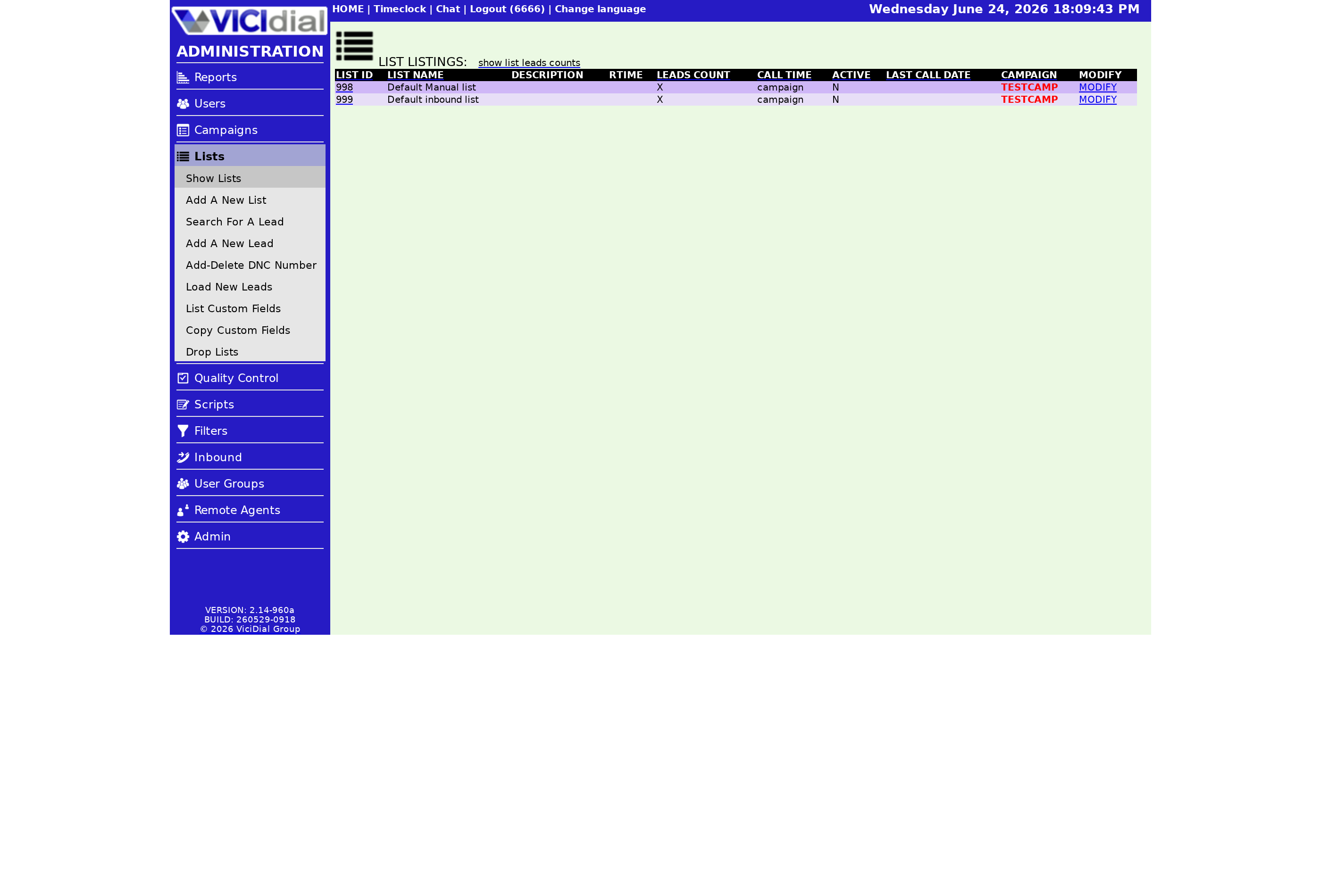
Matching is not all-or-nothing. There is a minimum required score, which defaults to 70. If the best match for a header clears 70, that field is selected for you on the processing page by the Lead loader. If nothing clears the bar, no field is selected, but you can still ask the page to show you the closest match it found so you can decide. This keeps the loader from guessing wildly when your column names do not look like anything in the table, and it means a quirky header never gets silently mapped to the wrong place.
The reason this matters is that a wrong guess is worse than no guess. If a header called "cell" quietly maps to a comments column, you will not notice until an agent opens a record and finds a phone number sitting where notes should be. By holding the cutoff at a sensible level, auto-detect errs on the side of leaving a field blank for you to assign, rather than confidently putting data in the wrong column. You still get the speed-up on the obvious columns, like phone and first name, while the unusual ones wait for a quick human nod.
flowchart TD
  A[File header row] --> B[Score vs list columns]
  B --> C{Best score >= 70?}
  C -->|Yes| D[Auto-select field]
  C -->|No| E[Leave unselected]
  E --> F[Show closest match on request]
  D --> G[Load into list]
  F --> G
Teaching it your own names
If your files always use the same odd header names, you can define aliases in the LISTLOADER_AUTO_MAPPING settings container. An alias tells the loader to give a header a high score for a specific field no matter what the string-distance math says. So if your data feed always calls the phone column "contact_no", you teach the system once that contact_no means phone_number, and from then on it maps cleanly. That same container is where you change the minimum required score away from 70 if 70 is letting bad matches through or rejecting good ones. Raise it when you want stricter matches, lower it when your headers are close but never exact. A few minutes spent there saves you re-mapping every single upload by hand.
Auto-detect is a one-time-per-file convenience. If you load the same layout over and over, build a saved template instead so a human never has to confirm mappings. A new VICIfast box is ready in under 40 seconds, so the loader is waiting for you on day one. Compare plans on the pricing page to get started.
New to lists entirely? Start with what a VICIdial list is and then come back to the loader.
Frequently asked
- No. It reads the header row to compare names against list columns, so a file with no headers gives it nothing to match.
- 70. A header's best match must reach 70 to be auto-selected. You can change that figure in the LISTLOADER_AUTO_MAPPING settings container.
- Yes. Define an alias in the LISTLOADER_AUTO_MAPPING container and that header gets a high score for your chosen field regardless of the string match.
› Does auto-detect work without a header row?
› What is the default match score?
› Can I force a header to always map to one field?
Related from VICIfast
About VICIfast
We run VICIdial servers for call centres, so you don’t have to. You get the dialer set up, secured and kept running — we handle the server, the updates and the backups. Bring your own phone carrier; we never resell minutes. From $49 a month per server.
Questions? Call +1 636 556 0022 and talk to someone who runs dialers.
Citing this article
VICIfast Engineering. “The Listloader auto-detect feature”. VICIfast LLC, June 23, 2026. Retrieved from https://vicifast.com/blog/vicidial-listloader-auto-detect
Have questions?
Related posts
You might be interested in
VICIfast newsletter
Liked this? Get the next one in your inbox.
We ship the kind of stuff you just read - concrete, numbers-first, no drip. One email when a new post goes live. Unsubscribe in one click.
Comments
No comments yet - be the first.