How to add a custom field to a list
A step-by-step look at creating a custom field on a VICIdial list, including the rank, label, and naming rules that trip people up.

Adding your own data point to a list is a short form, but a few fields on it do very different jobs and it pays to know which is which before you click create. The fields you add show up for agents and on the loading page for that list, so each new Custom field becomes part of how every Lead in that list is shown and edited. For the surrounding context, read the lists and leads guide.
Rank and order place it on the form
New Field Rank sets how high up the form the field sits. Rank 1 is at the very top and larger numbers go further down. Fields that share a rank land on the same row, and Field Order then decides their left-to-right position within that row, with 1 furthest left. If you set Re-Rank Fields Below to yes, VICIdial nudges existing fields of equal or lower rank down one slot to make room, which saves you renumbering everything by hand.
Label versus name
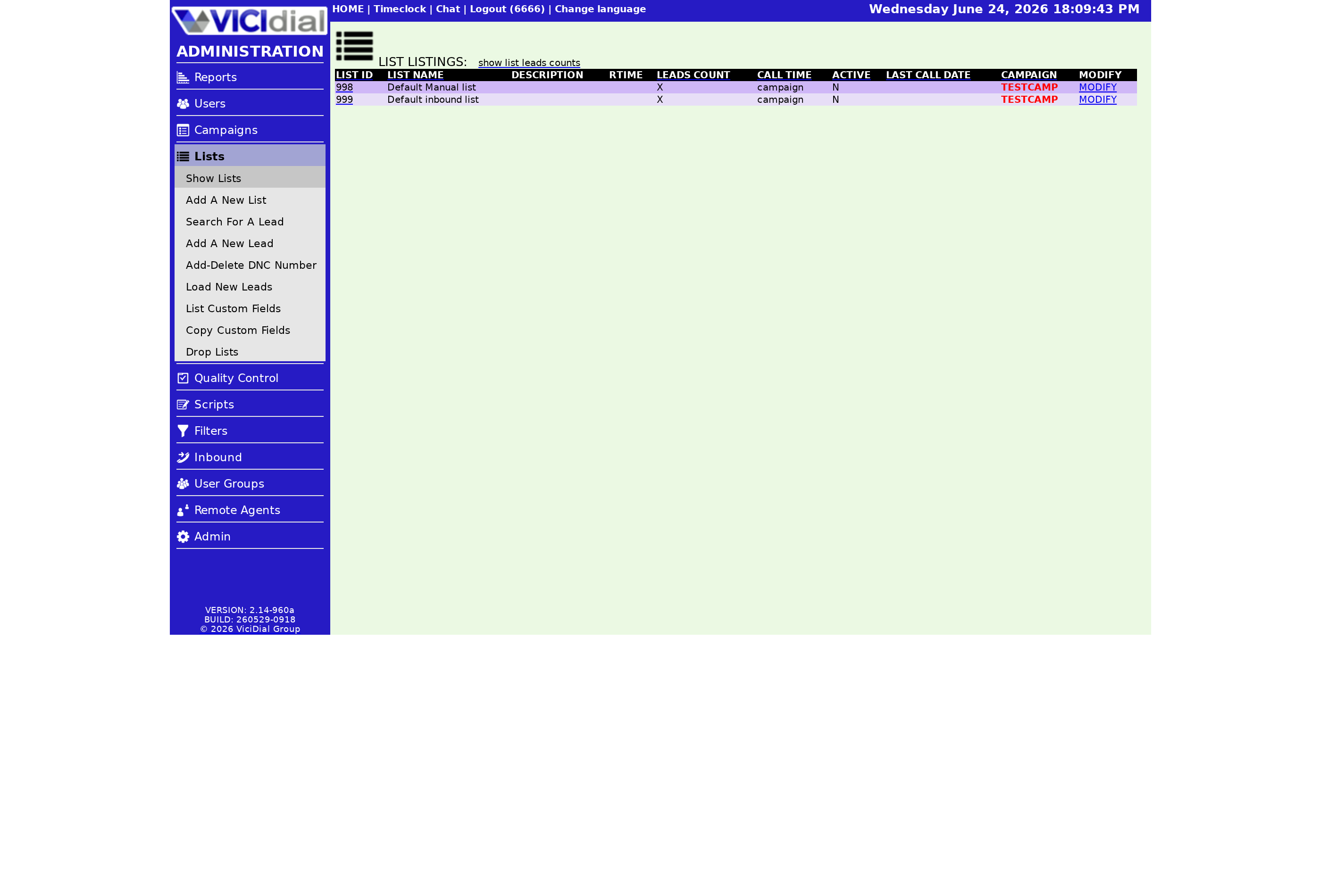
These two sound alike but are not. Field Label is the database column name. It must be 2 to 50 characters with no spaces or punctuation, so use an underscore where you would want a space. Field Name is what the agent actually reads on screen, and it can have spaces. People often phrase the Field Name as the exact question the agent should ask the customer, word for word, which keeps every call on script. Field Name Position then puts that label to the left of the box or above it, so you can keep narrow fields tidy and wide ones readable. Field Description and Field Help are optional extras: the description shows in the admin screens, and the help text appears when an agent clicks the help link beside the field for a little extra guidance.
flowchart TD
  A[Open List Custom Fields] --> B[Set Field Rank and Order]
  B --> C[Enter Field Label]
  C --> D{Reserved word?}
  D -->|Yes| E[Pick another label]
  D -->|No| F[Enter Field Name]
  F --> G[Choose Field Type]
  G --> H[Submit and check for errors]
The naming traps
Because the label becomes a real database column, you cannot use a database reserved word as the whole label. Words like select, order, date, and table are off limits on their own, though you can use them as part of a longer name, so repeat_session is fine while repeat is not. You may set the label to match a default VICIdial field on purpose to display existing data, in which case the name turns red after you create it as a reminder.
That status warning is worth a second look. Whatever Disposition the agent chooses when the call wraps gets written to the record's status, so a custom field named status would be clobbered the moment a call ends. A handful of other labels are best avoided too, including lead_id, list_id, called_count, comments, and entry_date, since reusing them tends to cause odd, inconsistent data. After you submit, glance at the top of the page for an error message. The message tells you exactly what to fix, and it is worth reading carefully because some errors let the field show in the listing but quietly keep it out of the database. A clean save matters before you load any records, otherwise you can spend an afternoon wondering why your imported values have nowhere to land.
Once the field saves cleanly it is ready to collect data on the next call. VICIfast gives you a full dialer in under 40 seconds, so you can shape your lists from day one. See the pricing page, and if lists are new to you, start with what a VICIdial list is.
Frequently asked
- Field Label is the database column name with no spaces or punctuation. Field Name is the human-friendly text the agent reads on screen and can include spaces.
- It is a database reserved word, so it cannot be the whole label. You can still use it inside a longer name like order_date.
- Set to yes, it pushes existing fields of equal or lower rank down one place so your new field has room without renumbering everything yourself.
› What is the difference between Field Label and Field Name?
› Why can't I name a field 'order'?
› What does Re-Rank Fields Below do?
Related from VICIfast
About VICIfast
We run VICIdial servers for call centres, so you don’t have to. You get the dialer set up, secured and kept running — we handle the server, the updates and the backups. Bring your own phone carrier at no markup, or use VICIfast Voice, our own US calling and numbers, from $0.0085 a minute. From $49 a month per server.
Questions? Call +1 636 556 0022 and talk to someone who runs dialers.
Citing this article
VICIfast Engineering. “How to add a custom field to a list”. VICIfast LLC, June 23, 2026. Retrieved from https://vicifast.com/blog/add-vicidial-list-custom-field
Have questions?
Related posts




You might be interested in



VICIfast newsletter
Liked this? Get the next one in your inbox.
We ship the kind of stuff you just read - concrete, numbers-first, no drip. One email when a new post goes live. Unsubscribe in one click.
Comments
No comments yet - be the first.