Export or delete your data
Download what VICIfast holds about you, update your profile, delete your account (with 30 days to change your mind), or anonymize it for good.
Billing & account · 3 min read
You can download everything VICIfast holds about your account, keep your profile up to date, and delete your account when you leave. Read the whole guide before you delete anything: some of it can't be undone.
What you need
- You are signed in as yourself. These pages act on your own login and account only.
- Before deleting: a copy of anything on your dialer you want to keep (leads, recordings, reports).
Step 1: Download your account data
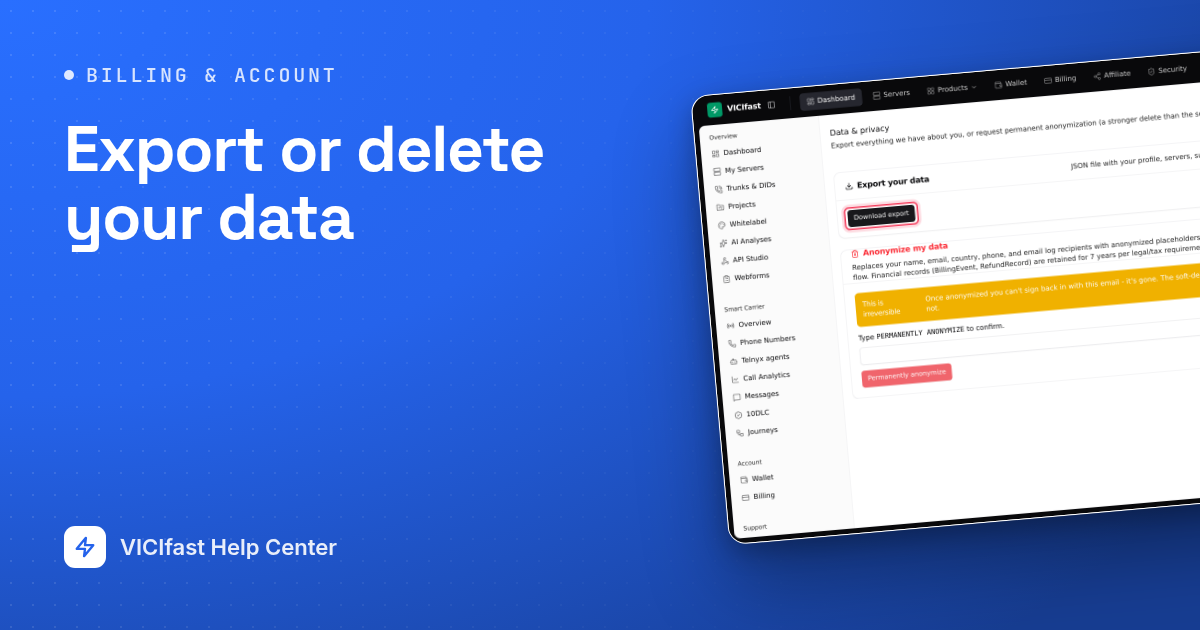
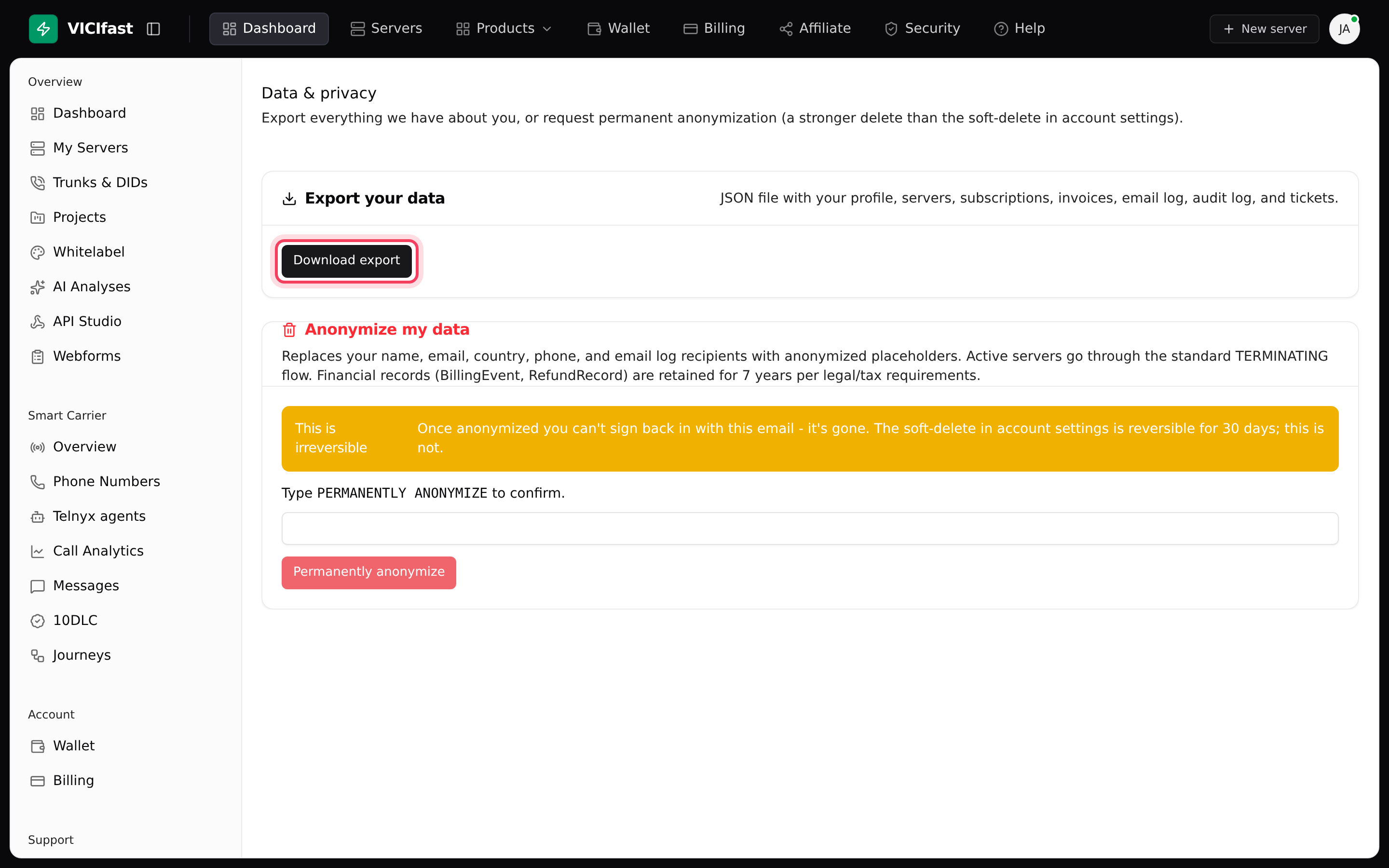
- In the left sidebar, under Settings, click GDPR & data export. You can also click your avatar and choose Data & GDPR. The Data & privacy page opens.
- On Export your data, click Download export.
- A JSON file downloads, with your profile, servers, subscriptions, invoices, email log and activity history.
You can download it up to 5 times an hour.
Step 2: Update your profile and time zone
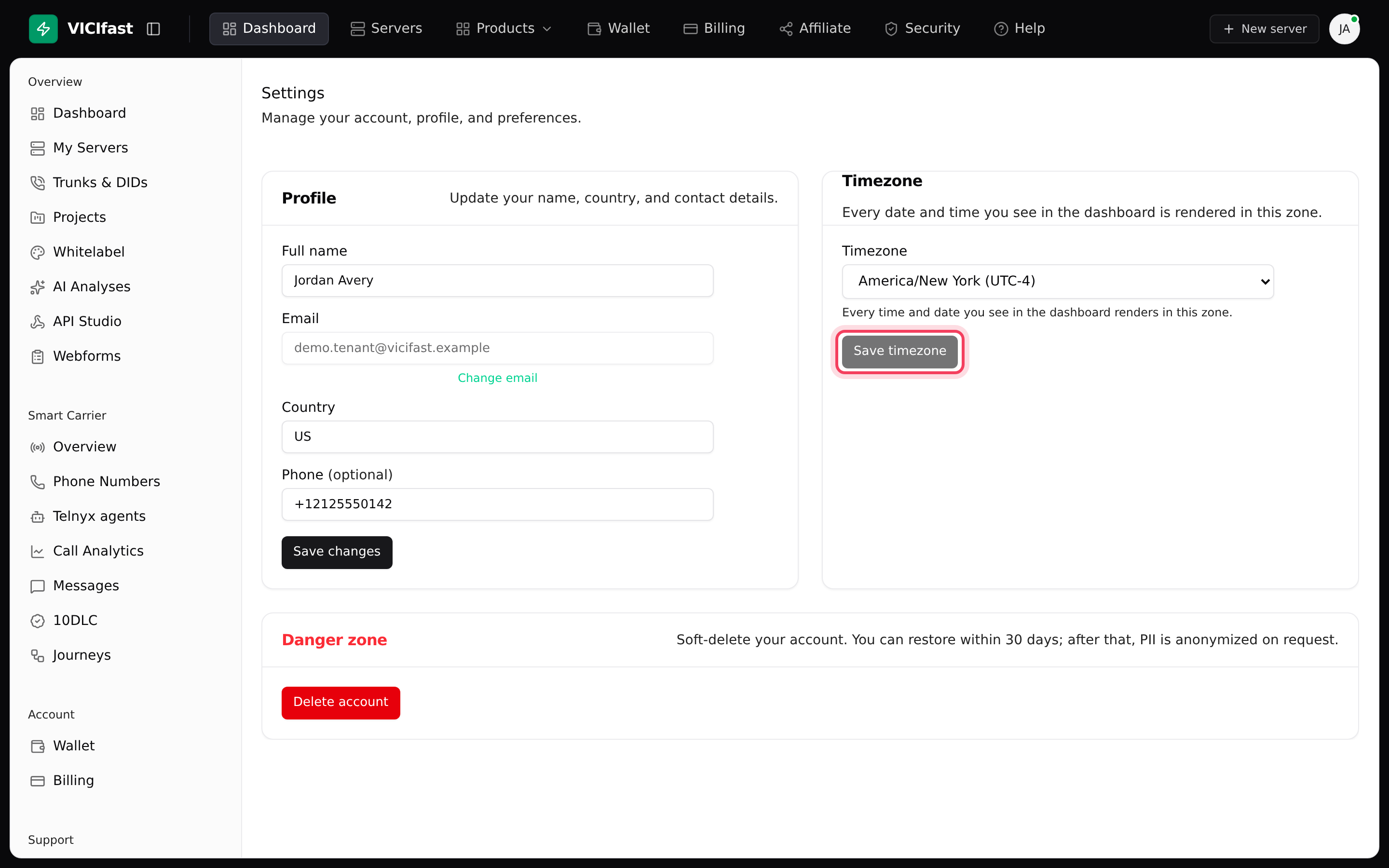
- In the left sidebar, under Settings, click Settings.
- Under Profile, change your Full name, Country or Phone (optional) and click Save changes. To change your email, click Change email, type the New email and click Send confirmation. Confirm from the link we send to the new address within 24 hours.
- Under Timezone, pick your zone and click Save timezone. Every date and time in the dashboard is shown in this zone.
Step 3: Delete your account (30 days to change your mind)
If we can’t confirm that a subscription has stopped, nothing is deleted: you see a message asking you to try again in a minute, and our team is told.
- On the Settings page, under Danger zone, click Delete account.
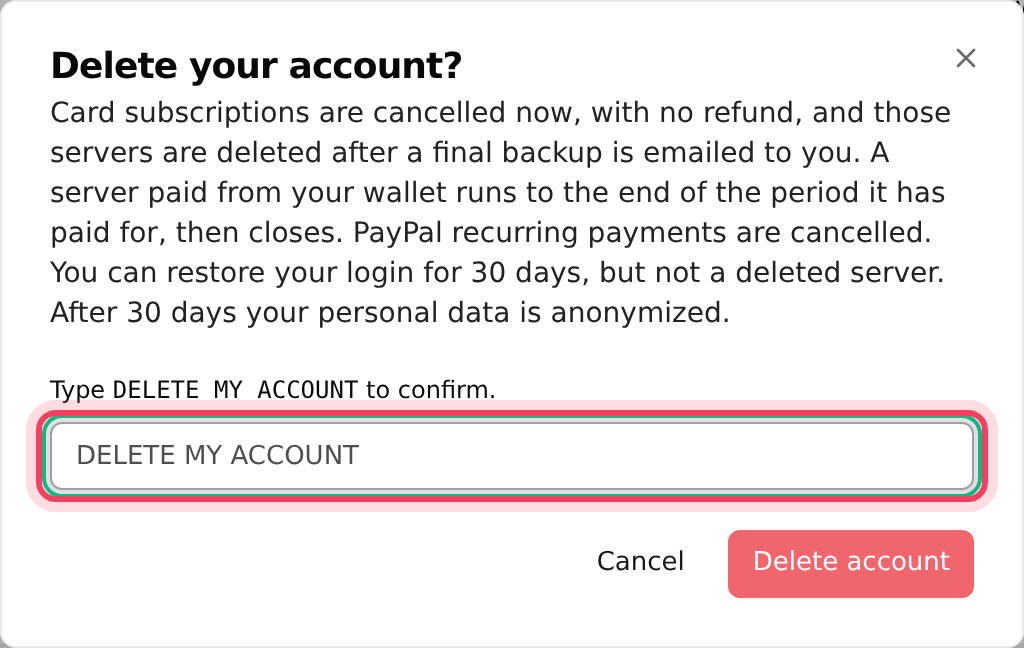
- Read the window, then type DELETE MY ACCOUNT in the box.
- Click Delete account. You are signed out.
Everywhere you were signed in is signed out, your passkeys and two-factor are removed, and invites you sent are cancelled. We email you a restore link that works for 30 days. If you lose it, go to vicifast.com/account-deleted, type Your email and click Resend restore link.
Step 4: Anonymize your data (permanent)
Anonymizing is stronger than deleting, and it can't be undone.
- On the Data & privacy page, find Anonymize my data.
- Type PERMANENTLY ANONYMIZE in the box.
- Click Permanently anonymize.
Your name, email, country and phone, and the recipient on your email log, are replaced with anonymous placeholders. You are signed out, and you can't sign back in with that email. Billing and refund records are kept for 7 years, as tax law requires.
If something goes wrong
Frequently asked
- You can export 5 times an hour. Wait an hour and try again.
- Click the restore link in the email we sent. It works for 30 days. If you can't find it, go to vicifast.com/account-deleted, type your email and click Resend restore link.
- Accounts can be restored within 30 days of deletion. After that, contact us in the chat on vicifast.com.
- They are on your server, not in your account export. Back them up from the server before you delete anything.
- No. These pages act on your own login. The owner's servers and data are theirs.