Your agents
Add agents and user groups, and decide what each of them can do.
7 articles
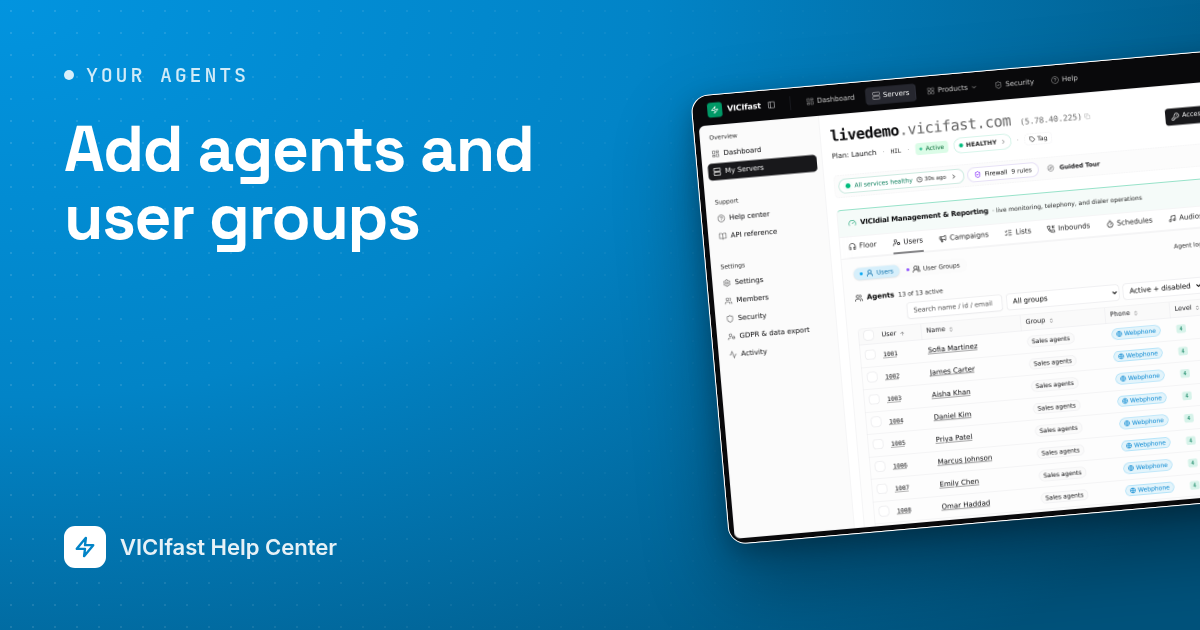
Add agents and user groups
Create a login for each person who takes calls, one at a time or up to 100 at once, and put them into teams that decide which queues they answer.
5 min read
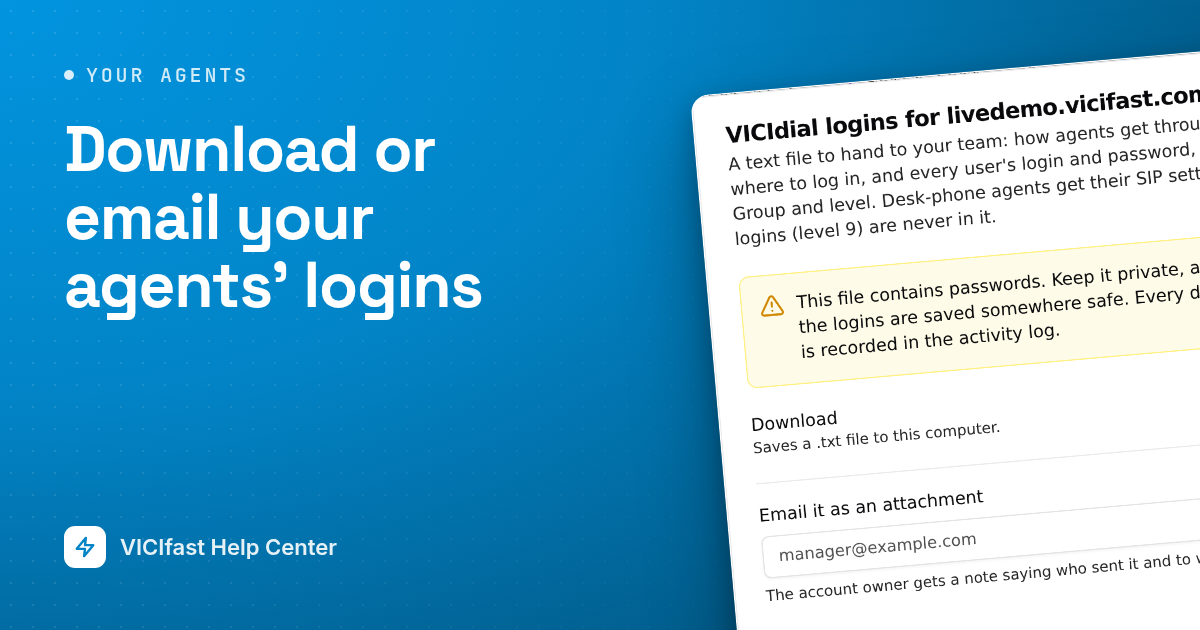
Download or email your agents' logins
Get one text file with every agent's username and password, plus simple sign-in steps for your team. Download it, or email it to a manager.
2 min read
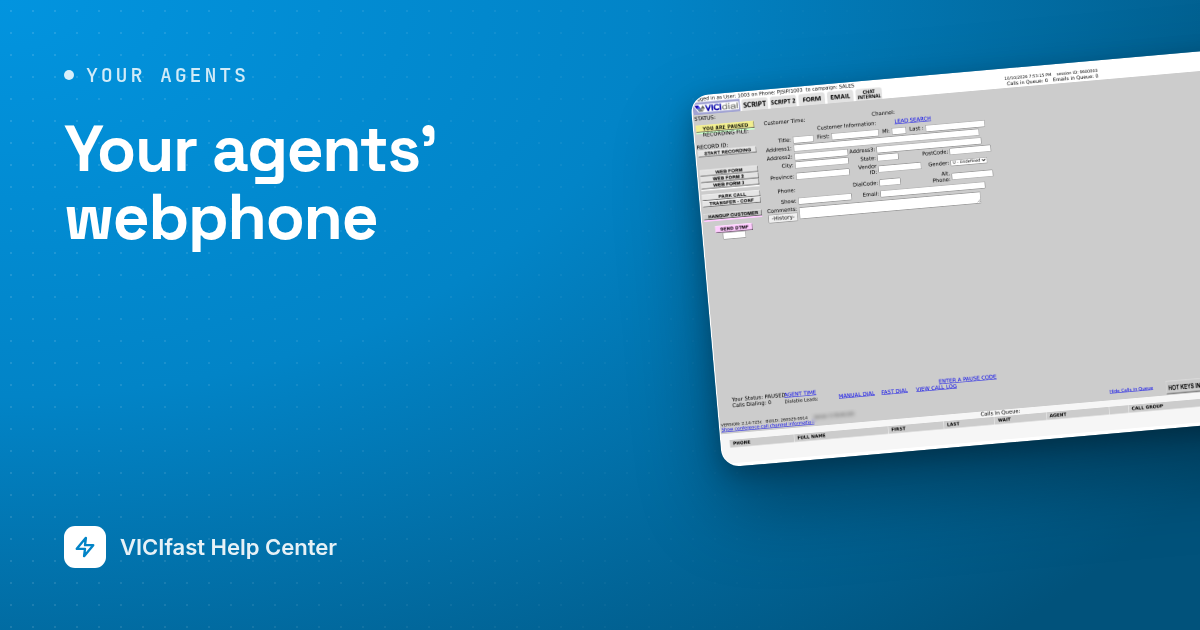
Your agents' webphone
Your agents talk through a phone built into the agent screen. Nothing to install. Here is what they see, and how to give it your logo and colours.
3 min read
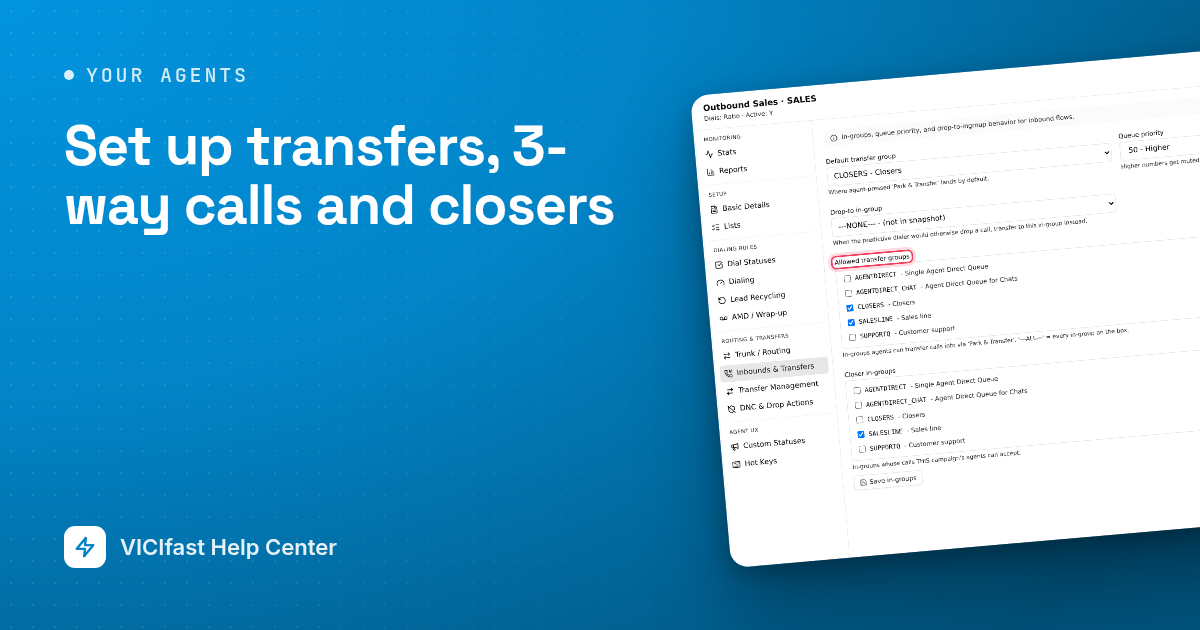
Set up transfers, 3-way calls and closers
Let agents pass a live call to your closers, to another queue or to an outside number, and set up a fronter and closer team.
3 min read
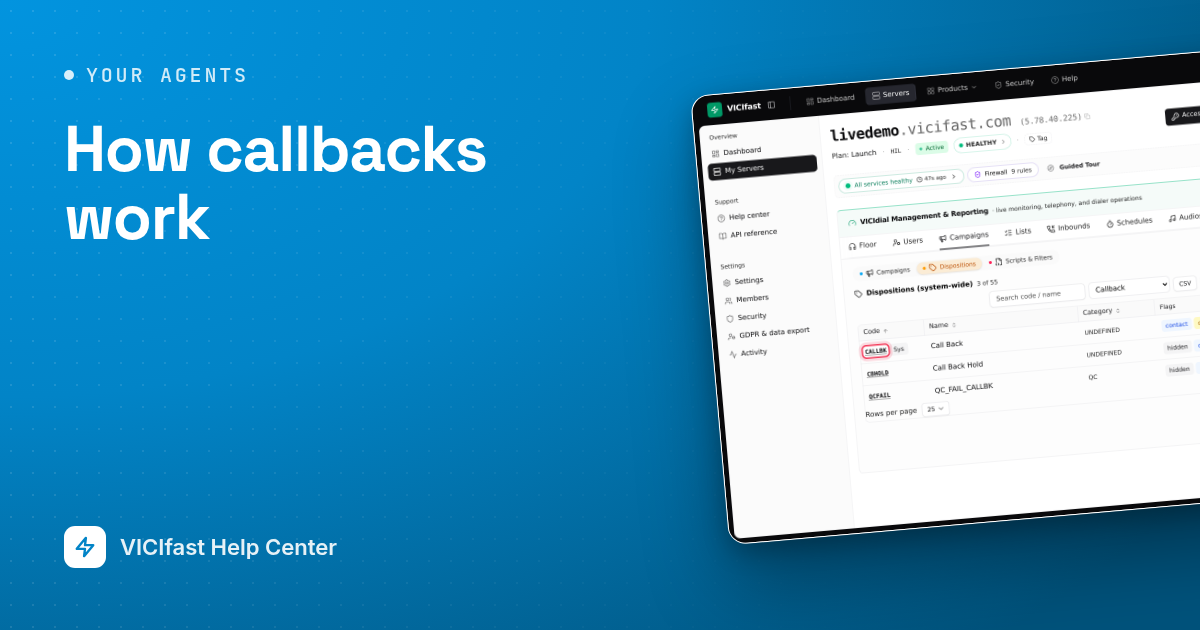
How callbacks work
When a customer says "call me tomorrow", the agent books a callback. Here is how agents book them, who calls the customer back, and where you see today's callbacks.
3 min read
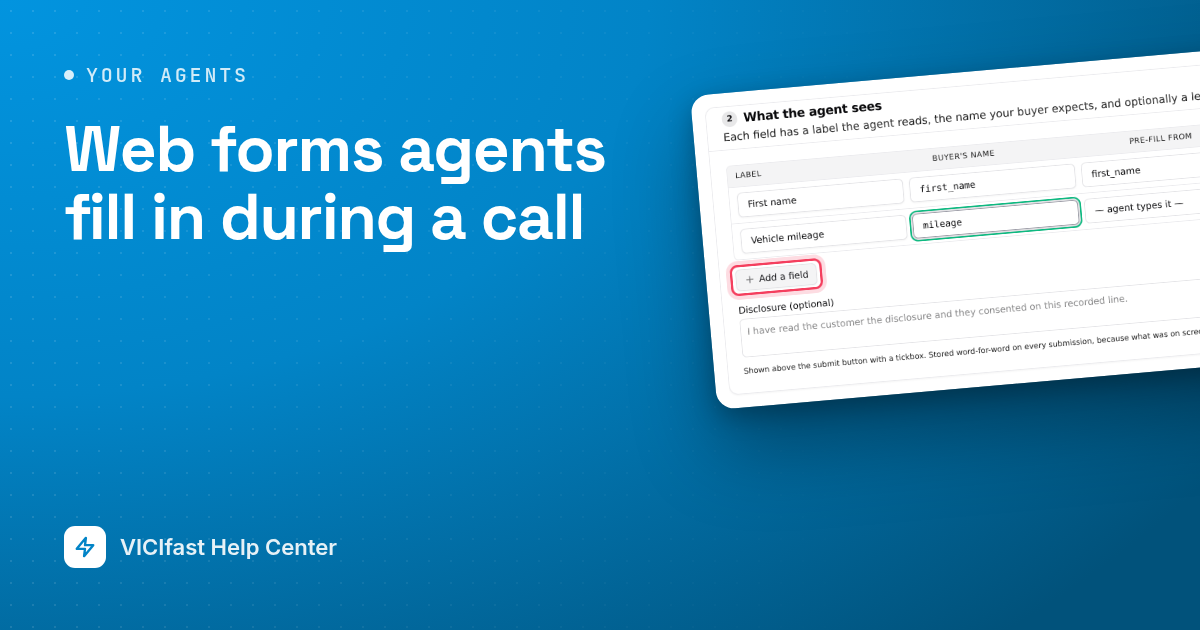
Web forms agents fill in during a call
Build a form your agents fill in while they talk to a customer. It fills itself from the lead, sends the answers to your buyer and shows the agent the reply.
4 min read
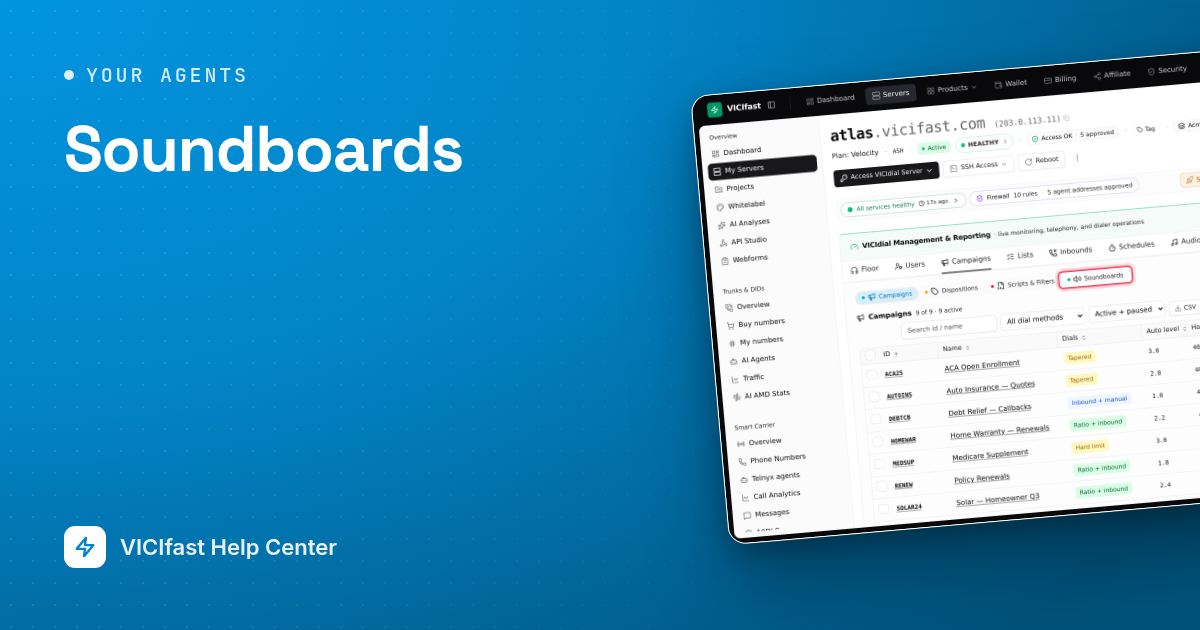
Soundboards
Give agents a panel of buttons that play recorded clips into a live call: greetings, disclosures, answers to common objections. Build it once, attach it to campaigns.
3 min read