Read your database and copy recordings over SSH
Point a reporting tool at your dialer's database through a safe SSH tunnel, with a login that can only read, and copy your call recordings to your own archive.
Advanced · 4 min read
Your dialer keeps its data in a database (MariaDB) and its call recordings as MP3 files, both on your own server. The dashboard's reports and Recording search cover most needs. When your IT person wants to point a reporting tool such as Metabase, Power BI or Excel at the raw data, or keep their own archive of recordings, they do it over SSH. This guide shows how, safely.
What you need
- Root access (SSH) set up for the computer you work from, with your address allowed through the firewall with the Admin profile. See Root access (SSH) to your server.
- For anything that runs on its own, such as a reporting tool or a nightly copy: an automation key, which only the account owner can add (Step 6 of that guide).
- Someone comfortable with a command line. Everything below uses your server's root login.
Why the database isn't open to the internet
Port 3306, the database port, is closed in every firewall profile, so no outside tool can reach the database directly. That is on purpose. Your tool connects through an SSH connection instead (a tunnel): the tool talks to its own computer, and SSH carries the traffic to the database on your server.
Step 1: Find your database's name
- Connect with SSH, using the connect command on your server's SSH keys page.
- Type mysql and press Enter. As root on your server it opens without a password.
- Type SHOW DATABASES; and press Enter. Your database's name starts with vici_ and is different on every server. Note it down.
Step 2: Create a login that can only read
Never give a reporting tool a login that can change data. Still inside mysql, create one that can only read, with your own long password and your database's name:
CREATE USER 'reporting'@'127.0.0.1' IDENTIFIED BY 'a-long-random-password';
GRANT SELECT ON vici_yourname.* TO 'reporting'@'127.0.0.1';
Then type exit. The login only works through the tunnel, because 127.0.0.1 means "from the server itself".
Step 3: Open a tunnel and connect your tool
- On the computer the tool runs on, run ssh -N -L 3307:127.0.0.1:3306 root@ followed by your server's address. It shows nothing and keeps running. That is normal.
- In your tool, add a MySQL or MariaDB connection with host 127.0.0.1, port 3307, your vici_ database, user reporting and the password from Step 2.
- Many reporting tools have an SSH tunnel option of their own. If yours does, give it your server's address, user root and your private key, and the same database details.
Tables worth knowing, all standard VICIdial:
- vicidial_log: every outbound call.
- vicidial_closer_log: every call through your inbound queues (in-groups).
- vicidial_agent_log: agents' time and results, call by call.
- vicidial_list: your leads.
- recording_log: your recordings, with the file name of each.
- vicidial_dnc: the do-not-call list.
Step 4: Copy recordings off your server
Recordings stay on your server's disk until someone deletes them (see Record, find and play calls). To keep your own archive:
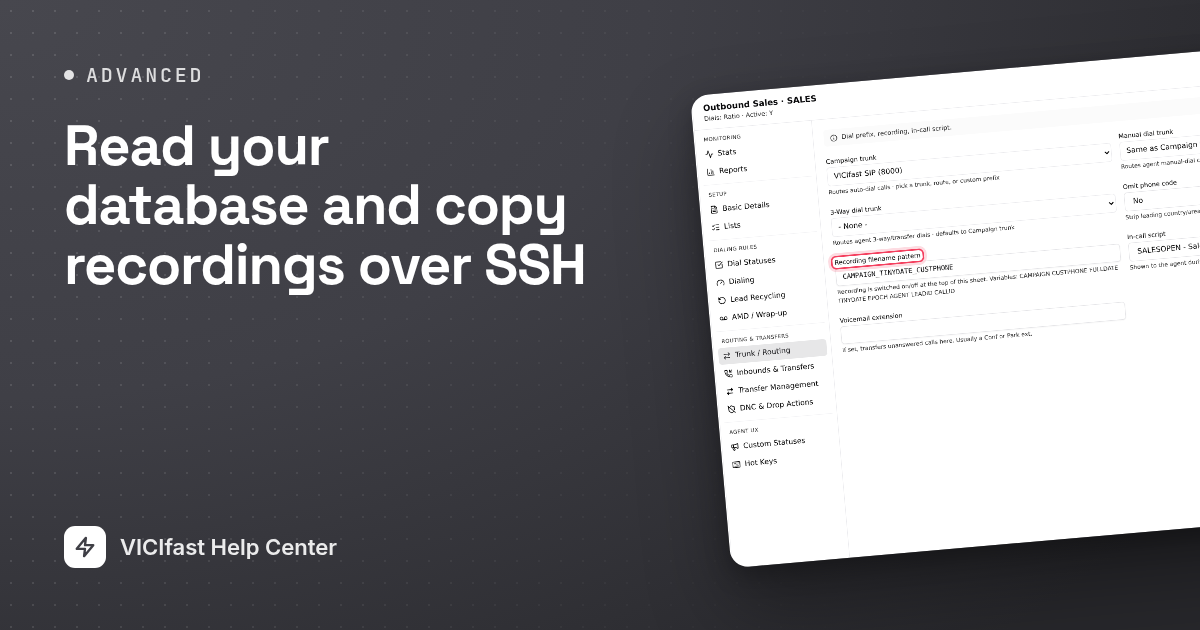
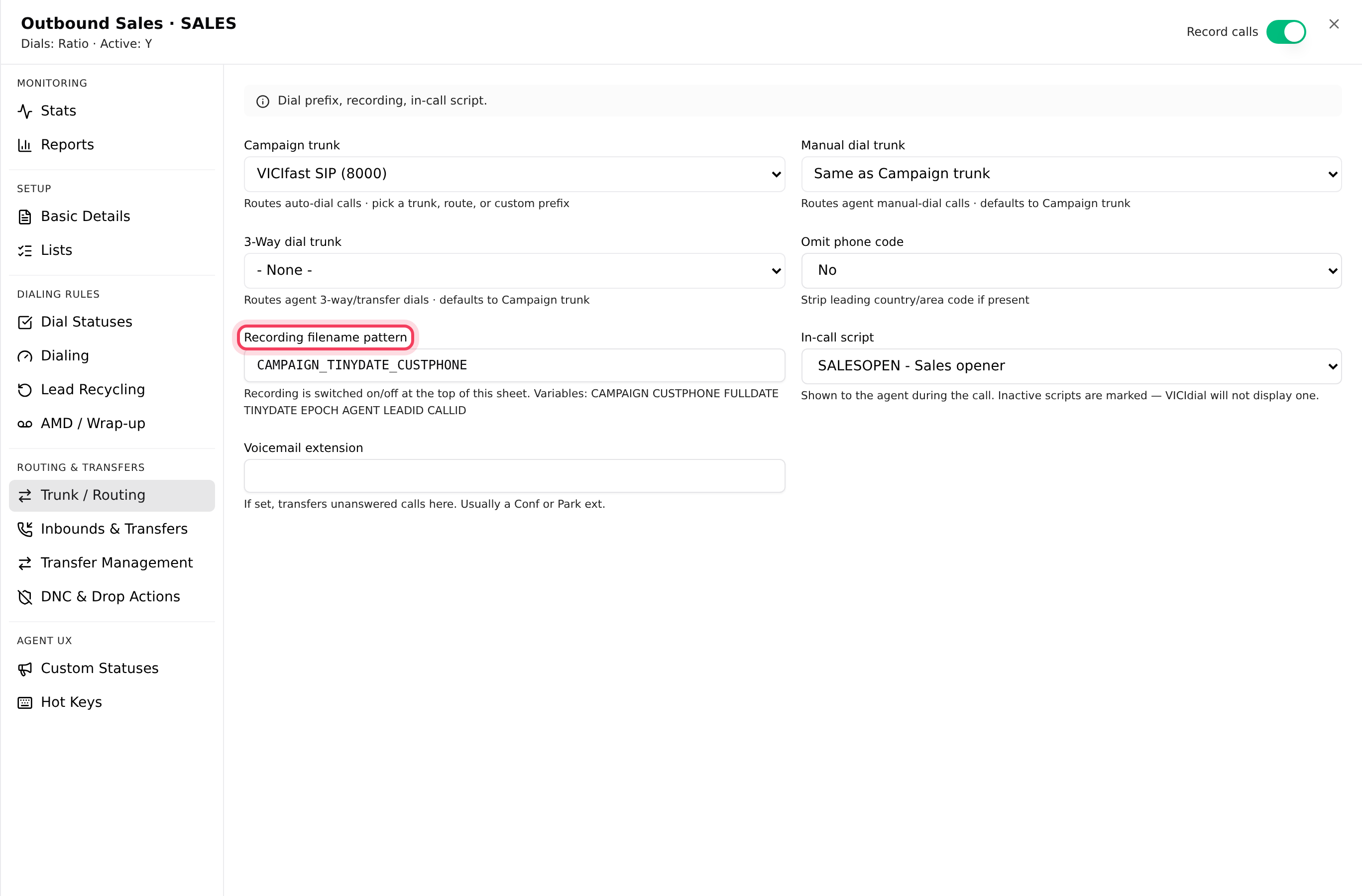
- The MP3 files are in /var/spool/asterisk/monitorDONE/MP3/. A name such as SALES_261005192811_4155550145-all.mp3 is campaign, date and time, then the phone number. It follows the campaign's Recording filename pattern, on its Trunk / Routing tab. Calls through your inbound queues (in-groups) follow the queue’s own pattern, so their names look different.
- To copy them all, run scp -r on your computer, with root@, your server's address, then :/var/spool/asterisk/monitorDONE/MP3/ and a local folder such as ./recordings/.
- For a nightly copy, rsync fetches only the files you don't have yet. If your server says rsync is missing, install it there with apt install rsync.
The raw originals in the ORIG folder next to MP3 are deleted after about a day. Only the MP3s are kept.
If something goes wrong
Frequently asked
- The database isn't open to the internet. Open the tunnel from Step 3 and connect to 127.0.0.1 port 3307 instead.
- Create the login for 127.0.0.1 exactly as in Step 2, and connect through the tunnel. A login made for localhost won't match a tunnel connection.
- Ordinary keys expire after 30 minutes. A tool that connects on its own needs an automation key, which the account owner adds.
- Your computer's address isn't allowed with the Admin profile. Click the Firewall chip on the server page, then Whitelist me.
- Stop the report and run it outside calling hours, limited to a date range.