For your agents
Short guides to send your team: logging in, taking calls, and dispositions.
6 articles
Share with your team
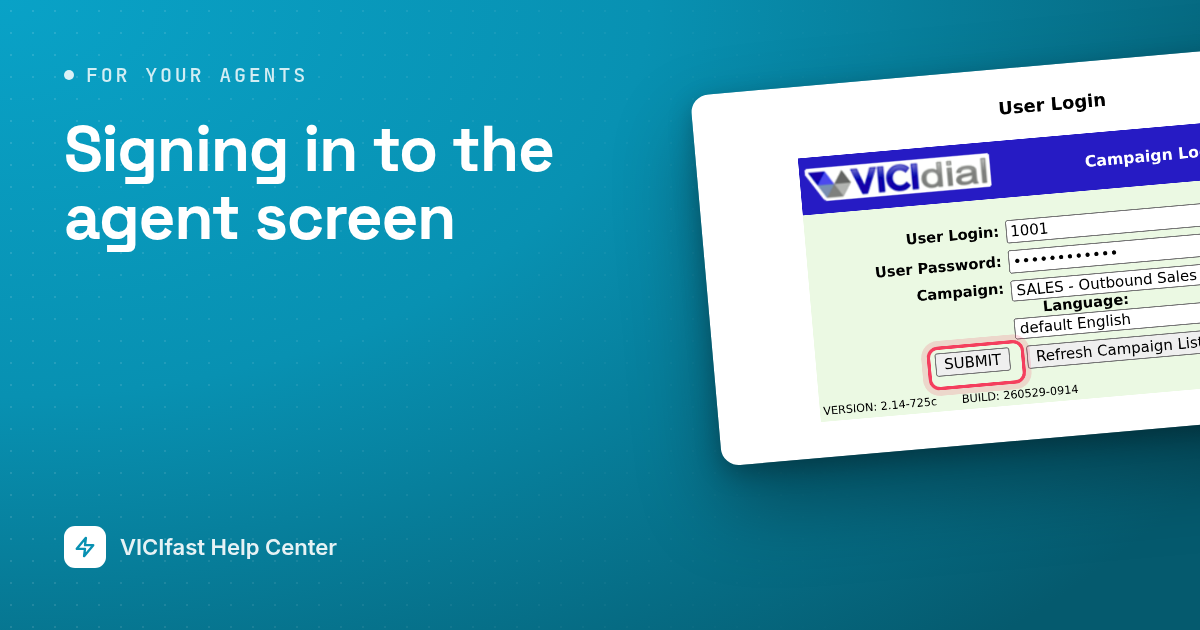
Signing in to the agent screen
How to start your shift: let your computer in, sign in to the agent screen, pick your queues and get your headset working.
3 min read
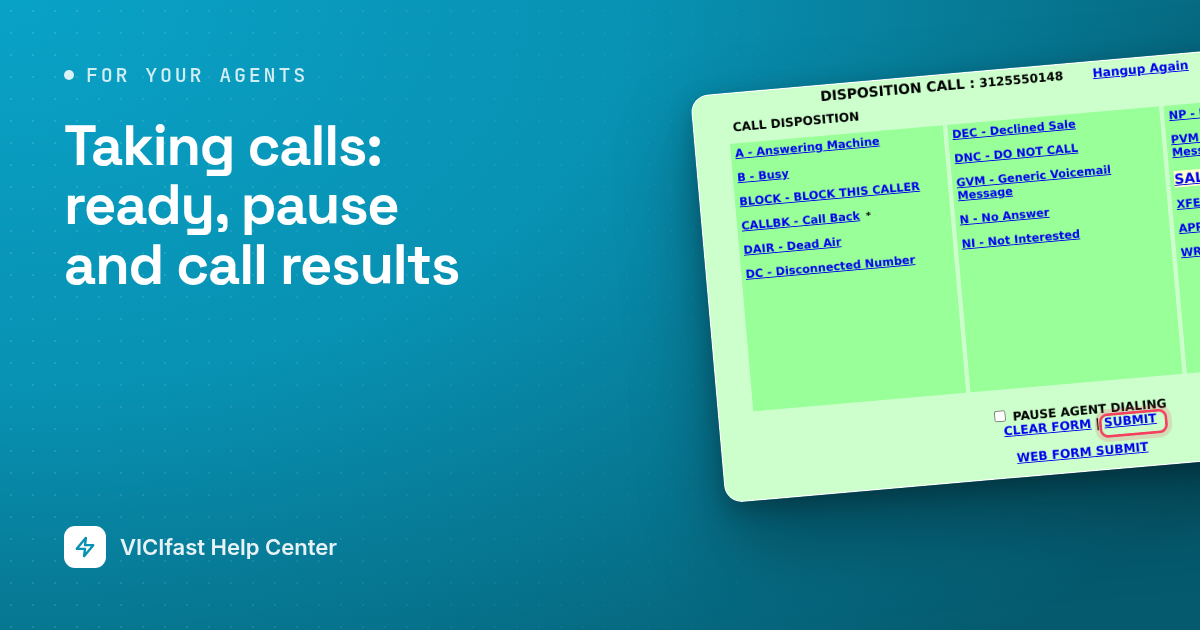
Taking calls: ready, pause and call results
Your everyday routine: get ready for calls, take a break, end a call and save what happened.
3 min read
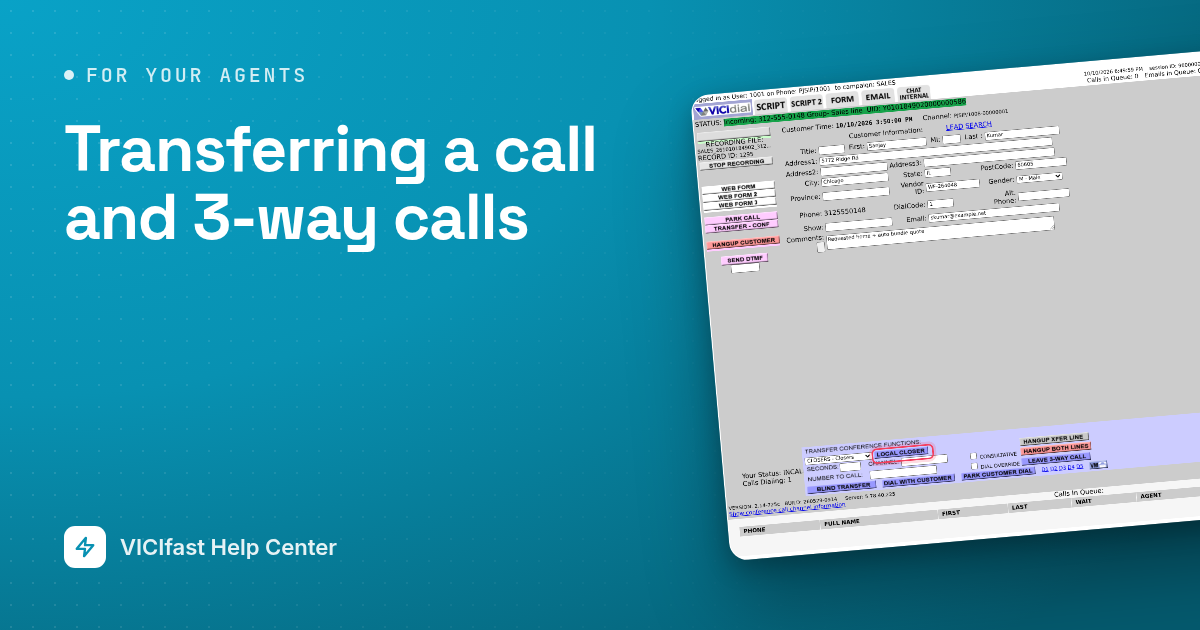
Transferring a call and 3-way calls
Send a caller to another team, bring a third person into the call, or hand the call to an outside number.
2 min read
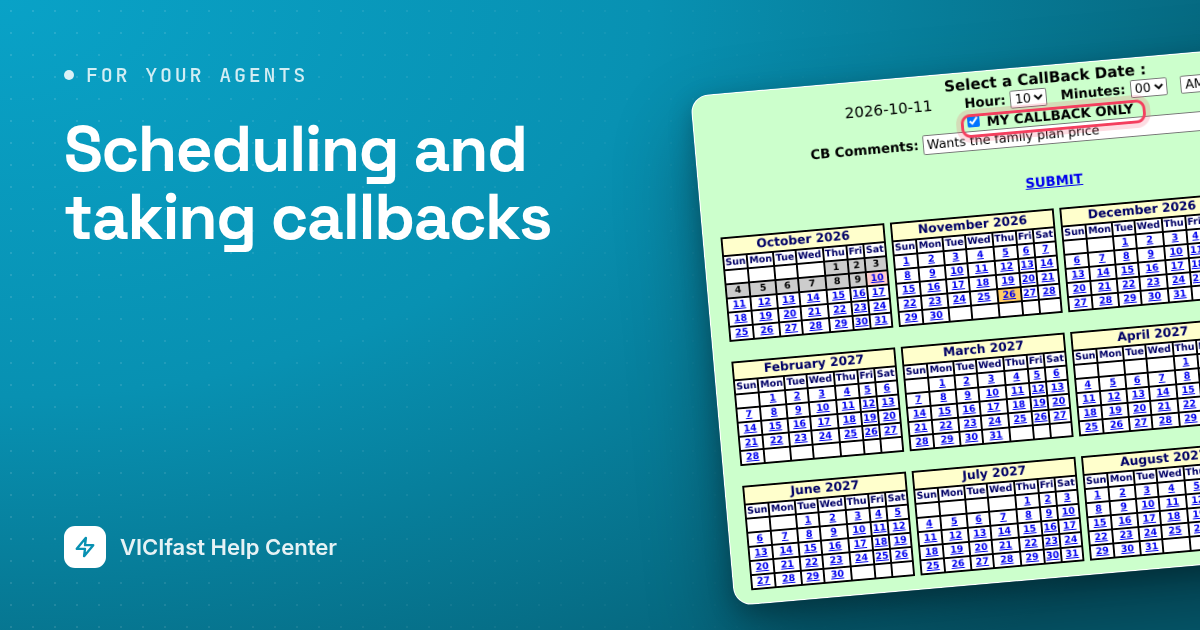
Scheduling and taking callbacks
When a customer asks you to call back later, book the date and time on the result screen, then call them from your callbacks list.
2 min read
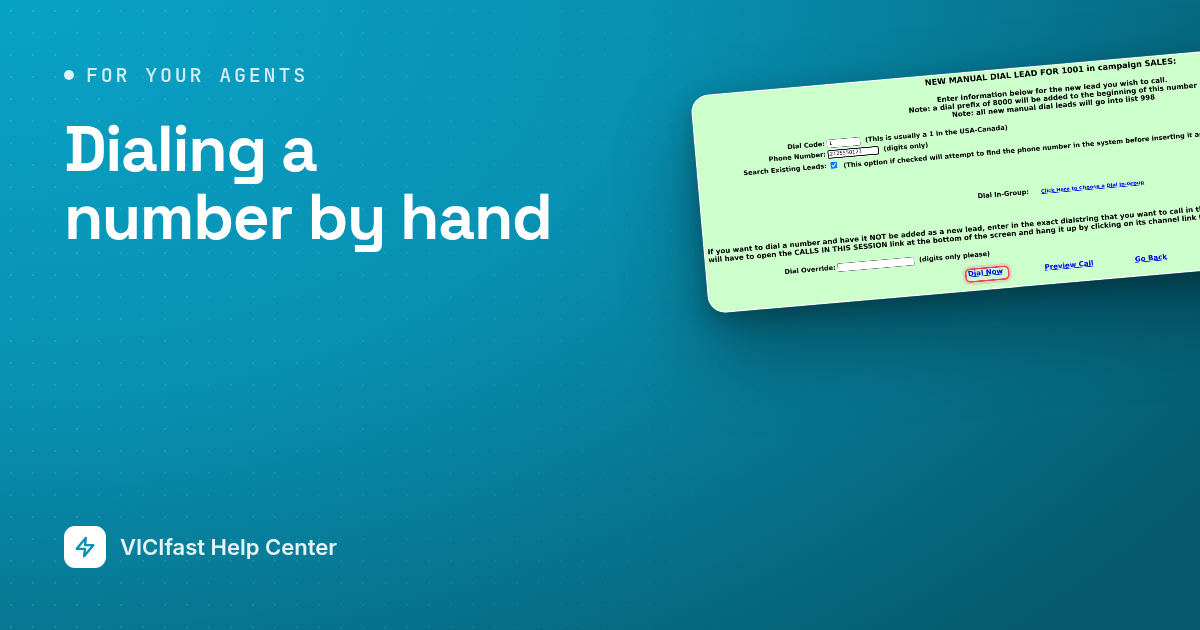
Dialing a number by hand
Call a number yourself instead of waiting for the dialer: type it in, or find a customer who is already in your lists.
2 min read
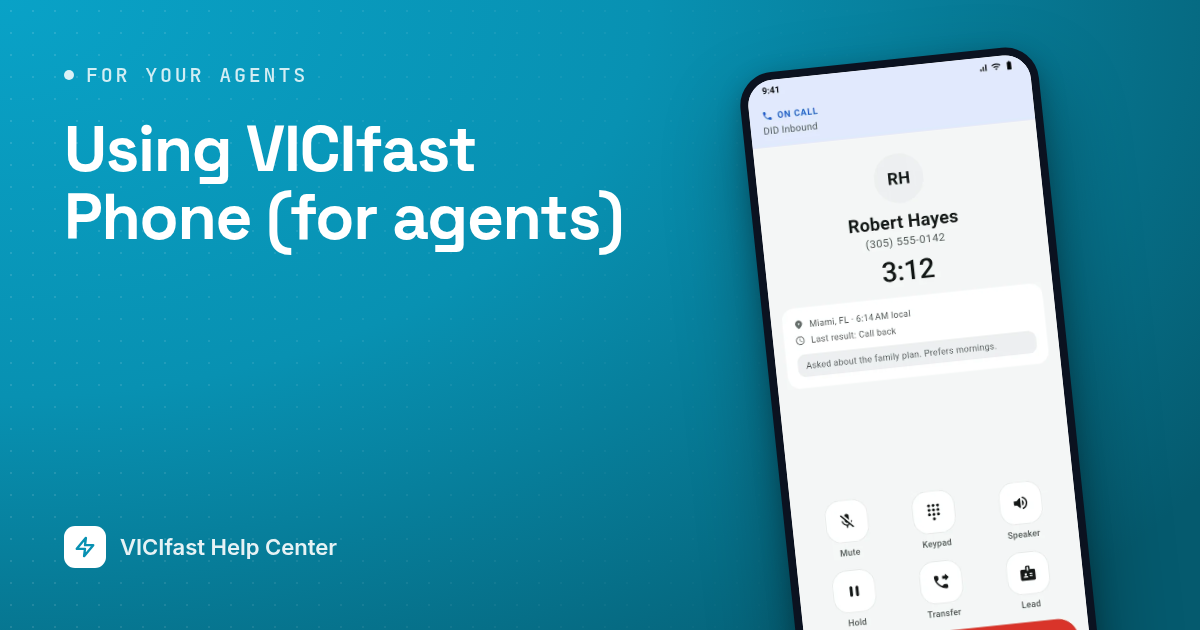
Using VICIfast Phone (for agents)
Take your calls on an Android phone: install the app, sign in, pick your queues, take calls and save the results.
3 min read