Dialing a number by hand
Call a number yourself instead of waiting for the dialer: type it in, or find a customer who is already in your lists.
For your agents · 2 min read
Most calls come to you from the dialer. Sometimes you need to ring someone yourself: a customer who asked you to call on another number, or a lead your manager gave you. Here is how.
What you need
- You are signed in, and not on a call.
- The MANUAL DIAL link at the bottom of your screen. If it isn't there, your manager hasn't allowed dialing by hand for you.
Step 1: Pause
- Finish any call and save its result.
- Click YOU ARE ACTIVE so it says YOU ARE PAUSED. On most campaigns, clicking MANUAL DIAL pauses you anyway.
Step 2: Open the manual dial box
- Click MANUAL DIAL at the bottom of the screen.
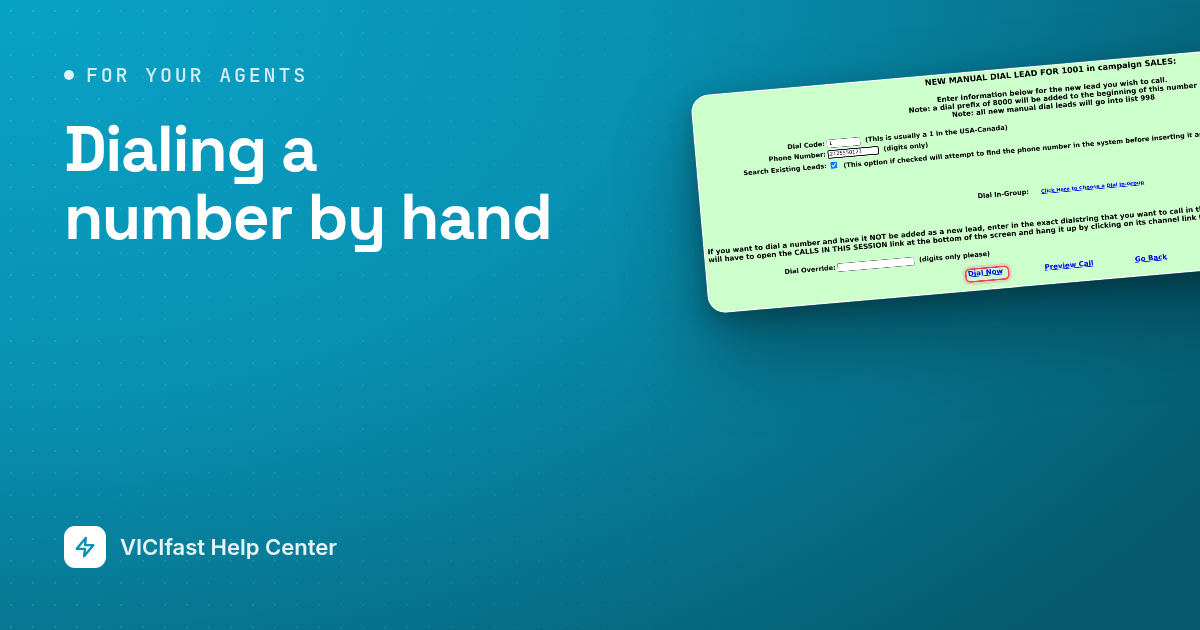
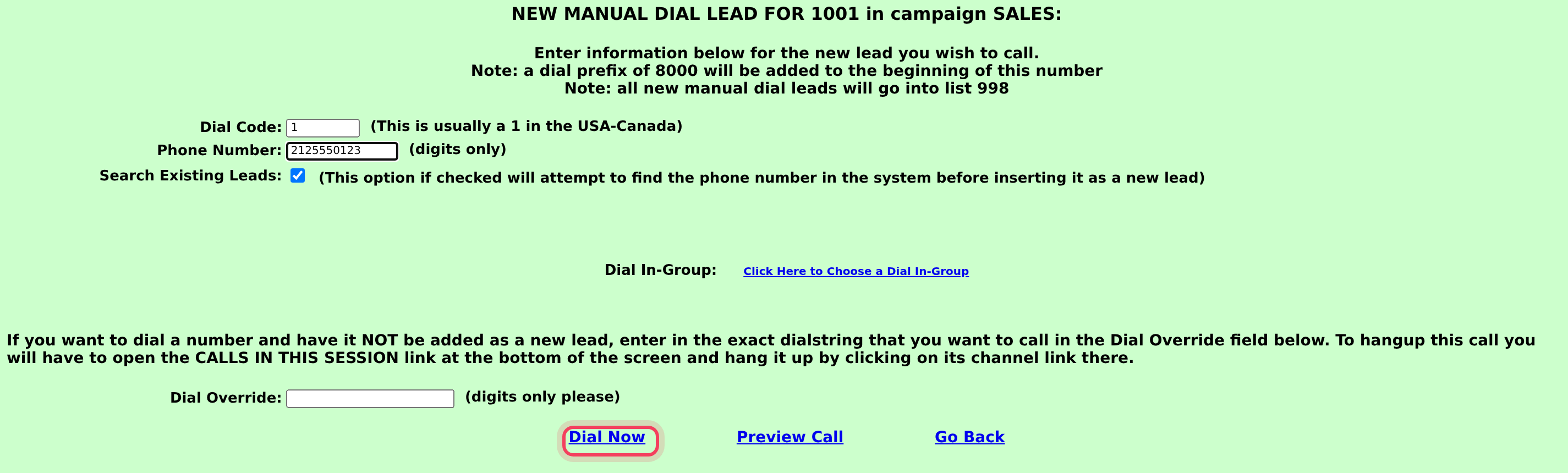
- A box opens called NEW MANUAL DIAL LEAD FOR your user ID and campaign.
Step 3: Type the number
- Dial Code: the country code. It is usually 1 in the USA and Canada.
- Phone Number: the number with the area code, digits only. No spaces or dashes.
- Search Existing Leads looks for the number in your lists first, and is usually ticked already. If the number is found, the customer's details come up. If not, a new lead is made.
Step 4: Dial
- Click Dial Now. To see the customer's details before the call goes out, click Preview Call instead.
- Click Go Back if you change your mind.
- When the customer answers, talk as usual. Click HANGUP CUSTOMER at the end and save the result.
If nobody answers, the call stops after a while and the screen says Dial timed out.
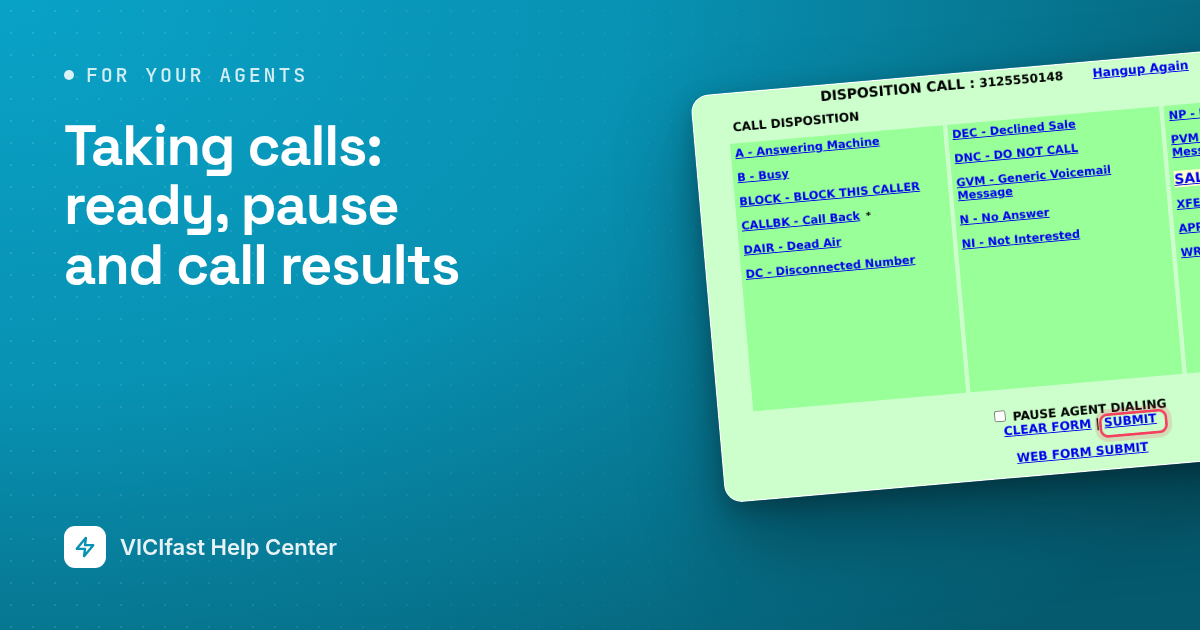
After you save the result, check the button on the left. If it says YOU ARE PAUSED, click it when you are ready for the dialer's calls again. To stay paused, tick PAUSE AGENT DIALING before you click SUBMIT.
Call someone already in your lists
- While paused, click LEAD SEARCH.
- Type what you know about the customer, for example their phone number, and search.
- In the results, click DIAL next to the customer. Click INFO to see their details first.
Campaigns where you dial every call
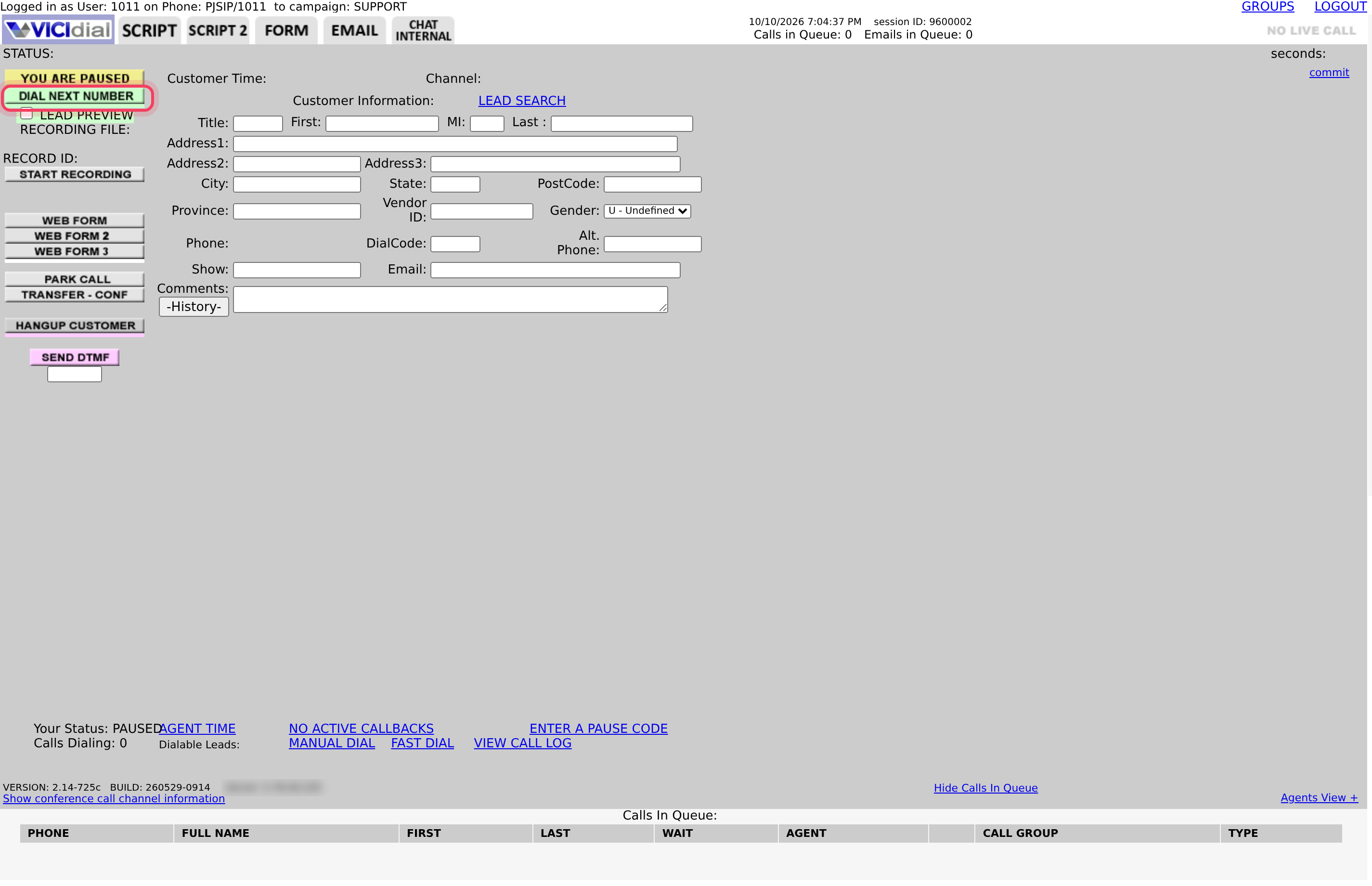
On some campaigns the dialer doesn't ring for you. A DIAL NEXT NUMBER button sits under YOU ARE PAUSED on the left. Click it to call the next customer on the list. When the call ends, save the result and click DIAL NEXT NUMBER again.
If something goes wrong
Frequently asked
- Dialing by hand isn't allowed for your login. Ask your manager.
- You are probably on a call or still saving a result. Finish, pause, then try again.
- Nobody answered in time. Try again later, or try another number for the customer.
- Check the phone on your screen says In call and is not muted, and that your headset is picked.
- Use digits only, with the area code, for example 2125550123.