Celebrations: festival looks on your agents’ webphone
The default webphone look: the Pet dog every day, and a festival look for each agent’s own country from about a week before the day. Webphone only; switch it off per server.
Your agents · 3 min read
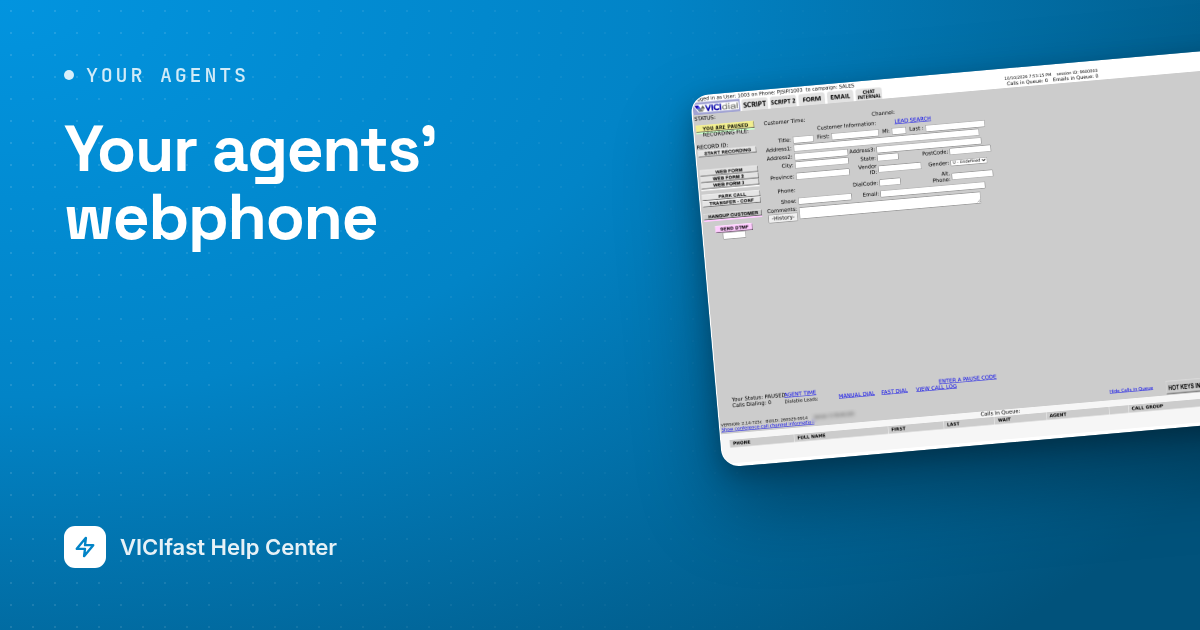
Celebrations is the default look of your agents’ webphone. On most days it shows the Pet: a dog that acts out what the agent is doing. For about a week before a festival, and on the day itself, the phone wears that festival’s look, chosen for each agent’s own country: Diwali for agents in India, Thanksgiving in the US, Christmas, New Year and more through the year.
The Pet
- The dog sits up while the agent waits for a call, pricks its ears when a call rings, wags its tail on a live call, dozes while the agent is paused and checks its clipboard during the disposition. A sale gets a party hat.
- The tag on its collar shows how long the agent has been in that state.
- All of that needs the VICIfast agent screen. On the classic VICIdial agent screen the phone only knows its own line, so the dog shows Ready or On the line.
When a festival shows
- From about a week before the festival until it ends, for agents in the countries that celebrate it. A festival that is on today always beats another festival’s week before.
- The festival follows the agent, not the server: an agent in India and one in Mexico on the same server each see their own country’s festival, on their own local date.
- A few looks are for every agent, wherever they are.
What changes, and what never does
- Only the webphone: the phone panel in the agent screen.
- Your logo, login page, agent screen and support email are never changed by it.
- It is visual only. Nothing plays a sound, and calls work exactly the same.
Colleague greetings
When an agent’s own country has no festival that day but colleagues on the same server do, the phone can say so: “Your colleagues in India are celebrating Diwali”. It shows on the festival’s own dates only, not in the week before, and only when agents from that country used this server in the last 30 days.
Messages and links
Some festivals carry a short line under the phone with one link, such as a donation drive. The link opens in a new tab. As the account owner you can switch messages and links off for every agent on all your servers; the festival looks stay.
Switching it off
- For one server: open the server, then Configurations → Festival themes, and switch Festival themes off. The webphone keeps the Pet every day, with no festival looks, messages or colleague greetings on that server.
- Or from Whitelabel Packs: the Celebrations card lists your servers on it, each with its own switch.
- For messages and links: Whitelabel Packs → Celebrations → Festival messages and links, or the same switch under Configurations → Festival themes (account owner only).
Using your own look instead
Apply one of your own whitelabel packs to a server, and it replaces Celebrations there. Your pack can use the Pet look too, or Modern or Nostalgic, with your own name and colours. To come back, apply Celebrations to the server again; festival themes come back on.
Good to know
- New servers start on Celebrations.
- Servers that already use a pack of your own are not changed.
- Celebrations is kept up to date for you, so it cannot be edited or copied.