Agent privacy mode: keep the conference off the agent screen
Agents don’t see the conference channel list, the session ID or the VICIdial version line. On for every server; turn it off per server in Configurations.
Your agents · 2 min read
Every agent in VICIdial works inside a conference on the server: their phone, the customer and any transfer are legs of that conference. The stock agent screen shows some of that plumbing, which agents never need. Agent privacy mode leaves it out. It is on for every server, and you can turn it off per server.
What agents no longer see
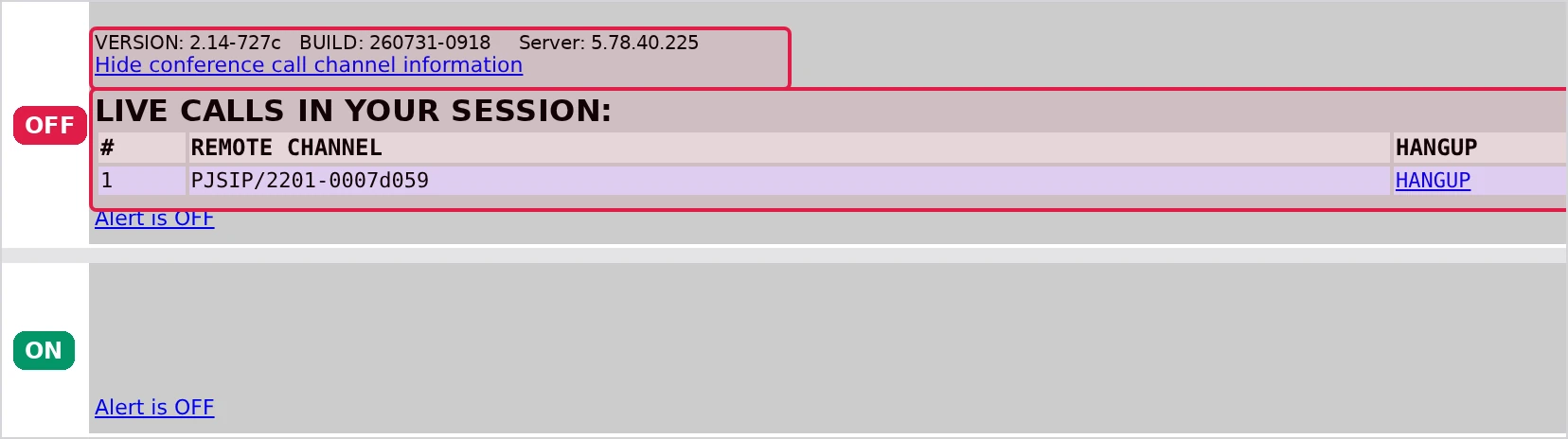
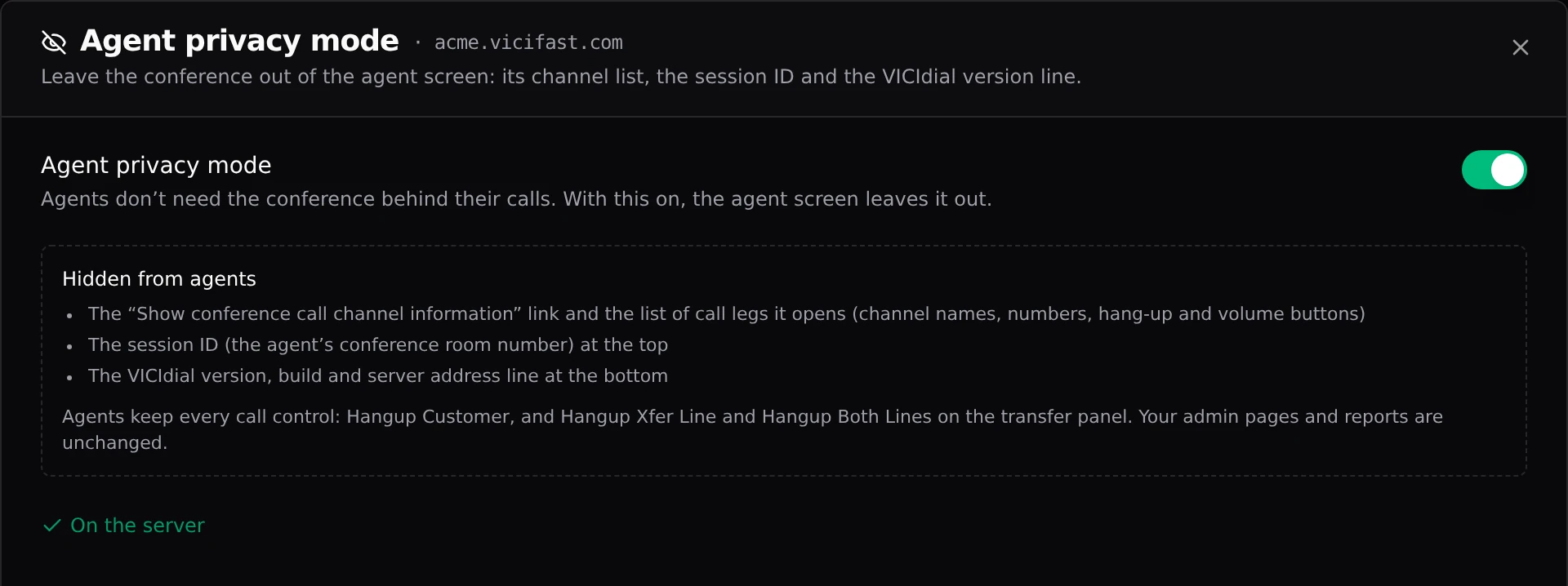
- The "Show conference call channel information" link at the bottom of the screen, and the list of call legs it opens: channel and carrier names, numbers, and a hang-up and volume button on each leg.
- The session ID at the top of the screen: the number of the agent’s conference room. The clock beside it stays.
- The VICIdial version, build and server address line at the bottom of the screen.

What stays the same
- Every call control. Agents hang up with Hangup Customer, and drop a transfer with Hangup Xfer Line or Hangup Both Lines on the transfer panel, as before.
- Calls, transfers, 3-way calls and recordings work exactly as before: only the screen changes.
- Your VICIdial admin pages, the real-time report and every other report.
- It works on the classic VICIdial agent screen and on the VICIfast agent screen alike.
Turning it off or on
- Open your server and click Configurations.
- Choose Agent privacy mode and flip the switch. It saves straight away.
- The change is sent to your server, usually within a minute; the panel says "On the server" once it has arrived.
- Agents see the change the next time they log in or refresh their screen.
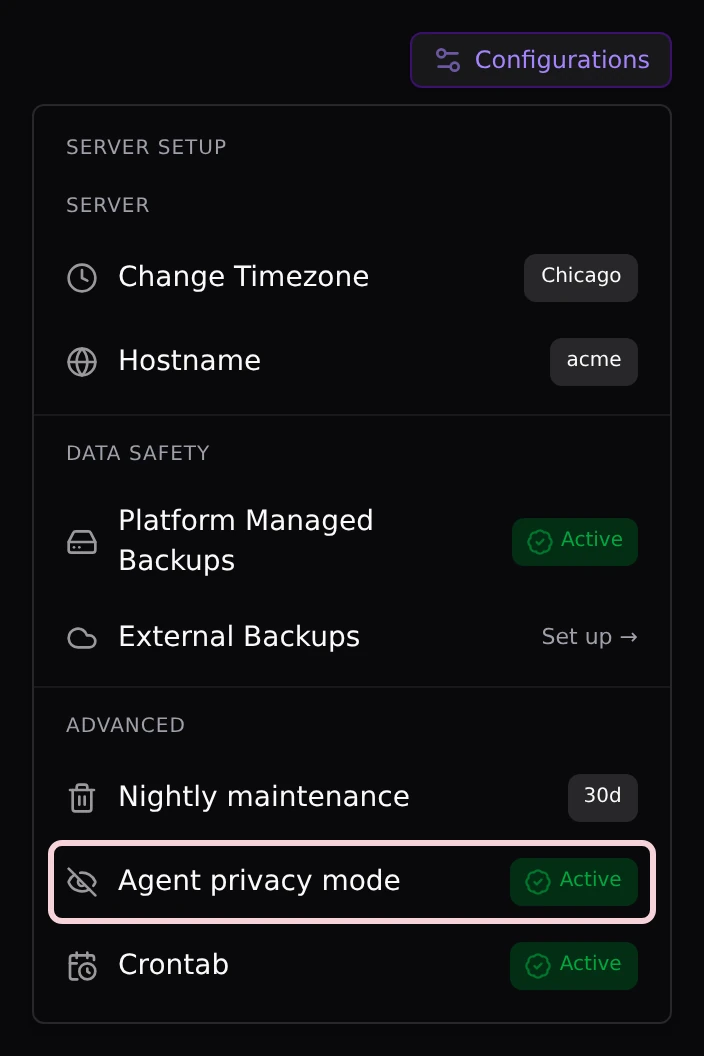
Only the account owner or an admin member can change it. On a cluster the switch covers every server in it, since your agents can sign in on any of them.
Good to know
Agent privacy mode changes what the screen shows, not what it can do. VICIdial still sends the conference’s call legs to the agent’s browser, because that is how the screen knows a call is live.