The affiliate program
Join in one click, share your link and earn 15% of what the customers you refer pay. Commissions become payable after 90 days, and you request each payout yourself.
Partners · 4 min read
The affiliate program pays you a commission on what the customers you refer pay us. Joining takes one click and there is nothing to run or fund. This page covers joining, sharing your link, how commission is earned, and how to get paid.
What you need
- You must be the account owner. Team members who open the affiliate pages are sent back to the dashboard.
- Before your first payout: a payout method and a tax form (a W-9 if you are in the US, a W-8BEN if you are not).
Step 1: Join the program
- In the top bar, click Affiliate.
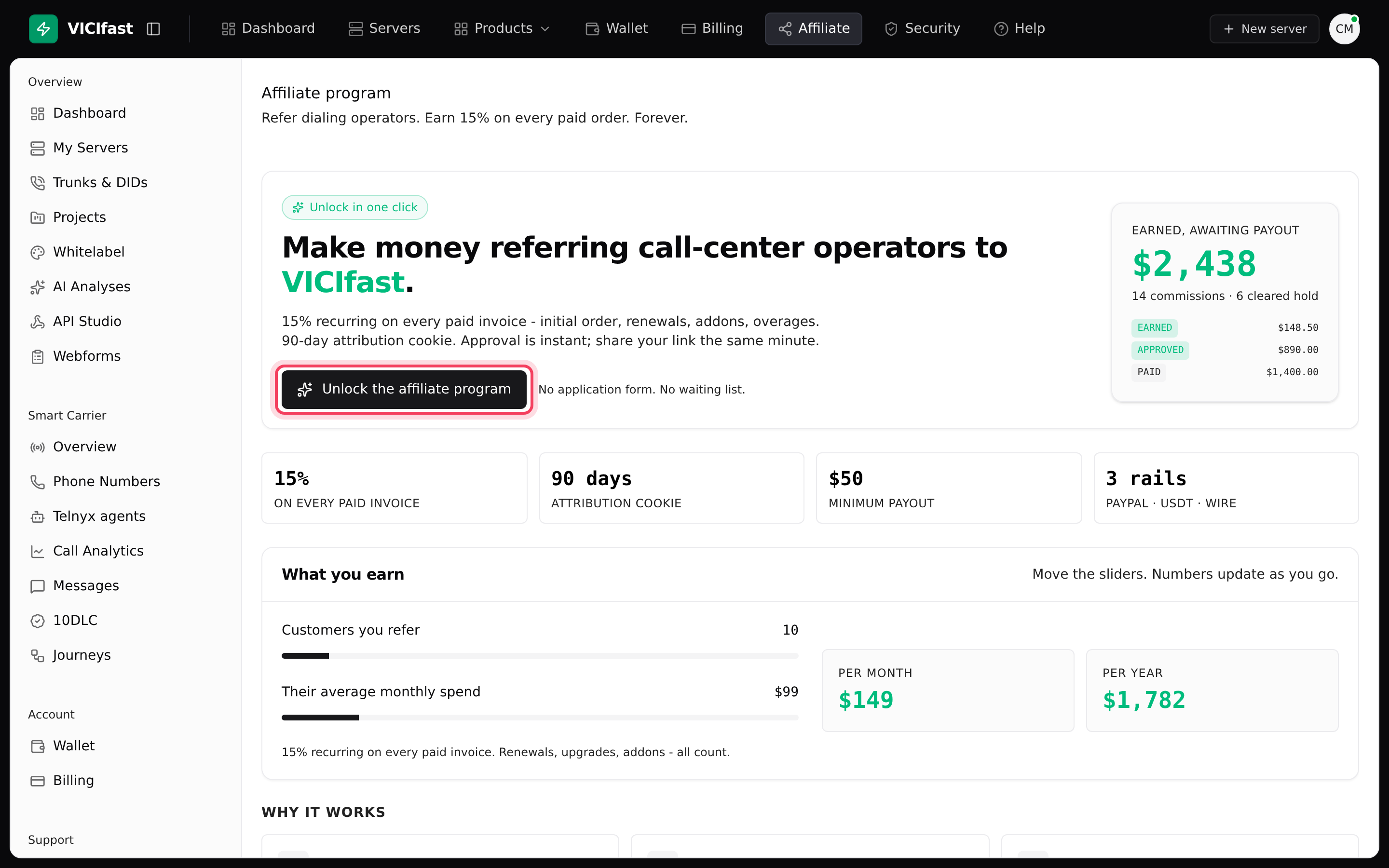
- Click Unlock the affiliate program. There is no application form: you are approved straight away, and your referral code is made from your email address.
- An Affiliate section now appears in the sidebar, with Overview, Links, Marketing kit, Visits, Customers, Orders, Payouts and Tax Form.
Step 2: Share your link
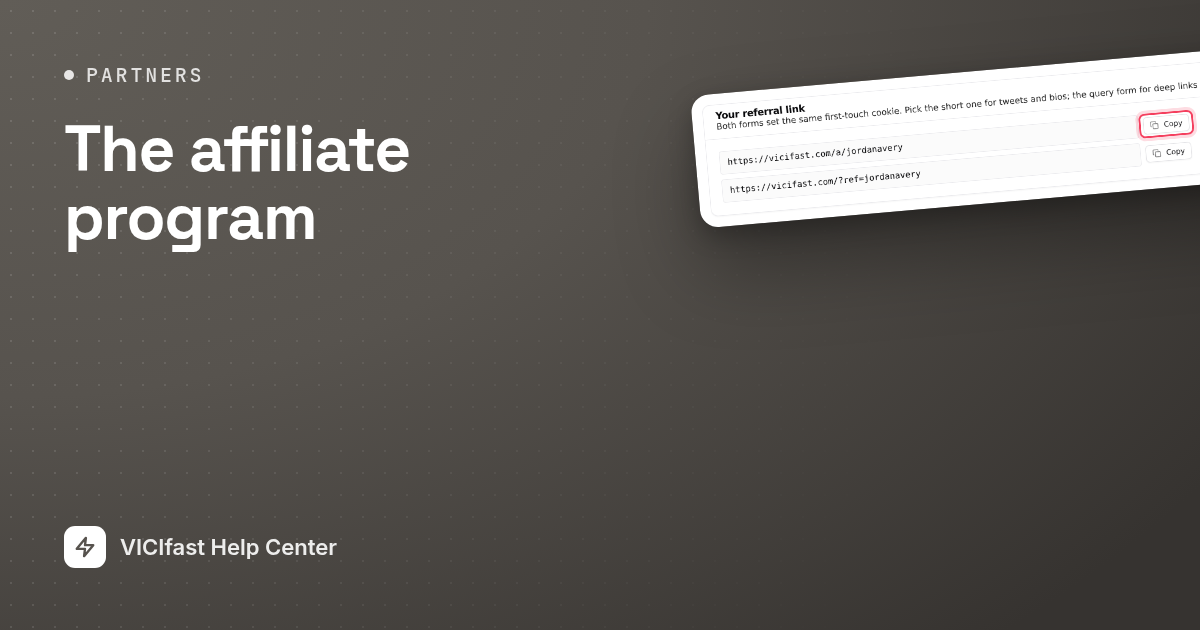
- Click Overview. The Your referral link card shows two versions of your link: a short one that ends in /a/ and your code, and a longer one that ends in ?ref= and your code. Both work the same way.
- Click the copy button next to either link and share it wherever your audience is.
- To track channels separately, click Links and fill in Create a campaign link: a Campaign label for yourself, a Campaign slug such as twitter-jan, and optionally a Destination path such as /pricing. Click Create campaign link.

The Top campaigns card on your Overview shows which campaign links bring in the most customers.
How you earn commission
- 15% of what they pay. You earn on every order the people you refer place. For customers who pay by card, you also earn on their renewals, add-ons and extra charges, for as long as they stay. The rate that applies to you is shown at the top of your Overview.
- 90-day link memory. When someone clicks your link, we remember it for 90 days. If they sign up within that time, they are linked to you for good.
- First link wins. If the person clicked another affiliate’s link first, or already had an account, they are not linked to you. Signing up through your own link never counts.
- Earned, then approved. Each commission starts as earned. After 90 days it becomes approved, which means you can be paid for it. The wait covers refunds and card chargebacks.
- Refunds are taken back. If a customer you referred is refunded or wins a chargeback, the matching commission is taken back, even after the 90 days. If it was already paid to you, the amount comes off your next payout. Your Payouts page shows this as earned minus refund clawbacks.
Step 3: Tell us how to pay you
- Click Payouts.
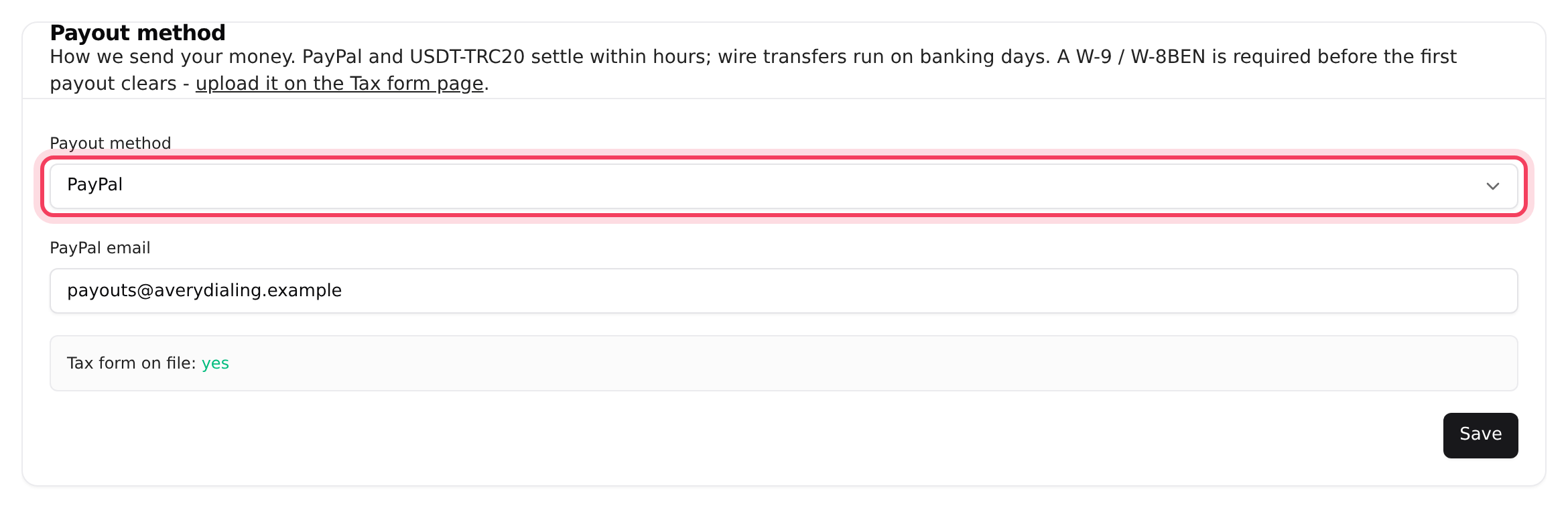
- In the Payout method card, choose PayPal, USDT-TRC20, Wire transfer or Other (manual).
- Fill in the details it asks for (PayPal email, Tron address or Bank / payout details) and click Save.
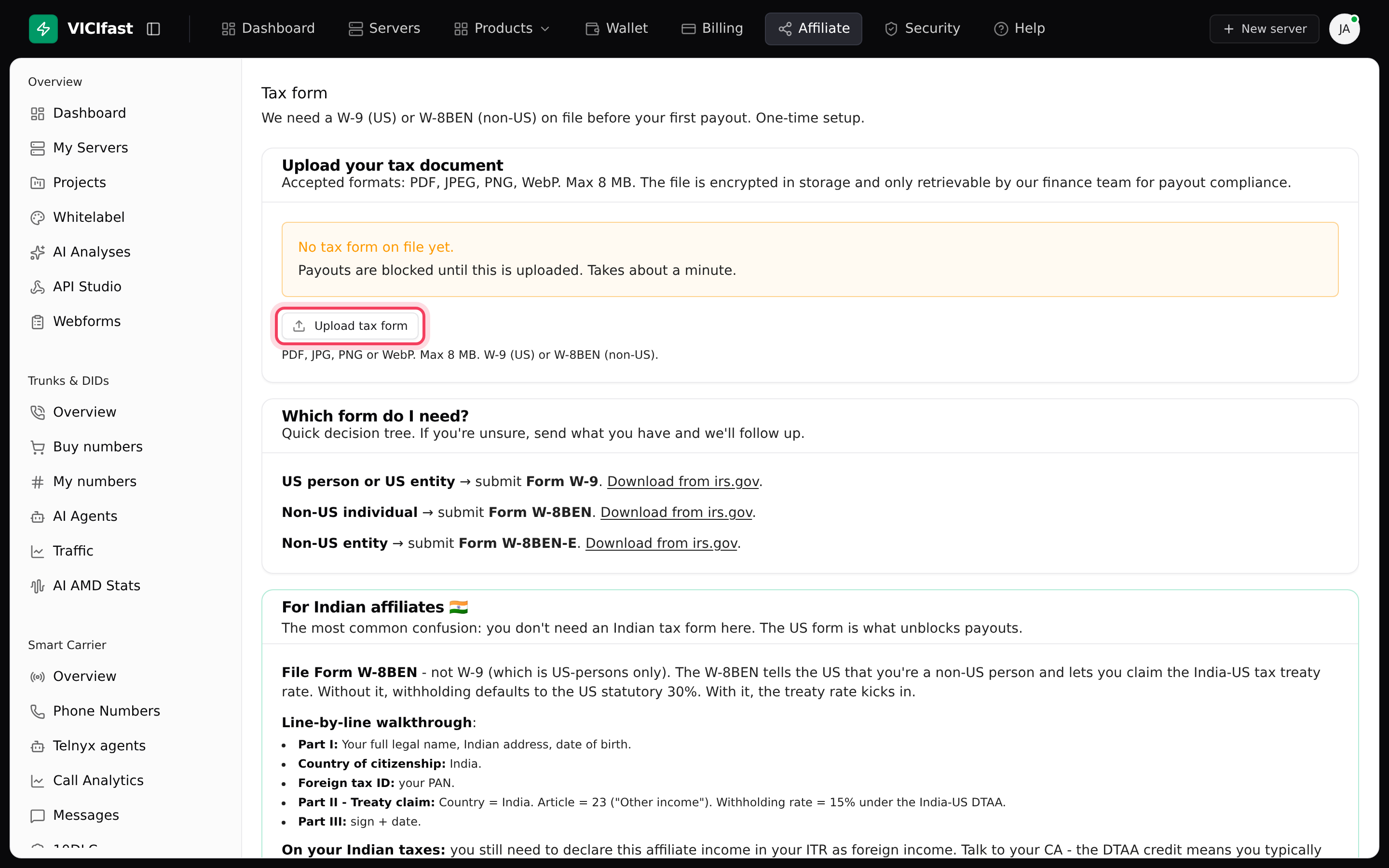
- Click Tax Form, then Upload tax form. Use a W-9 if you are in the US and a W-8BEN if you are not. PDF, JPEG, PNG and WebP files up to 8 MB are accepted.
Step 4: Request a payout
- Click Payouts. Your Payable balance is shown at the top.
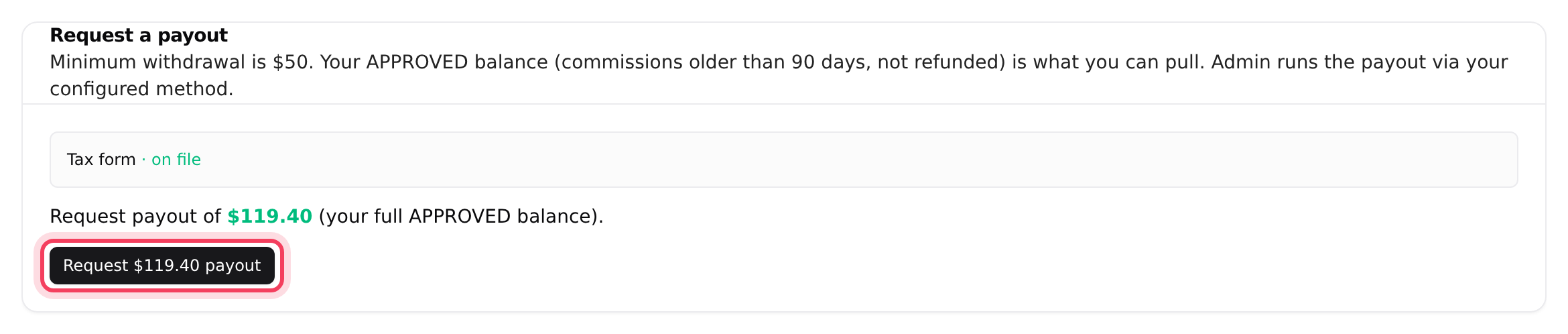
- When your approved balance is at least $50, your payout method is saved and your tax form is on file, the Request a payout card shows a Request $… payout button. Click it to request your full approved balance.
- The request moves to Pending payout request. An admin reviews it and sends the money by hand; the page says this is "usually within 5 business days".
- We email you when you submit the request and again when the payout is sent. Past payouts are listed under Payout history.
You can have one payout request open at a time. Once it has been paid, you can request the next one.
If something goes wrong
Frequently asked
- It only appears when your approved balance is $50 or more, you have saved a payout method, your tax form is on file, and no other request is waiting. The card tells you what is missing, for example "Set your payout method above first." or that your approved balance is below the $50 minimum.
- People are only linked to you if they signed up within 90 days of clicking your link, in the same browser, and had not clicked another affiliate’s link first. People who already had an account, and your own sign-ups, are never linked.
- Every commission waits 90 days before it can be paid, to cover refunds and chargebacks. It becomes approved by itself after that.
- A customer you referred was refunded or won a chargeback, so that commission was taken back. If it had already been paid to you, the amount comes off your next payout.
- A suspended account stops earning new commission. Commission you already earned is still honoured. Chat with support to find out why.
- The affiliate program belongs to the account owner. Only the owner can join, see earnings and request payouts.
› I don’t see the Request payout button.
› Someone I referred is not listed under Customers.
› Why is a commission still earned and not approved?
› My payable balance went down.
› It says "Your affiliate account is suspended."
› A team member can’t open the Affiliate pages.
Related articles
Tags: overview, affiliate