Coming soonVICIdial iPhone app
The VICIdial iPhone app is on its way.
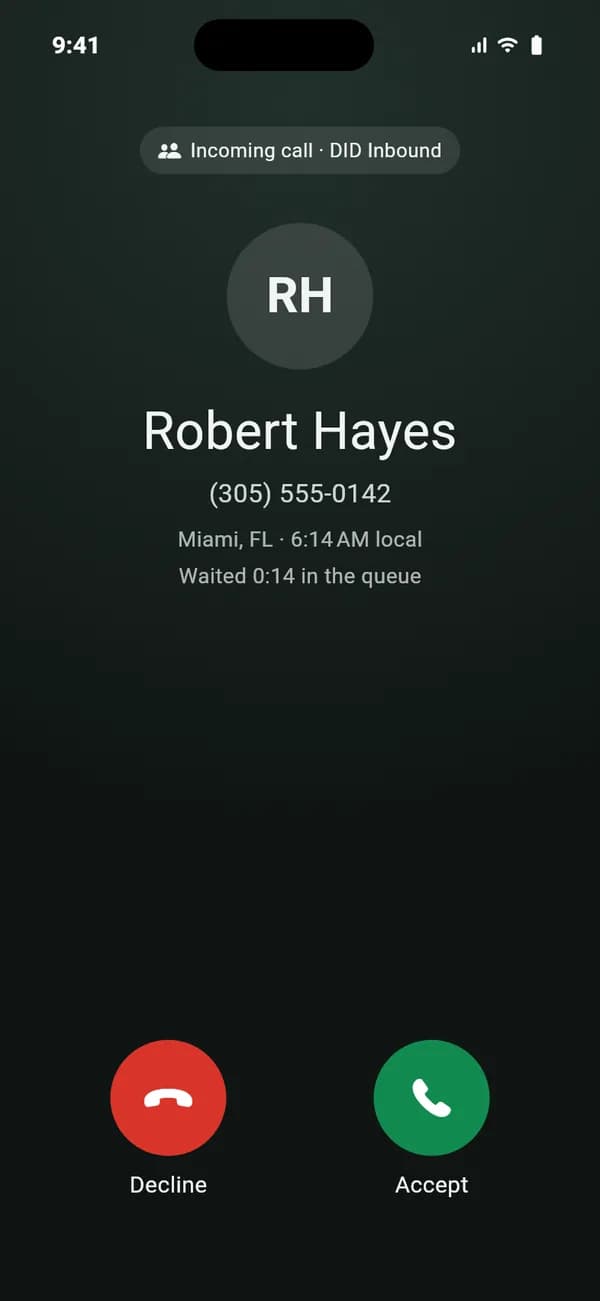
VICIfast Phone for iPhone will take your VICIdial queue calls on the lock screen, show the lead on the call, and save results, callbacks and transfers to VICIdial, like the Android app does today.
Free on every VICIfast server when it’s out
Get told
One email, the day it’s in the App Store.
Leave a work email and we’ll send a single message when the iPhone app is out.
Preview
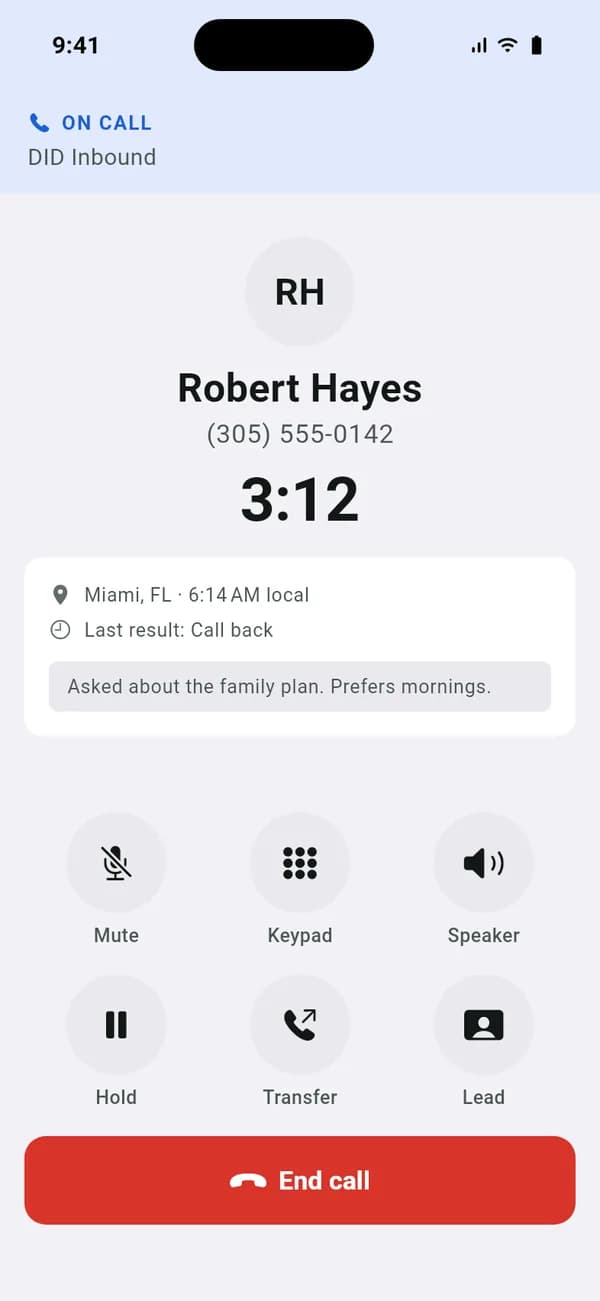
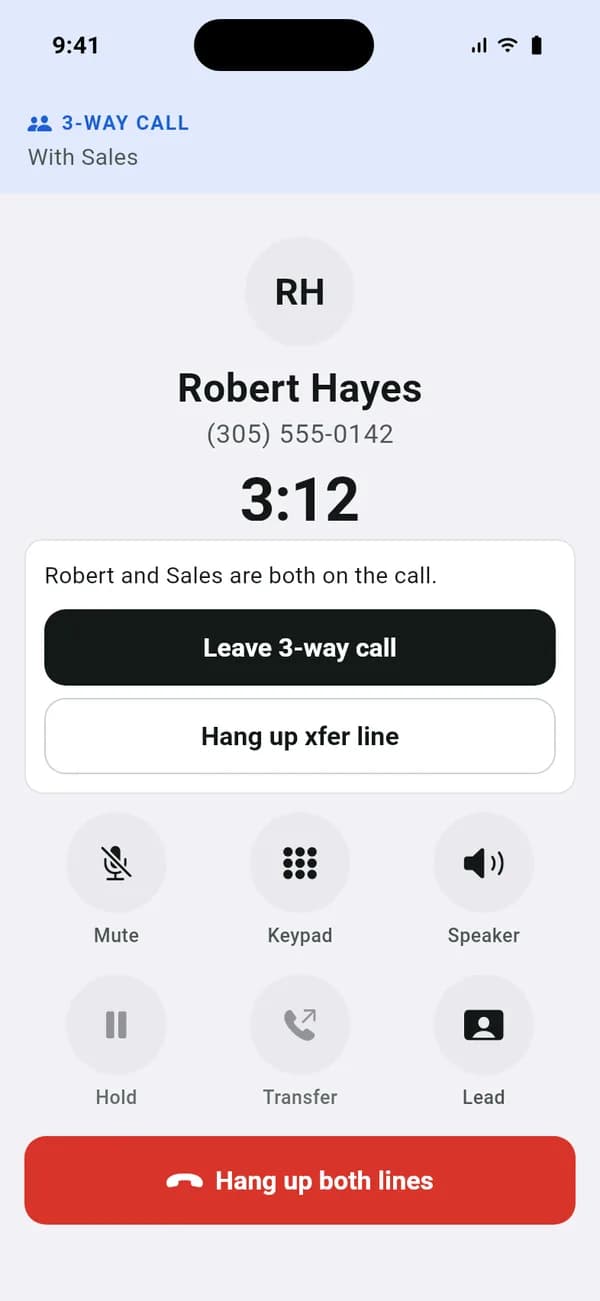
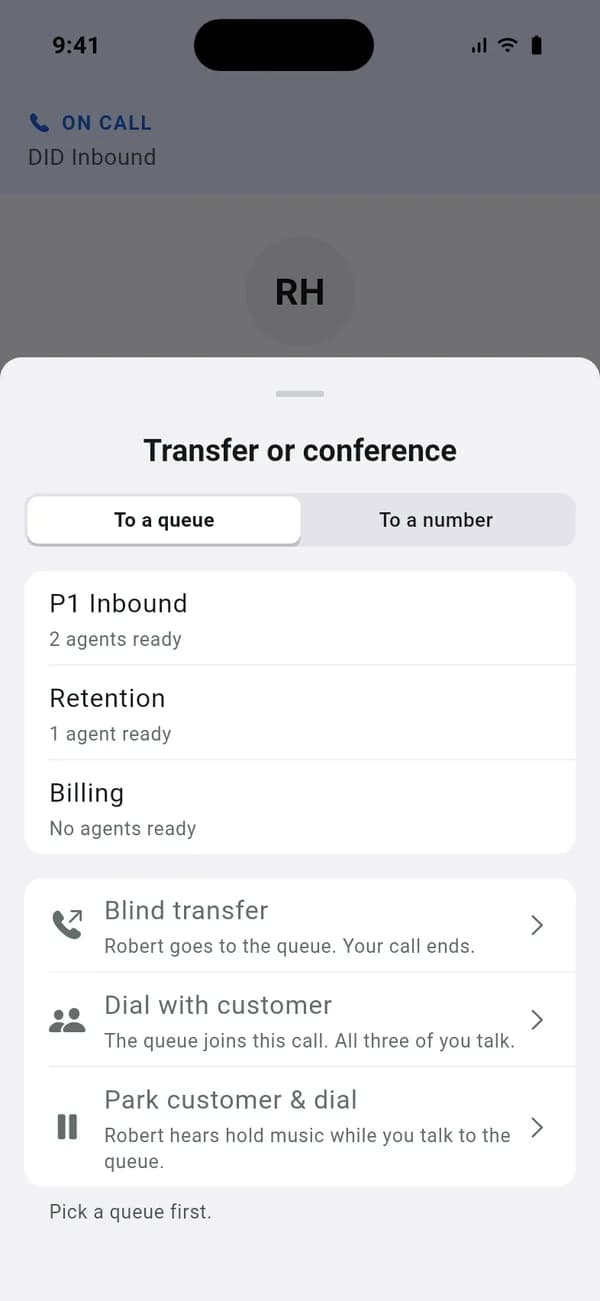
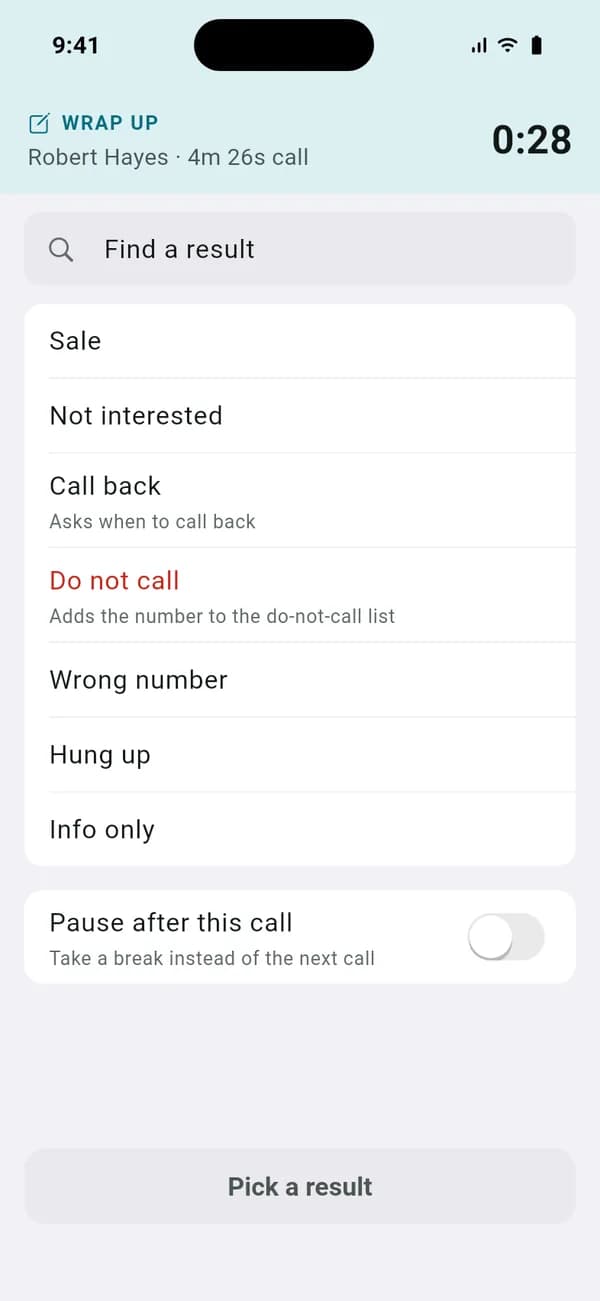
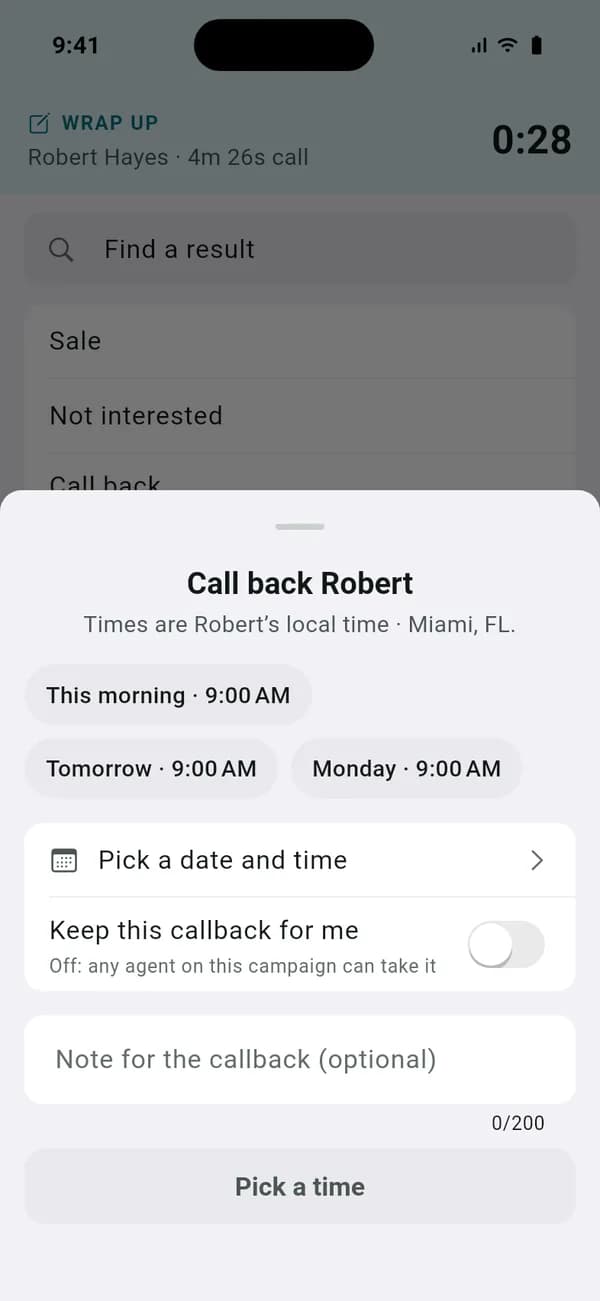
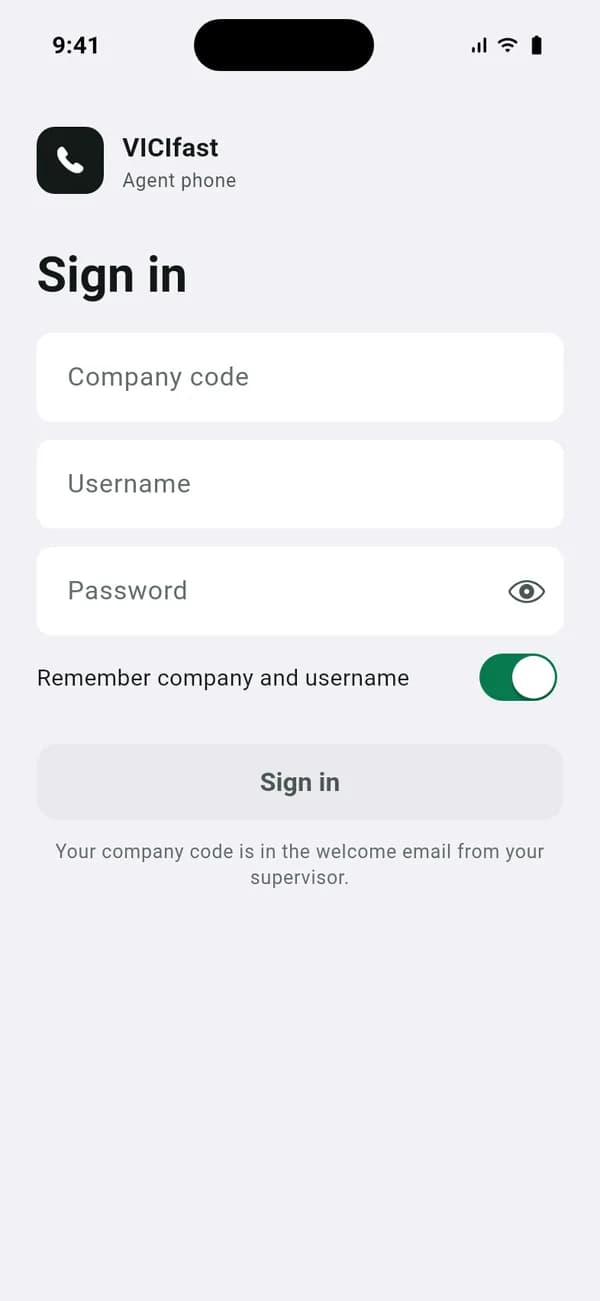
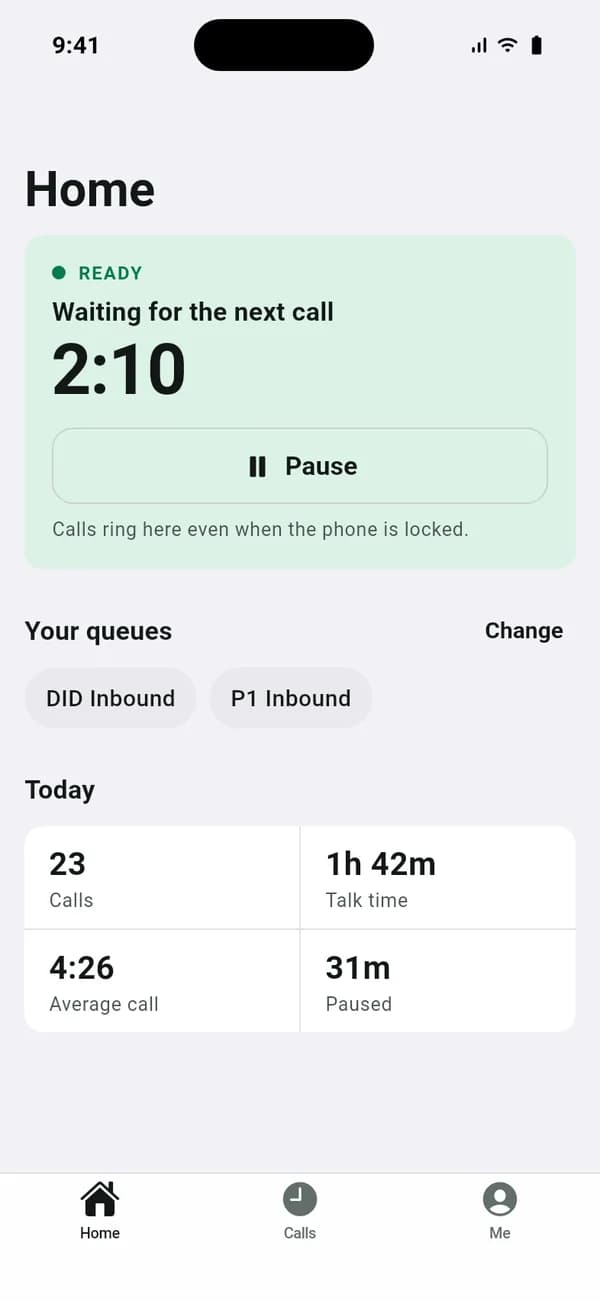
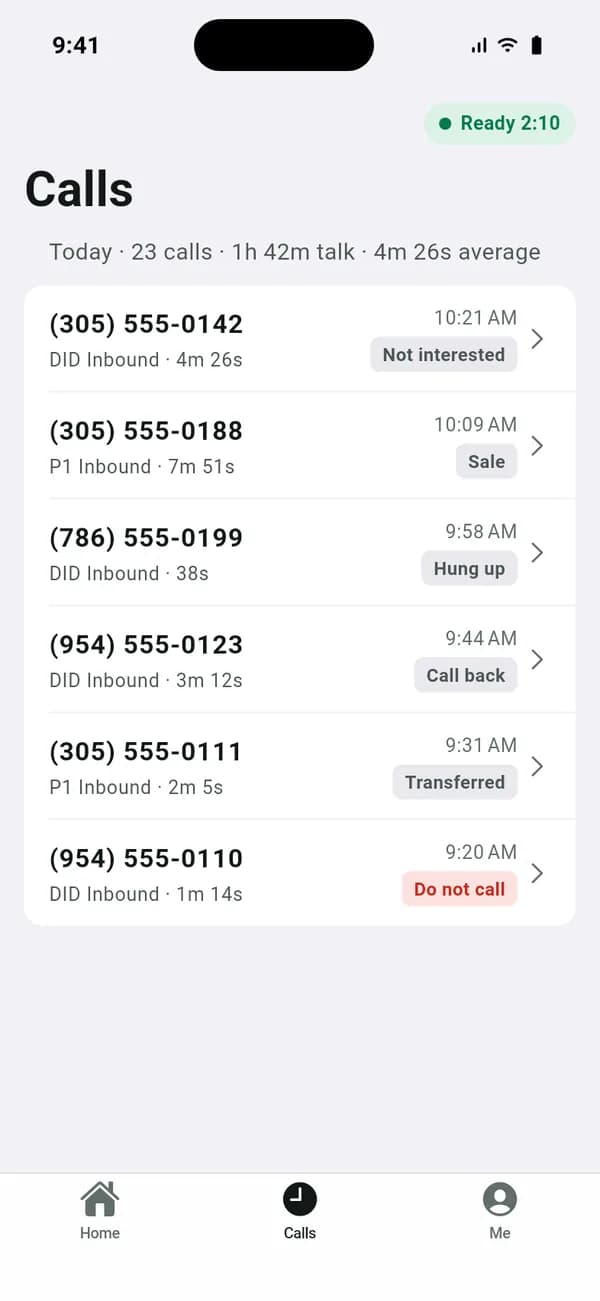
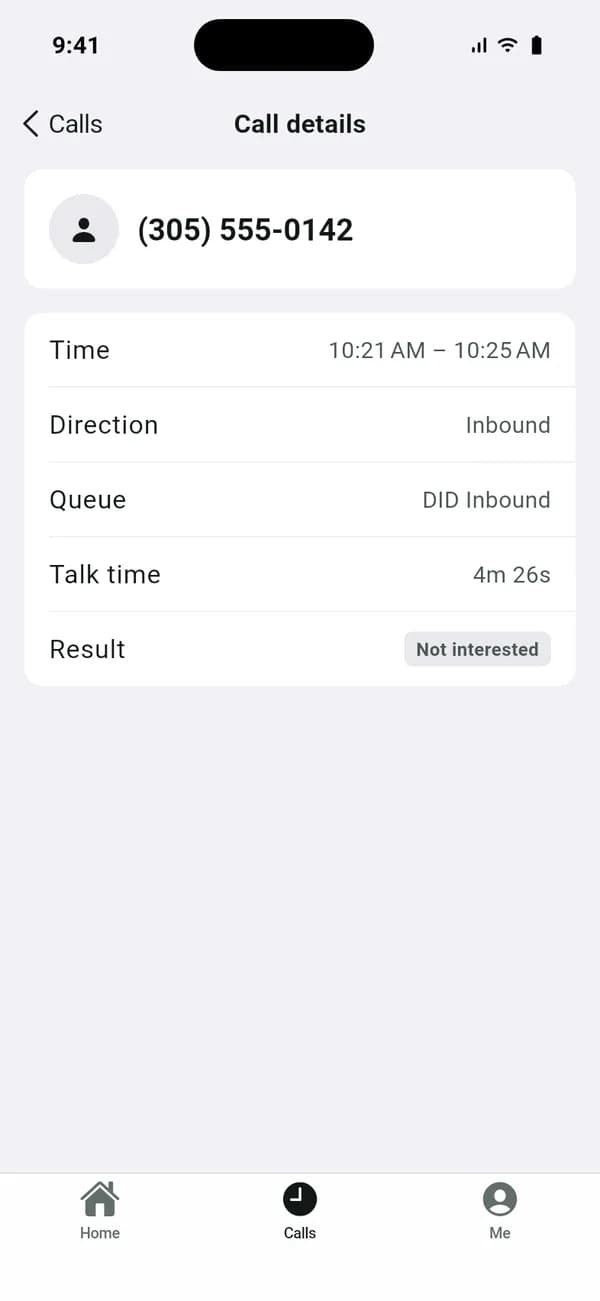
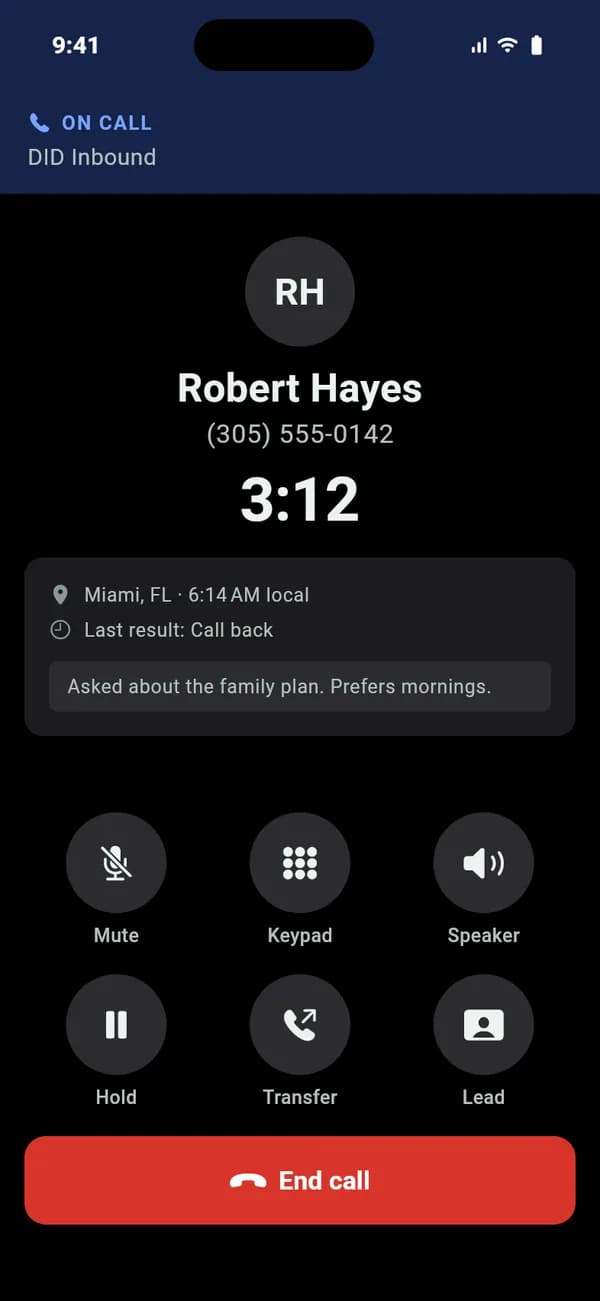
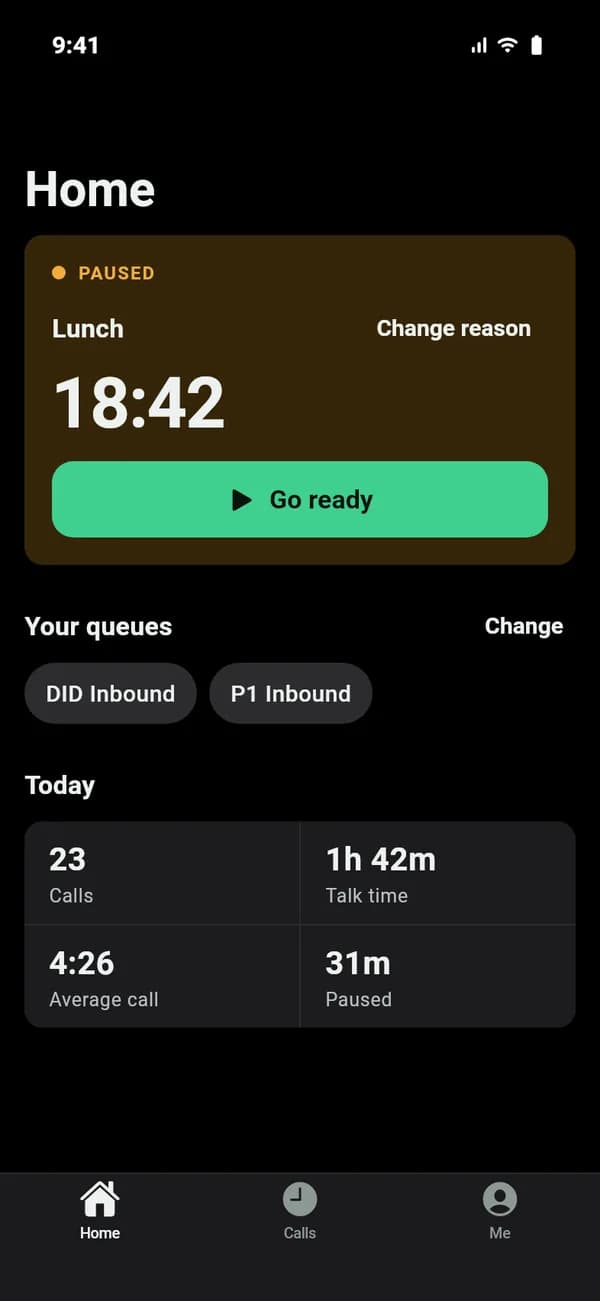
What it looks like on an iPhone.
These screens come from the app in development, with sample data. Details may change before release.
For your agents
What the iPhone app will do.
The same as the Android app does today.
On the call
- Rings on the lock screen like a normal call, with the caller’s name, number, city, local time and wait in the queue
- Mute, hold, speaker and keypad
- The lead’s details and notes, one tap away
- Blind transfer to a queue or a number
- Dial with customer, park customer and dial, grab the parked call
- Leave 3-way call or hang up the xfer line, as on the VICIdial agent screen
After the call
- Pick a result in two taps from the campaign’s own statuses
- “Do not call” always asks before it saves
- Schedule callbacks in the customer’s time zone, within calling hours
- Pause after the call instead of taking the next one
The shift
- Sign in with a company code and the agent’s usual VICIdial login
- Pick the campaign and the queues to take
- Go ready, or pause with the campaign’s pause codes; supervisors see the reason
- Today’s calls, talk time and results at a glance
- Light and dark mode, following the phone
Until then
How your agents can work today.
Agents with Android
The Android app is out, free on every server. Same calls, results and transfers.
Get the Android appAgents with an iPhone
The VICIdial agent screen in a browser on a computer, with its built-in web phone, works today.
FAQ
VICIdial iPhone app questions
Not yet. VICIfast Phone for iPhone is in development and will do what the Android app does today: queue calls on the lock screen, the caller’s details, results, callbacks and VICIdial transfers. Leave your email on this page and we’ll tell you when it’s out.
We haven’t set a date. The sign-up on this page gets you one email when it’s in the App Store, and nothing else.
Yes, like the Android app: included with every VICIfast server, with no per-agent fee.
The VICIdial agent screen in a browser on a computer, with its built-in web phone. Agents with an Android phone can use the Android app now. The VICIdial Android app.
Yes, the same way as on Android: the app signs the agent in as a VICIdial remote agent, and VICIdial rings the phone for each queue call. Results, callbacks and transfers go through VICIdial.
Put your queue on your agents’ phones.
The Android app is free on every VICIfast server today, and the iPhone app will be too.