How to set up a broadcast (robo) campaign
A step-by-step setup for a broadcast campaign in VICIdial: record the message, choose a playback method, configure the remote agent, and start the run with no live agents.
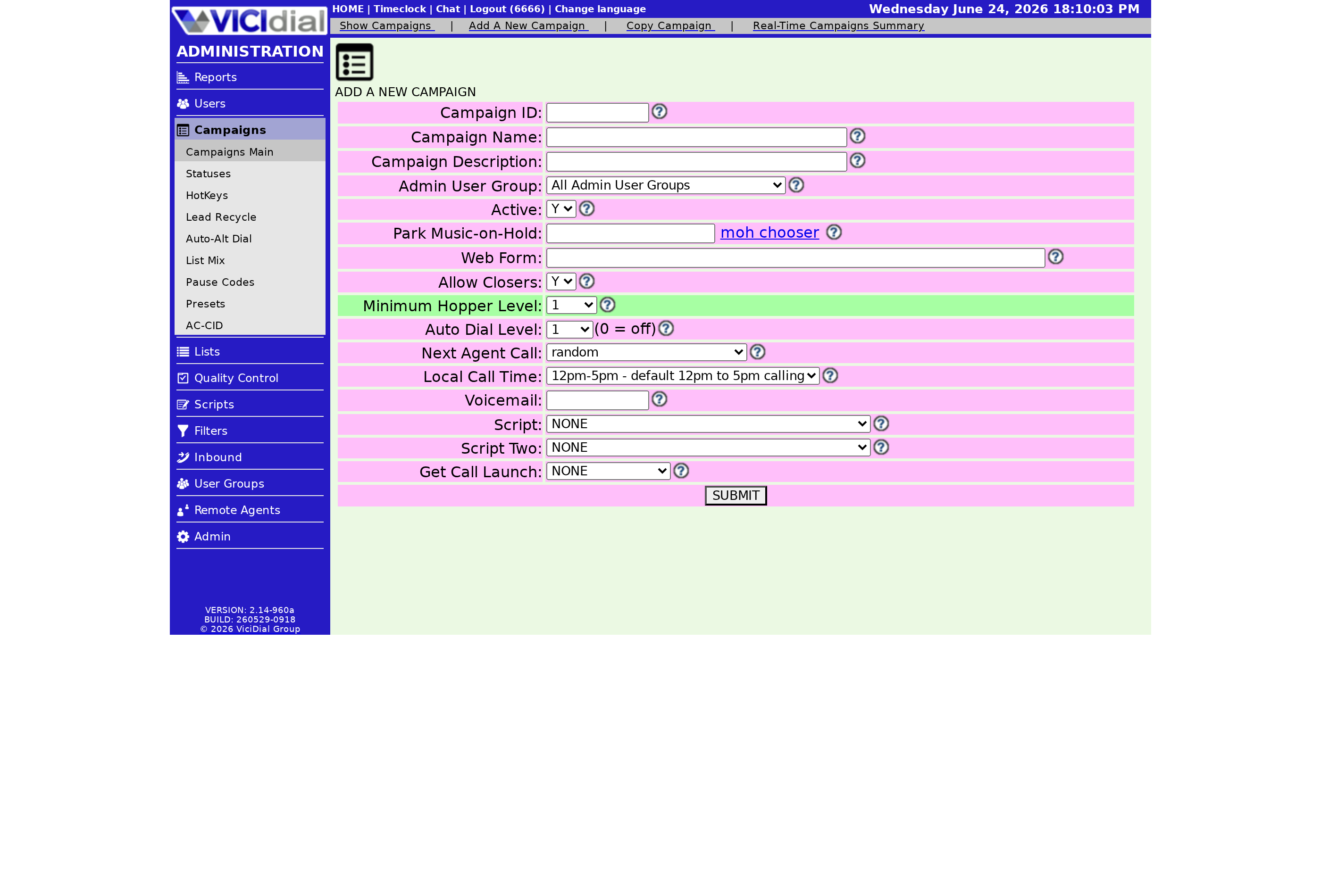
A broadcast campaign, also called robo-dialing, plays a recorded message to a list of numbers with no live agent on the call. It is the right tool for reminders, notices, and political or non-profit announcements. Setting one up comes down to recording the message, choosing how it plays, and pointing a remote agent at it. Here is the path from a blank list to dialing.
Step 0: confirm you are allowed to broadcast
flowchart TD
    A[Record broadcast message] --> B[Create campaign]
    B --> C["Set dial method to BROADCAST"]
    C --> D[Choose playback / extension]
    D --> E[Configure remote agent]
    E --> F[Set high dial level, no live agents]
    F --> G[Dialer fires calls]
    G --> H{Call answered?}
    H -->|Yes| I[Play recorded message]
    H -->|No| J[Disposition and recycle]
    I --> K["Optional: press-1 to live agent"]
Recorded-message calls are heavily regulated. In the US, broadcasting to consumers generally needs prior express written consent, so the clean cases are opted-in customer reminders plus political and non-profit announcements. This is practical guidance, not legal advice. Square away your TCPA obligations and your DNC (do not call) suppression before you record anything.
Step 1: record your message
Use the easy-prompt process: dial 8168 from a phone connected to your server, enter the recording ID when prompted, and record after the beep. A practical tip is to record the message twice in the same file, because the start of a recording often gets clipped before the person finishes saying hello or while a voicemail greeting plays. Recording it twice means they hear the whole thing the second time around. Note the filename, which starts at 85100001.
Step 2: choose how the message plays
There are three approaches, from simplest to most capable:
- Play immediately: starts the recording on connect, no dialplan editing. Easiest to set up, but clips the start and gives no real lead status.
- Wait a set number of seconds: delays the recording so it usually starts after hello. Needs a small dialplan edit.
- Wait for silence or full answering machine detection (AMD (answering machine detection)): listens before playing so it handles voicemails better. Full AMD is configured from the web interface and usually needs a little tuning.
Step 3: wire up the remote agent
Because no human logs in, a Remote agent drives the dialing. On the Remote Agent Modification screen, set its External Extension to the right playback target for your chosen method, and set the campaign's VDAD extension to the matching broadcast extension. For full AMD you point External Extension at the answering-machine playback handler and set the related answering-machine fields on the campaign. The exact extensions depend on which playback path you picked in step 2.
Step 4: start and stop the run
To start dialing, set the remote agent status to ACTIVE and submit. To stop, set it to INACTIVE; that can take about a minute to fully wind down. As calls connect, watch the lead Status (lead status) values move through PU when the message starts and AL once it has played in full. That trail tells you who was actually reached. Keep your Call times set to acceptable hours so the run never places calls outside permitted windows.
If you need callers to press a key before reaching a human, you want a press-1 survey instead of a broadcast. For how broadcast sits next to the other modes, see the dialing strategies guide, and before a large run skim the drop-rate guide since abandons still count even with no agents on the line.
Want a hosted VICIdial box where broadcast setup is ready without provisioning a server yourself? See our plans and pricing and you can be dialing in under a minute.
Frequently asked
- Set the remote agent status to ACTIVE on its modification screen to start dialing, and INACTIVE to stop. Stopping can take about a minute to fully wind down.
- The start of a recording often gets clipped before the person finishes saying hello or while a voicemail greeting plays. Recording the message twice means the part they missed at the start plays again.
› How do I start and stop a broadcast run?
› Why should I record my message twice in the file?
Related from VICIfast
About VICIfast
We run VICIdial servers for call centres, so you don’t have to. You get the dialer set up, secured and kept running — we handle the server, the updates and the backups. Bring your own phone carrier; we never resell minutes. From $49 a month per server.
Questions? Call +1 636 556 0022 and talk to someone who runs dialers.
Citing this article
VICIfast Engineering. “How to set up a broadcast (robo) campaign”. VICIfast LLC, June 19, 2026. Retrieved from https://vicifast.com/blog/set-up-vicidial-broadcast-campaign
Have questions?
Related posts
You might be interested in
VICIfast newsletter
Liked this? Get the next one in your inbox.
We ship the kind of stuff you just read - concrete, numbers-first, no drip. One email when a new post goes live. Unsubscribe in one click.
Comments
No comments yet - be the first.