How to build a press-1 survey campaign
A step-by-step walkthrough of building a press-1 survey campaign in VICIdial: record the prompts, fill the survey fields, set the routing extension, and pick the right dial method.
A press-1 survey campaign plays a recorded question when someone answers and routes the call based on the key they press. Setting one up is mostly a matter of recording a few prompts and filling in the Survey section of a campaign in the right order. Here is the practical path from a blank campaign to dialing.
Step 0: confirm you are allowed to dial this way
flowchart TD
    A[Record audio prompts] --> B[Create survey campaign]
    B --> C["Set dial method (RATIO or ADAPT)"]
    C --> D[Fill survey fields]
    D --> E[Set survey first audio file]
    E --> F["Set press-1 routing extension"]
    F --> G[Lead answers call]
    G --> H["Play prompt, wait for keypress"]
    H --> I{Pressed 1?}
    I -->|Yes| J[Route to live agent ingroup]
    I -->|No| K["Disposition (DNC or no-press)"]
Before any technical work, sort out the rules. In the US, pre-recorded prompts to consumers are restricted and generally need prior express written consent, so press-1 fits B2B, political, and non-profit calling best. This is practical guidance, not legal advice. Make sure your DNC (do not call) handling and your TCPA obligations are squared away before you record a single prompt.
Step 1: record your prompts
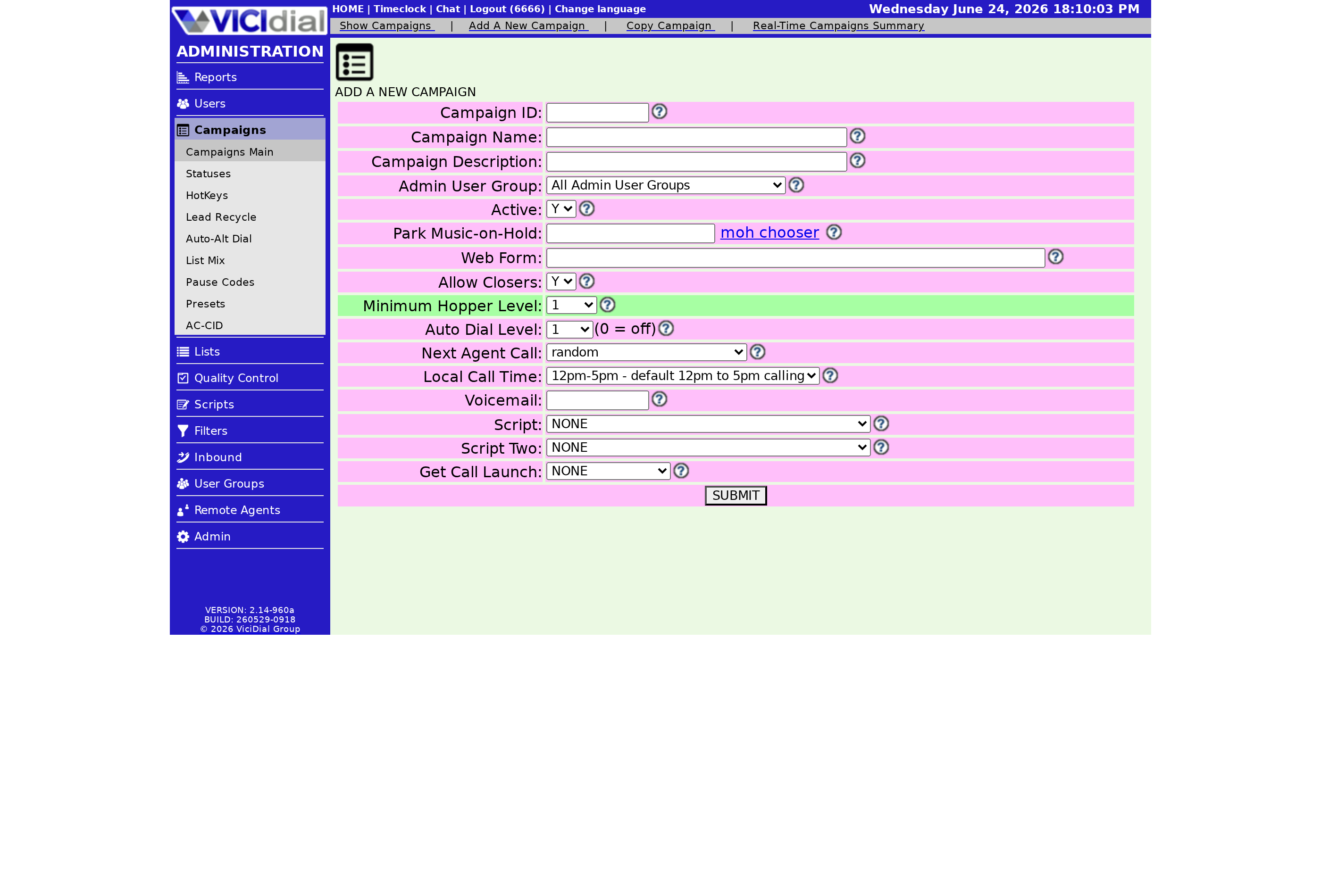
You need at least three audio files: the first question that plays on answer, the opt-in message for interested callers, and the not-interested message for opt-outs. Record them with the easy-prompt process by dialing 8168 from a phone connected to your server and following the recorded instructions. Each recording gets a filename starting at 85100001. Write those numbers down because you will type them into the campaign fields.
Step 2: fill in the Survey fields
Open the campaign's SURVEY sub-menu and fill these in. A working example for a simple yes/no/not-interested poll:
- Survey First Audio File: the filename of your question prompt.
- Survey DTMF Digits: the keys you accept, for example 1238.
- Survey Not Interested Digit: one of those keys, for example 8.
- Survey Opt-in Audio File and Survey Not Interested Audio File: your two outcome prompts.
- Survey Method: AGENT_XFER to send interested callers to a live agent.
- Survey No-Response Action: OPTOUT to forward silent callers, or OPTIN to forward only those who press a key.
- Survey Response Digit Map: a pipe-separated key, for example 1-YES|2-NO|3-MAYBE|8-NI|X-NONE, so your reports read clearly.
Step 3: set the routing extension and dial method
On the Campaign Detail screen, set the VDAD extension to 8366, which is the routing extension that runs the survey flow. Then set the Dial Method to RATIO and the dial level to 1. You do not want adaptive Predictive dialing logic interfering with the message-and-press path. When a customer answers, they hear your prompt and press a digit; their choice is saved in the security_phrase field on the Lead, which is where you read responses afterward.
Leave the fields you are not using blank. If you are not recording responses, skip the campaign recording directory. If you are not sending opt-ins to voicemail, leave the voicemail field empty. The third and fourth digit options exist for branching surveys with more than two answers, so a simple yes/no/not-interested poll leaves them blank too. Filling in fields you do not need is a common way to get a confusing flow, so add only what your script actually uses.
Step 4: run it and watch the numbers
Run the campaign as normal. Response rates on recorded prompts are low, so you may need to dial many more lines than usual to keep your Closer agents busy on the AGENT_XFER side. That heavy fan-out makes drop control important. The drop-rate guide helps here, and the dialing strategies guide shows where survey mode sits among the other dial methods.
Want a hosted VICIdial box where you can build this without provisioning a server yourself? See our plans and pricing and you can be dialing in under a minute.
Frequently asked
- Set the campaign Dial Method to RATIO with the dial level at 1. The survey routing extension takes over the message-and-key-press flow, so you do not want adaptive predictive logic fighting it.
- The digit the customer presses is stored in the security_phrase field on the lead, so you can report on responses after the campaign runs.
› What dial method does a survey campaign use?
› Where are the customer key presses stored?
Related from VICIfast
About VICIfast
We run VICIdial servers for call centres, so you don’t have to. You get the dialer set up, secured and kept running — we handle the server, the updates and the backups. Bring your own phone carrier; we never resell minutes. From $49 a month per server.
Questions? Call +1 636 556 0022 and talk to someone who runs dialers.
Citing this article
VICIfast Engineering. “How to build a press-1 survey campaign”. VICIfast LLC, June 19, 2026. Retrieved from https://vicifast.com/blog/build-vicidial-press-1-survey-campaign
Have questions?
Related posts
You might be interested in
VICIfast newsletter
Liked this? Get the next one in your inbox.
We ship the kind of stuff you just read - concrete, numbers-first, no drip. One email when a new post goes live. Unsubscribe in one click.
Comments
No comments yet - be the first.