The VICIdial soundboard API user explained
The soundboard API user is the account that actually triggers a VICIdial soundboard's audio. Here is why it should be a dedicated, reduced-permission user.
Two fields on every Soundboard record decide whether audio plays at all: the Soundboard API User and the Soundboard API Pass. They are easy to skim past, but they are the engine room of the whole feature. This post explains what the API user does, why it matters, and how to set it up so a button click safely turns into sound on the call.
What the API user actually does
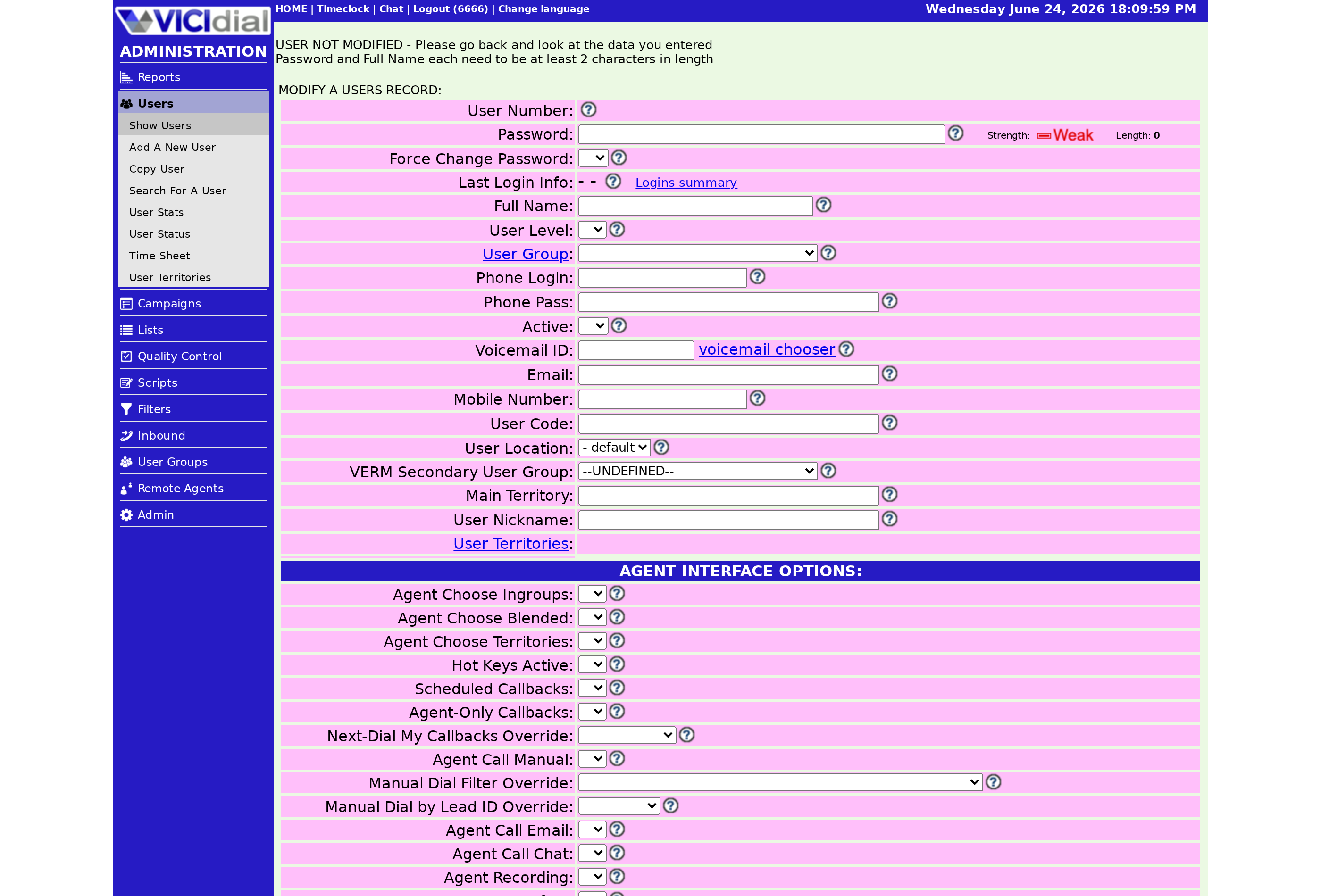
When an Agent clicks a button on the soundboard control screen, the action does not run under the agent's own login. It runs under the configured Soundboard API User. That account triggers the soundboard audio events, so it must be a valid system user with permission to use the API (application programming interface). The Soundboard API Pass is simply that user's password. Without a working pair, the buttons render but nothing happens when clicked. This design keeps the agent's regular session out of the audio-triggering path entirely, which is both cleaner and safer than letting each agent fire events under their own elevated permissions.
Why a dedicated account is the right move
flowchart LR
  A[Agent clicks button] --> B[Request runs as API User]
  B --> C{API permission set}
  C -->|Yes| D[Audio event triggered]
  C -->|No| E[Click does nothing]
  D --> F[Customer hears recording]
The recommended pattern is a separate API user with reduced permissions, used only for soundboards. The diagram shows why: every click flows through that one account, so its permission set is the only gate. Give it just enough access to trigger audio and nothing more. If that account is ever compromised or its credentials leak into a script, the blast radius is tiny compared to reusing a full-permission login. A useful habit is to name the account so its purpose is obvious, something like soundboard_api, so nobody later mistakes it for a real agent and starts widening its access.
Where the credentials live
The user and pass you enter on the soundboard record get echoed into the iframe inside the script you build, so treat them as semi-public to anyone who can view the script source. That is one more reason not to reuse a privileged login. Manage the account itself like any other user, and keep it tidy within its own User group if you want clean administrative separation. For the bigger picture of how scripts, screens, and accounts fit together, see the agent screen configuration guide.
Common gotcha
The classic failure is an API user that exists but lacks API permission, so buttons silently do nothing. Always confirm the account is valid and API-enabled before blaming the audio files. A second common slip is a password mismatch between the soundboard record and the actual account, often after someone rotates the password but forgets the board still holds the old one. When you change one, change both. When you are ready to embed those credentials, our walkthrough on embedding an iframe in a VICIdial script shows exactly where the user and pass go.
Get the API user right and the rest of the soundboard just works. If you would like a managed VICIdial environment where API users and permissions are simple to provision, take a look at VICIfast pricing.
Related from VICIfast
- Every VICIdial setting on one screenCampaigns, users, dispositions, and schedules on a single modern screen.
- Dedicated hosting pricesAMD EPYC dedicated cores for steady volume or visible CPU steal.
- Work out how many agents a list needsDial ratio, connect rate, and talk time turned into headcount.
- Watch a server come up liveA real server provisioned in front of you. No slide deck.
About VICIfast
We run VICIdial servers for call centres, so you don’t have to. You get the dialer set up, secured and kept running — we handle the server, the updates and the backups. Bring your own phone carrier; we never resell minutes. From $49 a month per server.
Questions? Call +1 636 556 0022 and talk to someone who runs dialers.
Citing this article
VICIfast Engineering. “The VICIdial soundboard API user explained”. VICIfast LLC, June 24, 2026. Retrieved from https://vicifast.com/blog/vicidial-soundboard-api-user
Have questions?
Related posts




You might be interested in




VICIfast newsletter
Liked this? Get the next one in your inbox.
We ship the kind of stuff you just read - concrete, numbers-first, no drip. One email when a new post goes live. Unsubscribe in one click.
Comments
No comments yet - be the first.