Allow Inbound and Blended: turning a campaign blended
Allow Inbound and Blended is the campaign switch that lets your outbound agents also take incoming calls. Flip it to Y and an Allowed In-Groups list appears so you can choose exactly which inbound queues they can pull from.
By default a VICIdial campaign is one-directional: agents dial out, and that is it. Allow Inbound and Blended is the single switch that opens the door the other way, letting the same agents also answer incoming calls. It is the first thing to set when you want a blended floor instead of a pure outbound one, and it quietly reveals the rest of the inbound configuration. If you are running a busy floor and tired of inbound calls going nowhere while agents grind through dials, this is where the fix starts.
What the switch does
flowchart TD
  A["Outbound campaign"] --> B{"Allow Inbound and Blended = Y?"}
  B -->|No| C["Agents take outbound only"]
  B -->|Yes| D["Allowed In-Groups list appears"]
  D --> E["Select which inbound queues"]
  E --> F["Agent logs into campaign"]
  F --> G{"Inbound call waiting in allowed group?"}
  G -->|Yes| H["Deliver inbound call to agent"]
  G -->|No| I["Deliver next outbound call"]
  H --> J["Agent handles call"]
  I --> J
When you set Allow Inbound and Blended to Y, agents logged into the campaign can take calls from inbound sources. That includes calls passed over by a Fronter on another campaign and calls arriving from an outside line through one of your queues. Set it to N and the opposite is true: agents on this campaign cannot receive inbound calls in any form, no matter what else is configured. So this is the gate that decides whether inbound is even possible here.
The Allowed In-Groups list
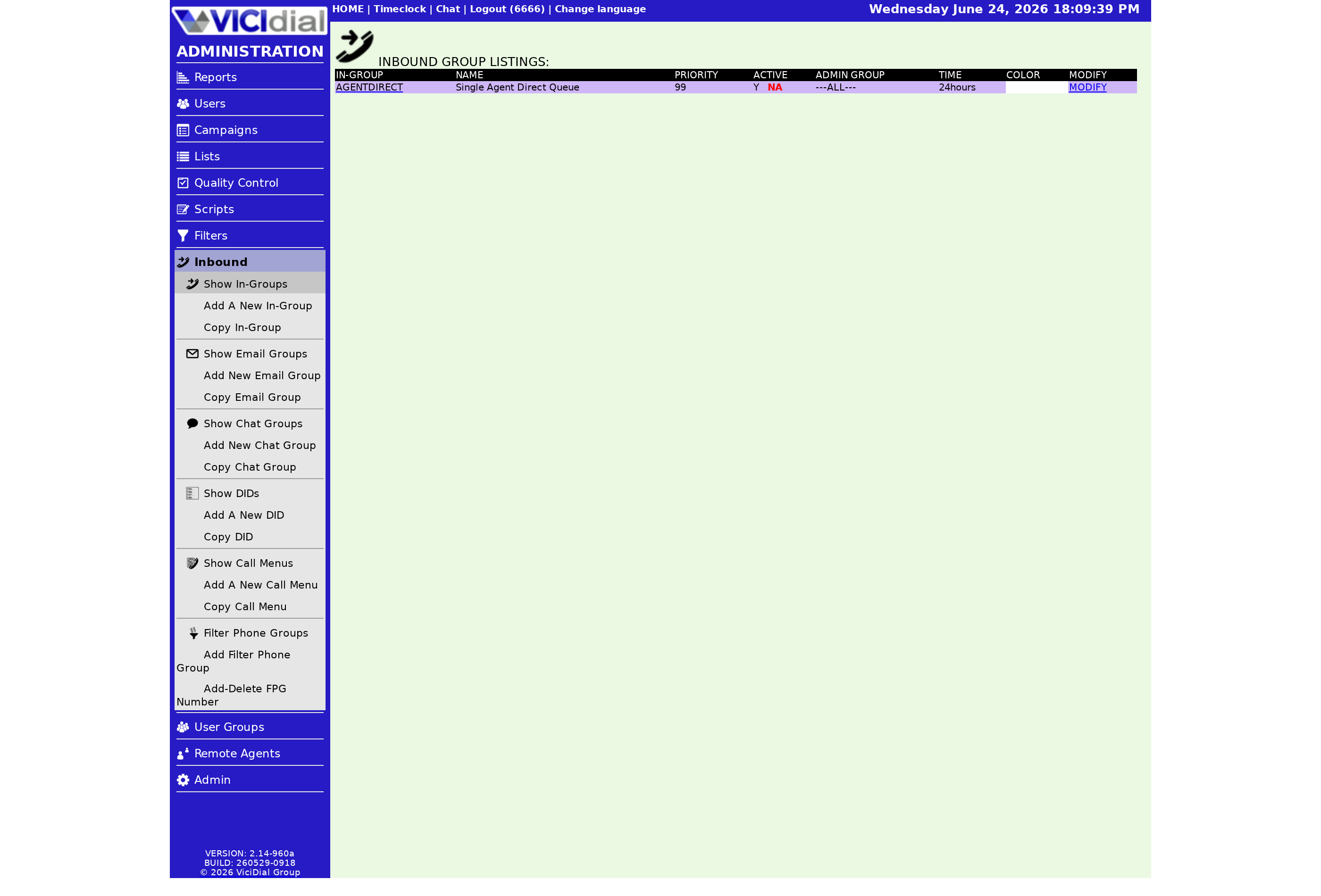
Setting it to Y and submitting reveals an Allowed In-Groups section at the bottom of the campaign screen. This is where the real control happens. An Ingroup is an inbound queue, and the Allowed In-Groups list is how you say which queues this campaign's agents may handle. You are not forced to let everyone take every call type; you pick the ones that fit the team's skills.
When an agent logs in, they then choose which of the allowed in-groups to actually take calls from for that shift. So the flow is two layers: the admin allows a set on the campaign, and the agent selects from within that set at login. That split means you can let a campaign cover several queues while still letting individual agents listen to only the ones that match their training on a given day.
How it relates to Allow Closers
People confuse this with Allow Closers, which sits nearby. Allow Closers is about whether agents can hand a call to another agent on the system, the Closer in a fronter-closer setup. Allow Inbound and Blended is about whether agents can receive inbound calls in the first place. They often go together on a blended floor, but they answer different questions: one is about transfers out, the other about calls in.
What to do after you flip it
Turning the switch on is step one, not the whole job. You still need a working in-group with a DID (direct inward dialing) or transfer feeding it, active leads for the outbound side, and a sensible plan for which calls take priority. There is a full walkthrough in our piece on blended inbound/outbound dialing, and the dialing strategies guide puts it in context with the rest of your pacing decisions.
If you would rather have inbound queues, DIDs, and blended pacing set up for you, our managed VICIdial plans get a blended-ready dialer running in under a minute.
Frequently asked
- Set to Y, it lets agents on this campaign take calls from inbound sources, including fronters and outside lines, on top of their outbound work. Set to N, those agents cannot receive inbound calls at all.
- When you set it to Y and submit, an Allowed In-Groups section appears at the bottom of the campaign screen. That is where you pick exactly which inbound queues this campaign's agents are allowed to pull from.
› What does Allow Inbound and Blended do?
› Where do I choose which inbound calls they get?
Related from VICIfast
About VICIfast
We run VICIdial servers for call centres, so you don’t have to. You get the dialer set up, secured and kept running — we handle the server, the updates and the backups. Bring your own phone carrier; we never resell minutes. From $49 a month per server.
Questions? Call +1 636 556 0022 and talk to someone who runs dialers.
Citing this article
VICIfast Engineering. “Allow Inbound and Blended: turning a campaign blended”. VICIfast LLC, June 18, 2026. Retrieved from https://vicifast.com/blog/vicidial-allow-inbound-and-blended
Have questions?
Related posts
You might be interested in
VICIfast newsletter
Liked this? Get the next one in your inbox.
We ship the kind of stuff you just read - concrete, numbers-first, no drip. One email when a new post goes live. Unsubscribe in one click.
Comments
No comments yet - be the first.