How to set up a manual-dial VICIdial campaign
A manual-dial campaign lets agents control every call. Set the dial method to MANUAL, sort out the manual prefix and caller ID, and you are dialing by hand in minutes.
Sometimes you do not want the dialer making decisions - you want an Agent to look at each Lead, decide, and dial it themselves. That is a Manual dialing (click to dial) campaign, and it is the right tool for high-value leads, compliance-sensitive lists, and teams too small for predictive pacing. Setting one up is quick. Here is the whole thing.
Set the dial method to MANUAL
flowchart TD
    A[Open Campaign Detail] --> B["Set dial method to MANUAL"]
    B --> C[Set manual dial prefix]
    C --> D[Set outbound caller ID]
    D --> E[Attach lists and hopper]
    E --> F[Agent logs in]
    F --> G[Agent clicks dial on a lead]
    G --> H[VICIdial places one call]
    H --> I[Agent disposes, then dials next]
On the Campaign Detail screen, change the dial method to MANUAL. This locks the auto dial level at 0, which is the whole point: no automatic calls go out. Agents click to dial each number from the lead list, and they stay in control of every call. The predictive-only fields - drop percentage limit, adapt intensity modifier, dial level difference target - simply do not apply in this mode, so you can leave them at their defaults and ignore them. The same goes for the concurrent transfers setting and the available-only tally; none of that machinery runs when nothing is being auto-dialed.
Handle the manual dial prefix
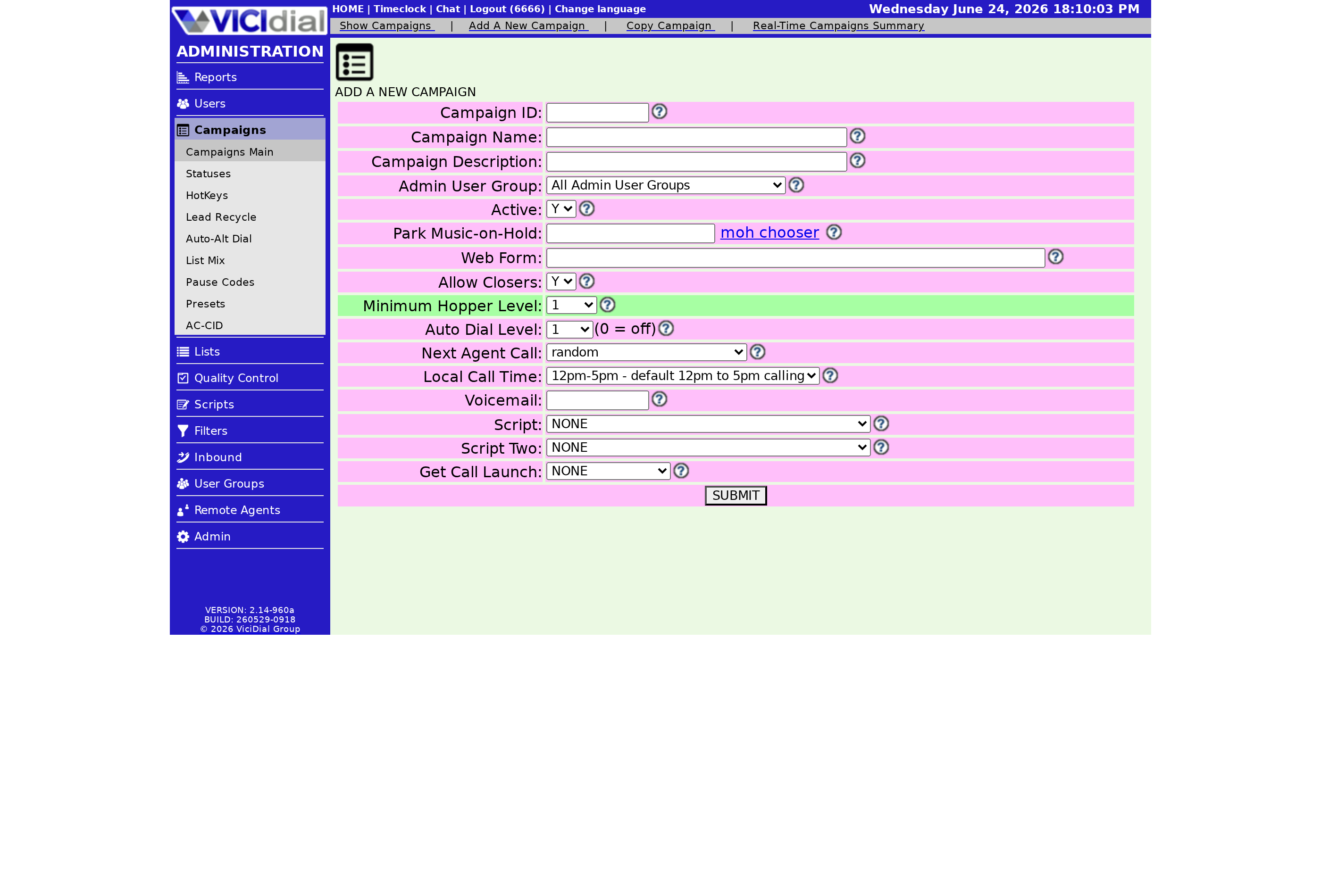
There is a Manual Dial Prefix field separate from the normal Dial Prefix. It is optional. Leave it empty and your manual calls use the campaign's regular prefix. Fill it in only when you want manual calls - the MANUAL DIAL feature, Dial Next Number, manual alt-number dialing, scheduled user callbacks - to route out through a different path than your auto calls, for example through a different carrier or a different caller-ID route. It is independent of the three-way prefix, so transfers keep using their own path regardless of what you set here.
Decide on the caller ID
Manual mode opens a nice extra option for caller ID. With Custom Caller ID, MANUAL campaigns can use a USER_CUSTOM selection - a number stored in an agent's User Custom field - as the outbound caller ID on the calls that agent places. That is handy when different agents need to show different local numbers. Otherwise the Campaign Caller ID applies as usual.
Load leads and start dialing
Point a list at the campaign so agents have something to call. You can optionally turn on Manual Dial Hopper Check, which deletes any matching number sitting in the Hopper before a manual call goes out, so the same lead does not get hit twice. Then agents log in, click to dial through the list, and set a Disposition on each call as they go.
If you want inbound calls handled between manual dials, that is a different mode - INBOUND_MAN - not pure MANUAL, so do not confuse the two when you are picking a method. Pure MANUAL is purely outbound, agent-paced, and nothing rings unless an agent clicks it. And if you are still deciding whether manual is the right fit at all, the trade-offs are spelled out in when to use manual dialing, with the bigger picture in our dialing strategies guide.
Even a manual desk needs a server with clean audio and enough channels for your team - see what each plan includes on the pricing page.
Frequently asked
- It locks the auto dial level at 0, which means no automatic calls go out. Agents click to dial each number themselves until you change the dial method to something else.
- Only if you want manual calls to route differently from auto calls. The Manual Dial Prefix field is optional; leave it empty and manual calls use the campaign's normal Dial Prefix.
› What does MANUAL do to the dial level?
› Do I need a separate dial prefix for manual calls?
Related from VICIfast
- Bring your own SIP carrierTemplated configs for Twilio, Bandwidth, Telnyx, Skyetel, and generic IP auth.
- How to pick and wire a SIP carrierChoosing carriers, routing, and what breaks in production.
- VICIdial Without the Ops - 18 chapters, freeArchitecture, sizing, storage and cost. No email wall on the contents.
About VICIfast
We run VICIdial servers for call centres, so you don’t have to. You get the dialer set up, secured and kept running — we handle the server, the updates and the backups. Bring your own phone carrier; we never resell minutes. From $49 a month per server.
Questions? Call +1 636 556 0022 and talk to someone who runs dialers.
Citing this article
VICIfast Engineering. “How to set up a manual-dial VICIdial campaign”. VICIfast LLC, June 17, 2026. Retrieved from https://vicifast.com/blog/set-up-vicidial-manual-dial-campaign
Have questions?
Related posts
You might be interested in
VICIfast newsletter
Liked this? Get the next one in your inbox.
We ship the kind of stuff you just read - concrete, numbers-first, no drip. One email when a new post goes live. Unsubscribe in one click.
Comments
No comments yet - be the first.