Routing one DID differently by caller ID
Send some callers on a number to a different destination by matching their caller ID against a group, a list, or a URL.
Not every caller on a number deserves the same treatment. You might want known customers to skip the menu, or you might want flagged numbers to never reach an agent at all. VICIdial does this with Filter Inbound Number, a setting on the DID (direct inward dialing) (Direct Inward Dialing number) that matches the caller and sends matches down a different path.
What you can match against
Filter Inbound Number is DISABLED by default. When you turn it on, you choose what the caller's CID (caller ID) (caller ID number) is checked against:
- GROUP searches a Filter phone group (a named list of numbers you maintain) for the caller's number.
- DNC_INTERNAL checks your internal DNC (do not call) (do-not-call) list, and DNC_CAMPAIGN checks one specific campaign's DNC list.
- URL calls out to a script you host, which returns 1 for a match and 0 for no match.
Adding AREACODE to the end of the option also checks for an entry matching the caller's three-digit area code. Both DNC options already do area-code searching on their own.
What happens on a match
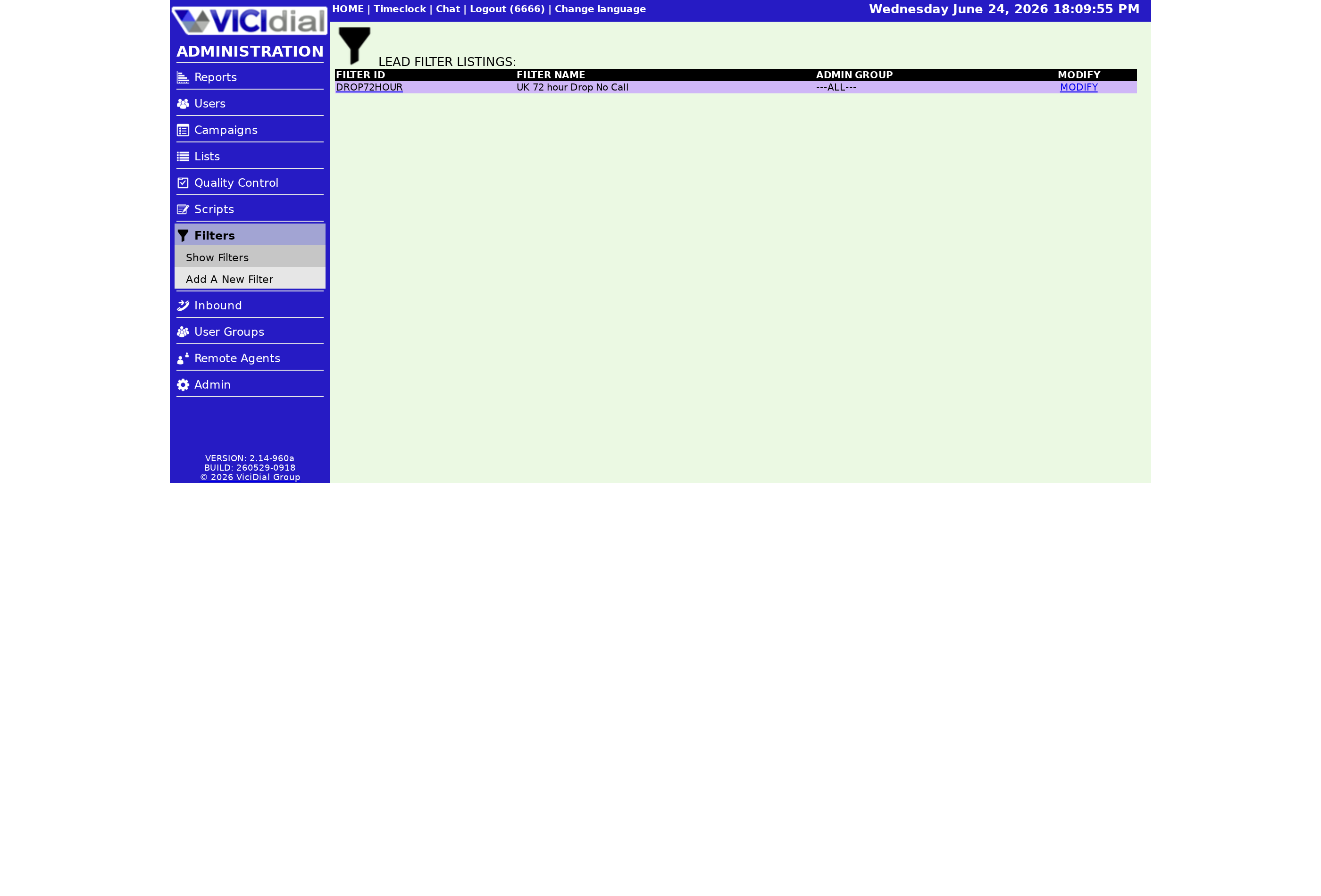
When a caller matches, the Filter Action decides where they go. It works exactly like the main DID Route: you can send the matched caller to an extension, a voicemail box, a phone, a call menu, an Ingroup queue, or an agent. Each action has its own set of target fields right below it, the same way the standard route does.
So a VIP number found in a filter phone group can be routed straight into a priority queue, while a number on your DNC list can be dropped to a polite hangup extension. Everything that does not match simply continues down the DID's normal route.
It helps to think of this as a fork that sits in front of your main route, not a replacement for it. The filter only fires on a match. No match, and the call behaves exactly as if the filter were off. That makes it safe to layer on top of an existing setup: you are adding an exception lane, not rewiring the whole number.
The URL option is the most flexible because the matching logic lives on your side. Your script receives the caller's number and the DID pattern, looks them up in whatever system you run, a CRM (the database where you keep customer records) or a billing platform, and decides. Returning a 1 triggers the Filter Action, while returning a 0 lets the normal route proceed.
The decision path
flowchart TD
  A[Inbound call on DID] --> B{Filter Inbound Number}
  B -->|GROUP| C[Search filter phone group]
  B -->|DNC_INTERNAL| D[Search internal DNC]
  B -->|URL| E[Call lookup script]
  C --> F{Match found}
  D --> F
  E --> F
  F -->|Yes| G[Run Filter Action]
F -->|No| H[Normal DID route]This is how you build VIP fast-lanes and blocklists on a single number without touching the rest of your routing. For the bigger picture, see our VICIdial inbound call handling guide. If you have several numbers feeding the same queue, our note on DIDs using an in-group is worth a read.
Want this routing power on a server you don't have to maintain? Our managed VICIdial hosting hands you one in under 40 seconds.
Frequently asked
- Yes. Set Filter Inbound Number to GROUP or a DNC option and set the Filter Action to a hangup extension. Only that DID is affected.
- The caller phone number and the DID pattern, which you reference with the VAR prefix so your script can decide the match.
› Can I block known bad numbers on one DID only?
› What variables does the URL filter get?
Related from VICIfast
About VICIfast
We run VICIdial servers for call centres, so you don’t have to. You get the dialer set up, secured and kept running — we handle the server, the updates and the backups. Bring your own phone carrier; we never resell minutes. From $49 a month per server.
Questions? Call +1 636 556 0022 and talk to someone who runs dialers.
Citing this article
VICIfast Engineering. “Routing one DID differently by caller ID”. VICIfast LLC, June 21, 2026. Retrieved from https://vicifast.com/blog/vicidial-did-filter-routing
Have questions?
Related posts
You might be interested in
VICIfast newsletter
Liked this? Get the next one in your inbox.
We ship the kind of stuff you just read - concrete, numbers-first, no drip. One email when a new post goes live. Unsubscribe in one click.
Comments
No comments yet - be the first.