How to copy a VICIdial campaign
Rather than rebuild a campaign from scratch, VICIdial lets you copy every setting from an existing one into a new ID. It's three fields and a click. Here's how to do it and what carries over versus what doesn't.
If you've already dialed in a campaign's settings - the right pacing, the right dial statuses, the right call times - there's no reason to retype all of it for the next one. VICIdial has a copy feature that clones an existing campaign's configuration into a brand-new ID. It's one of the fastest ways to stay consistent across a fleet of similar campaigns, and it takes about ten seconds.
The three fields you fill in
flowchart TD
    A[Open existing campaign] --> B[Click Copy Campaign]
    B --> C["Enter new Campaign ID (permanent)"]
    C --> D[Enter new campaign name]
    D --> E[Submit copy]
    E --> F[Settings copied to new ID]
    F --> G[Dial method and dial level carry over]
    F --> H[Scripts and statuses carry over]
    F --> I[Lists and hopper do NOT carry over]
    F --> J[Agent assignments do NOT carry over]
    I --> K[Attach lists to new campaign]
    J --> K
The Copy Campaign page asks for almost nothing. You provide a new campaign ID, a new campaign name, and you pick the source Campaign whose settings you want to clone. Submit, and VICIdial copies all of that source campaign's settings into the new one. That's the whole job - no page of options to wade through up front.
The same campaign ID rules from creating one from scratch still apply: two to eight characters, letters and numbers only, no dashes or spaces, and the ID can't already belong to another campaign or in-group. And like always, that ID is permanent the moment you save it, so choose it with the next year in mind.
What copies and what doesn't
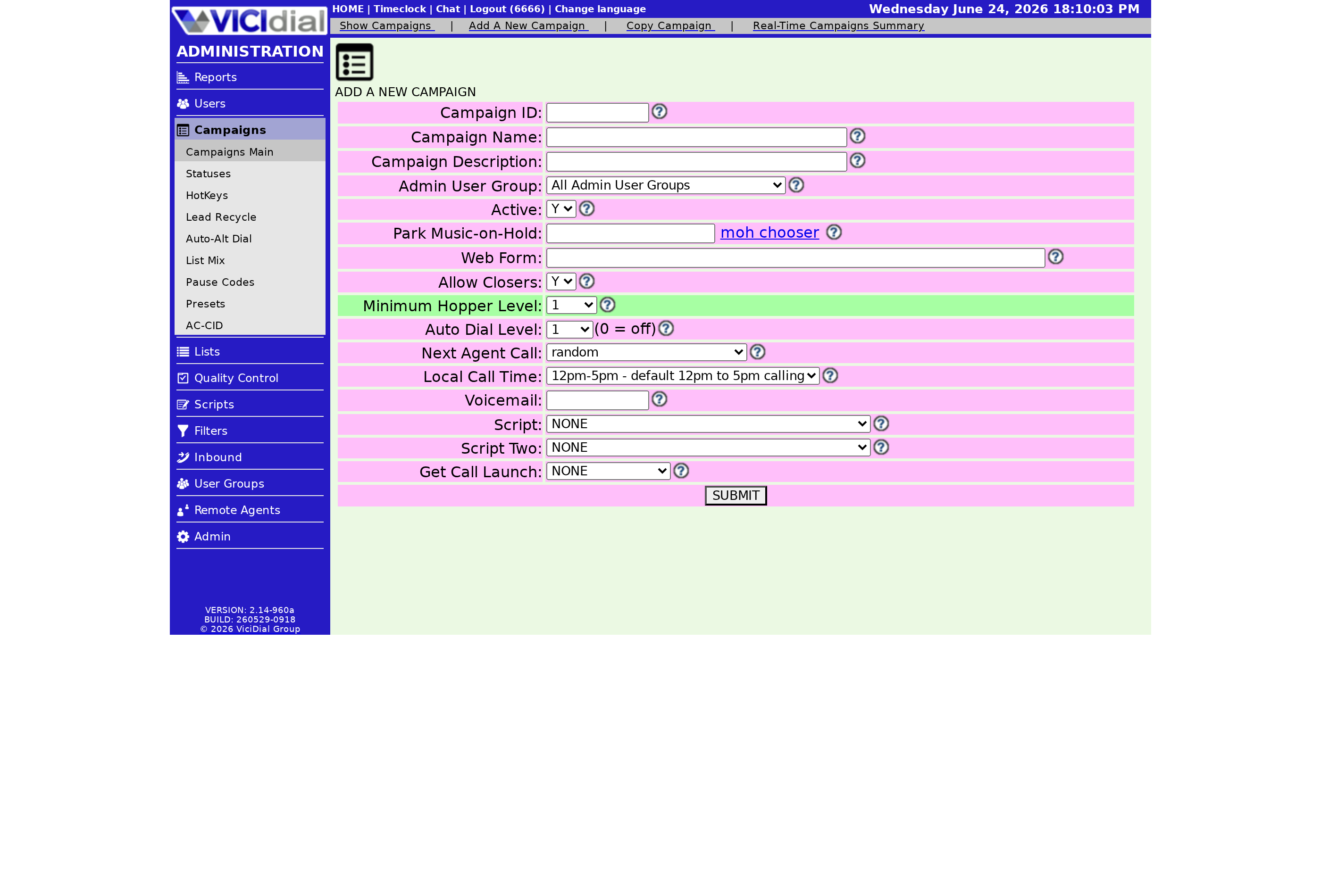
The key thing to understand is that copying duplicates configuration, not data. Your Dial method, dial level, dial statuses, call times, and the dozens of other knobs come along for the ride. What does not come along are the leads and the Lead list assignments - the new campaign starts empty and waits for you to attach lists to it.
That's exactly what you want in most cases. You usually want a fresh campaign to inherit the proven settings but dial a different set of leads. So after copying, your remaining steps are short:
- Attach the lists you want this campaign to dial.
- Double-check the caller ID and any list-specific overrides that shouldn't have carried over.
- Flip the Active toggle on once you're satisfied everything looks right.
When copying is the right move
Copying shines when you run several near-identical campaigns - say one per region or per shift - and want them to behave the same way. Set up one carefully, get the pacing right using something like our drop-rate guide, and then stamp out the rest as copies. It also keeps your fleet consistent, which makes troubleshooting far easier later because every campaign behaves predictably.
There's a quieter benefit too. When you copy a known-good campaign instead of building from a blank form, you skip the settings that are easy to forget - call times, the right dial statuses, your caller ID setup. Those are exactly the fields a tired manager leaves at the wrong default at the end of a long day, and a single wrong call-time setting can have you dialing people outside legal hours. Starting from a copy means starting from settings you've already proven safe.
The one habit to keep is reviewing the copy rather than trusting it blindly. A setting that was right for the source campaign - a specific caller ID, or an override pointing at a particular list - might be wrong for the new one. Copying gets you ninety percent of the way; a two-minute review covers the last ten.
For the bigger picture on how all those copied settings work together, the dialing strategies guide ties them together. And if you'd rather not run the server underneath all this, our managed plans handle it - see the pricing page.
Frequently asked
- Just three things on the Copy Campaign page: a new campaign ID, a new campaign name, and the source campaign to copy settings from. Everything else is pulled from the source.
- No. Copying duplicates the campaign's configuration, not its leads. The new campaign starts without lists attached, so you assign fresh lists to it before dialing.
› What do I need to copy a campaign?
› Do leads and lists copy over too?
Related from VICIfast
About VICIfast
We run VICIdial servers for call centres, so you don’t have to. You get the dialer set up, secured and kept running — we handle the server, the updates and the backups. Bring your own phone carrier; we never resell minutes. From $49 a month per server.
Questions? Call +1 636 556 0022 and talk to someone who runs dialers.
Citing this article
VICIfast Engineering. “How to copy a VICIdial campaign”. VICIfast LLC, June 19, 2026. Retrieved from https://vicifast.com/blog/copy-vicidial-campaign
Have questions?
Related posts
You might be interested in
VICIfast newsletter
Liked this? Get the next one in your inbox.
We ship the kind of stuff you just read - concrete, numbers-first, no drip. One email when a new post goes live. Unsubscribe in one click.
Comments
No comments yet - be the first.