Group Color: color-coding your in-groups
Group Color paints the agent screen when a call comes in, so people know at a glance which line it is. Small setting, big floor-level payoff. Here is how to set it without breaking VICIdial.
When several lines come into the same floor, agents need a fast way to know what they are about to answer. Picking up a billing call the same way you would greet a sales lead is an easy mistake to make when the screen looks identical for both. Group Color fixes that with a splash of color, and it takes about ten seconds to set.
What Group Color does
flowchart LR
  A["Admin sets Group Color on in-group"] --> B["Stored on in-group config"]
  B --> C["Inbound call arrives"]
  C --> D["Agent screen renders"]
  D --> E["Status area painted with group color"]
  E --> F["Agent recognizes the line at a glance"]
Group Color is the color that shows up in the agent application when a call arrives on this Ingroup. It is a visual cue and nothing more. It does not steer the call, change which Agent is chosen, or touch the queue. Its only job is to make the source of a call obvious the instant it lands.
Used well, it lets an agent who handles three different lines greet each one correctly. Green for new sales, blue for support, amber for billing, whatever scheme your floor agrees on. The color travels with the in-group, so it is consistent no matter which campaign pulled the call.
How to set it correctly
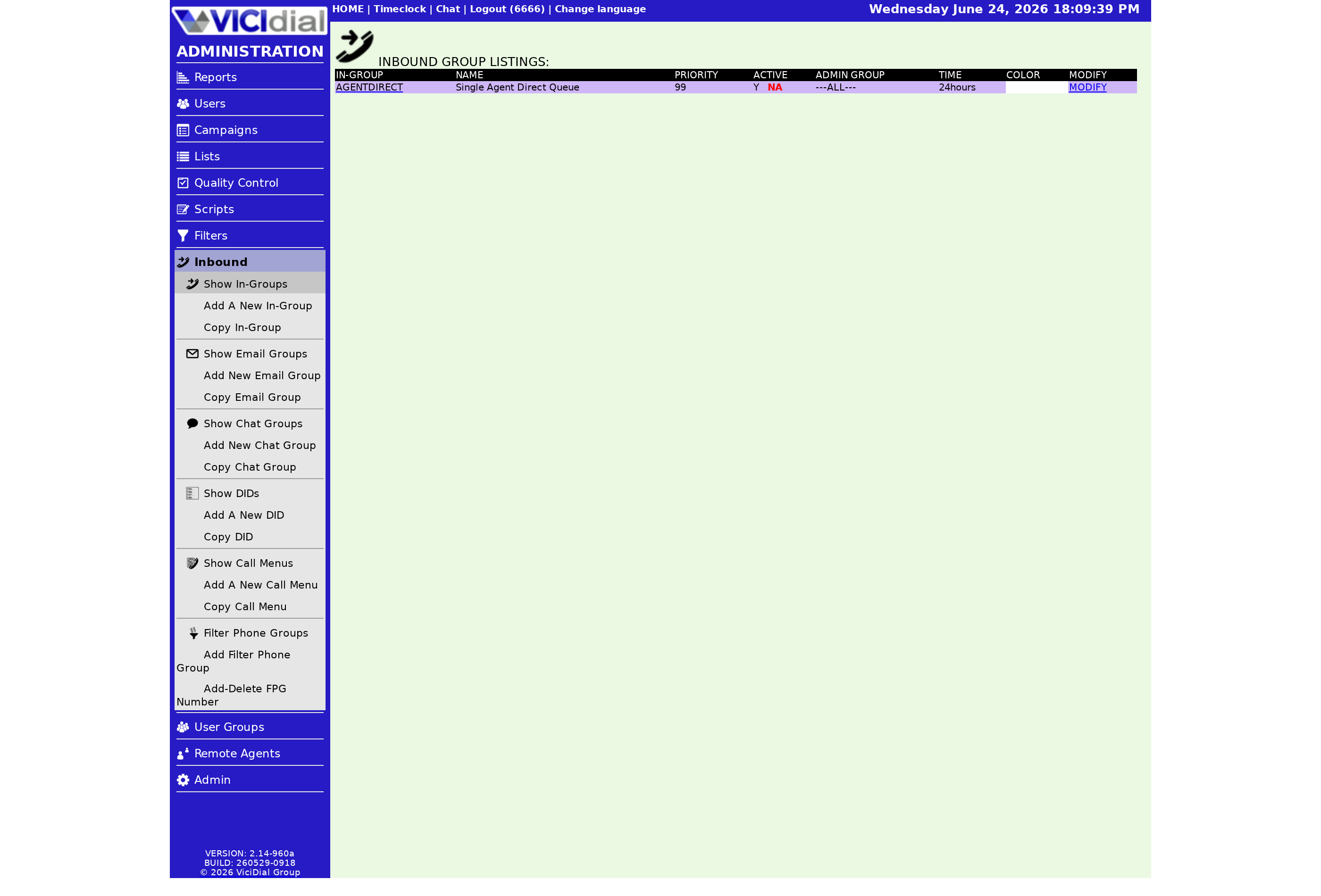
Open the in-group's modify page and find the Group Color field. The value must be 2 to 7 characters. You have two ways to fill it:
- A hex code, like #2E7D32. The # at the front is required. Leave it off and the value is invalid.
- An HTML-safe color name, like green or navy, spelled exactly. A typo here simply will not render.
There is also a color chooser on the page if you would rather pick from a swatch than type a code. That is the safest route because it fills in a valid value for you.
The mistake everyone makes once
The classic slip is typing a hex code without the # sign. It looks fine in the box, but VICIdial treats it as invalid and the color will not behave. If your colors are not showing the way you expect, that missing # is the first thing to check, followed by a misspelled color name.
A small piece of advice: keep colors high-contrast and few. Three or four distinct colors that everyone can name beat a rainbow nobody remembers. The point is recognition at a glance, not decoration.
Where it fits
Color-coding pairs nicely with the Fronter Display option, which shows the name of the fronting agent on transferred calls so a Closer knows who handed the call over. Together they give your floor a clear read on every inbound call. For the bigger picture see the inbound call handling guide, and to set up the name display itself, see the fronter display setting.
If you want a VICIdial box where the agent screen is already branded and ready to color-code, our managed hosting sets one up for you in under a minute.
Frequently asked
- Almost always a missing # on a hex value. VICIdial expects hex colors to start with #, like #2E7D32. Without it, the value is invalid and the display can misbehave. If you use a color name instead, spell it exactly.
- No. It is purely visual. It changes what the agent sees when a call lands and has no effect on which agent is chosen or how the call is queued.
› Why did my color setting break the agent screen?
› Does Group Color affect routing?
Related from VICIfast
About VICIfast
We run VICIdial servers for call centres, so you don’t have to. You get the dialer set up, secured and kept running — we handle the server, the updates and the backups. Bring your own phone carrier; we never resell minutes. From $49 a month per server.
Questions? Call +1 636 556 0022 and talk to someone who runs dialers.
Citing this article
VICIfast Engineering. “Group Color: color-coding your in-groups”. VICIfast LLC, June 19, 2026. Retrieved from https://vicifast.com/blog/vicidial-ingroup-group-color
Have questions?
Related posts
You might be interested in
VICIfast newsletter
Liked this? Get the next one in your inbox.
We ship the kind of stuff you just read - concrete, numbers-first, no drip. One email when a new post goes live. Unsubscribe in one click.
Comments
No comments yet - be the first.