How to create a Filter Phone Group
Step-by-step setup for a new Filter Phone Group, plus how to add the numbers and wire it to a DID.
Creating a Filter Phone Group is a quick job once you know the fields. You make the group, drop in the numbers you care about, then tell a number to use it. This post walks the whole thing start to finish so you can route certain callers differently without guessing.
Step 1: add the group
A Filter phone group is a named list of phone numbers used to route inbound calls. In the inbound section, click to add a new filter phone group. You only need a handful of fields.
- Group ID: a short identifier, between 2 and 20 characters, with no punctuation except an underscore.
- Group Name: a friendly name, 2 to 40 characters, shown alongside the ID in dropdowns.
- Description: optional notes for your own reference. Not required.
Submit and the empty group exists. Now it needs numbers. The admin user group field, which defaults to a value that allows any admin to view the group, only matters if you restrict screens by team. For a single operator you can leave it alone and move on.
Step 2: add the numbers
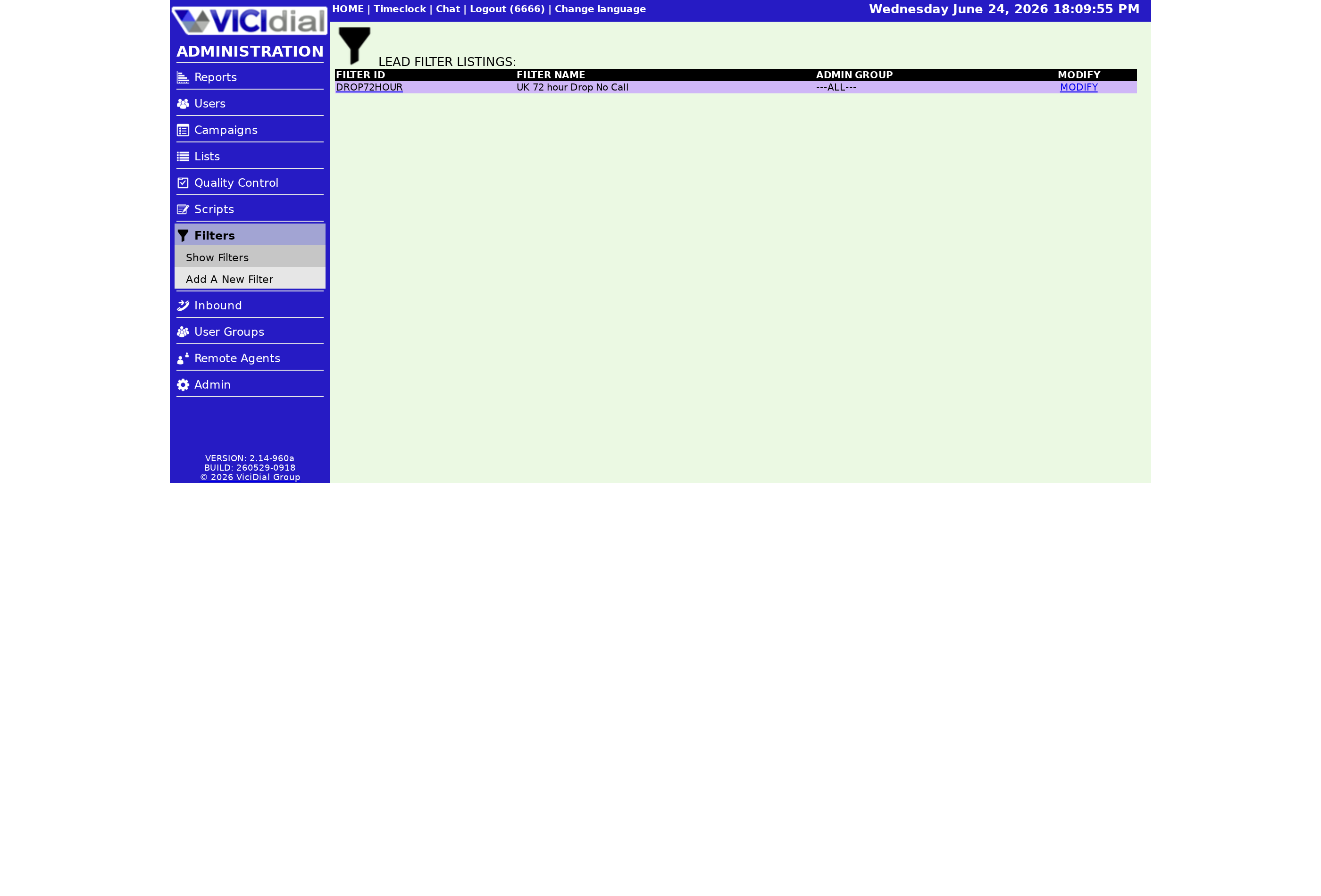
Adding numbers works the same way as managing a DNC (do not call) list. Select your group, paste the phone numbers into the field one per line with no spaces or dashes, choose add, and submit. If a number is already there you will get a duplicate notice. Removing numbers uses the same screen with the delete action.
There is also a download option that exports the full list to a text file, handy for backups or for sharing the list with a teammate. A spreadsheet program opens it cleanly if you want to review the numbers in bulk before you load them somewhere else.
flowchart TD
  A[Add filter phone group] --> B[Set ID name description]
  B --> C[Submit]
  C --> D[Paste numbers one per line]
  D --> E[Choose add and submit]
  E --> F[Set DID filter to this group]
  F --> G[Test by calling in]
Step 3: wire it to a DID
The group does nothing until a DID (direct inward dialing), the number people dial to reach you, is set to use it. Open the DID, find the inbound filter setting, set it to use a group, and pick the one you just made. From then on the system checks incoming caller IDs, matched on CID (caller ID), against your list. A match takes the call to the filter's destination, often a priority Ingroup for VIPs or a hangup for blocked numbers. No match means the call follows the normal DID route. One DID points at one filter group, so if you need different rules for sales and support lines, build a separate group for each number rather than trying to cram every rule into one list.
Test by calling in from a number you put in the group, then from one you did not, and confirm each takes the right path. To understand the concept behind all this before you build, read what a Filter Phone Group is. For the wider routing picture, see our inbound call handling guide.
Don't have a dialer to try this on yet? Our managed VICIdial hosting gets you a running box in under 40 seconds with the inbound screens ready to go.
Frequently asked
- One per line, no spaces or dashes, and matching the exact format your carrier delivers as caller ID. If the formats differ, matches will not fire.
- Yes. The download option exports the full group to a text file, which is useful for backups or moving numbers between systems.
› How should I format the numbers I add?
› Can I export the list later?
Related from VICIfast
About VICIfast
We run VICIdial servers for call centres, so you don’t have to. You get the dialer set up, secured and kept running — we handle the server, the updates and the backups. Bring your own phone carrier; we never resell minutes. From $49 a month per server.
Questions? Call +1 636 556 0022 and talk to someone who runs dialers.
Citing this article
VICIfast Engineering. “How to create a Filter Phone Group”. VICIfast LLC, June 21, 2026. Retrieved from https://vicifast.com/blog/create-vicidial-filter-phone-group
Have questions?
Related posts
You might be interested in
VICIfast newsletter
Liked this? Get the next one in your inbox.
We ship the kind of stuff you just read - concrete, numbers-first, no drip. One email when a new post goes live. Unsubscribe in one click.
Comments
No comments yet - be the first.