Adding and removing numbers in a Filter Phone Group
How to load and clear phone numbers in a VICIdial Filter Phone Group, and the small rules that trip people up.
A Filter phone group is just a list of phone numbers that VICIdial checks an incoming call against. On its own it does nothing. It only matters once a DID (direct inward dialing) (the number your customers dial, short for Direct Inward Dialing) is told to look at it. Before you can wire up any of that, the group needs numbers in it. This is how you load them, clear them, and avoid the formatting mistakes that silently break a match.
Create the group first
In the Inbound section you create the Filter Phone Group itself. The group ID is between 2 and 20 characters with no punctuation except an underscore. Give it a name so you can spot it in the dropdowns later. The description field is optional and purely for your own notes. Once the group exists, you add the actual numbers as a separate step.
Adding numbers
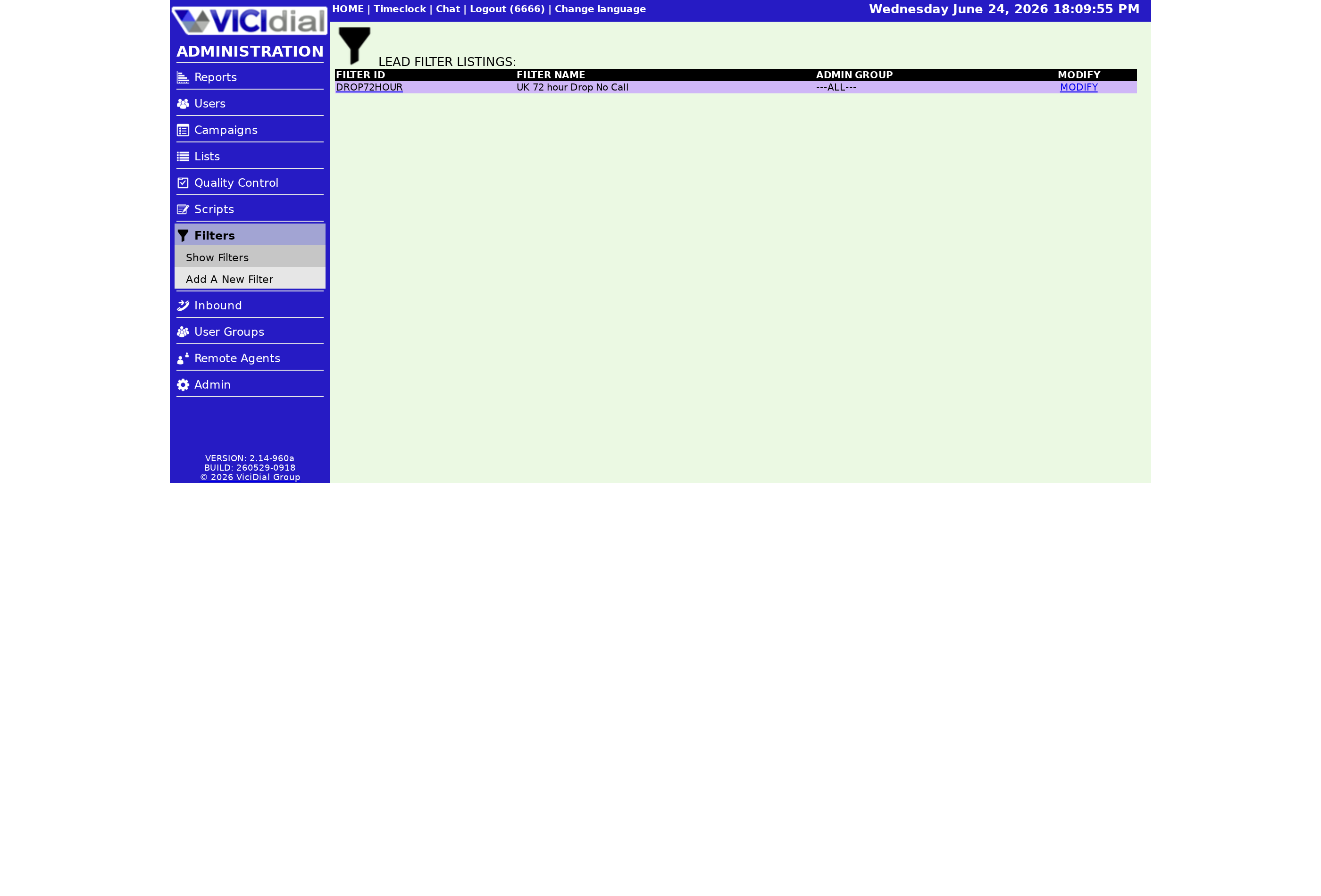
- Pick the Filter Phone Group you want to load from the selector.
- Type the phone numbers into the Phone Numbers field, one per line.
- Select add, then submit.
Enter numbers with no spaces and no dashes. A number like 13125551212 belongs on its own line, not 1-312-555-1212. The match is done against the caller ID number on the incoming call, so what you store has to line up with how your Carrier presents that number. If a number is already in the group, you get a duplicate message instead of a second copy, which is handy when you are not sure whether you already loaded a batch.
You can paste a long list in one go, one number per line, rather than adding them one at a time. That makes it easy to seed a group from a spreadsheet column. Just strip out any commas, parentheses, or dashes first so each line is nothing but digits. The same single-action submit that adds one number adds a hundred. Adding numbers to the group needs the right permission in your user settings, so if the field is missing or greyed out, check that your account has Filter Phone Group access before assuming something is broken.
Removing numbers
Removing works the same way in reverse. Select the group, type the numbers you want gone, choose delete instead of add, and submit. The process mirrors how you manage a DNC (do not call) list, so if you have ever cleaned up a do-not-call list this will feel familiar.
How the group fits into routing
flowchart TD
  A[Call arrives on DID] --> B[Filter Inbound Number set to GROUP]
  B --> C[Check caller ID against group numbers]
  C -->|Match found| D[Run the Filter Action route]
  C -->|No match| E[Use the normal DID route]
To export what you have, use the download pulldown at the bottom of the page. Pick the list, submit, and you get a plain TXT file of every number in the group. A spreadsheet program reads it cleanly for review or backup. This is the quickest way to audit a group that has grown over time, or to hand a copy to someone else who needs to see exactly which numbers are being filtered. Keeping an occasional export around also gives you a fallback if you ever need to rebuild the group from scratch.
One group can be reused across several DIDs, and a single DID can be told to search more than one group. That lets you keep one master list of numbers and apply it wherever it makes sense, instead of duplicating the same numbers into a dozen places. When you later remove a number, it disappears from every DID that references the group, which is exactly what you want for upkeep.
Once your group is populated, the next move is deciding what a match should do. See the guide to blocking callers with a Filter Phone Group, and read the inbound call handling guide for how filtering sits inside the wider routing picture.
Want the dialer set up and patched without touching a server yourself? Our managed VICIdial hosting gives you a ready box in under 40 seconds so you can spend your time on routing, not installs.
Frequently asked
- Yes. Put one number per line in the Phone Numbers field with no spaces or dashes, then submit. Any duplicates are flagged rather than added twice.
- No. The group is just a list. It only takes effect once a DID has Filter Inbound Number set to GROUP and points at this group.
› Can I paste many numbers at once?
› Does adding numbers turn the filter on?
Related from VICIfast
About VICIfast
We run VICIdial servers for call centres, so you don’t have to. You get the dialer set up, secured and kept running — we handle the server, the updates and the backups. Bring your own phone carrier; we never resell minutes. From $49 a month per server.
Questions? Call +1 636 556 0022 and talk to someone who runs dialers.
Citing this article
VICIfast Engineering. “Adding and removing numbers in a Filter Phone Group”. VICIfast LLC, June 21, 2026. Retrieved from https://vicifast.com/blog/add-numbers-vicidial-filter-phone-group
Have questions?
Related posts
You might be interested in
VICIfast newsletter
Liked this? Get the next one in your inbox.
We ship the kind of stuff you just read - concrete, numbers-first, no drip. One email when a new post goes live. Unsubscribe in one click.
Comments
No comments yet - be the first.