Which Asterisk version VICIdial needs
How to pick an Asterisk version for a VICIdial build: supported branches, why the version field changes Local channel handling, and MeetMe versus ConfBridge.
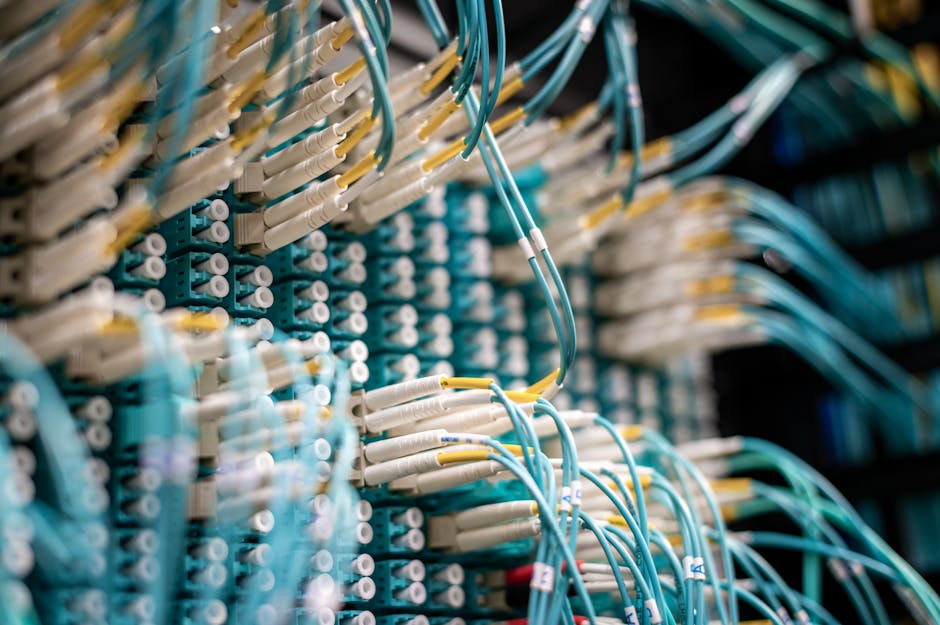
VICIdial sits on top of Asterisk, the open-source telephony engine that actually places and bridges your calls. The two are tightly coupled, so the version you build on is not a free choice. Pick the wrong branch and core dialing behavior breaks in ways that are painful to diagnose. Here is how to choose.
Supported branches
VICIdial does not run on every version of Asterisk ever released. It tracks a small set of supported branches, and the safest move for a new build is to follow whichever current branch the VICIdial install path expects rather than reaching for the absolute newest Asterisk release. Running an unsupported version is the kind of decision that seems fine until a feature silently misbehaves weeks later.
The reason the coupling is so tight is that VICIdial leans on specific Asterisk internals: how channels are named, how applications behave, and how the manager interface reports events. A version that drifts from what VICIdial expects can pass the basic checks during install and still produce odd failures once real call volume hits it. Treat the version as part of the application, not as an interchangeable platform you can swap underneath.
Why the version field matters
When you add a server, you set an Asterisk Version field. This is not cosmetic. VICIdial uses it to decide how to handle Local channels, because certain versions deal with the Local Channel differently from others. The dialer creates Local channels constantly to connect calls to agents, so if VICIdial assumes the wrong behavior, calls can fail to bridge or connect to the wrong place. Set this field to match the real version on the box, exactly.
A practical example: when an agent takes a call, the Dialplan uses a Local Channel to stitch the customer leg and the agent leg into the same conference. If the version field says one thing and the box runs another, that stitch can land in the wrong context and the agent hears silence. Because the symptom is intermittent, people often blame the carrier or the network first, when the real cause is a one-line mismatch in the server record.
flowchart TD
  A[Set Asterisk version field] --> B{Which branch}
  B -- older branch --> C[Local channel handling style one]
  B -- newer branch --> D[Local channel handling style two]
  C --> E[Dialplan bridges call to agent]
  D --> E
  E --> F[Call connected]
  A -- wrong value --> G[Bridge fails or misroutes]
MeetMe versus ConfBridge
Every agent session in VICIdial runs through a conference so the agent, the customer, and any transfer can share audio. The conferencing engine you use depends on your Asterisk version. The long-standing default is MeetMe conference, which works across the older supported branches. ConfBridge is the newer engine, and it is only supported on patched Asterisk 16 and higher. If you build on a newer branch, you may run ConfBridge; on older branches you stay on MeetMe conference. Mismatching the engine to the version is another way to end up with agents who cannot hear calls.
Picking a version for a new build
For a fresh install, stick to a supported branch, match the server's Asterisk Version field to it precisely, and choose your conferencing engine to fit. Avoid mixing versions across a multi-box cluster, since the Dialplan and channel behavior need to be consistent for calls to route reliably between dialers. Boring and consistent beats new and clever here.
This post is part of our complete guide to installing VICIdial. For how this field plays into the rest of a server's config, see adding a server in VICIdial Admin.
If matching VICIdial to the right Asterisk branch and conferencing engine sounds like a lot of careful work, VICIfast provisions a version-matched VICIdial server in under 40 seconds with the engine already chosen correctly.
Related from VICIfast
About VICIfast
We run VICIdial servers for call centres, so you don’t have to. You get the dialer set up, secured and kept running — we handle the server, the updates and the backups. Bring your own phone carrier at no markup, or use VICIfast Voice, our own US calling and numbers, from $0.0085 a minute. From $49 a month per server.
Questions? Call +1 636 556 0022 and talk to someone who runs dialers.
Citing this article
VICIfast Engineering. “Which Asterisk version VICIdial needs”. VICIfast LLC, June 29, 2026. Retrieved from https://vicifast.com/blog/vicidial-asterisk-version-compatibility
Have questions?
Related posts



You might be interested in


VICIfast newsletter
Liked this? Get the next one in your inbox.
We ship the kind of stuff you just read - concrete, numbers-first, no drip. One email when a new post goes live. Unsubscribe in one click.
Comments
No comments yet - be the first.