Setting music on hold for an in-group
Silence makes callers hang up; music keeps them on the line. Here is how VICIdial organizes hold music into contexts, how to point an in-group at one, and why music beats a looping prompt.
Nobody enjoys being on hold, but silence is worse than music. If a caller hears nothing, they assume the call dropped and hang up. Music on hold is the audio that fills that gap in VICIdial, and pointing an in-group at the right music takes about ten seconds once you know where to look.
How music is organized
flowchart TD
  A["Hold audio files on box"] --> B["Grouped into MOH contexts"]
  B --> C["In-group points at a MOH context"]
  C --> D["Caller queued"]
  D --> E["Asterisk plays MOH context"]
  E --> F["Music loops until agent answers"]
  F --> G["Caller stays on the line"]
VICIdial does not store hold audio directly on each Ingroup. Instead, audio is bundled into named music-on-hold contexts that you manage in the admin Music On Hold section. A context is just a labeled folder of audio the system plays on a loop. You build the context once, then any in-group can point at it.
This split is handy because it means several queues can share the same music without you uploading the file again and again. Update the context and every queue using it changes at once.
Pointing an in-group at a context
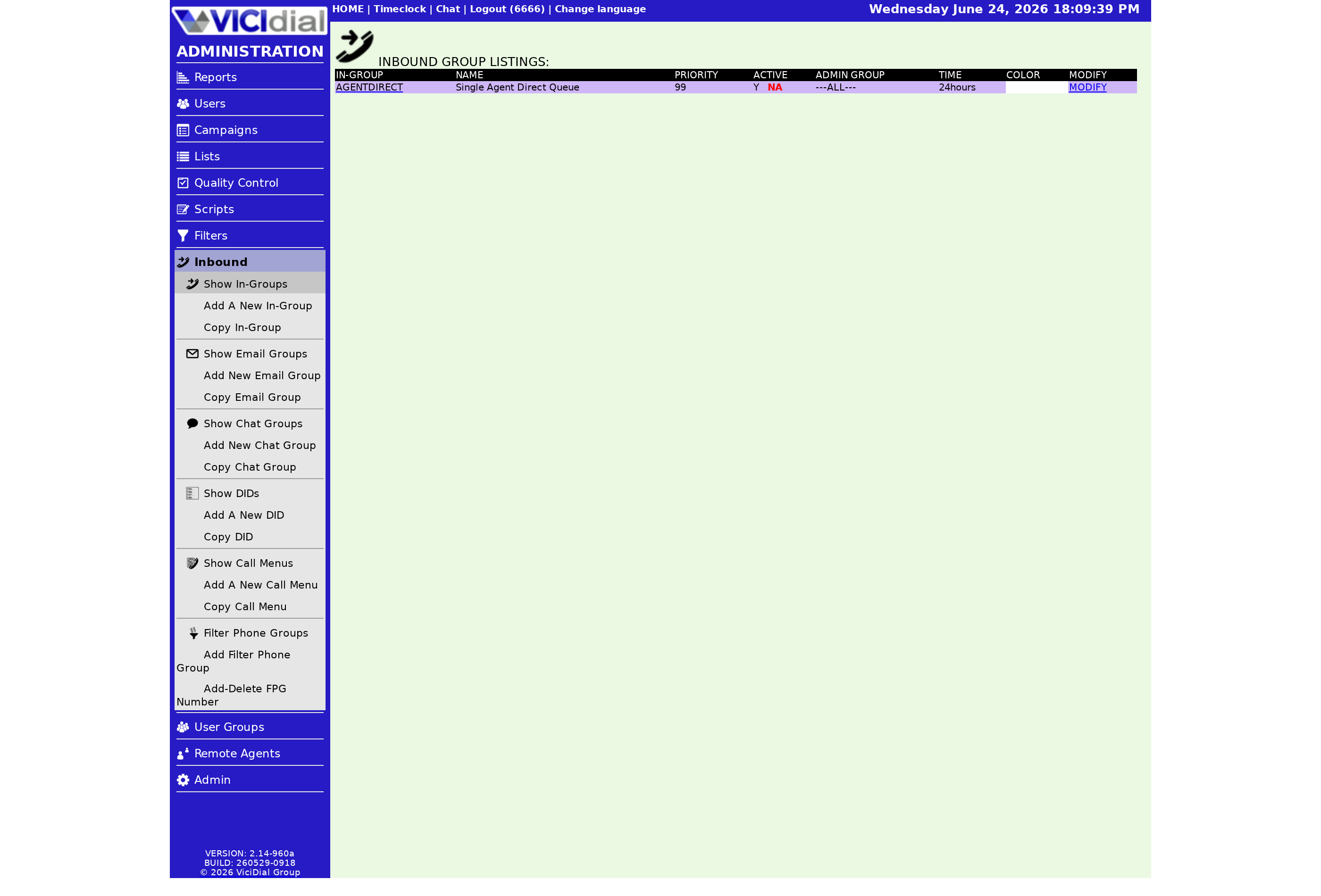
On the in-group there is a Music On Hold Context setting with a chooser that lists every context you have defined. Pick one and that is the music callers hear while they wait in that queue, regardless of their Place in line. The default context is a safe starting point if you have not built your own yet.
If you run several lines, consider matching music to brand or department, so a caller waiting on the support line hears something different from a sales prospect. It is a small touch but it makes the experience feel intentional.
Why music beats a looping prompt
There is an important behavioral difference between music on hold and a fixed on-hold prompt. A standalone on-hold prompt blocks the call: while it plays, the caller cannot be sent to an agent even if one frees up. Music on hold does not block; it can be cut off the instant an agent becomes available.
That is why the smart move for any message you want callers to hear, even a brand greeting, is to bake it into the start of the music-on-hold context rather than into a separate prompt. The caller still hears it, but it never delays a connection:
- Put time-sensitive messages, like a holiday notice, at the front of the context.
- Keep the looping portion calm and not too short, so the repeat is not obvious.
- Reserve a separate on-hold prompt only for something that genuinely must play uninterrupted.
Hold music protects your Abandonment rate by keeping nervous callers on the line a little longer. For the wider queue picture, see our inbound call handling guide, and pair this with the welcome message setup so the greeting and the music work together. If you want to test a few contexts against real callers, our plans provision a dialer in under a minute.
Frequently asked
- You manage music on hold contexts in the admin Music On Hold section, then pick the one you want from the chooser on the in-group. The in-group does not store the audio itself; it just references a context by name.
- Yes. Music on hold can be interrupted the moment an agent frees up, which is the main reason to put any greeting into the music rather than into a separate prompt that blocks routing.
› Where do I add new hold music?
› Can a caller be sent to an agent while music is playing?
Related from VICIfast
About VICIfast
We run VICIdial servers for call centres, so you don’t have to. You get the dialer set up, secured and kept running — we handle the server, the updates and the backups. Bring your own phone carrier; we never resell minutes. From $49 a month per server.
Questions? Call +1 636 556 0022 and talk to someone who runs dialers.
Citing this article
VICIfast Engineering. “Setting music on hold for an in-group”. VICIfast LLC, June 20, 2026. Retrieved from https://vicifast.com/blog/vicidial-ingroup-music-on-hold
Have questions?
Related posts
You might be interested in
VICIfast newsletter
Liked this? Get the next one in your inbox.
We ship the kind of stuff you just read - concrete, numbers-first, no drip. One email when a new post goes live. Unsubscribe in one click.
Comments
No comments yet - be the first.